Most app briefs arrive over-specified. Accounts, sync, notifications, a recommendation engine, social sharing, an admin dashboard. Then the thing ships eighteen months late and the analytics show people use two screens.
Wisdom is a reading app — a daily quote, a browsable library, search, and the ones you kept. We are building it deliberately small, on Expo SDK 55 with React Native 0.83 and React 19. This is a note on what that actually requires, and what we left out on purpose.
Prefer to watch? The seven-minute version covers the same ground. Narration and slides were produced with AI tooling from this article; the architecture and the decisions are ours.
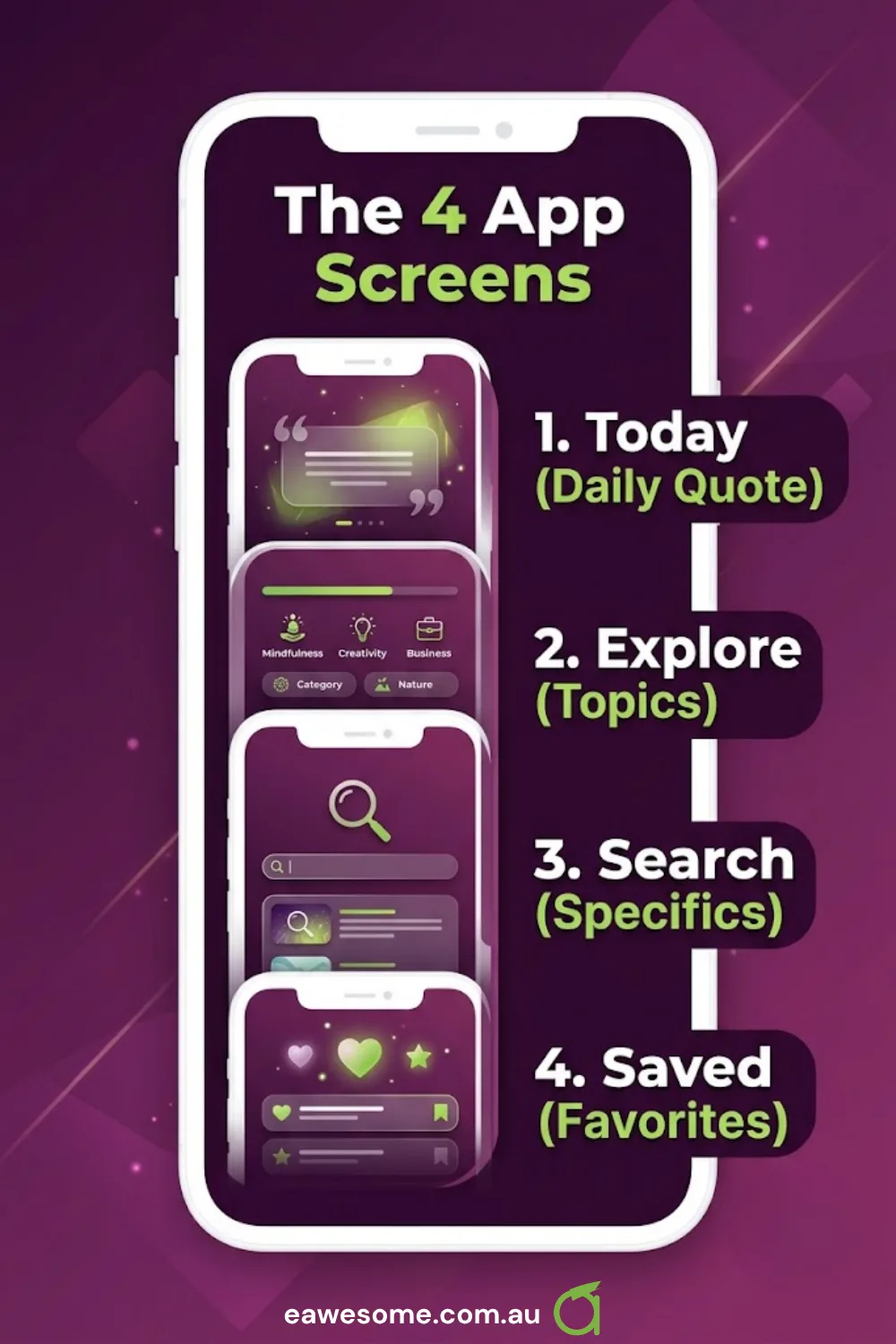
The whole app is four screens
- Today — one quote, the reason to open the app
- Explore — browse by topic
- Search — find a specific thing
- Saved — the ones you kept
Bottom tabs, one card component shared across all four. That is the architecture.
The temptation with a content app is to add a feed, then a personalisation model, then accounts to sync the personalisation. Each step is defensible and the sum is a different product. A reading app’s job is to put one good thing in front of someone and get out of the way.
Today exists as its own screen for a specific reason: an app that opens onto a browsable list asks the user to make a decision before it gives them anything. An app that opens onto one quote has already delivered. That is the whole retention argument for a daily-content app, and it is a screen-order decision, not a feature.
What we kept
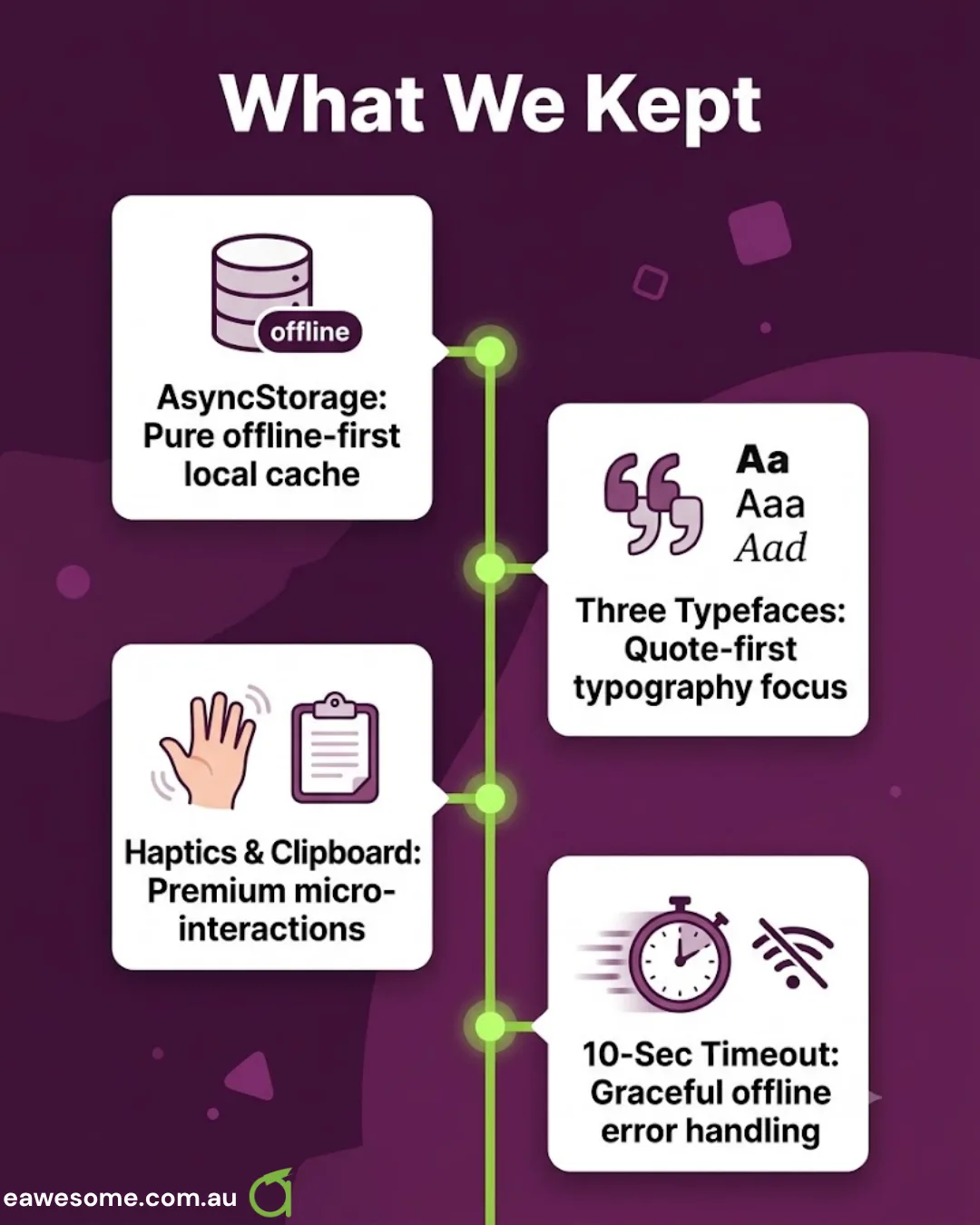
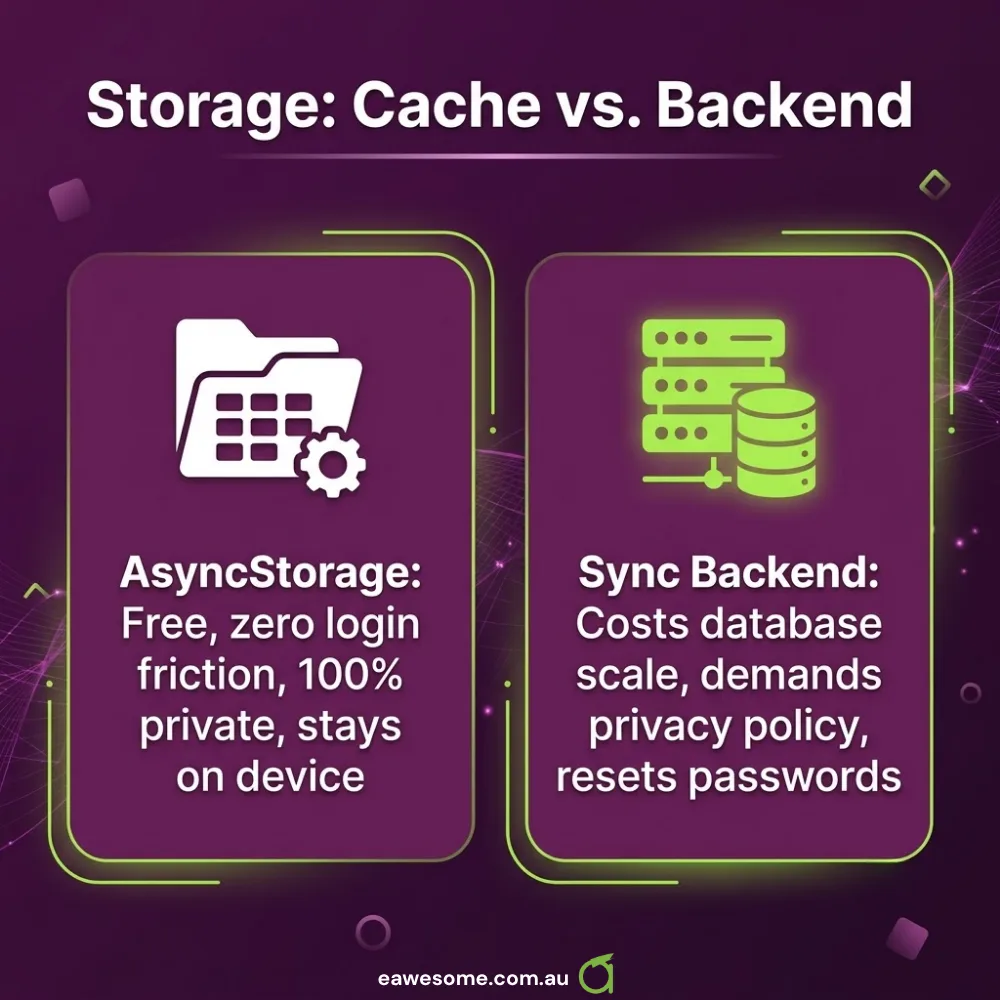
AsyncStorage, not a sync backend. Saved quotes live on the device. No account, no login wall, no password reset flow, no privacy policy covering a user database. The trade-off is real — a new phone means an empty Saved list — and for a free reading app it is the right one. Every alternative starts with “first, create an account”, which is where a large share of users leave.
Three typefaces, on purpose. Playfair Display for quotes, Inter for interface, Noto Sans for coverage. That is one more than most apps need and it is the single biggest design decision in the product. A quotes app is a typography app — the words are the entire interface, and a quote set in the same font as a tab bar reads like a settings screen. Noto Sans earns its place by rendering scripts the other two do not.
Haptics and clipboard. Two small things that make a reading app feel finished: a tap when you save, and copy-to-clipboard that actually works. Both are one Expo module each.
A ten-second fetch timeout with an AbortController. The API client aborts rather than hanging. On a phone this is not an edge case — it is a train tunnel, a lift, a carpark. An app that spins forever is broken; an app that says “couldn’t load” is merely offline.
What we left out
No global state library. Four screens with a shared card component and local storage do not need Redux, Zustand or Jotai. React’s own state handles it. Reach for a state library when you have state that genuinely spans distant parts of the tree and outlives a screen — not before.
No accounts. See above. Accounts are not a feature, they are a category of work: auth, reset, deletion, privacy policy, breach obligations, support load.
No notifications yet. A daily-content app is the obvious candidate for a daily push, and we still have not added it — because the right time to ask for notification permission is after the app has demonstrably delivered value, not on first launch. On iOS that prompt is one-shot: ask badly and it is gone permanently.
No offline-first sync layer. Read content is fetched; saved content is local. That is not the same as an offline-first architecture with conflict resolution, and pretending otherwise would add a distributed-systems problem to an app that reads quotes.
On building against a very recent SDK
Expo SDK 55, React Native 0.83, React 19 — this is close to the leading edge, and that is a deliberate trade-off worth stating plainly.
What you get: current React semantics, a New Architecture runtime, and no migration debt accruing from day one. An app started on an SDK two years old inherits an upgrade project it has not begun paying for.
What you pay: a thinner ecosystem. Some libraries lag a new SDK by months, and Stack Overflow answers reference APIs that have moved. For a four-screen app with five Expo modules and two navigation packages, that exposure is small. For an app pulling thirty native dependencies, it would not be — and the calculus flips.
The rule we apply on client work: new SDK for small dependency surfaces, one release behind for large ones. It is not a principle so much as an honest read of where the pain lands.
The general point
The interesting decisions in this app were all subtractions. No accounts, no state library, no sync, no notifications yet. What remains is four screens, a cache, and an unusual amount of attention paid to type.
That is not minimalism as an aesthetic. It is that every one of those additions would have delayed the thing that actually matters — putting one good quote in front of someone the moment they open the app — and none of them would have made that moment better.
Frequently Asked Questions
Is AsyncStorage enough for a production app?
For device-local preferences and saved items, yes. It is unencrypted key-value storage, so it is not the right place for tokens or personal data — use secure storage for those. For “which quotes did this person keep”, it is exactly right.
Should I start a new app on the newest Expo SDK?
If your native dependency surface is small, yes — you avoid inheriting an upgrade backlog. If you depend on many native modules, stay one release behind and let the ecosystem catch up. The size of your dependency list is the deciding factor.
Why not add accounts so people keep their saved items?
Because accounts convert some users and lose others, and for a free reading app the loss is larger. If we add sync later, it will be optional and after the app has earned the ask — not as a gate on first launch.
When should an app ask for notification permission?
After it has delivered something the user valued, never on cold launch. On iOS the system prompt can only be shown once; if the user declines, re-enabling requires a trip to Settings that almost nobody makes.
How much does an app like this cost to build?
A genuinely four-screen, local-storage, no-account app is at the lower end of our range — the cost driver in mobile is almost never screen count, it is integrations, accounts and backend surface. Removing those is what makes an app cheap, not drawing fewer screens.
If you are weighing an app against a mobile-friendly website for the same job — Cosmos Web Tech builds the web side, and will say when a site is the better answer.
Ash Ganda writes on product and engineering decisions, including the ones that look like features and are really categories of work.
Part of the Ganda Tech Services family, Awesome Apps builds iOS and Android applications for Australian businesses from Bella Vista, NSW.
Talk to a Sydney app developer — free.
30 minutes. We'll tell you what your app needs, how long it takes, and what it costs. Real answers, no sales pitch.
Book Free App Strategy Call →Free · 30 minutes · No obligation