Flutter 2.0 Migration Guide for Existing Apps
If you have been running a Flutter application built on the original framework, migrating to Flutter 2.0 is one of the most impactful upgrades you can make in early 2022. With sound null safety, improved web support, and a refined widget catalogue, Flutter 2.0 delivers meaningful gains across stability, performance, and developer experience.
At eawesome, we have migrated several production apps through this process. This guide distils the practical lessons we have learned into a clear, repeatable workflow.
Why Migrate Now
Flutter 2.0 is not simply an incremental version bump. It represents a structural shift in how the framework handles types, rendering, and platform targets. The headline features include:
- Sound null safety that catches entire categories of runtime errors at compile time
- Improved rendering engine with better performance on both iOS and Android
- Web support promotion to stable, opening new deployment targets
- Desktop support in beta for Windows, macOS, and Linux
- New widget behaviours including updated Material Design components
Delaying the migration means accumulating technical debt. Many packages in the pub.dev ecosystem have already moved to null-safe versions, and older non-null-safe dependencies will increasingly become blockers.
Pre-Migration Checklist
Befor
e writing a single line of migration code, work through this checklist.
1. Audit Your Dependencies
Run a full dependency audit to understand your exposure:
flutter pub outdated --mode=null-safetyThis command shows which of your dependencies have null-safe versions available. If a critical dependency lacks null-safe support, you have three options: find an alternative package, fork and migrate it yourself, or use the // @dart=2.9 escape hatch temporarily.
2. Ensure Test Coverage
Migration is the worst time to discover you have no tests. Before starting, ensure you have reasonable coverage across:
- Unit tests for business logic
- Widget tests for UI components
- Integration tests for critical user flows
If your test coverage is thin, invest time in writing tests before migrating. The migration will change type signatures throughout your codebase, and tests are your safety net.
3. Version Control Hygiene
Create a dedicated migration branch. Commit frequently. The migration can touch hundreds of files, and you want the ability to roll back cleanly if something goes sideways.
git checkout -b migration/flutter-2-null-safety4. Update Flutter SDK
Ensure you are on the latest stable channel:
flutter channel stable
flutter upgrade
flutter --version
Confirm you are running Flutter 2.x before proceeding.
Step-by-Step Migration Process
S
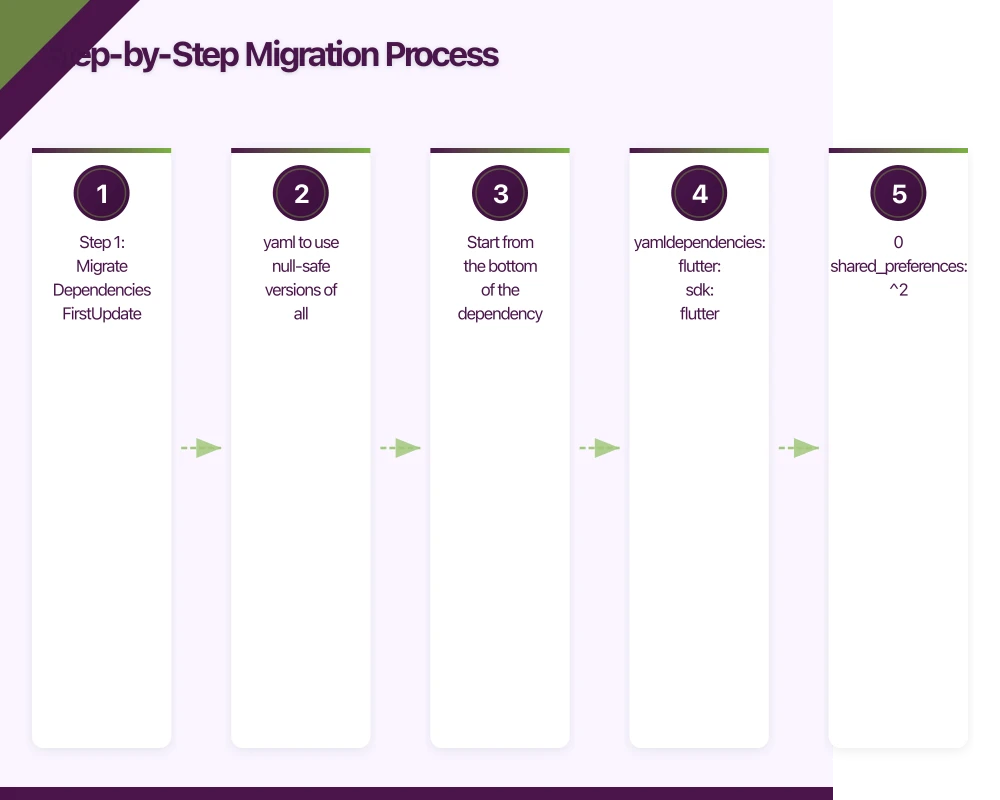 tep 1: Migrate Dependencies First
Update your pubspec.yaml to use null-safe versions of all dependencies. Start from the bottom of the dependency graph and work upward.
dependencies:
  flutter:
    sdk: flutter
  provider: ^6.0.0
  http: ^0.13.0
  shared_preferences: ^2.0.0
  intl: ^0.17.0
Run flutter pub get after updating. Resolve any version conflicts before moving forward.
Step 2: Run the Migration Tool
Flutter provides a built-in migration tool that analyses your code and suggests null safety changes:
dart migrateThis launches an interactive web-based tool that shows proposed changes across your codebase. Review each suggestion carefully. The tool is good but not perfect. It tends to be overly conservative, marking more types as nullable than necessary.
Step 3: Manual Review and Refinement
After applying the migration tool’s suggestions, manually review the results. Common patterns to watch for:
Late Initialisation
The migration tool often converts fields to nullable when they are actually always initialised before use. In these cases, late is more appropriate:
// Migration tool suggests:
String? _userName;

// Better approach when you know it will be initialised:
late String _userName;
Use late judiciously. It moves the null check from compile time to runtime, so only use it when you are confident the variable will be initialised before access.
Required Named Parameters
Flutter 2.0 introduces the required keyword to replace the @required annotation:
// Before
MyWidget({@required String title}) : _title = title;

// After
MyWidget({required String title}) : _title = title;
Null-Aware Operators
Lean into Dart’s null-aware operators for cleaner code:
// Instead of explicit null checks:
if (user != null) {
  return user.name;
}

// Use null-aware operators:
return user?.name ?? 'Unknown';
Step 4: Update Widget Code
Several widgets have changed behaviour in Flutter 2.0. Key changes to address:
ElevatedButton, TextButton, OutlinedButton
The old RaisedButton, FlatButton, and OutlineButton are deprecated:
// Before
RaisedButton(
  onPressed: _submit,
  child: Text('Submit'),
)

// After
ElevatedButton(
  onPressed: _submit,
  child: Text('Submit'),
)
ButtonStyle
The new buttons use ButtonStyle instead of individual properties:
ElevatedButton(
  style: ElevatedButton.styleFrom(
    primary: Colors.blue,
    onPrimary: Colors.white,
    padding: EdgeInsets.symmetric(horizontal: 24, vertical: 12),
  ),
  onPressed: _submit,
  child: Text('Submit'),
)
AppBar Changes
AppBar now uses foregroundColor and backgroundColor instead of brightness and textTheme:
AppBar(
  backgroundColor: Colors.white,
  foregroundColor: Colors.black,
  title: Text('My App'),
)
Step 5: Address Platform-Specific Code
If your app uses platform channels, review your method channel code. Ensure return types properly handle nullability:
static Future<String?> getPlatformVersion() async {
  final String? version = await _channel.invokeMethod('getPlatformVersion');
  return version;
}
Step 6: Update Tests
Your tests will need updates to match the new type signatures. Common changes include:
// Before
expect(find.byType(RaisedButton), findsOneWidget);

// After
expect(find.byType(ElevatedButton), findsOneWidget);
Run your full test suite and fix failures one at a time:
flutter testCommon Migration Pitfal
ls
Pitfall 1: Mixed-Mode Projects
Running a partially migrated codebase leads to confusing errors. Either migrate everything at once or use the // @dart=2.9 header to explicitly mark files that have not been migrated yet. But do not leave files in mixed mode permanently.
Pitfall 2: Over-Using Nullable Types
The migration tool tends to make everything nullable when in doubt. This defeats the purpose of null safety. After the automated migration, spend time tightening types. If a value should never be null, do not mark it as nullable.
Pitfall 3: Ignoring Deprecation Warnings
Flutter 2.0 deprecates many APIs. These still work today but will be removed in future versions. Address deprecation warnings during migration rather than accumulating more technical debt.
Pitfall 4: Forgetting State Management Updates
If you use a state management solution like Provider, Bloc, or Riverpod, check that your state management code properly handles null safety. Provider 6.0, for example, has different behaviour around null values.
Performance Gains After Migration
In our experience migrating client applications, we have consistently observed:
- Reduced crash rates by 15 to 30 percent due to null safety catching errors at compile time
- Smaller build sizes thanks to the Dart compiler’s ability to optimise non-nullable types
- Faster rendering from the improved Flutter engine
- Better developer velocity as null safety reduces time spent debugging null reference errors
Post-Migration Verification
After completing the migration, run through this verification checklist:
- Full test suite passes with zero failures
- App launches and runs on both iOS and Android without errors
- No remaining deprecation warnings (or documented exceptions)
flutter analyzereports no issues- Release build completes successfully on both platforms
- Core user flows tested manually on physical devices
flutter analyze
flutter test
flutter build ios --release
flutter build appbundle --release
Moving Forward
Once you are on Flutter 2.0 with full null safety, staying current becomes much easier. The framework follows semantic versioning, and subsequent updates within the 2.x line are generally non-breaking.
We recommend establishing a regular update cadence, checking for Flutter updates monthly and applying them in a dedicated branch. This prevents the kind of large, risky migration that moving from 1.x to 2.x represents.
For Australian app teams working on production Flutter applications, the migration to Flutter 2.0 is well worth the investment. The stability gains from null safety alone justify the effort, and the improved tooling and widget library make daily development more productive.
If your team needs assistance planning or executing a Flutter migration, reach out to us at eawesome. We have guided multiple Australian businesses through this process and can help you migrate with confidence.
Every great app needs reliable cloud infrastructure behind it. Cloud Geeks provides managed AWS and Azure hosting for mobile backends.
Ganda Tech Services brings together cloud infrastructure, web development, and mobile app expertise to help Australian businesses thrive in the digital economy.
Talk to a Sydney app developer — free.
30 minutes. We'll tell you what your app needs, how long it takes, and what it costs. Real answers, no sales pitch.
Book Free App Strategy Call →Free · 30 minutes · No obligation