Implementing Mobile App Feature Flags with LaunchDarkly
Shipping a buggy feature to 100% of your mobile users is terrifying because you cannot just deploy a fix — you have to wait for App Store review. Feature flags solve this by decoupling deployment from release. You ship code behind a flag, enable it for 1% of users, monitor, then gradually roll out to everyone. If something breaks, you flip the flag off instantly.
LaunchDarkly is the industry standard for feature flag management, and their mobile SDKs are purpose-built for the unique challenges of mobile: offline support, battery efficiency, and real-time updates. This guide covers practical implementation for both iOS and Android.
Why Feature Flags for Mobile
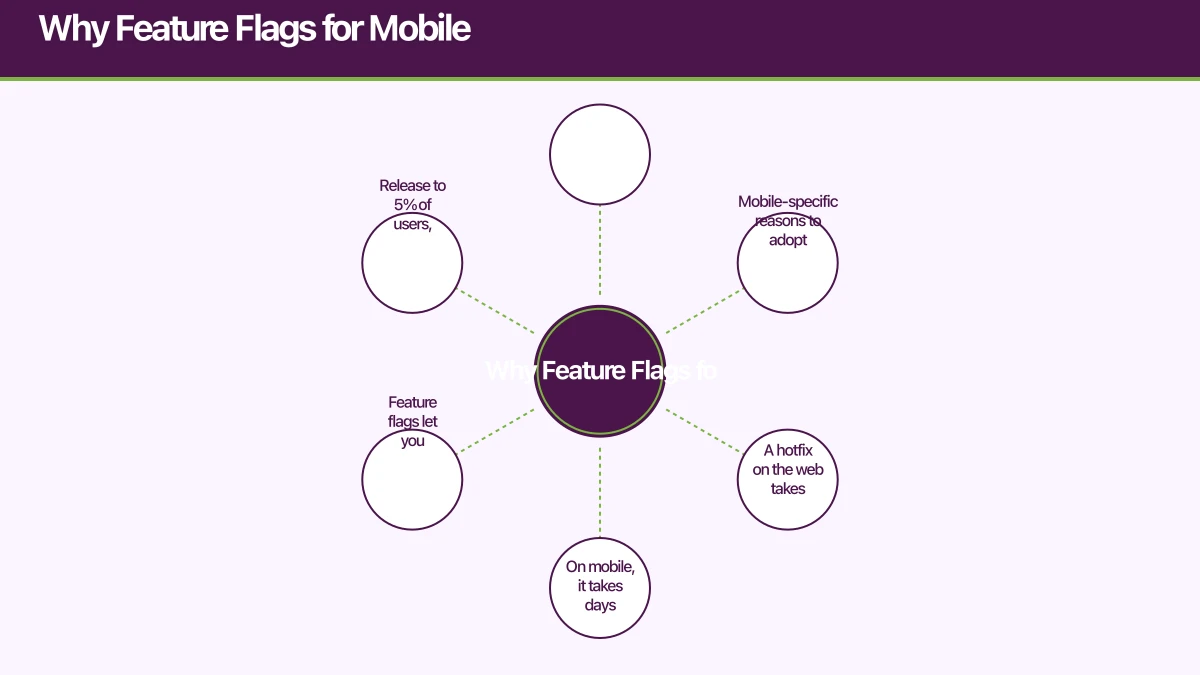
Mobile-specific reasons to adopt feature flags:
App Store review cycles. A hotfix on the web takes minutes. On mobile, it takes days. Feature flags let you disable broken features instantly without waiting for review.
Staged rollouts. Release to 5% of users, monitor crash rates and user feedback, then increase. If metrics degrade, roll back to 0% without a new app submission.
A/B testing. Test different UX approaches with real users and measure the impact on your key metrics.
User segmentation. Enable features for specific user groups: beta testers, premium subscribers, specific regions, or device types.
Kill switches. Instantly disable features that depend on backend services during outages, rather than showing error screens.
Setting Up Launch
 Darkly
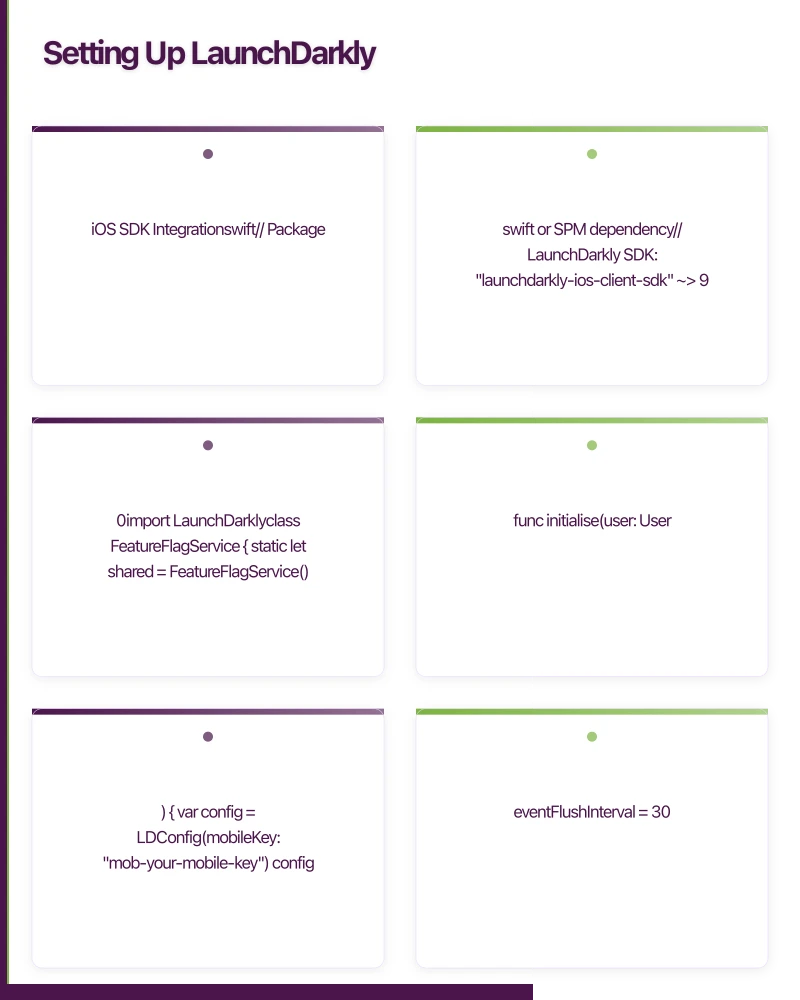
iOS SDK Integration
// Package.swift or SPM dependency
// LaunchDarkly SDK: "launchdarkly-ios-client-sdk" ~> 9.0

import LaunchDarkly

class FeatureFlagService {
    static let shared = FeatureFlagService()
    private var ldClient: LDClient?

    func initialise(user: User?) {
        var config = LDConfig(mobileKey: "mob-your-mobile-key")
        config.eventFlushInterval = 30.0 // seconds
        config.connectionTimeout = 10.0
        config.backgroundFlagPollingInterval = 3600 // 1 hour when backgrounded

        var context = LDContextBuilder(key: user?.id ?? "anonymous")
        context.kind("user")
        context.trySetValue("email", LDValue(stringLiteral: user?.email ?? ""))
        context.trySetValue("plan", LDValue(stringLiteral: user?.plan ?? "free"))
        context.trySetValue("country", LDValue(stringLiteral: "AU"))
        context.trySetValue("appVersion", LDValue(stringLiteral: Bundle.main.appVersion))

        if let builtContext = try? context.build() {
            LDClient.start(config: config, context: builtContext) { [weak self] in
                self?.ldClient = LDClient.get()
                self?.observeFlagChanges()
            }
        }
    }

    // Boolean flag
    func isEnabled(_ flag: FeatureFlag) -> Bool {
        return ldClient?.boolVariation(
            forKey: flag.rawValue,
            defaultValue: flag.defaultValue
        ) ?? flag.defaultValue
    }

    // String variation for A/B tests
    func variation(_ flag: FeatureFlag) -> String {
        return ldClient?.stringVariation(
            forKey: flag.rawValue,
            defaultValue: "control"
        ) ?? "control"
    }

    // Observe real-time changes
    private func observeFlagChanges() {
        ldClient?.observe(keys: FeatureFlag.allKeys, owner: self) { changedFlags in
            NotificationCenter.default.post(
                name: .featureFlagsUpdated,
                object: changedFlags
            )
        }
    }

    // Update user context (e.g., after login)
    func updateUser(_ user: User) {
        var contextBuilder = LDContextBuilder(key: user.id)
        contextBuilder.kind("user")
        contextBuilder.trySetValue("email", LDValue(stringLiteral: user.email))
        contextBuilder.trySetValue("plan", LDValue(stringLiteral: user.plan))

        if let context = try? contextBuilder.build() {
            ldClient?.identify(context: context)
        }
    }
}

// Type-safe flag definitions
enum FeatureFlag: String, CaseIterable {
    case newCheckoutFlow = "new-checkout-flow"
    case socialLogin = "social-login"
    case darkMode = "dark-mode"
    case premiumSearch = "premium-search"
    case newOnboarding = "new-onboarding-v2"

    var defaultValue: Bool {
        return false // Safe default when flags cannot be fetched
    }

    static var allKeys: [String] {
        allCases.map { $0.rawValue }
    }
}
Android SDK Integration
// build.gradle
implementation("com.launchdarkly:launchdarkly-android-client-sdk:5.0.0")

class FeatureFlagService(private val context: Context) {
    private var ldClient: LDClient? = null

    fun initialise(user: AppUser?) {
        val config = LDConfig.Builder()
            .mobileKey("mob-your-mobile-key")
            .build()

        val ldContext = LDContext.builder(
            ContextKind.DEFAULT,
            user?.id ?: "anonymous"
        )
            .set("email", user?.email ?: "")
            .set("plan", user?.plan ?: "free")
            .set("country", "AU")
            .set("appVersion", BuildConfig.VERSION_NAME)
            .set("platform", "android")
            .set("osVersion", Build.VERSION.SDK_INT.toString())
            .build()

        ldClient = LDClient.init(context, config, ldContext, 5)
    }

    fun isEnabled(flag: FeatureFlag): Boolean {
        return ldClient?.boolVariation(
            flag.key,
            flag.defaultValue
        ) ?: flag.defaultValue
    }

    fun stringVariation(flag: FeatureFlag, default: String = "control"): String {
        return ldClient?.stringVariation(flag.key, default) ?: default
    }

    // Listen for real-time flag changes
    fun observeFlag(flag: FeatureFlag, listener: (Boolean) -> Unit) {
        ldClient?.registerFeatureFlagListener(flag.key) { flagKey ->
            val newValue = ldClient?.boolVariation(flagKey, flag.defaultValue) ?: flag.defaultValue
            listener(newValue)
        }
    }
}

enum class FeatureFlag(val key: String, val defaultValue: Boolean = false) {
    NEW_CHECKOUT("new-checkout-flow"),
    SOCIAL_LOGIN("social-login"),
    DARK_MODE("dark-mode"),
    PREMIUM_SEARCH("premium-search"),
    NEW_ONBOARDING("new-onboarding-v2")
}
Using Flags in Y
our UI
Conditional Feature Rendering
struct HomeView: View {
    let flags = FeatureFlagService.shared

    var body: some View {
        VStack {
            // Simple feature toggle
            if flags.isEnabled(.newOnboarding) {
                NewOnboardingBanner()
            }

            // A/B test with variations
            switch flags.variation(.searchExperiment) {
            case "variant_a":
                SearchBarWithFilters()
            case "variant_b":
                SearchBarWithSuggestions()
            default:
                BasicSearchBar()
            }

            // Feature available only for premium
            if flags.isEnabled(.premiumSearch) {
                AdvancedSearchButton()
            }

            ProductGrid()
        }
    }
}
SwiftUI Property Wrapper
Create a convenient property wrapper for flag-driven views:
@propertyWrapper
struct FeatureFlagged {
    let flag: FeatureFlag

    var wrappedValue: Bool {
        FeatureFlagService.shared.isEnabled(flag)
    }
}

// Usage
struct CheckoutView: View {
    @FeatureFlagged(flag: .newCheckoutFlow) var useNewCheckout

    var body: some View {
        if useNewCheckout {
            NewCheckoutView()
        } else {
            LegacyCheckoutView()
        }
    }
}
Compose Integration
@Composable
fun HomeScreen(viewModel: HomeViewModel = hiltViewModel()) {
    val flags = viewModel.featureFlags

    Column {
        if (flags.isEnabled(FeatureFlag.NEW_ONBOARDING)) {
            NewOnboardingBanner()
        }

        when (flags.stringVariation(FeatureFlag.SEARCH_EXPERIMENT)) {
            "variant_a" -> SearchBarWithFilters()
            "variant_b" -> SearchBarWithSuggestions()
            else -> BasicSearchBar()
        }

        ProductGrid()
    }
}
Progressive Rollout S
trategy
Phase 1: Internal Testing (0-1%)
Target your team first:
// LaunchDarkly targeting rule
IF user.email ENDS WITH "@yourcompany.com.au"
THEN serve: true
ELSE serve: false
Phase 2: Beta Users (1-5%)
Expand to users who opted into beta:
IF user.plan = "beta_tester"
THEN serve: true
ELSE percentage rollout: 5%
Phase 3: Gradual Rollout (5-50%)
Increase the percentage while monitoring metrics:
// Monitor these metrics at each stage:
// - Crash rate (should not increase)
// - Feature adoption (percentage using the new feature)
// - Conversion rate (for checkout/revenue features)
// - Support tickets (qualitative signal)
Phase 4: Full Rollout (50-100%)
Once metrics are stable, roll out to everyone. Then clean up the flag from your code.
Kill Switches for Production Safety
Create emergency kill switches for features that depend on external services:
class PaymentService {
    func processPayment(_ payment: Payment) async throws -> PaymentResult {
        // Kill switch for payment processing
        guard FeatureFlagService.shared.isEnabled(.paymentsEnabled) else {
            throw PaymentError.serviceTemporarilyUnavailable
        }

        // Kill switch for specific payment provider
        if FeatureFlagService.shared.isEnabled(.stripeEnabled) {
            return try await stripeService.charge(payment)
        } else {
            return try await fallbackService.charge(payment)
        }
    }
}
When your payment provider has an outage, flip the flag and users see a “temporarily unavailable” message instead of cryptic error screens.
Offline Behaviour
Mobile apps must handle offline scenarios. LaunchDarkly’s SDK caches flag values locally:
// Configure caching
var config = LDConfig(mobileKey: "mob-key")
config.flagPollingInterval = 300 // 5 minutes
config.backgroundFlagPollingInterval = 3600 // 1 hour

// The SDK automatically:
// 1. Caches flag values to disk
// 2. Serves cached values when offline
// 3. Syncs when connectivity returns
// 4. Sends queued analytics events
Always set sensible default values for your flags. When both the network and cache are unavailable, defaults are your safety net:
enum FeatureFlag: String {
    case newCheckout = "new-checkout"

    var defaultValue: Bool {
        // Default to the safe option (usually the existing behaviour)
        switch self {
        case .newCheckout: return false
        }
    }
}
Testing with Feature Flags
Unit Testing
Mock the feature flag service to test both flag states:
protocol FeatureFlagProviding {
    func isEnabled(_ flag: FeatureFlag) -> Bool
}

class MockFeatureFlagService: FeatureFlagProviding {
    var enabledFlags: Set<FeatureFlag> = []

    func isEnabled(_ flag: FeatureFlag) -> Bool {
        return enabledFlags.contains(flag)
    }
}

func testNewCheckoutFlow() {
    let mockFlags = MockFeatureFlagService()
    mockFlags.enabledFlags = [.newCheckoutFlow]

    let viewModel = CheckoutViewModel(featureFlags: mockFlags)

    XCTAssertTrue(viewModel.shouldShowNewCheckout)
}

func testLegacyCheckoutFlow() {
    let mockFlags = MockFeatureFlagService()
    // No flags enabled

    let viewModel = CheckoutViewModel(featureFlags: mockFlags)

    XCTAssertFalse(viewModel.shouldShowNewCheckout)
}
Flag Lifecycle Management
Feature flags should not live forever. They accumulate as technical debt if not cleaned up:
- Create: Add flag when starting feature development
- Test: Use targeting rules for internal and beta testing
- Rollout: Gradually increase the percentage
- Stabilise: Monitor for one full release cycle at 100%
- Remove: Delete the flag from code and LaunchDarkly
- Document: Record what the flag controlled and when it was removed
Set a calendar reminder to review and clean up flags quarterly. A codebase with hundreds of stale feature flags is harder to maintain than one without flags at all.
Feature flags transform how you ship mobile apps. They turn every release from a binary event into a controlled, measurable, reversible process. The upfront investment in flag infrastructure pays for itself the first time you avoid a production incident.
Need help implementing feature flags in your mobile app? Our team at eawesome builds resilient, safely-deployable mobile applications.
Drive more app downloads with a professional web presence. Cosmos Web Tech specialises in web design and SEO for Australian tech businesses.
Ganda Tech Services brings together cloud infrastructure, web development, and mobile app expertise to help Australian businesses thrive in the digital economy.
Talk to a Sydney app developer — free.
30 minutes. We'll tell you what your app needs, how long it takes, and what it costs. Real answers, no sales pitch.
Book Free App Strategy Call →Free · 30 minutes · No obligation