Introduction
App Store Optimization remains the most cost-effective strategy for sustainable mobile app growth. While paid user acquisition costs continue to climb, organic discovery through ASO delivers users who actively searched for solutions like yours, resulting in higher engagement and retention rates.
This guide covers the complete ASO strategy for iOS in 2026, incorporating the latest algorithm updates, new App Store features, and proven optimization techniques that drive real results.
Understanding the iOS App Store Algorithm
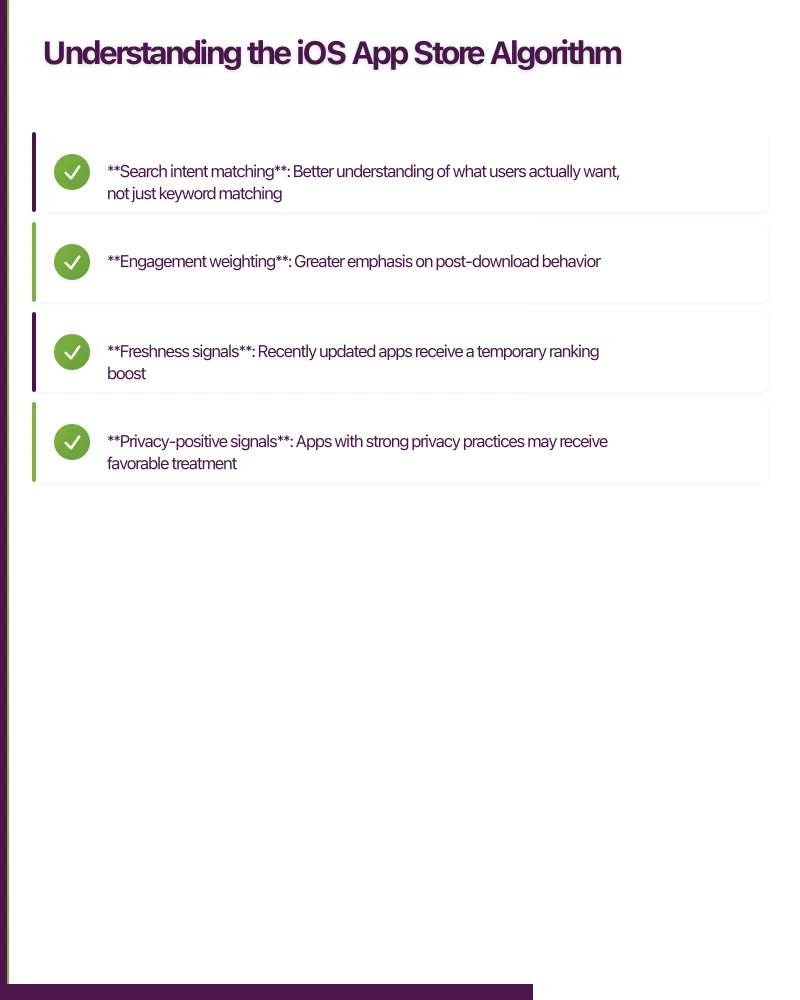
The App Store algorithm evaluates multiple signals to determine app rankings and visibility. Understanding these factors is essential for effective optimization.
Primary Ranking Factors
1. Keyword Relevance The algorithm matches user search queries against your app’s metadata, including title, subtitle, and keyword field. Exact matches and semantic relevance both influence rankings.
2. Download Velocity Recent download trends matter more than total historical downloads. An app with 10,000 downloads this week outranks one with 100,000 lifetime downloads but declining activity.
3. User Engagement Signals Retention rates, session duration, and feature usage send positive signals. Apps that users open regularly rank higher than those that are downloaded but rarely used.
4. Ratings and Reviews Both quantity and quality matter. The algorithm weighs recent reviews more heavily than older ones, and responded reviews count positively.
5. Conversion Rate Your impression-to-download conversion rate signals relevance. High conversion rates tell the algorithm that users find what they’re looking for.
Algorithm Updates in 2026
Apple has refined the algorithm to prioritize user satisfaction:
- Search intent matching: Better understanding of what users actually want, not just keyword matching
- Engagement weighting: Greater emphasis on post-download behavior
- Freshness signals: Recently updated apps receive a temporary ranking boost
- Privacy-positive signals: Apps with strong privacy practices may receive favorable treatment
Keyword Resear
 ch and Optimization
Conducting Keyword Research
Effective keyword research combines data analysis with market understanding.
Step 1: Seed Keyword Generation
Start by listing every term related to your app:
Core function: task manager, to-do list, productivity app
Use cases: daily planner, project tracking, habit tracker
Audience terms: business productivity, student planner, team tasks
Problem terms: organize tasks, remember deadlines, stay focused
Step 2: Competitor Analysis
Analyze the top 10 apps in your category:
- Note their titles and subtitles
- Identify recurring keywords
- Look for gaps they’re not targeting
- Check their ranking positions for various terms
Step 3: Search Volume Assessment
Use ASO tools to evaluate keyword potential:
| Keyword | Search Score | Difficulty | Opportunity |
|---|---|---|---|
| task manager | 65 | High | Medium |
| to-do list app | 58 | High | Low |
| daily planner | 42 | Medium | High |
| productivity tracker | 35 | Low | High |
Step 4: Long-Tail Discovery
Long-tail keywords often have lower competition with highly motivated users:
- “task manager with calendar sync”
- “simple to-do list for work”
- “daily planner with reminders”
Implementing Keywords
App Title (30 characters)
Your title carries the most weight. Include your brand and primary keyword:
Good: "TaskFlow - Daily Planner"
Better: "TaskFlow: To-Do List Planner"
Subtitle (30 characters)
Add secondary keywords that didn’t fit in the title:
Good: "Organize Your Tasks"
Better: "Task Manager & Habit Tracker"
Keyword Field (100 characters)
This hidden field should contain keywords NOT already in your title or subtitle. Avoid redundancy:
productivity,organize,schedule,reminder,project,goals,
focus,daily,weekly,calendar,deadline,priority,simple
Keyword Field Best Practices:
- No spaces after commas
- No plurals (the algorithm handles variations)
- No prepositions (the, and, for)
- No competitor brand names (against guidelines)
- Use all 100 characters
Keyword Optimization Workflow
Implement a systematic approach to keyword refinement:
Week 1-2: Initial keyword implementation
Week 3-4: Monitor ranking positions
Week 5-6: Analyze performance data
Week 7-8: Iterate based on results

Key metrics to track:
- Ranking position per keyword
- Impression volume changes
- Conversion rate by keyword source
- Download trends
Visual Asset Optimization
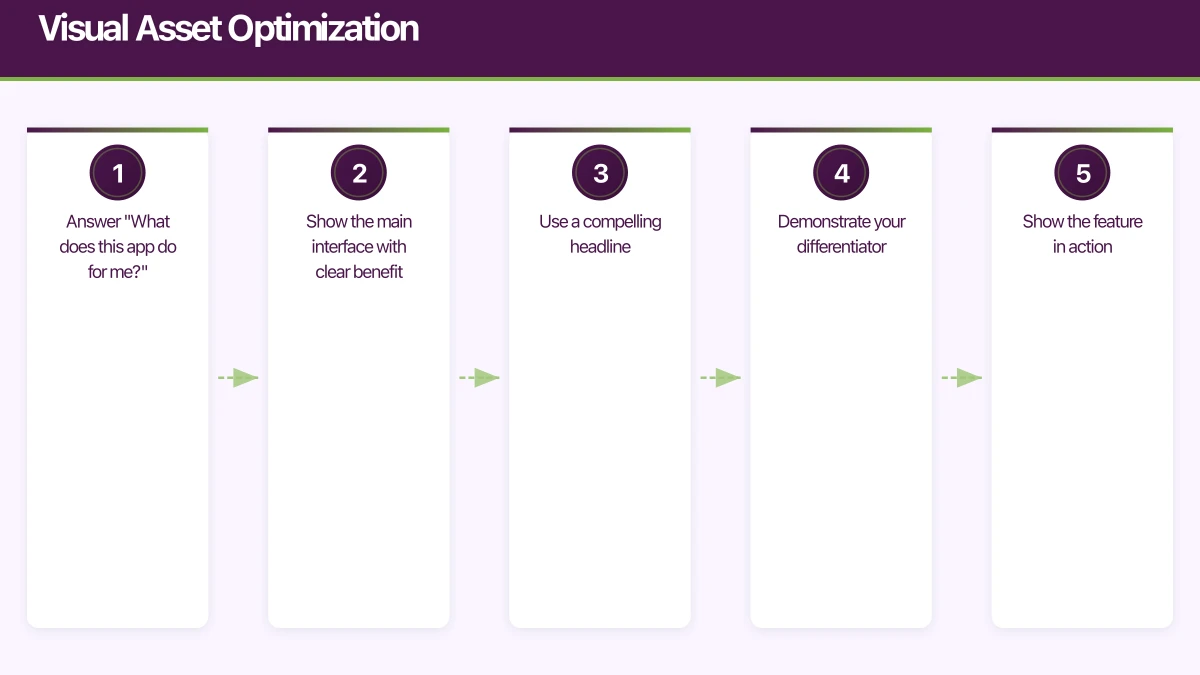
Your visual assets convert browsers into downloaders. The App Store shows your icon, screenshots, and video before users read any text.
App Icon Design
Your icon appears in search results, category listings, and on the home screen. It must be instantly recognizable at 60x60 pixels.
Icon Best Practices:
- Simplicity: One focal element works better than multiple
- Color contrast: Stand out in the predominantly blue/white App Store
- No text: Text becomes illegible at small sizes
- Avoid photos: Illustrated or symbolic icons perform better
- Test variations: A/B test different icons using Product Page Optimization
Icon A/B Testing Results (typical):
| Icon Type | Avg. Conversion Impact |
|---|---|
| Simplified design | +8-15% |
| High contrast colors | +5-12% |
| Recognizable symbol | +10-20% |
| Gradient backgrounds | -3-8% |
Screenshot Strategy
Screenshots are your primary conversion tool. Users make download decisions in 2-3 seconds based on what they see.
Screenshot Framework:
Screenshot 1: Core Value Proposition
- Answer “What does this app do for me?”
- Show the main interface with clear benefit
- Use a compelling headline
Screenshot 2: Key Feature
- Demonstrate your differentiator
- Show the feature in action
- Include supporting text
Screenshot 3: Secondary Feature
- Build on the value proposition
- Address a common pain point
- Show results or outcomes
Screenshot 4-5: Additional Features
- Social proof (ratings, awards)
- Additional use cases
- Premium features preview
Screenshot Design Specifications:
iPhone 6.7" Display: 1290 x 2796 pixels
iPhone 6.5" Display: 1284 x 2778 pixels
iPhone 5.5" Display: 1242 x 2208 pixels

Orientation: Portrait recommended
File format: PNG or JPEG
Maximum file size: 500KB per screenshot
Screenshot Copy Guidelines:
Good headline structure:
[Verb] + [Outcome] + [Timeframe/Ease]

Examples:
"Track Tasks in Seconds"
"Plan Your Week Effortlessly"
"Never Miss a Deadline Again"

Avoid:
- Feature names without context
- Technical jargon
- Lengthy descriptions
App Preview Video
Video previews autoplay in the App Store, making them powerful conversion tools.
Video Best Practices:
- First 3 seconds: Hook users immediately with your best content
- No audio dependency: Most users watch without sound
- Show real usage: Demonstrate actual app functionality
- Duration: 15-30 seconds optimal
- Text overlays: Reinforce key points visually
Video Specifications:
Format: H.264, M4V, MP4, MOV
Resolution: Match device screenshots
Frame rate: 30fps
Duration: 15-30 seconds (max 30 seconds)
Ratings and Reviews Strategy
Ratings directly impact rankings and conversion rates. A 4.5-star app converts 25-35% better than a 4.0-star app.
Requesting Ratings
iOS provides the SKStoreReviewController for requesting ratings. Use it strategically:
import StoreKit

class RatingManager {
    static let shared = RatingManager()

    private let minimumActions = 5
    private let minimumDays = 3
    private let maxRequestsPerYear = 3

    func requestReviewIfAppropriate() {
        guard hasReachedActionThreshold(),
              hasBeenInstalledLongEnough(),
              !hasRecentlyRequestedReview(),
              isPositiveUserState() else {
            return
        }

        if let windowScene = UIApplication.shared.connectedScenes
            .first(where: { $0.activationState == .foregroundActive }) as? UIWindowScene {
            SKStoreReviewController.requestReview(in: windowScene)
            recordReviewRequest()
        }
    }

    private func isPositiveUserState() -> Bool {
        // Request after positive moments:
        // - Task completed
        // - Goal achieved
        // - Milestone reached
        return UserState.current.isPositive
    }
}
Timing Triggers (request reviews when users are happiest):
Good triggers:
- After completing a key action
- After achieving a goal
- After a positive milestone
- After returning for 3+ consecutive days

Bad triggers:
- On first app launch
- During onboarding
- After an error
- When user is navigating away
Responding to Reviews
Review responses show potential users you care about feedback. They also provide an opportunity to resolve issues.
Response Framework:
For Negative Reviews:
1. Acknowledge the issue
2. Apologize for the experience
3. Provide a solution or next step
4. Invite direct contact for resolution

Example:
"Hi [Name], we're sorry the sync feature isn't working
as expected. Our team identified an issue affecting
some users and a fix is coming in the next update.
Please email [email protected] for immediate help."
For Positive Reviews:
1. Thank the user specifically
2. Acknowledge what they appreciated
3. Mention upcoming features they might enjoy

Example:
"Thanks for the kind words! We're glad the daily
planning features are helping your productivity.
Widget support is coming next month - stay tuned!"
Conversion Rate Optimization
Your conversion rate (impressions to downloads) is a ranking signal and directly impacts growth efficiency.
Product Page Optimization (A/B Testing)
Apple’s Product Page Optimization lets you test up to three treatment variants against your control.
What to Test:
High Impact Tests:
1. App icon variations
2. First screenshot design
3. Screenshot messaging
4. Subtitle wording

Medium Impact Tests:
5. Screenshot order
6. Video presence/absence
7. Color schemes
8. Call-to-action text
Setting Up a Test:
Test Duration: 7-14 days minimum
Traffic Split: 25% per variant (4 total)
Statistical Significance: 90% confidence minimum
Sample Size: 1,000+ impressions per variant

Metrics to Measure:
- Conversion rate (primary)
- First-day retention (secondary)
- Revenue per user (secondary)
Custom Product Pages
Create up to 35 custom product pages targeting different audiences or use cases.
Custom Page Use Cases:
- Search Ads campaigns: Match page content to ad targeting
- Seasonal promotions: Holiday-themed pages
- Feature highlights: Pages focused on specific features
- Audience segments: Different pages for different user types
Localization Strategy
Localization extends your reach to global markets with minimal additional effort.
Priority Markets
Focus on markets with high iOS adoption and English as a secondary language:
| Market | iOS Share | English Literacy | Priority |
|---|---|---|---|
| Germany | 32% | High | High |
| Japan | 65% | Medium | High |
| France | 28% | Medium | Medium |
| Brazil | 15% | Low | Medium |
| South Korea | 28% | Medium | Medium |
Localization Checklist
Essential Localization:
[ ] App name and subtitle
[ ] Keywords (100 characters)
[ ] Description (first 170 characters)
[ ] Screenshot text overlays
[ ] App preview video text

Additional Localization:
[ ] Full description
[ ] What's New text
[ ] In-app purchase names
Localized Keyword Research
Keywords don’t translate directly. Research each market separately:
English: "to-do list"
German: "aufgabenliste" (not "zu-tun-liste")
Japanese: "ToDoリスト" (often uses English)
Spanish: "lista de tareas"
Monitoring and Analytics
Key Metrics to Track
Discovery Metrics:
- Impressions (App Store views)
- Product Page Views
- Search impression share
- Browse impression share

Conversion Metrics:
- Conversion rate (views to downloads)
- Re-downloads
- Updates

Engagement Metrics:
- Crash rate
- Retention (Day 1, 7, 30)
- Active devices
- Sessions per device
App Store Connect Analytics
Access these reports in App Store Connect:
Overview:
- Downloads trend
- Proceeds trend
- Crash reports

Metrics:
- Impressions by source
- Conversion rate
- Geographic breakdown

Sources:
- App Store Search
- App Store Browse
- App Referrers
- Web Referrers
Common ASO Mistakes to Avoid
- Keyword stuffing: Unnatural keyword repetition hurts rankings
- Ignoring subtitle: Valuable keyword real estate often wasted
- Static optimization: Not updating keywords based on performance
- Poor screenshot hierarchy: Burying the value proposition
- Ignoring negative reviews: Missed opportunity for reputation management
- Skipping localization: Leaving global downloads on the table
- Inconsistent updates: Sporadic releases hurt freshness signals
Implementation Timeline
Week 1: Research Phase
- Competitor analysis
- Keyword research
- Visual asset audit
Week 2: Implementation
- Update metadata
- Create new screenshots
- Submit for review
Weeks 3-4: Monitoring
- Track ranking changes
- Monitor conversion rates
- Collect early data
Weeks 5-8: Optimization
- A/B test variations
- Refine keywords
- Iterate on visuals
Ongoing: Maintenance
- Monthly keyword reviews
- Quarterly visual refreshes
- Continuous review management
Conclusion
App Store Optimization is not a one-time effort but an ongoing discipline. The apps that consistently rank well and grow organically are those that treat ASO as a continuous process of research, implementation, measurement, and refinement.
Start with your keywords and visual assets, then expand to ratings management, localization, and A/B testing. Each optimization compounds over time, building sustainable organic growth that reduces your dependence on paid acquisition.
The App Store rewards apps that users love. Focus on delivering genuine value, then use ASO to ensure your ideal users can find you.
Your app users will search for you on Google first. Cosmos Web Tech ensures your web presence converts visitors into downloads.
Part of the Ganda Tech Services family, Awesome Apps delivers specialist mobile app development for Australian small and medium businesses.
Talk to a Sydney app developer — free.
30 minutes. We'll tell you what your app needs, how long it takes, and what it costs. Real answers, no sales pitch.
Book Free App Strategy Call →Free · 30 minutes · No obligation