Introduction
Building a great app is only half the battle. If users can’t find your app in the store, your work won’t reach its audience. App Store Optimization (ASO) is how you make your app discoverable—and for Australian developers competing in both local and global markets, it’s a skill worth mastering.
Over 65% of app downloads come from searching within app stores. The apps that appear at the top of search results win the majority of those downloads. ASO determines where you rank.
How App Store Search Works
iOS
 App Store
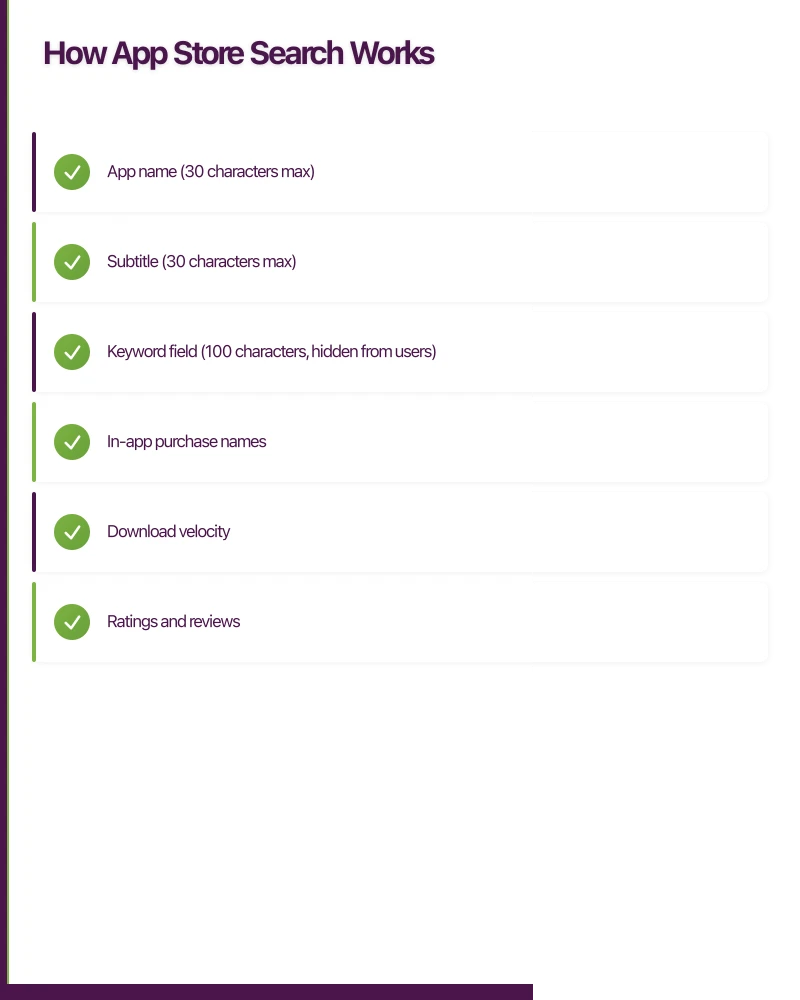
Apple’s algorithm considers:
Primary Factors:
- App name (30 characters max)
- Subtitle (30 characters max)
- Keyword field (100 characters, hidden from users)
- In-app purchase names
Secondary Factors:
- Download velocity
- Ratings and reviews
- Update frequency
- Engagement metrics
What Doesn’t Directly Affect Ranking:
- App description (searched in some regions, not weighted heavily)
- What’s New text
- Screenshots (affect conversion, not ranking)
Google Play Store
Google’s approach differs significantly:
Primary Factors:
- App title (50 characters max)
- Short description (80 characters)
- Long description (4000 characters) - actually indexed
- Package name
Secondary Factors:
- Download volume and velocity
- Ratings and reviews
- Retention and engagement
- Backlinks to Play Store listing
Google indexes the full description, making long-form keyword optimization important—unlike iOS where description doesn’t affect search ranking.
Keyword Research for Apps
Finding the Right Keywords
Start with core function keywords: What does your app do? What problem does it solve?
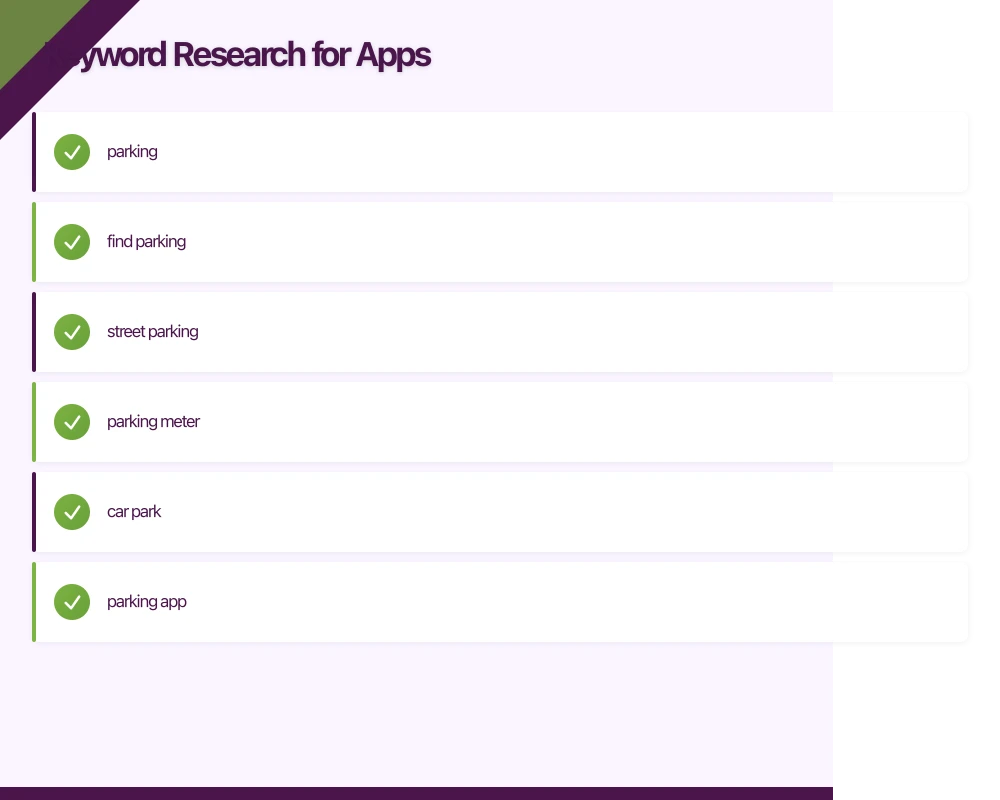
For a Melbourne parking app:
- parking
- find parking
- street parking
- parking meter
- car park
- parking app
Expand with user intent keywords: How do users describe their need?
- cheap parking
- free parking near me
- parking timer
- avoid parking fines
Add location-specific keywords (for local apps):
- Melbourne parking
- Sydney parking
- CBD parking
- airport parking
Keyword Research Tools
Free Options:
- App Store/Play Store search suggestions (start typing, see autocomplete)
- Competitor analysis (what keywords do similar apps rank for?)
- User reviews (what language do users use?)
Paid Tools:
- Sensor Tower
- App Annie (data.ai)
- Mobile Action
- AppTweak
These tools show search volume, difficulty scores, and competitor rankings.
Keyword Prioritization
Evaluate keywords on three criteria:
Relevance: Does this keyword accurately describe your app? Volume: How many people search this term? Competition: How hard is it to rank?
Ideal keywords: High relevance + moderate volume + low competition
New apps should target less competitive keywords initially, building to higher-volume terms as downloads and ratings improve.
Optimizing Your App Store Listing
App Name (Title)
Your most important ASO element.
iOS App Store (30 characters):
- Brand name + primary keyword
- Example: “ParkMate - Find Parking”
Google Play (50 characters):
- More room for keywords
- Example: “ParkMate - Find Street Parking & Car Parks Near Me”
Best Practices:
- Lead with brand for brand recall
- Include primary keyword
- Don’t keyword stuff (looks spammy, may be rejected)
- Make it readable and memorable
Subtitle (iOS) / Short Description (Google Play)
iOS Subtitle (30 characters): Second most important keyword placement.
- Include secondary keywords
- Complement the title, don’t repeat
- Example: “Parking Finder & Timer”
Google Play Short Description (80 characters):
- Appears in search results
- Include high-priority keywords
- Compelling, action-oriented
- Example: “Find cheap parking fast. Compare rates, navigate to spots, set meter reminders.”
iOS Keyword Field
100 characters of hidden keywords—use them wisely.
Rules:
- Comma-separated (no spaces after commas)
- Singular or plural, not both (Apple handles both)
- Don’t repeat words from title or subtitle
- No competitor brand names (policy violation)
Example for parking app:
meter,reminder,street,spot,garage,cheap,free,nearby,closest,navigate,directions,timer,alertMaximize every character.
Long Description (Google Play)
4000 characters—Google indexes all of it.
Structure:
- Opening paragraph with primary keywords
- Feature sections with secondary keywords
- Natural language, not keyword stuffing
- Call to action
Keyword Integration:
- Repeat important keywords 3-5 times naturally
- Use variations and synonyms
- Focus keywords in first 250 characters
- Include location keywords if relevant
Descriptions (iOS)
iOS description doesn’t affect search ranking, but affects conversions. Focus on:
- Clear value proposition
- Key features and benefits
- Social proof (awards, media mentions)
- Call to download
Visual Assets
Screenshots and videos don’t affect search ranking, but they dramatically affect whether users who find your app actually download it.
App Icon
Your most viewed asset—appears everywhere.
Best Practices:
- Simple, recognizable design
- Works at all sizes (1024px down to 29px)
- Reflects app function or brand
- Stands out from competitors
- Avoid text (illegible at small sizes)
Testing: Mock up your icon alongside competitors in a search results view. Does it stand out?
Screenshots
iOS Requirements:
- Up to 10 screenshots
- Different sizes for different devices
- First three appear before scrolling (most important)
Google Play Requirements:
- Minimum 2, maximum 8 screenshots
- Various device types
Effective Screenshot Strategy:
Option 1: Feature-Focused Each screenshot highlights one feature with clear text overlay.
Option 2: Story/Journey Screenshots show a user journey through the app.
Option 3: Social Proof Include testimonials, ratings, awards in screenshots.
Best Practices:
- First screenshot = strongest value proposition
- Include text overlays explaining benefits
- Show actual app UI (not just marketing graphics)
- Test different approaches with A/B testing (if available)
App Preview Video (iOS) / Promo Video (Google Play)
Videos can significantly boost conversion but require investment to produce well.
iOS App Preview:
- 15-30 seconds
- Captured from device
- No hands in frame
- Autoplay without sound (use captions)
Google Play Promo Video:
- YouTube video link
- Can be longer
- More flexibility in format
When to invest in video:
- Complex apps that need demonstration
- Games (almost always worth it)
- Apps with strong visual appeal
Ratings and Reviews
Impact on ASO
Search Ranking: Both stores factor ratings into ranking algorithms.
Conversion Rate: Higher ratings dramatically increase download likelihood.
| Rating | Conversion Impact |
|---|---|
| 4.5+ stars | Baseline (best performers) |
| 4.0-4.4 | ~10-20% lower conversion |
| 3.5-3.9 | ~30-50% lower conversion |
| Below 3.5 | Significant drop-off |
Getting More Reviews
In-App Prompts:
- iOS: Use SKStoreReviewController (Apple limits frequency)
- Android: Use In-App Review API
- Prompt happy users (after positive experience, achievement)
- Don’t prompt immediately on install
Timing Matters:
- After user completes a task successfully
- After using app multiple times
- Never during frustrating moments
- Consider session count and time triggers
Responding to Reviews:
- Reply to negative reviews (shows you care)
- Address issues, offer solutions
- Reply to positive reviews (encourages more)
- Both stores surface developer responses
Managing Negative Reviews
Negative reviews will happen. Respond constructively:
- Thank them for feedback
- Apologize for their experience
- Explain what you’re doing to address (if applicable)
- Offer support channel for direct help
- Update response when issue is fixed
Many users update their review after a good support experience.
A/B Testing
Google Play Experiments
Google Play Console offers A/B testing for:
- App icon
- Feature graphic
- Screenshots
- Short description
- Long description
How to Run Effective Tests:
- Test one element at a time
- Run for sufficient sample size (usually 1-2 weeks minimum)
- Use clear hypotheses
- Implement winning variants
iOS Alternatives
Apple doesn’t offer native A/B testing for store listings.
Workarounds:
- Test creative on ads before using in store listing
- Run different variants in different regions
- Use third-party tools that estimate impact
Localization
When to Localize
For Australian apps targeting international markets—or for international apps targeting Australia—localization significantly impacts discoverability.
Prioritize languages by:
- Market size (English, Chinese, Spanish, Hindi)
- Revenue potential (Japan, South Korea, Germany)
- Competition level (some markets less competitive)
What to Localize
Essential:
- App name and subtitle/short description
- Screenshots and text overlays
- Keyword field (iOS)
- Long description (Google Play)
Important:
- App icon (cultural considerations)
- App preview/promo video
The app itself: Localized store listing without localized app creates poor user experience.
Localization Tips
- Use native speakers for translation
- Research local keywords (direct translation often wrong)
- Check competitor listings in target language
- Validate cultural appropriateness
Measuring ASO Success
Key Metrics
Visibility Metrics:
- Keyword rankings (track weekly)
- Search impression share
- Browse vs. search traffic split
Conversion Metrics:
- Product page view to download rate
- Traffic sources and conversion by source
- Screenshot and video engagement (Play Console)
Growth Metrics:
- Organic download growth
- Organic vs. paid download ratio
- Rating trend
Tools for Tracking
Free:
- App Store Connect / Google Play Console (basic metrics)
- Google Search Console (for Play Store web results)
Paid:
- App Annie / data.ai
- Sensor Tower
- AppTweak
- Mobile Action
Optimization Cycle
ASO is ongoing, not one-time:
Weekly: Monitor rankings for key terms Monthly: Review performance metrics, identify opportunities Quarterly: Major listing updates, new keyword research With each update: Optimize What’s New section, consider keyword adjustments
Common ASO Mistakes
Keyword Stuffing
Cramming keywords unnaturally hurts more than helps:
- Apple rejects obvious stuffing
- Google ranks quality content higher
- Users don’t convert on spammy listings
Ignoring Screenshots
Many developers underinvest in screenshots:
- First impression matters enormously
- Users decide in seconds
- Professional screenshots pay for themselves
Neglecting Ratings
Letting ratings decline without action:
- Respond to negative reviews
- Fix issues users complain about
- Request ratings after positive experiences
Set-and-Forget Approach
ASO requires continuous attention:
- Algorithm changes
- Competitor movements
- Seasonal trends
- New keyword opportunities
Conclusion
App Store Optimization determines whether users find your app. For Australian developers, strong ASO can level the playing field against larger competitors with bigger marketing budgets.
Focus on:
- Research keywords that match your app and user intent
- Optimize title, subtitle, and keywords strategically
- Create compelling screenshots that convert views to downloads
- Build and maintain strong ratings through great product and support
- Continuously monitor and optimize based on data
The apps at the top of search results earn the downloads. ASO puts you there.
Drive more app downloads with a professional web presence. Cosmos Web Tech specialises in web design and SEO for Australian tech businesses.
Ashish Ganda is the founder of Ganda Tech Services, a Sydney-based technology consultancy helping Australian businesses grow through cloud, web, and mobile solutions.
Talk to a Sydney app developer — free.
30 minutes. We'll tell you what your app needs, how long it takes, and what it costs. Real answers, no sales pitch.
Book Free App Strategy Call →Free · 30 minutes · No obligation