Mobile App A/B Testing Frameworks and Strategies
A/B testing on mobile is fundamentally different from web A/B testing. You cannot just change a page and measure clicks. Mobile apps have longer update cycles, persistent local state, and users who may not update for weeks. Getting mobile A/B testing right requires purpose-built frameworks and careful experiment design.
This guide covers the frameworks, strategies, and statistical principles needed to run reliable A/B tests in mobile apps.
Why Mobile A/B Testing Is Different
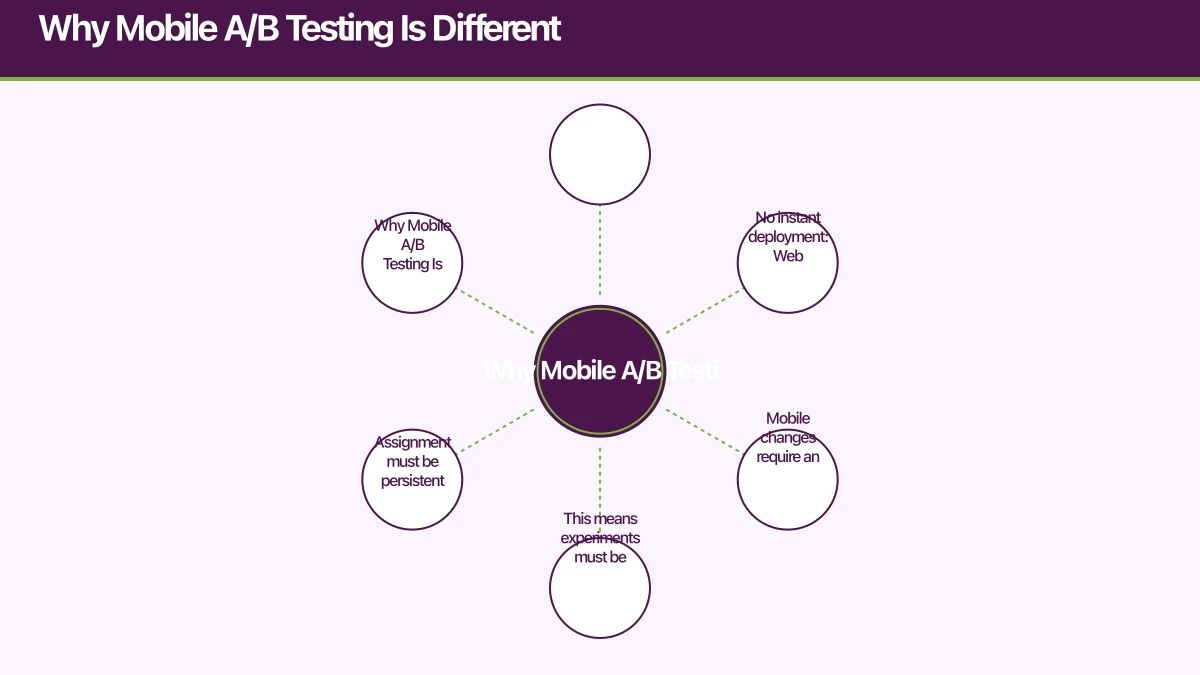
No instant deployment: Web changes go live immediately. Mobile changes require an app update or a server-driven configuration change. This means experiments must be designed around remote configuration, not code changes.
Persistent assignment: A user who sees variant B on Monday must continue seeing variant B on Tuesday, regardless of app restarts, reinstalls, or device changes. Assignment must be persistent and deterministic.
Smaller sample sizes: Most mobile apps have fewer users than websites, meaning experiments take longer to reach statistical significance.
Longer conversion cycles: A user might download your app today but not make a purchase until next week. Attribution windows must be longer than typical web experiments.
Fram
 ework Options
Firebase Remote Config + A/B Testing
Firebase provides the most accessible A/B testing solution for mobile apps. Remote Config delivers different configurations to different users, and Firebase A/B Testing provides the experiment management and statistical analysis.
// iOS: Fetch remote config
import FirebaseRemoteConfig

class ExperimentManager {
    private let remoteConfig = RemoteConfig.remoteConfig()

    func configure() {
        let settings = RemoteConfigSettings()
        settings.minimumFetchInterval = 3600 // 1 hour in production
        remoteConfig.configSettings = settings

        // Set defaults
        remoteConfig.setDefaults([
            "onboarding_flow": "control" as NSObject,
            "paywall_layout": "stacked" as NSObject,
            "cta_text": "Get Started" as NSObject,
        ])
    }

    func fetchAndActivate() async {
        do {
            let status = try await remoteConfig.fetchAndActivate()
            if status == .successFetchedFromRemote ||
               status == .successUsingPreFetchedData {
                applyExperimentValues()
            }
        } catch {
            // Use defaults
        }
    }

    func getExperimentValue(for key: String) -> String {
        return remoteConfig.configValue(forKey: key).stringValue ?? ""
    }

    var onboardingFlow: OnboardingVariant {
        let value = getExperimentValue(for: "onboarding_flow")
        return OnboardingVariant(rawValue: value) ?? .control
    }
}
// Android: Firebase Remote Config
class ExperimentManager(context: Context) {
private val remoteConfig = Firebase.remoteConfig
fun configure() {
val configSettings = remoteConfigSettings {
minimumFetchIntervalInSeconds = 3600
}
remoteConfig.setConfigSettingsAsync(configSettings)
remoteConfig.setDefaultsAsync(mapOf(
"onboarding_flow" to "control",
"paywall_layout" to "stacked",
"cta_text" to "Get Started",
))
}
suspend fun fetchAndActivate(): Boolean {
return remoteConfig.fetchAndActivate().await()
}
fun getOnboardingFlow(): String {
return remoteConfig.getString("onboarding_flow")
}
}Using Experiment Values in UI
struct PaywallView: View {
    @StateObject private var experiments = ExperimentManager.shared

    var body: some View {
        Group {
            switch experiments.paywallLayout {
            case .stacked:
                StackedPaywall()
            case .horizontal:
                HorizontalPaywall()
            case .comparison:
                ComparisonPaywall()
            }
        }
        .onAppear {
            Analytics.logEvent("paywall_viewed", parameters: [
                "variant": experiments.paywallLayout.rawValue,
            ])
        }
    }
}
Custom A/B Testing Framework
For teams that need more control, build a lightweight experiment framework:
class ExperimentFramework(
    private val userId: String,
    private val api: ExperimentApi,
    private val storage: ExperimentStorage,
) {
    private var experiments: Map<String, Experiment> = emptyMap()

    suspend fun initialise() {
        // Load cached experiments immediately
        experiments = storage.getExperiments()

        // Fetch latest experiments in background
        try {
            val remote = api.getExperiments(userId)
            experiments = remote.associateBy { it.id }
            storage.saveExperiments(experiments)
        } catch (e: Exception) {
            // Use cached
        }
    }

    fun getVariant(experimentId: String): String {
        val experiment = experiments[experimentId]
            ?: return "control"

        // Deterministic assignment based on user ID
        if (experiment.userAssignment != null) {
            return experiment.userAssignment
        }

        // Hash-based assignment for consistent bucketing
        val hash = "$userId:$experimentId".hashCode()
        val bucket = Math.abs(hash) % 100

        return when {
            bucket < experiment.controlPercentage -> "control"
            bucket < experiment.controlPercentage + experiment.variantAPercentage -> "variant_a"
            else -> "variant_b"
        }
    }

    fun trackExposure(experimentId: String) {
        val variant = getVariant(experimentId)
        analytics.logEvent("experiment_exposure", mapOf(
            "experiment_id" to experimentId,
            "variant" to variant,
        ))
    }
}
Experimen
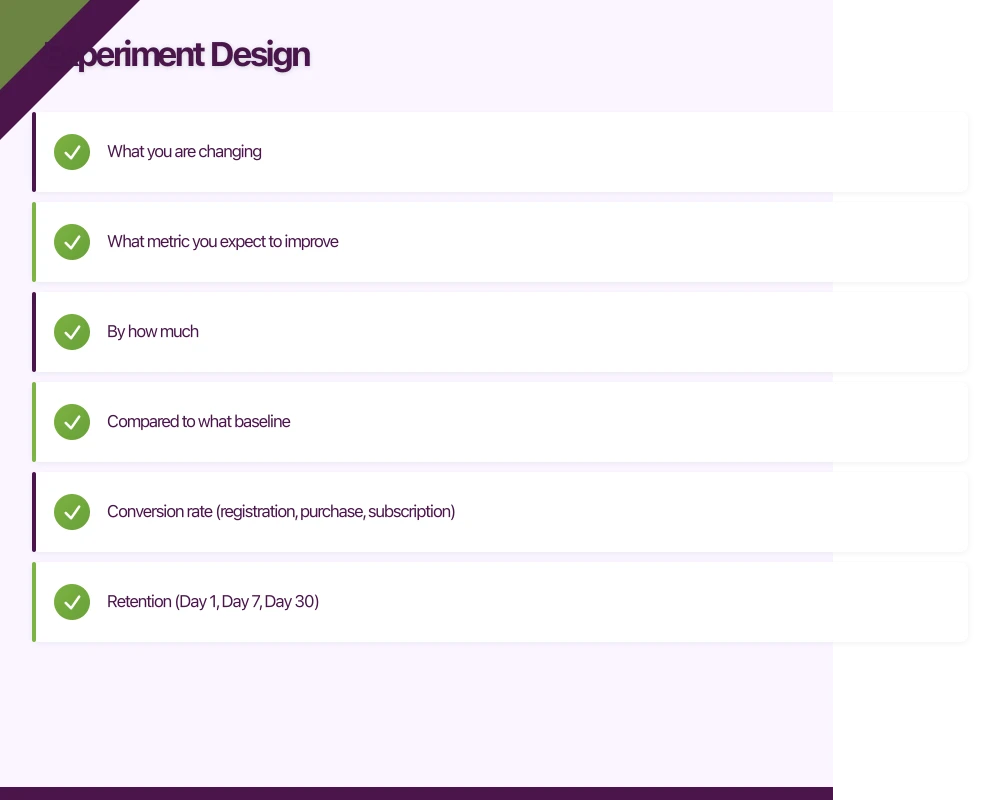 t Design
Define Clear Hypotheses
Every experiment needs a hypothesis before you write any code:
Bad: “Let’s test a new onboarding flow.”
Good: “We hypothesise that a three-step onboarding flow with progress indicators will increase Day 7 retention by 10% compared to the current five-step flow without indicators.”
A proper hypothesis includes:
- What you are changing
- What metric you expect to improve
- By how much
- Compared to what baseline
Choose Primary Metrics
Select one primary metric per experiment. Secondary metrics are fine to monitor, but the experiment succeeds or fails based on the primary metric.
Common primary metrics for mobile apps:
- Conversion rate (registration, purchase, subscription)
- Retention (Day 1, Day 7, Day 30)
- Revenue per user
- Feature adoption rate
- Session duration
Sample Size Calculation
Before running an experiment, calculate the required sample size. Running an experiment without enough users produces unreliable results.
The required sample size depends on:
- Baseline conversion rate: Your current metric value
- Minimum detectable effect: The smallest improvement worth detecting
- Statistical significance level: Usually 95% (p = 0.05)
- Statistical power: Usually 80%
For a baseline conversion rate of 10% and a minimum detectable effect of 2 percentage points (10% to 12%), you need approximately 3,800 users per variant.
If your app has 1,000 daily active users with a 50/50 split, this experiment needs roughly 8 days to reach significance. If your app has 200 daily active users, it needs roughly 38 days.
Avoid Common Pitfalls
Peeking: Do not check results daily and stop the experiment as soon as you see significance. This inflates false positive rates. Set the sample size upfront and wait.
Too many variants: Each additional variant requires proportionally more users. Two variants (control + treatment) is ideal. Three is acceptable. More than three is rarely justified.
Testing too many things at once: If variant B changes the copy, layout, and colour simultaneously, a positive result tells you the combination works but not which change drove the result.
Novelty effects: Users may engage more with something new simply because it is new. Run experiments for at least two weeks to let the novelty wear off.
Survivorship bias: If your experiment changes the onboarding flow, users who complete onboarding in variant B may be a different population than those who complete in control. Account for this in your analysis.
Server-Side vs Client-Sid
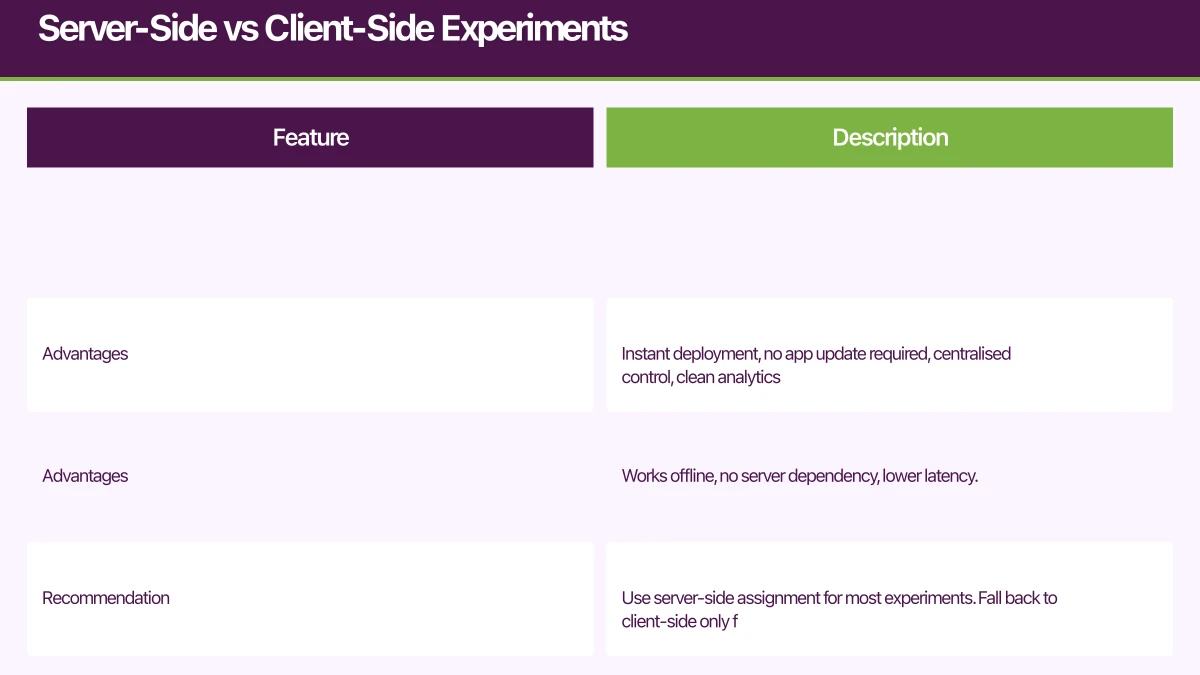 e Experiments
Server-Side (Recommended)
The server assigns variants and sends configuration to the client. The client simply renders what the server tells it to.
Advantages: Instant deployment, no app update required, centralised control, clean analytics.
Client-Side
The client determines its own variant assignment based on the user ID and experiment configuration.
Advantages: Works offline, no server dependency, lower latency.
Recommendation: Use server-side assignment for most experiments. Fall back to client-side only for experiments that must work without connectivity.
Analysing Results
Statistical Significance
Use a two-proportion z-test for conversion rate experiments:
from scipy import stats

def analyse_experiment(
    control_conversions, control_total,
    variant_conversions, variant_total
):
    control_rate = control_conversions / control_total
    variant_rate = variant_conversions / variant_total

    # Pooled proportion
    pooled = (control_conversions + variant_conversions) / (
        control_total + variant_total
    )

    # Standard error
    se = (pooled * (1 - pooled) * (1/control_total + 1/variant_total)) ** 0.5

    # Z-score
    z = (variant_rate - control_rate) / se

    # P-value (two-tailed)
    p_value = 2 * (1 - stats.norm.cdf(abs(z)))

    return {
        'control_rate': control_rate,
        'variant_rate': variant_rate,
        'lift': (variant_rate - control_rate) / control_rate,
        'p_value': p_value,
        'significant': p_value < 0.05,
    }
Segmented Analysis
After determining the overall result, check whether the effect is consistent across segments:
- New vs returning users
- iOS vs Android
- Free vs paid users
- Geographic regions
A positive overall result driven entirely by one segment may not generalise.
Experimentation Culture
A/B testing is most valuable as a cultural practice, not a one-off tool:
- Test before building: Validate demand with lightweight experiments before building full features
- Document everything: Record hypotheses, results, and learnings in a central location
- Share results widely: Both wins and losses are valuable learning
- Build a testing roadmap: Plan experiments one to two quarters ahead
- Accept negative results: Most experiments fail. That is the point of testing.
Conclusion
Mobile A/B testing requires more planning than web testing but delivers equally valuable insights. Use Firebase Remote Config for accessibility, or build a custom framework for more control. Design experiments with clear hypotheses, calculate sample sizes upfront, and resist the urge to peek at results early.
The apps that grow fastest are the ones that test continuously and make decisions based on data rather than opinion.
For help setting up A/B testing in your mobile app, contact eawesome. We help Australian app teams build experimentation into their development process.
Your app users will search for you on Google first. Cosmos Web Tech ensures your web presence converts visitors into downloads.
This article is brought to you by Ganda Tech Services — Sydney’s complete digital solutions provider covering cloud, web, and mobile.
Talk to a Sydney app developer — free.
30 minutes. We'll tell you what your app needs, how long it takes, and what it costs. Real answers, no sales pitch.
Book Free App Strategy Call →Free · 30 minutes · No obligation