If your app lets people create an account, Google Play requires you to publish a page — reachable from the open web, without installing the app or logging in — where a user can request that their account and data be deleted.
Not a support email address. Not a form behind a login. A public URL you declare in the Play Console, that a Google reviewer can open in a browser.
We built ours this month. The requirement itself is straightforward. What made the exercise worth writing up is what it turned over on the way past.
What the page actually has to do
The bar is lower than most developers assume, and higher in one specific way.
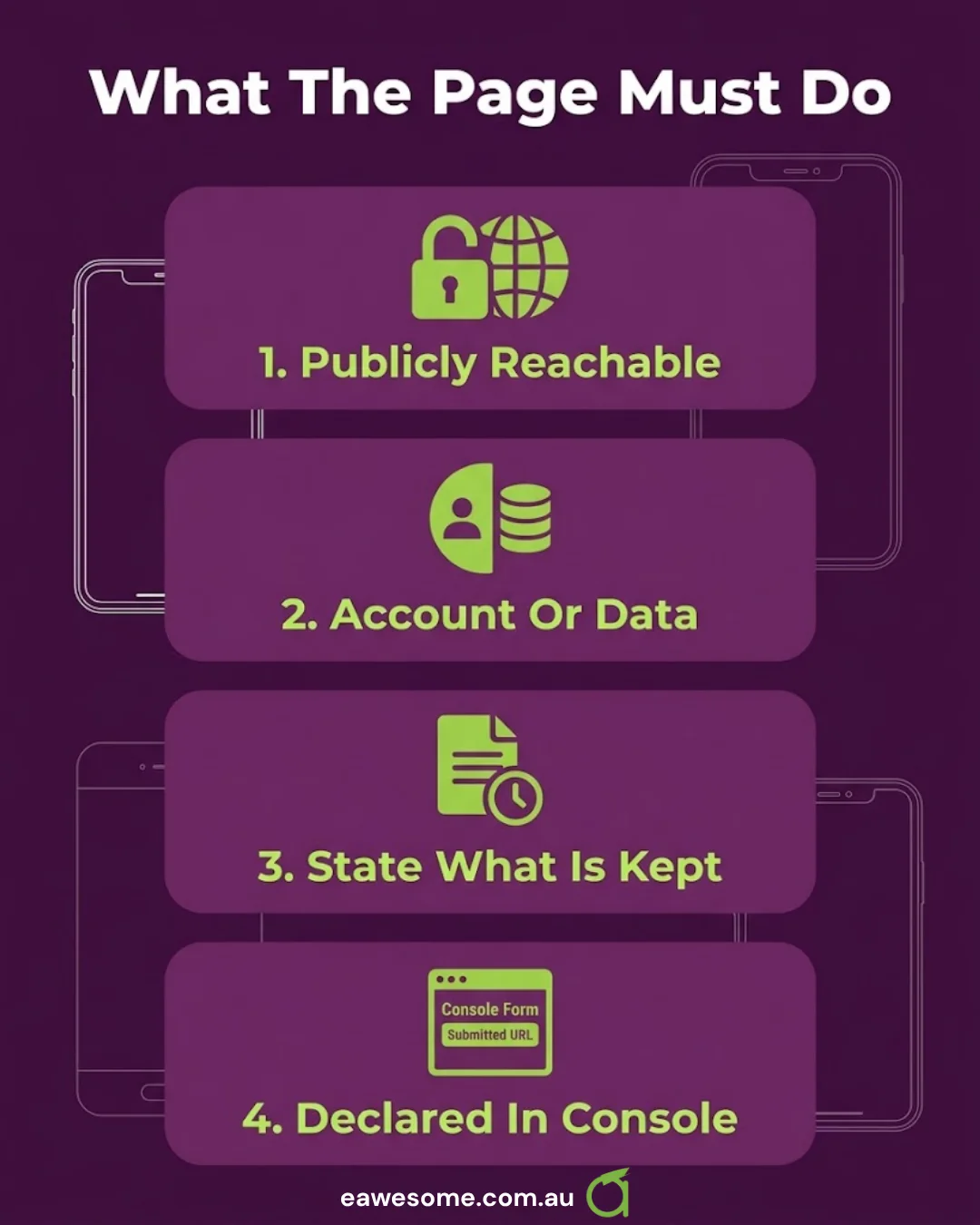
It has to be publicly reachable. If the reviewer cannot open it without your app, it does not count. Ours lives at a plain URL on our marketing site.
It has to distinguish account deletion from data deletion. Users are entitled to ask for either. Some want the account gone entirely; some want to keep the account and clear the data inside it. Your page should let a person express which one they mean.
It has to state what gets deleted and what is kept, and for how long. This is the part that catches people out, and it is where our own problem was hiding.
It has to be declared in the Play Console, in the Data safety section, as the account-deletion URL. Building the page and not declaring it is a very common way to fail review while being technically compliant.
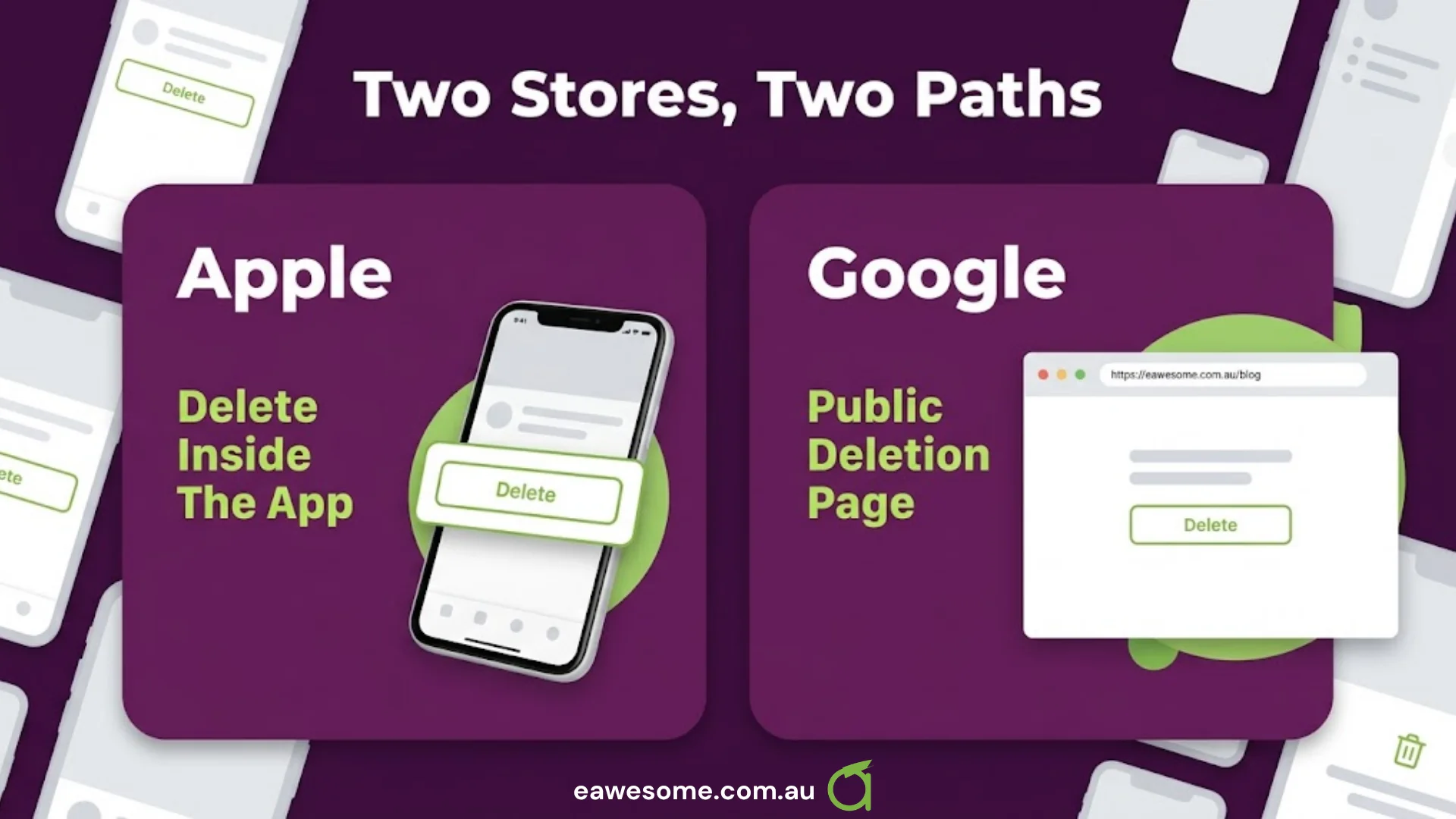
Apple’s requirement is similar in spirit: if your app supports account creation, it must support account deletion from within the app. The two stores overlap but are not identical — Apple cares most about the in-app path, Google about the public URL. Ship both.
The thing we found
Writing the “what we keep, and for how long” section forced us to state a retention period in public. So we went and checked what we actually held, and what we had previously claimed.
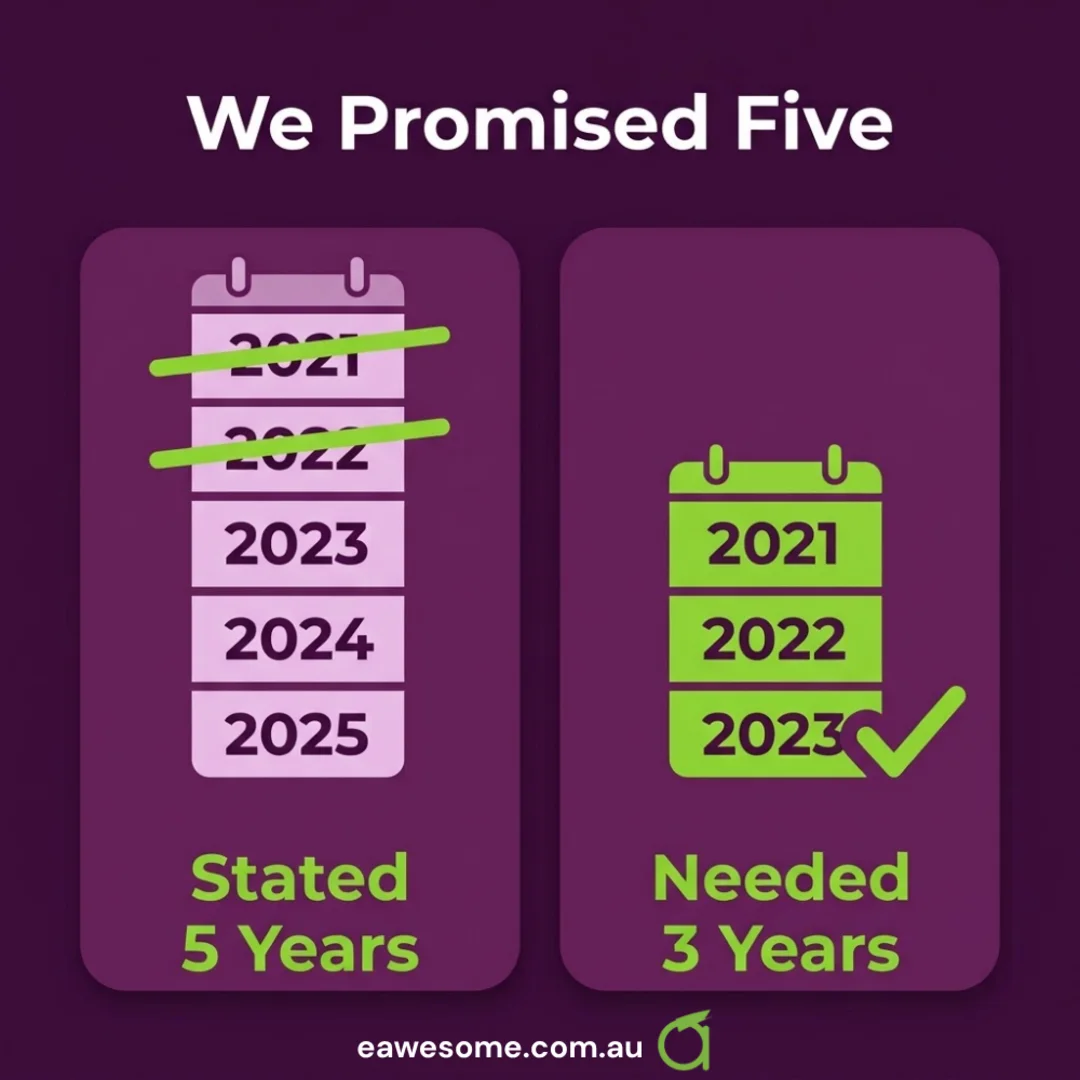
Our stated retention was five years. Our actual operational need was three. And neither store had ever asked for five — it was a number that had come from somewhere, been written down once, and never revisited.
That is a bad position to be in, and it is worth being precise about why. An over-long retention claim is not a harmless bit of caution:
- It is a promise you are legally accountable for. Under the Australian Privacy Principles, APP 11.2 requires you to destroy or de-identify personal information you no longer need. Publicly committing to holding data for two years longer than you need it commits you to failing your own policy.
- It increases the blast radius of any breach. Two extra years of records is two extra years of records to lose.
- It is a stated position you will be measured against. In an incident, the gap between your published policy and your actual practice is the first thing anyone examines.
We corrected it to three years, and made the app’s behaviour match the page.
The general lesson: the compliance page is a forcing function. Writing down what you do makes you find out what you do. Most teams discover at least one claim that is stale, aspirational, or inherited from a template.
The audit worth running before you write the page
Before you draft the copy, answer these honestly. Everything else follows.
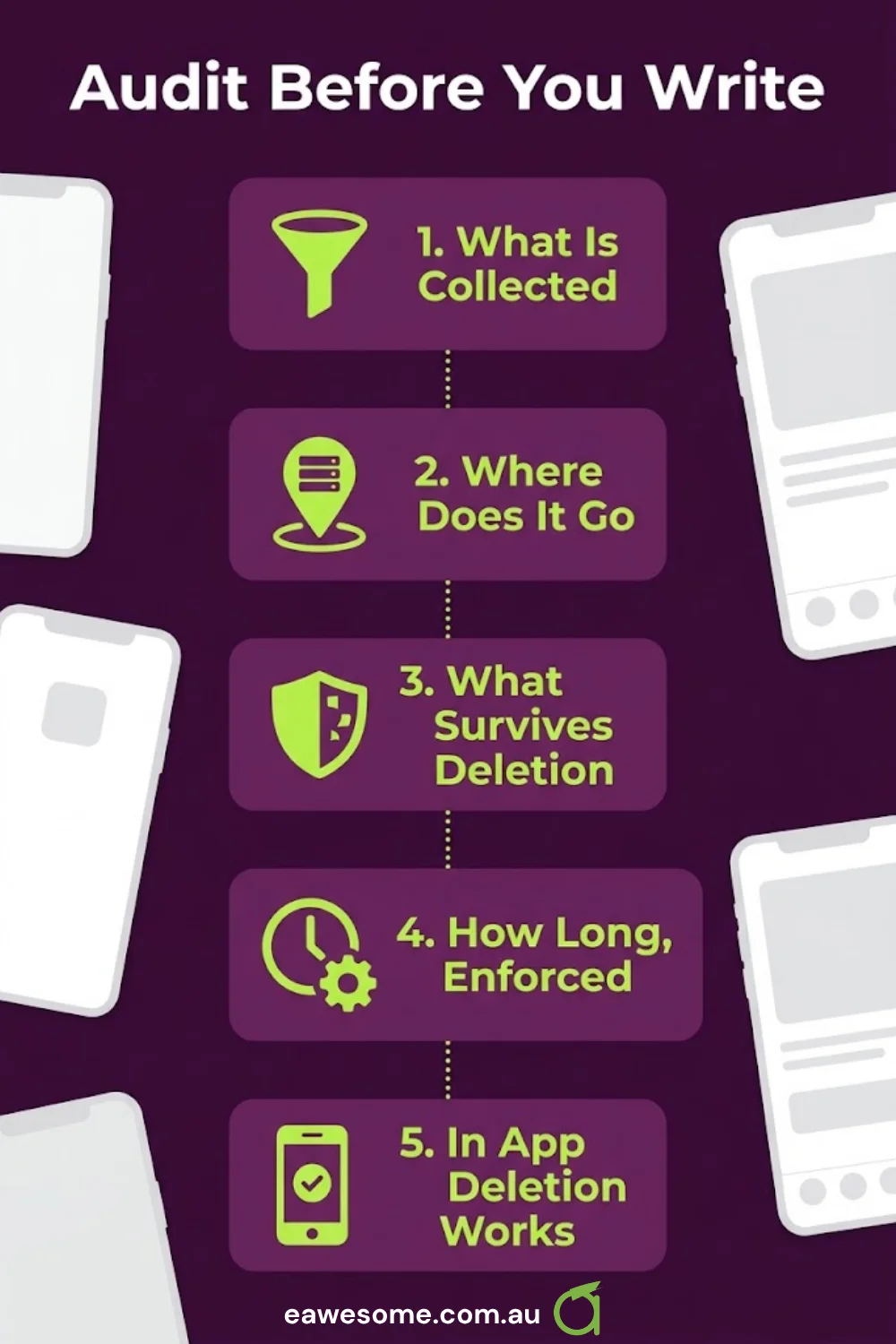
What personal data does the app collect? Not what it was designed to collect — what it actually sends. Analytics SDKs, crash reporters and ad libraries all collect on your behalf, and you are responsible for declaring their collection in the Data safety form. An SDK you added for one screen may be collecting device identifiers on every screen.
Where does it go? Your own servers, a backend-as-a-service, third-party processors. Each destination is a disclosure.
What survives account deletion, and why? There are legitimate answers here — transaction records for tax purposes, anonymised analytics, fraud-prevention data. Write down the reason for each, because the page has to state it.
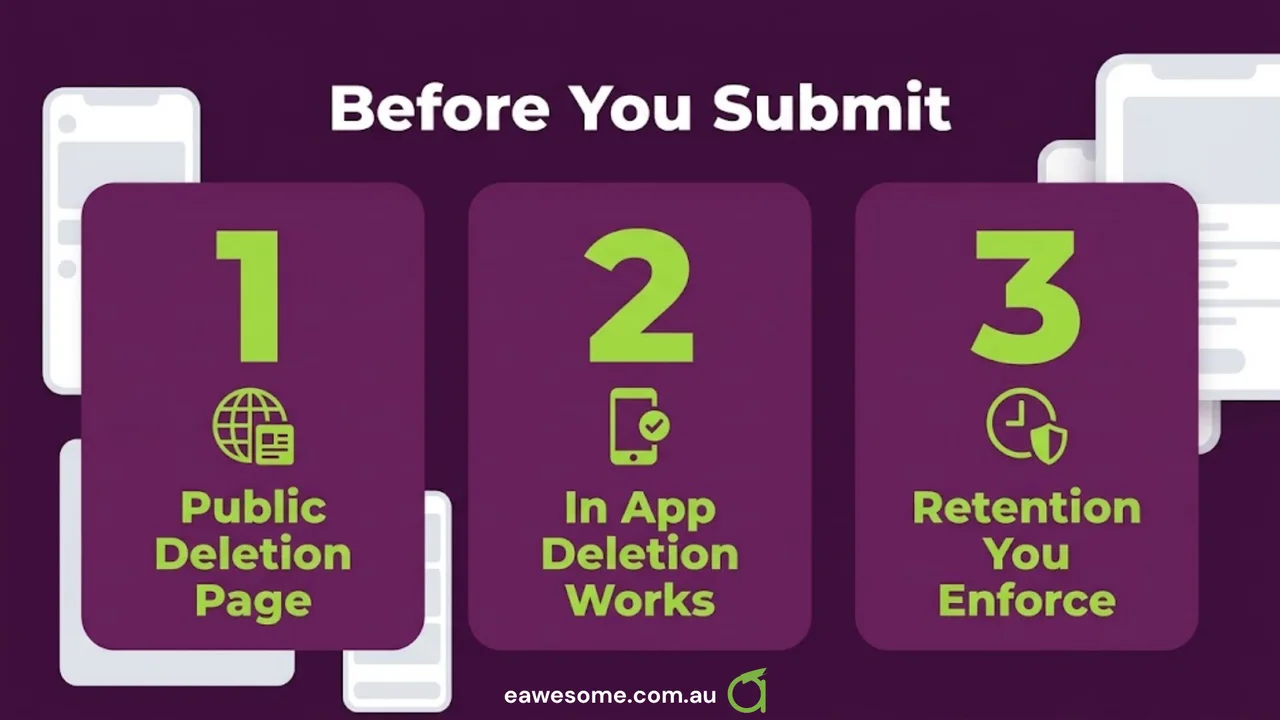
How long, and can you enforce it? A retention period you cannot actually enforce is worse than a longer one you can. If nothing on your backend deletes three-year-old rows, “three years” is a claim, not a policy.
Does the in-app path work end to end? Apple wants deletion available inside the app. Test it on a real account and confirm the data is genuinely gone, not just hidden from the interface. A “deleted” account that still returns data from the API is a failure with legal consequences, not a cosmetic bug.
Two adjacent things worth fixing while you are in there
Submission season is the natural time to fix the other things that quietly cost you.
Your build pipeline is probably running too often. We changed ours to build previews on demand and at release tags rather than on every push. Cloud build minutes are billed, and most pushes during a development week do not need a distributable build. We also let the manual trigger choose the build profile rather than only the platform, which removed a class of “wrong build type” reruns. For a small team this is real money and real waiting.
Ask for notification permission at the moment it makes sense. A separate app of ours moved its reminder prompt from launch to the moment the user had just done the thing the reminder is about. Asking for push permission on first launch, before the user knows what your app does, is the single most reliable way to get a permanent “no” — and on both platforms, a denied permission is expensive to recover.
Neither is a store requirement. Both improve the app, and the submission pass is when you have the codebase open anyway.
The realistic timeline
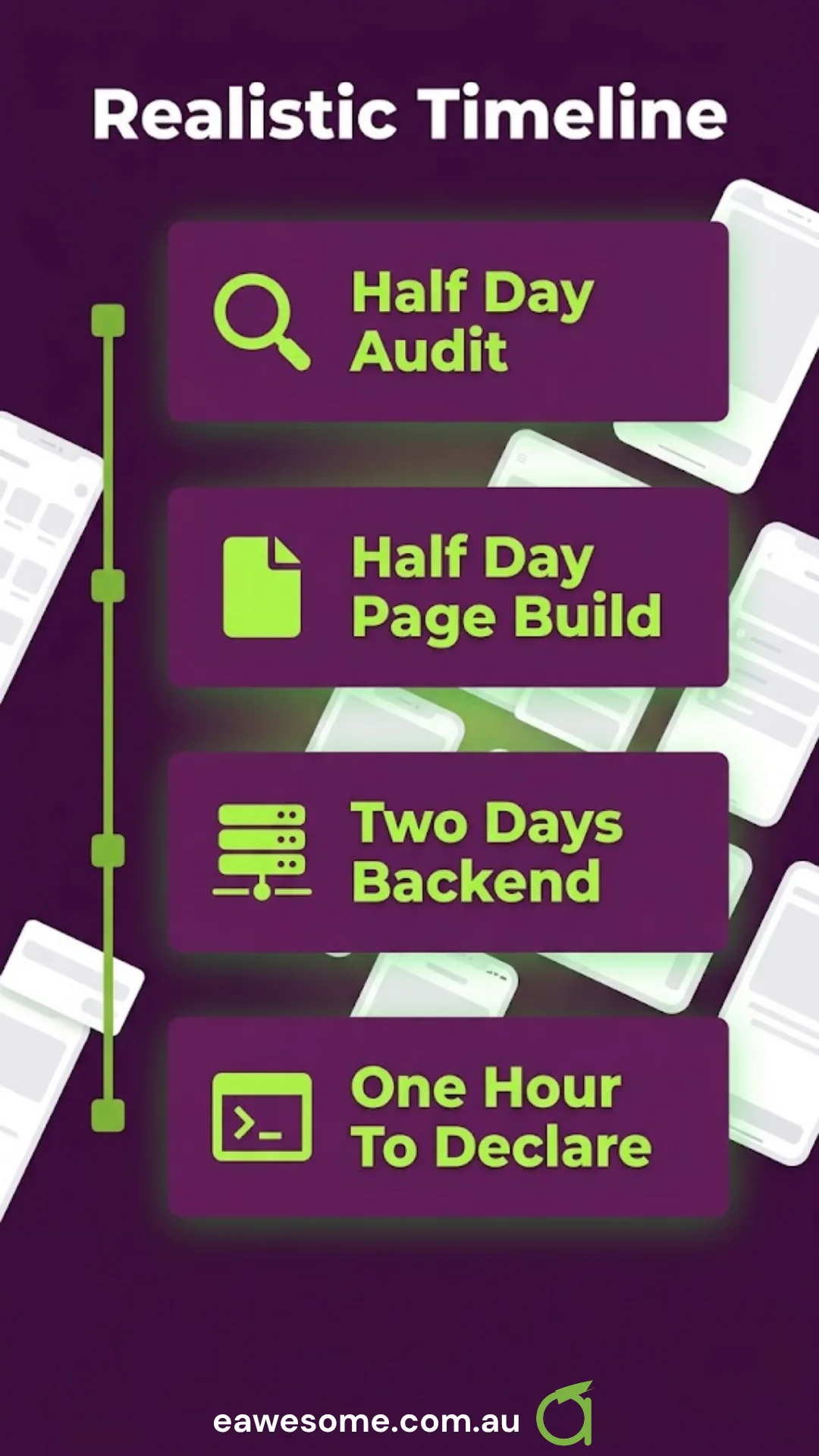
For a typical small-business app with accounts, budget:
- Half a day to audit what you collect and where it goes, honestly.
- Half a day to build and publish the deletion page.
- A day or two to make the backend actually honour deletion and retention, if it does not already. This is usually the real work.
- An hour to declare the URL in the Play Console and complete the Data safety form.
The page is quick. Making the app tell the truth is the part to schedule.
Frequently asked questions
Does my app need an account-deletion page if it has no accounts? No. The requirement applies to apps that let users create an account. If your app is entirely anonymous, it does not apply — but check whether any SDK you have added creates a persistent identifier on your behalf.
Can the deletion page just be a contact form? It can be a form, provided it is publicly reachable without the app and it clearly explains what will be deleted and what will be retained. A bare support email address is generally not sufficient.
What is the difference between the Apple and Google requirements? Apple requires account deletion to be initiated from inside the app. Google requires a publicly accessible web page, declared in the Play Console. Most apps need to satisfy both.
How long can we keep data after an account is deleted? Only as long as you have a genuine reason — tax and transaction records being the common ones. Australian Privacy Principle 11.2 requires you to destroy or de-identify personal information once it is no longer needed for the purpose you collected it.
What happens if our published retention period does not match reality? You are accountable for the published statement. The safest position is a shorter period that your systems actually enforce, rather than a longer one that sounds cautious.
Awesome Apps builds and ships iOS and Android apps for Australian businesses, including the store-submission and compliance work. Websites and SEO sit with Cosmos Web Tech; cloud, security and managed IT with CloudGeeks. All divisions of GTS.
Talk to a Sydney app developer — free.
30 minutes. We'll tell you what your app needs, how long it takes, and what it costs. Real answers, no sales pitch.
Book Free App Strategy Call →Free · 30 minutes · No obligation