If you own an app and your developer has told you it will not build any more — and that nobody changed anything — this is the article for you. The technical version of this, with the actual fix, is over here. This one is for the person who has to decide what to do about it.
The short version: what they are telling you is true, it is ordinary, and it is usually cheap. But there is a version of it that gets expensive, and the difference is mostly about how long you leave it.
What actually happened
Your app is not one thing. It is your code sitting on top of a stack of other people’s code — the language tools Apple provides, the framework your app is built with, and a few dozen open-source libraries doing specific jobs.
Apple ships a new version of its build tools every year. This year it is Xcode 26. Build services move to the newest version on their own schedule, and when that happens, your app gets compiled by tools that are stricter than the ones that compiled it last time.
Nothing in your app changed. The thing compiling it did.
In our case, Xcode 26 rejected a formatting library bundled inside the version of React Native we were using. That library had been fine for years. The new compiler applied a rule more strictly, the library had not caught up, and the build stopped.
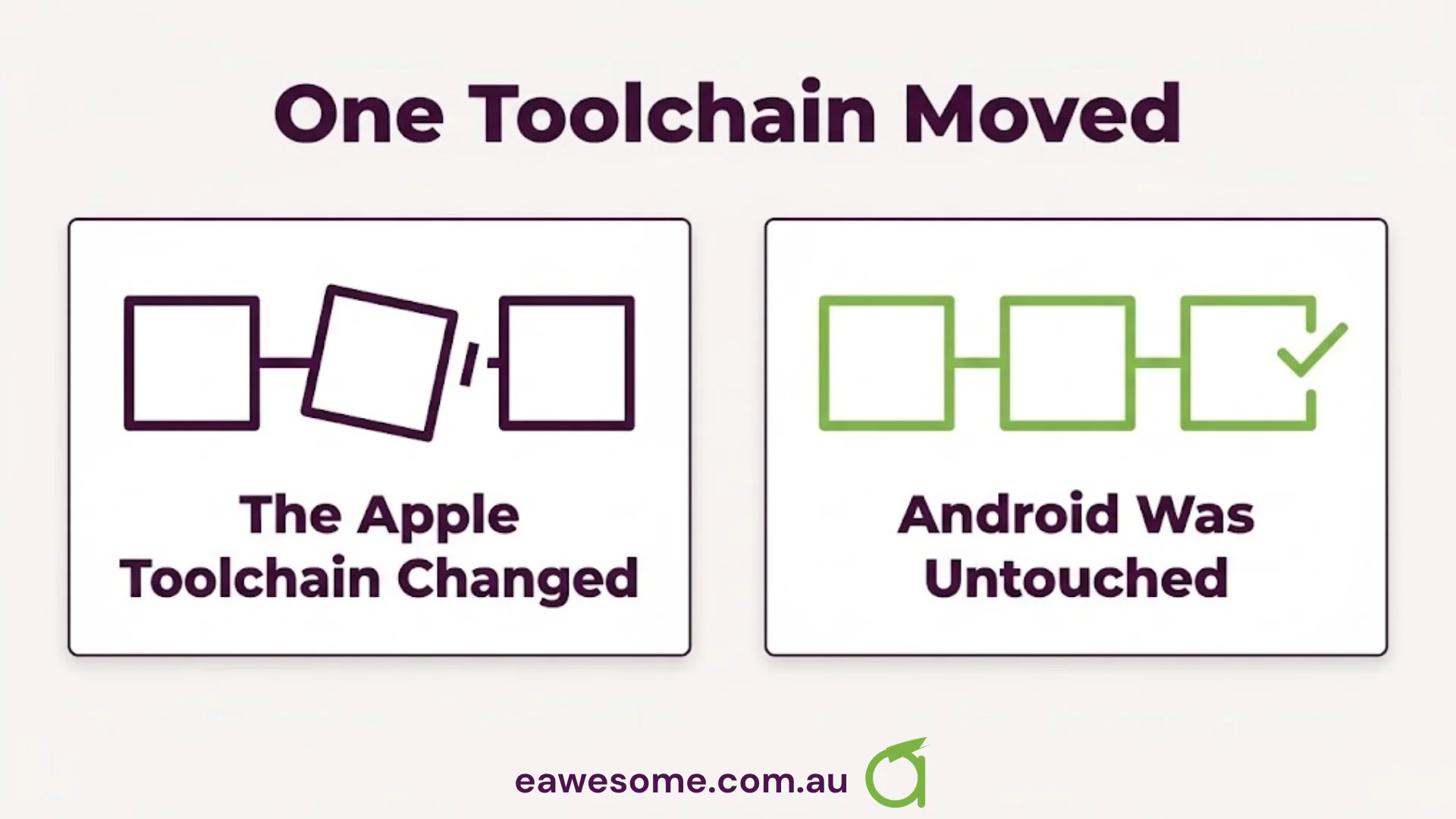
The fix was one line, pinning that library to a version that compiles under the new tools. The Android build was never affected, because it does not use Apple’s toolchain at all.
That last detail is worth holding on to: this class of problem is usually narrow. One platform, one library, one line. It is not a sign that your app is rotten.
Is this an emergency?
Almost certainly not — and it helps to be precise about what is and is not at risk.
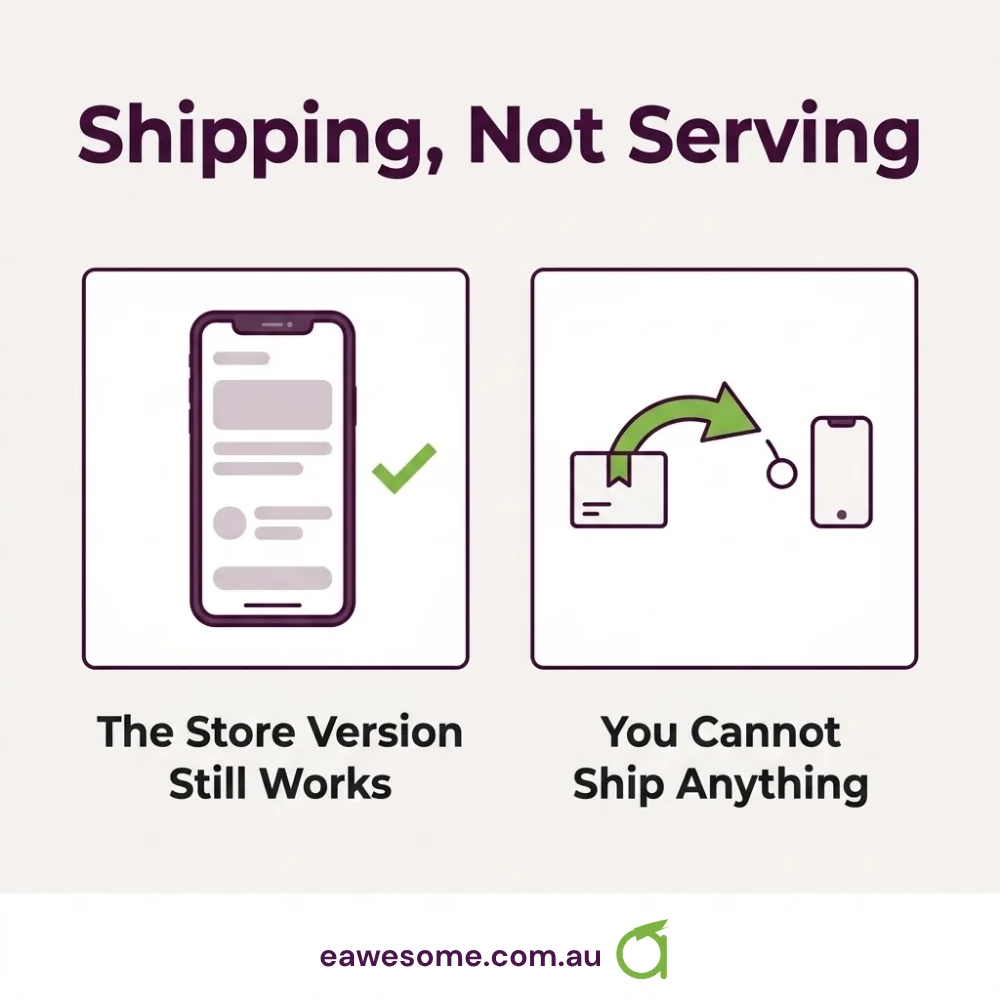
Your app in the store keeps working. It has already been built and shipped. Nothing about a broken build removes it or stops customers using it.
What you have lost is the ability to ship. No updates, no bug fixes, no security patches, until the build works again.
So it is not an outage. It is more like your delivery van failing its inspection: the goods already delivered are fine, but nothing new leaves until it is sorted.
It becomes urgent the moment you need to ship something. A crash affecting customers, a payment provider change, a store compliance deadline. If any of those land while the build is broken, you are fixing two problems under time pressure instead of one at leisure.
What it should cost
This is the number you actually want.
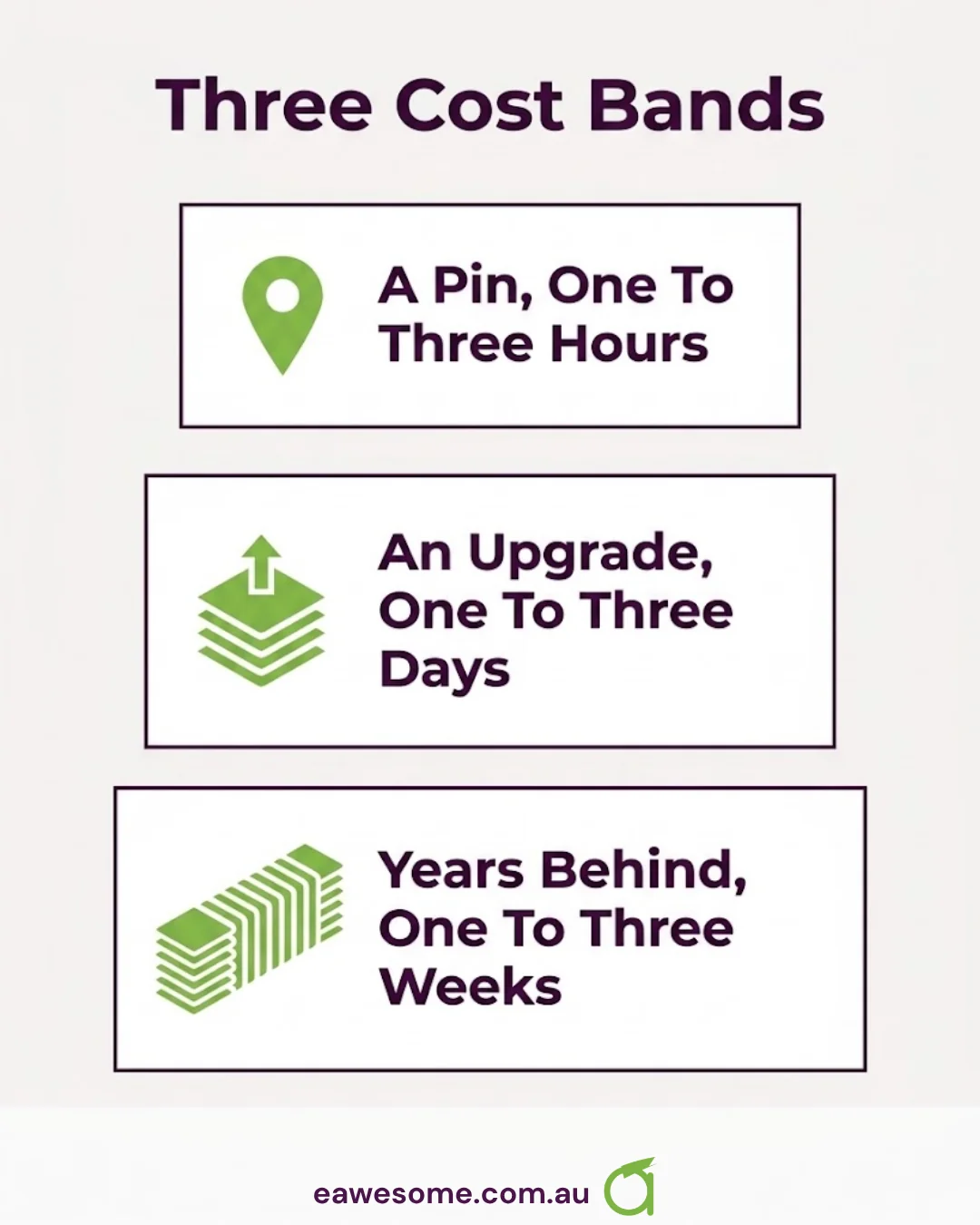
A straightforward pin: one to three hours. Identify the offending library, pin it, verify the build, run the app to confirm nothing else moved. For most apps with an active developer, that is the whole job.
A version upgrade: one to three days. If your framework version is old enough that no compatible pin exists, the fix becomes upgrading the framework itself. That pulls in other changes and needs real testing across the app.
A deferred maintenance job: one to three weeks. If the app has not been touched in two or three years, you are not fixing one break. You are catching up on several years of framework, dependency and store-requirement changes at once, because they have to be done together.
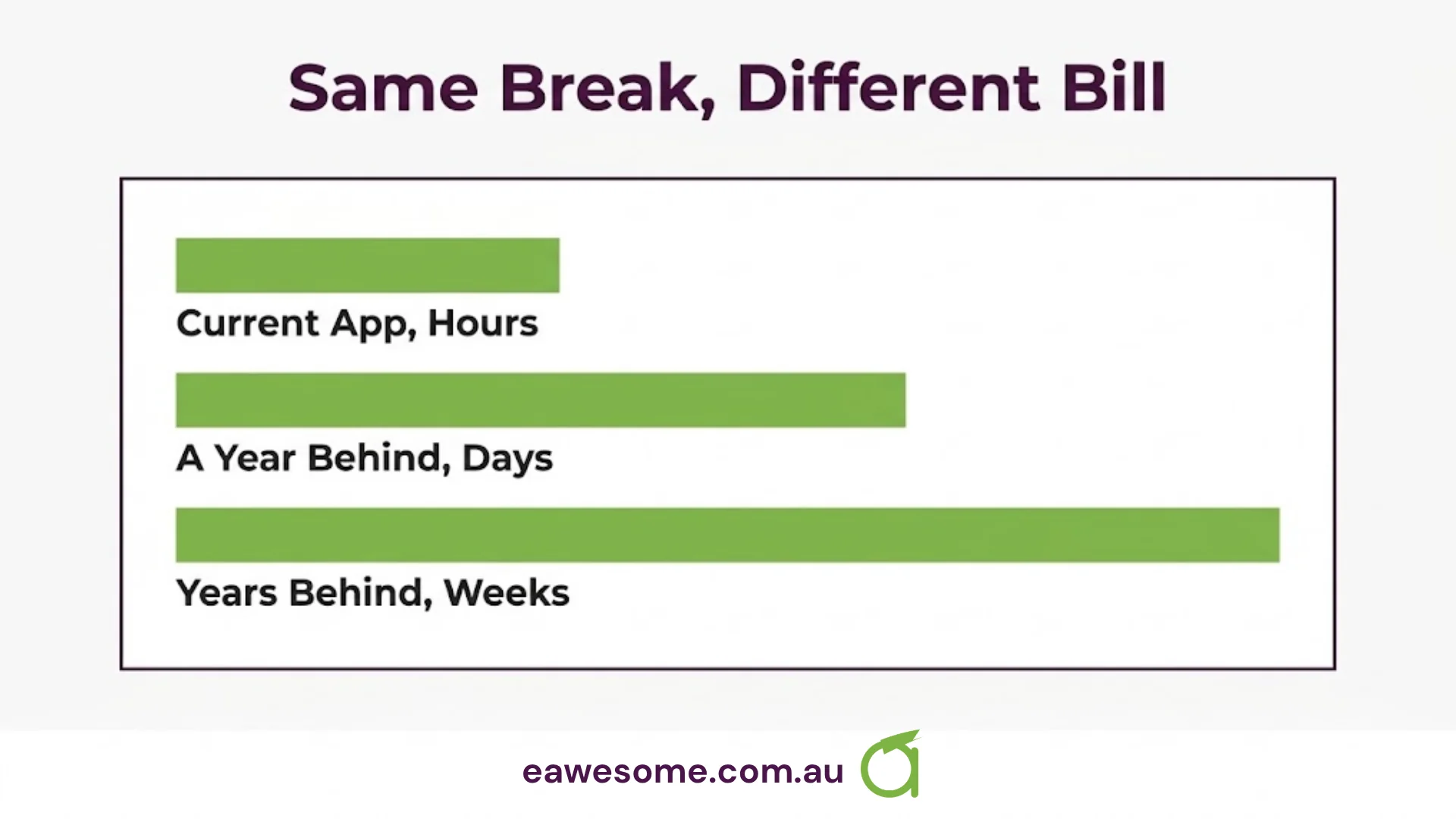
The pattern is the point. The same underlying problem costs one hour or three weeks depending entirely on how current the app was when it hit. Nothing about the break itself differs.
What happens if you ignore it
Nothing, for a while. Then several things at once.
Store requirements move on a schedule that does not care about your build. Both stores periodically raise the minimum SDK version an app must be built against, and both have been adding compliance requirements — account deletion being the recent one. Meeting any of those means shipping an update. Shipping an update means a working build.
Meanwhile every month that passes adds another month of dependency drift, so the eventual fix gets larger.
The failure mode we see most often is not a business that decided to defer maintenance. It is one that did not realise it had. The app worked, nobody was asking for changes, and the first anyone heard about it was a store deadline with a broken build and a three-week fix in the way.
What to ask your developer
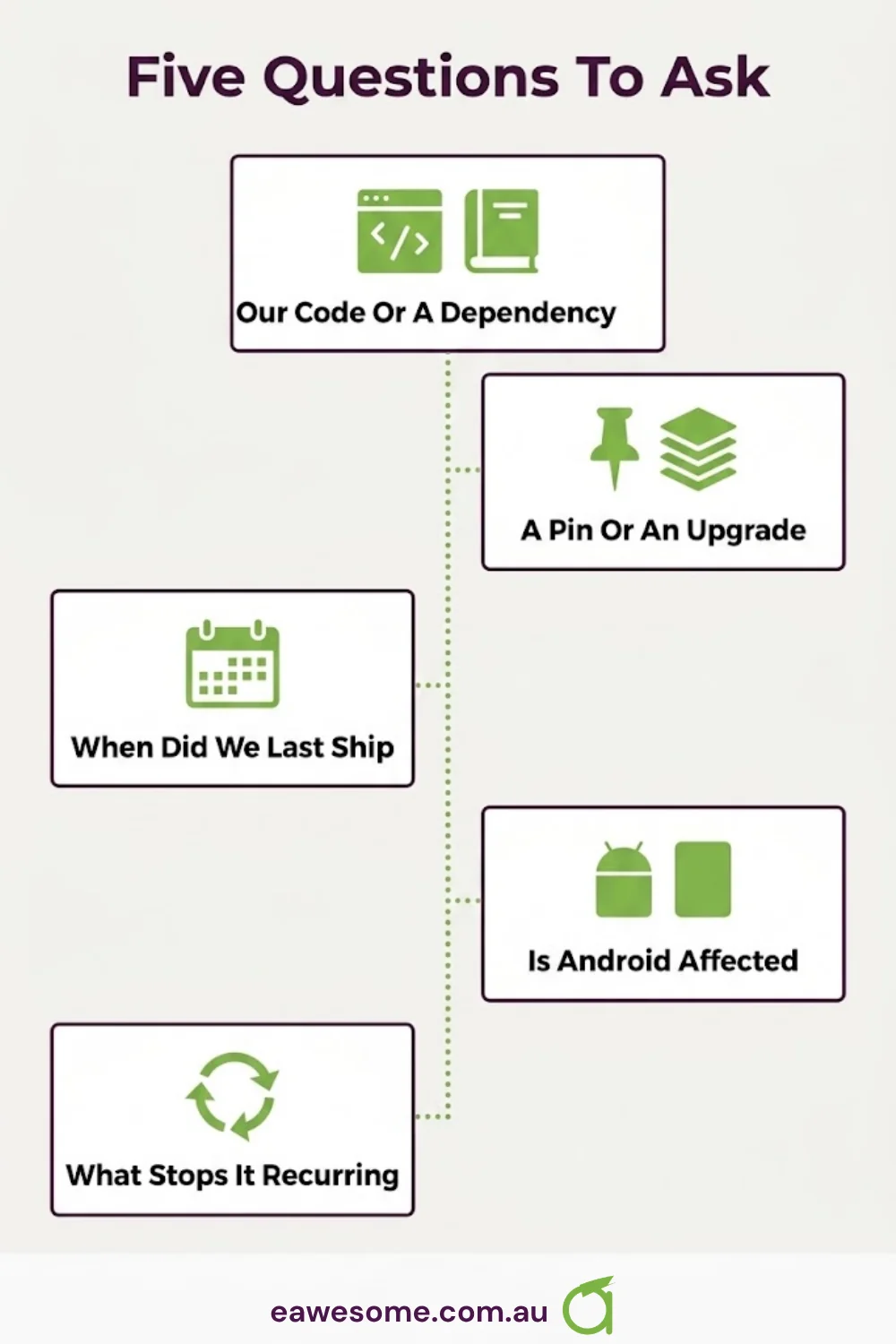
Five questions. Each should get a straight answer.
What exactly broke, and is it our code or a dependency? Almost always a dependency. If it is your own code, that is a different conversation.
Is this a pin or an upgrade? This is the one-hour versus three-day fork, and they will know which.
When did we last successfully build and ship? If the answer is more than six months ago, the number you are being quoted may be optimistic — and that is worth knowing before you approve it, not after.
Is Android affected? Usually not, for an Apple toolchain change. If they say yes, ask why, because it suggests something broader.
What stops this recurring? The honest answer is “nothing entirely” — Apple ships new tools every year. The useful answer is a maintenance arrangement that builds the app periodically whether or not anyone is shipping, so the break is found on a quiet Tuesday rather than the week of a deadline.
The thing actually worth changing
Most small businesses treat an app as a project that finishes. The build break is where that assumption meets reality.
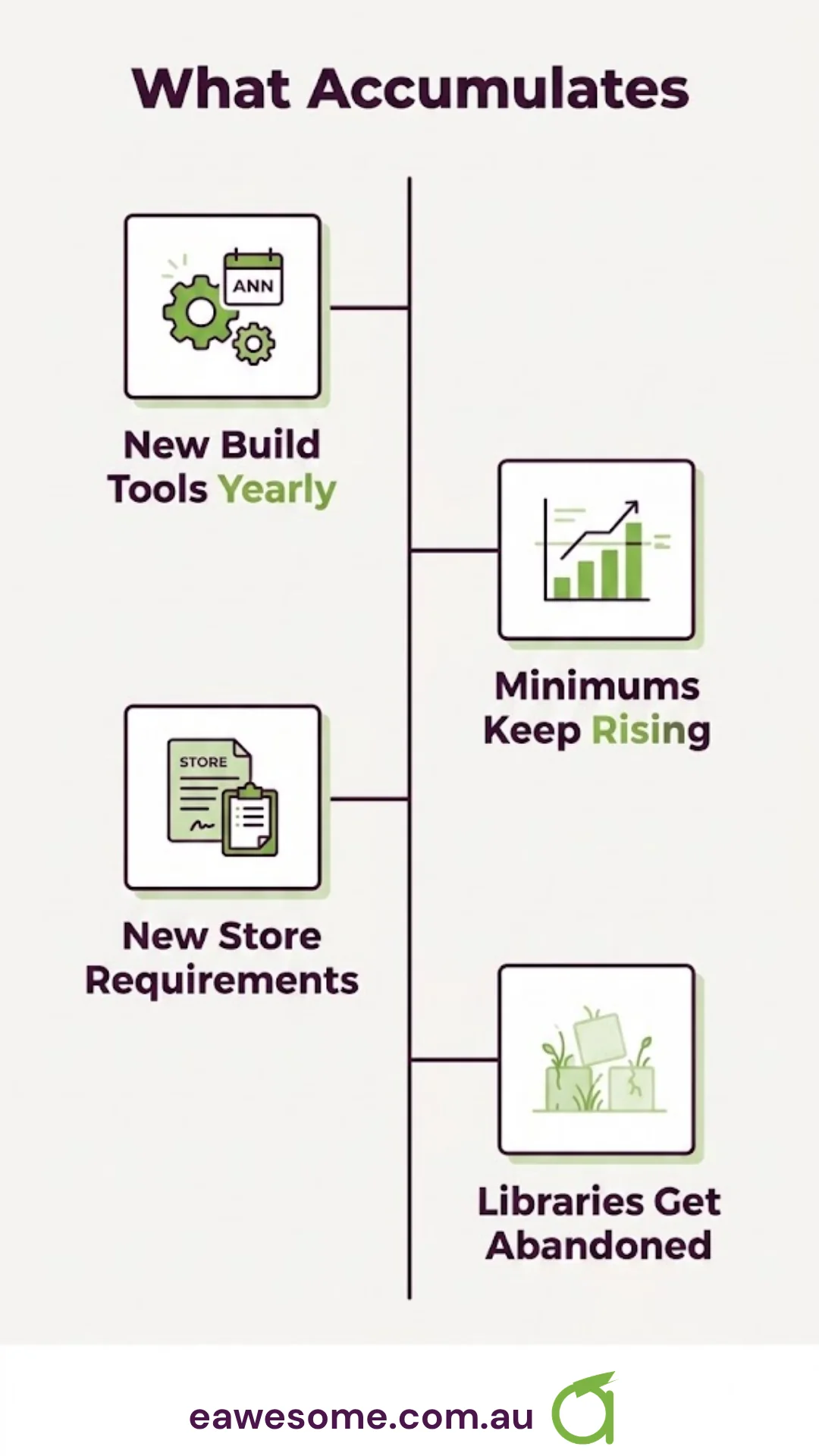
The app does not sit still, because the ground under it does not. Apple ships new tools annually. Both stores raise their minimum requirements. Libraries are abandoned by their authors. None of that is triggered by anything you do, and all of it accumulates.
A modest maintenance arrangement — building the app monthly whether or not there is a release, keeping dependencies current, tracking store deadlines — turns this from an unpredictable multi-week bill into a small recurring cost. For an app with customers on it, that is almost always the cheaper of the two.
If your app is in market and nobody is doing that today, the build break is not the problem. It is the notification.
Frequently asked questions
Will Xcode 26 break my existing app? It will not affect the app already installed on customers’ phones. It can break your ability to build a new version, if a library your app depends on has not been updated for the stricter compiler.
My app is live and working. Do I need to do anything? Not urgently, but do not leave it. You cannot ship any update — including a security fix or a store-mandated change — until the build works, and the fix grows more expensive the longer the app goes untouched.
How much should this cost to fix? One to three hours if it is a simple dependency pin. One to three days if it needs a framework upgrade. One to three weeks if the app has not been maintained for a couple of years. Ask which of the three you are in.
Why is only the iPhone version affected? Xcode is Apple’s build tool. Android apps are compiled with a different toolchain entirely, so an Xcode change usually leaves them untouched.
How do I stop this happening again? You cannot prevent the tools changing, but you can find out early. Build the app on a schedule even when you are not releasing, and keep dependencies reasonably current, so a break costs an hour rather than a fortnight.
Awesome Apps builds and maintains iOS and Android apps for Australian businesses, including ongoing maintenance so build breaks are found on a schedule rather than a deadline. Websites and SEO sit with Cosmos Web Tech; cloud and managed IT with CloudGeeks. All divisions of GTS.
See what we have built and the industries we work in.
Talk to a Sydney app developer — free.
30 minutes. We'll tell you what your app needs, how long it takes, and what it costs. Real answers, no sales pitch.
Book Free App Strategy Call →Free · 30 minutes · No obligation