SwiftUI Data Flow and State Management Patterns
SwiftUI’s declarative approach to UI development fundamentally changes how we think about state. Instead of imperatively updating views when data changes, we declare how views should look for any given state, and SwiftUI handles the updates. This is powerful, but it also means getting state management wrong leads to subtle bugs, unexpected re-renders, and poor performance.
After building production SwiftUI apps since its introduction, I have seen the same patterns succeed and the same mistakes recur. This guide covers the practical state management patterns that work in real applications, not just in sample code.
Understanding SwiftUI’s State Primitives
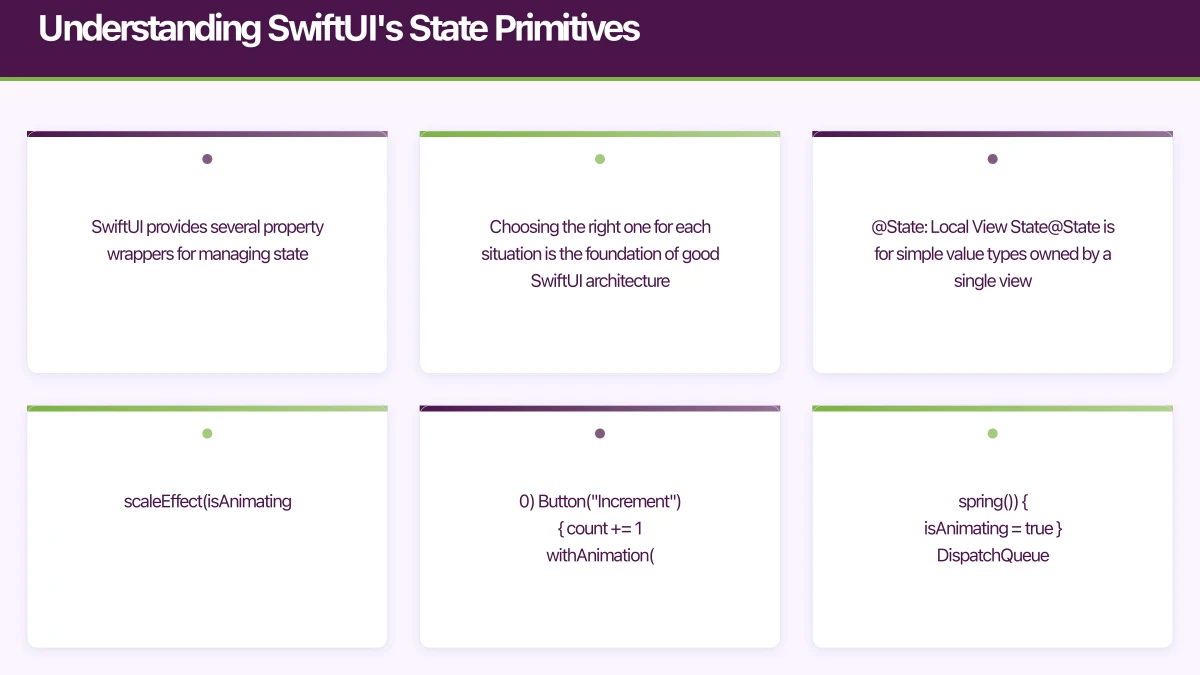
SwiftUI provides several property wrappers for managing state. Choosing the right one for each situation is the foundation of good SwiftUI architecture.
@State: Local View State
@State is for simple value types owned by a single view. SwiftUI manages the storage, and changes trigger view re-renders:
struct CounterView: View {
    @State private var count = 0
    @State private var isAnimating = false

    var body: some View {
        VStack {
            Text("\(count)")
                .font(.largeTitle)
                .scaleEffect(isAnimating ? 1.2 : 1.0)

            Button("Increment") {
                count += 1
                withAnimation(.spring()) {
                    isAnimating = true
                }
                DispatchQueue.main.asyncAfter(deadline: .now() + 0.3) {
                    withAnimation { isAnimating = false }
                }
            }
        }
    }
}
When to use: Toggle states, form input values, animation triggers, sheet presentation states. Anything that is purely local to one view.
Common mistake: Using @State for shared data. If two views need the same data, @State is the wrong choice because each view gets its own copy.
@Binding: Two-Way Data Passing
@Binding creates a reference to state owned by a parent view. Changes flow both directions:
struct ToggleRow: View {
    let title: String
    @Binding var isOn: Bool

    var body: some View {
        HStack {
            Text(title)
            Spacer()
            Toggle("", isOn: $isOn)
                .labelsHidden()
        }
    }
}

struct SettingsView: View {
    @State private var notificationsEnabled = true
    @State private var darkModeEnabled = false

    var body: some View {
        List {
            ToggleRow(title: "Notifications", isOn: $notificationsEnabled)
            ToggleRow(title: "Dark Mode", isOn: $darkModeEnabled)
        }
    }
}
When to use: Child components that need to read AND modify parent state. Form controls, reusable input components.
@StateObject and @ObservedObject
These property wrappers connect SwiftUI views to reference types that conform to ObservableObject. The distinction between them is critical:
@StateObject: The view OWNS the object. SwiftUI creates it once and maintains it across view re-renders. Use this when the view is responsible for the object’s lifecycle.
@ObservedObject: The view OBSERVES but does not own the object. It is passed in from outside. The object may be recreated if the parent re-renders.
class ProductListViewModel: ObservableObject {
    @Published var products: [Product] = []
    @Published var isLoading = false
    @Published var searchQuery = ""

    private let repository: ProductRepository

    init(repository: ProductRepository = .shared) {
        self.repository = repository
    }

    var filteredProducts: [Product] {
        if searchQuery.isEmpty { return products }
        return products.filter {
            $0.name.localizedCaseInsensitiveContains(searchQuery)
        }
    }

    func loadProducts() async {
        isLoading = true
        do {
            products = try await repository.fetchAll()
        } catch {
            // Handle error
        }
        isLoading = false
    }
}

// CORRECT: View owns the ViewModel
struct ProductListView: View {
    @StateObject private var viewModel = ProductListViewModel()

    var body: some View {
        NavigationView {
            List(viewModel.filteredProducts) { product in
                ProductRow(product: product)
            }
            .searchable(text: $viewModel.searchQuery)
            .task { await viewModel.loadProducts() }
        }
    }
}

// CORRECT: View observes a ViewModel passed from parent
struct ProductDetailView: View {
    @ObservedObject var viewModel: ProductDetailViewModel

    var body: some View {
        // ...
    }
}
The critical rule: If you create the object in the view, use @StateObject. If the object is passed in, use @ObservedObject. Getting this wrong causes the ViewModel to be recreated on every parent re-render, losing state.
@EnvironmentObject: Shared Dependencies
@EnvironmentObject injects shared objects into the view hierarchy without explicit passing through every intermediate view:
class UserSession: ObservableObject {
    @Published var currentUser: User?
    @Published var isAuthenticated = false

    func signIn(email: String, password: String) async throws {
        let user = try await authService.signIn(email: email, password: password)
        await MainActor.run {
            currentUser = user
            isAuthenticated = true
        }
    }

    func signOut() {
        currentUser = nil
        isAuthenticated = false
    }
}

// Inject at the top level
@main
struct MyApp: App {
    @StateObject private var session = UserSession()
    @StateObject private var cart = ShoppingCart()

    var body: some Scene {
        WindowGroup {
            ContentView()
                .environmentObject(session)
                .environmentObject(cart)
        }
    }
}

// Access anywhere in the hierarchy
struct ProfileView: View {
    @EnvironmentObject var session: UserSession

    var body: some View {
        if let user = session.currentUser {
            Text("Welcome, \(user.name)")
        }
    }
}
When to use: App-wide state (authentication, theme, shopping cart), dependencies that many views need but that should not be passed through every intermediate view.
Caution: Overusing @EnvironmentObject makes views harder to test and creates implicit dependencies. Use it for genuinely global concerns, not for convenience.
Architecture Pattern: Vi
 ewModel per Screen
The most practical SwiftUI architecture uses one ViewModel per screen:
// Each screen has its own ViewModel
class OrderHistoryViewModel: ObservableObject {
    @Published var orders: [Order] = []
    @Published var isLoading = false
    @Published var selectedFilter: OrderFilter = .all

    private let orderService: OrderService

    init(orderService: OrderService = .shared) {
        self.orderService = orderService
    }

    var filteredOrders: [Order] {
        switch selectedFilter {
        case .all: return orders
        case .active: return orders.filter { $0.isActive }
        case .completed: return orders.filter { $0.isCompleted }
        }
    }

    func loadOrders() async {
        isLoading = true
        defer { isLoading = false }

        do {
            orders = try await orderService.fetchOrders()
        } catch {
            // Handle error
        }
    }

    func cancelOrder(_ order: Order) async {
        do {
            try await orderService.cancel(order.id)
            orders.removeAll { $0.id == order.id }
        } catch {
            // Handle error
        }
    }
}

struct OrderHistoryScreen: View {
    @StateObject private var viewModel = OrderHistoryViewModel()

    var body: some View {
        Group {
            if viewModel.isLoading {
                ProgressView()
            } else {
                List(viewModel.filteredOrders) { order in
                    OrderRow(order: order)
                        .swipeActions {
                            if order.isCancellable {
                                Button("Cancel", role: .destructive) {
                                    Task { await viewModel.cancelOrder(order) }
                                }
                            }
                        }
                }
            }
        }
        .toolbar {
            Picker("Filter", selection: $viewModel.selectedFilter) {
                ForEach(OrderFilter.allCases) { filter in
                    Text(filter.title).tag(filter)
                }
            }
        }
        .task { await viewModel.loadOrders() }
    }
}
Why This Works
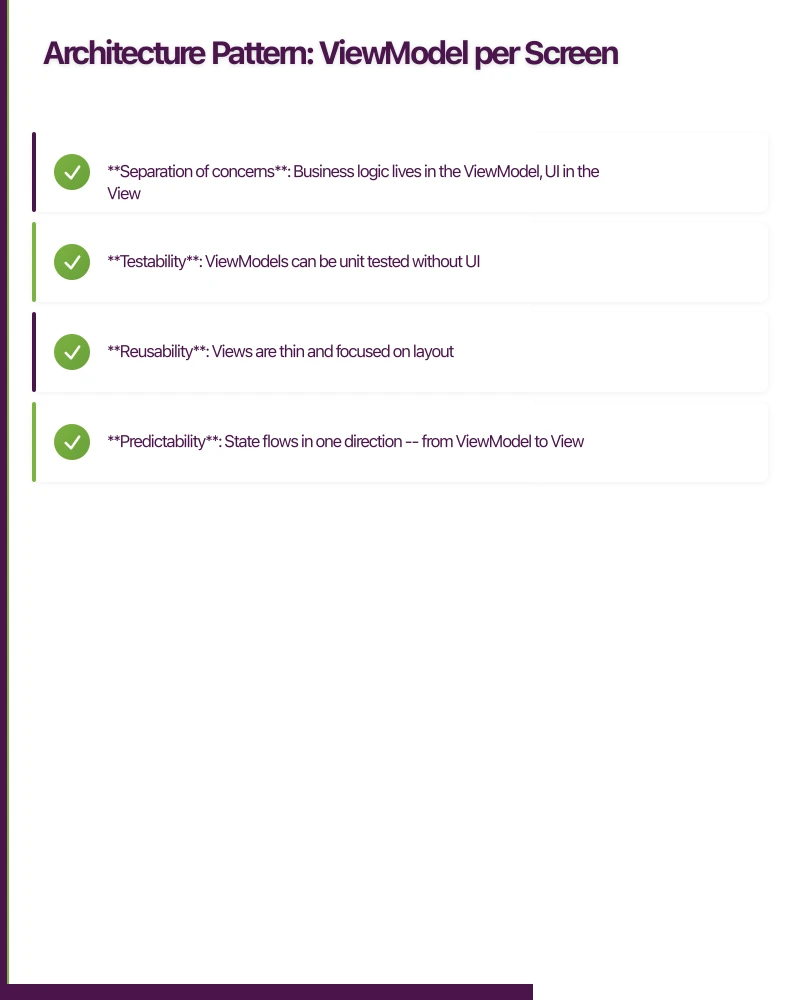
- Separation of concerns: Business logic lives in the ViewModel, UI in the View
- Testability: ViewModels can be unit tested without UI
- Reusability: Views are thin and focused on layout
- Predictability: State flows in one direction — from ViewModel to View
Handling
Asynchronous Data
SwiftUI’s .task modifier is the cleanest way to load async data:
struct UserProfileView: View {
    @StateObject private var viewModel = UserProfileViewModel()

    var body: some View {
        Group {
            switch viewModel.loadState {
            case .idle:
                Color.clear
            case .loading:
                ProgressView("Loading profile...")
            case .loaded(let user):
                ProfileContent(user: user)
            case .error(let message):
                ErrorView(message: message, onRetry: {
                    Task { await viewModel.load() }
                })
            }
        }
        .task { await viewModel.load() }
    }
}

// Clean state representation
enum LoadState<T> {
    case idle
    case loading
    case loaded(T)
    case error(String)
}

class UserProfileViewModel: ObservableObject {
    @Published var loadState: LoadState<User> = .idle

    func load() async {
        loadState = .loading
        do {
            let user = try await userService.fetchProfile()
            await MainActor.run { loadState = .loaded(user) }
        } catch {
            await MainActor.run { loadState = .error(error.localizedDescription) }
        }
    }
}
Performance: Avoiding Unne
cessary Re-renders
SwiftUI re-evaluates a view’s body whenever any observed state changes. In complex views, this can cause performance issues.
Extract Subviews
Break large views into smaller components. SwiftUI only re-evaluates subviews whose observed state actually changed:
// Bad: entire view re-renders when any state changes
struct BadProductView: View {
    @ObservedObject var viewModel: ProductViewModel

    var body: some View {
        VStack {
            // This re-renders when cart changes even though it
            // only depends on product data
            ProductImage(url: viewModel.product.imageURL)
            Text(viewModel.product.name)
            Text("$\(viewModel.product.price)")
            CartButton(count: viewModel.cartCount)
        }
    }
}

// Good: CartButton only re-renders when cartCount changes
struct GoodProductView: View {
    let product: Product
    @Binding var cartCount: Int

    var body: some View {
        VStack {
            ProductImage(url: product.imageURL)
            Text(product.name)
            Text("$\(product.price)")
            CartButton(count: $cartCount)
        }
    }
}
Use Equatable Conformance
For views with complex data, conform to Equatable to control when re-renders occur:
struct ProductCard: View, Equatable {
    let product: Product

    static func == (lhs: ProductCard, rhs: ProductCard) -> Bool {
        lhs.product.id == rhs.product.id &&
        lhs.product.price == rhs.product.price
    }

    var body: some View {
        VStack {
            AsyncImage(url: product.imageURL)
            Text(product.name)
            Text("$\(product.price, specifier: "%.2f")")
        }
    }
}
Dependency Injection for Testing
Make your ViewModels testable by injecting dependencies:
class CartViewModel: ObservableObject {
    @Published var items: [CartItem] = []

    private let cartService: CartServiceProtocol

    init(cartService: CartServiceProtocol = CartService.shared) {
        self.cartService = cartService
    }
}

// In tests
class MockCartService: CartServiceProtocol {
    var mockItems: [CartItem] = []

    func fetchCart() async -> [CartItem] {
        return mockItems
    }
}

func testCartLoading() async {
    let mockService = MockCartService()
    mockService.mockItems = [CartItem.sample]
    let viewModel = CartViewModel(cartService: mockService)

    await viewModel.loadCart()

    XCTAssertEqual(viewModel.items.count, 1)
}
SwiftUI state management is a skill that improves with practice. Start with the simplest property wrapper that works, and only introduce complexity when the simpler option falls short. Your future self — and your team — will thank you for keeping it straightforward.
Building an iOS app with SwiftUI? Our team at eawesome delivers modern, well-architected iOS applications for Australian businesses.
Scaling your app’s backend? Cloud Geeks specialises in cloud infrastructure that grows with your user base across Australia.
This article is brought to you by Ganda Tech Services — Sydney’s complete digital solutions provider covering cloud, web, and mobile.
Talk to a Sydney app developer — free.
30 minutes. We'll tell you what your app needs, how long it takes, and what it costs. Real answers, no sales pitch.
Book Free App Strategy Call →Free · 30 minutes · No obligation