Our iOS production build failed with no source change. Same commit, same dependencies, same configuration — green one day, red the next.
If that has just happened to you on React Native, this is probably why, and the fix is one line.
What actually changed
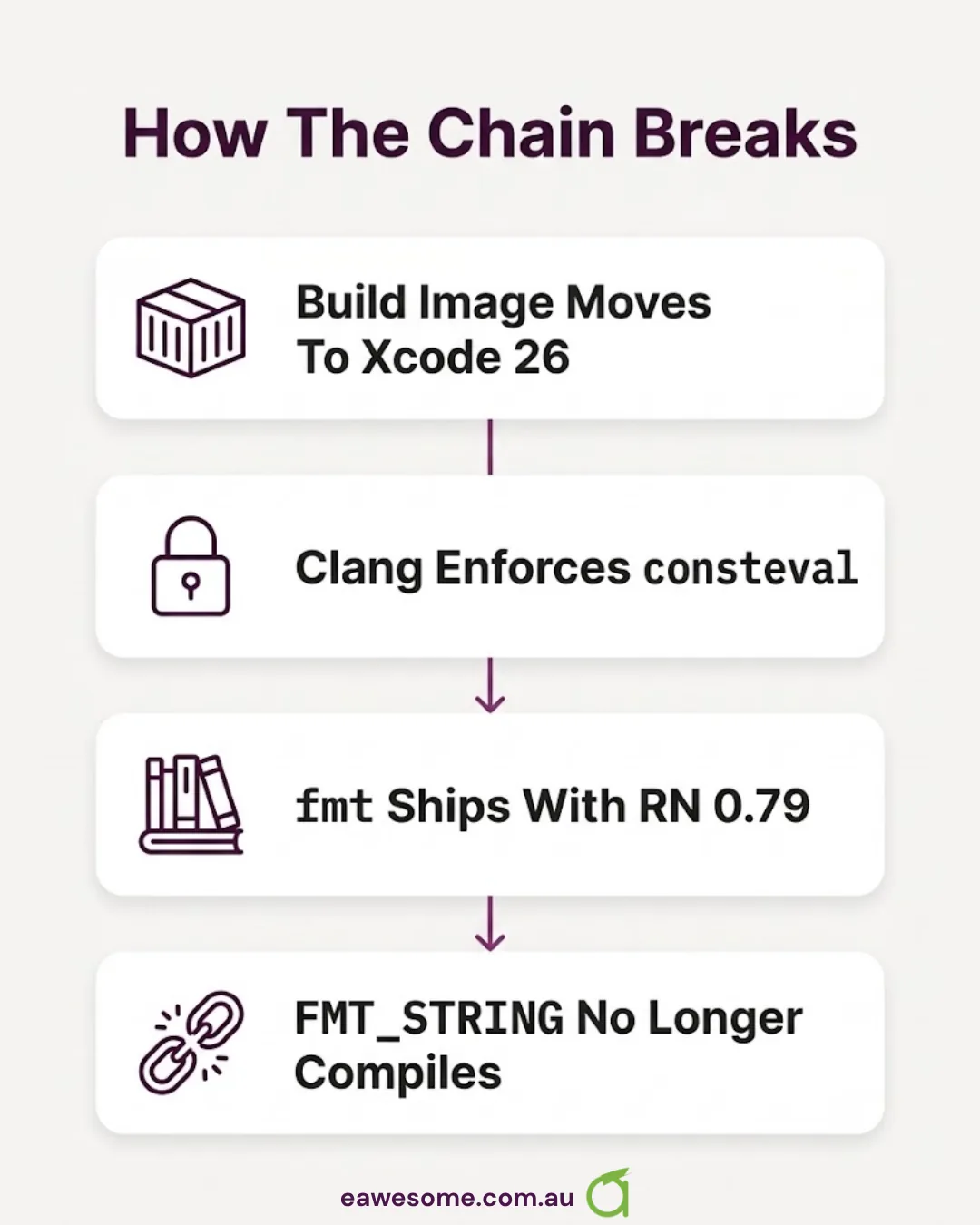
EAS Build’s latest image moved to Xcode 26, carrying the iOS 26.5 SDK. Nothing in our repository moved at all.
Apple’s clang in Xcode 26 enforces consteval more strictly than its predecessor. The fmt library bundled with React Native 0.79 relies on a pattern that the stricter enforcement rejects: compiling FMT_STRING under C++20 now fails.
It is tracked upstream in both places you would expect — fmt#4740 and facebook/react-native#55601.
The fix
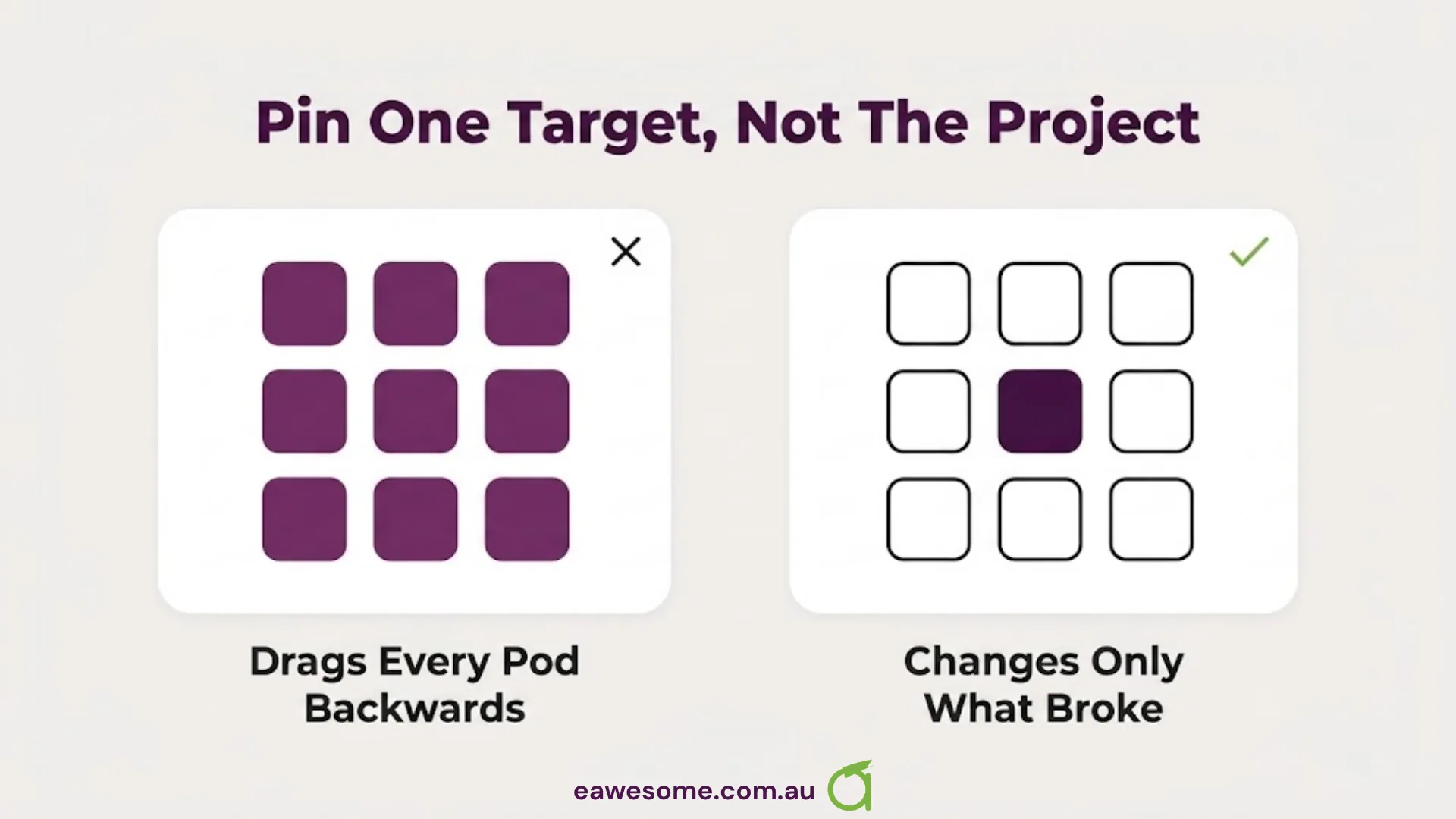
Pin the fmt target specifically to C++17 in your Podfile’s post_install hook, which sidesteps the consteval path entirely without changing the C++ standard for anything else in the project.
That last part matters. The instinct is to drop the whole project back to C++17, which works and drags every other pod backwards with it. Pinning one target keeps the change proportionate to the problem.
Two things worth knowing before you copy it
Where the edit lands depends on how your project is set up. Our ios/ directory is committed and EAS uses it bare, so editing the Podfile applies directly to the next build. If you run expo prebuild --clean, the directory is regenerated and your edit disappears — in that setup the change belongs in a config plugin so it survives regeneration. We have that as a follow-up rather than pretending it is done.
Android was completely unaffected. The Android App Bundle built fine throughout, which was fortunate given it was the artefact against the API level deadline. Worth stating because when a build breaks with no source change, the first instinct is that something systemic is wrong. It was one toolchain on one platform.

The general lesson: “latest” is a moving dependency
This is the part that generalises past this specific bug.
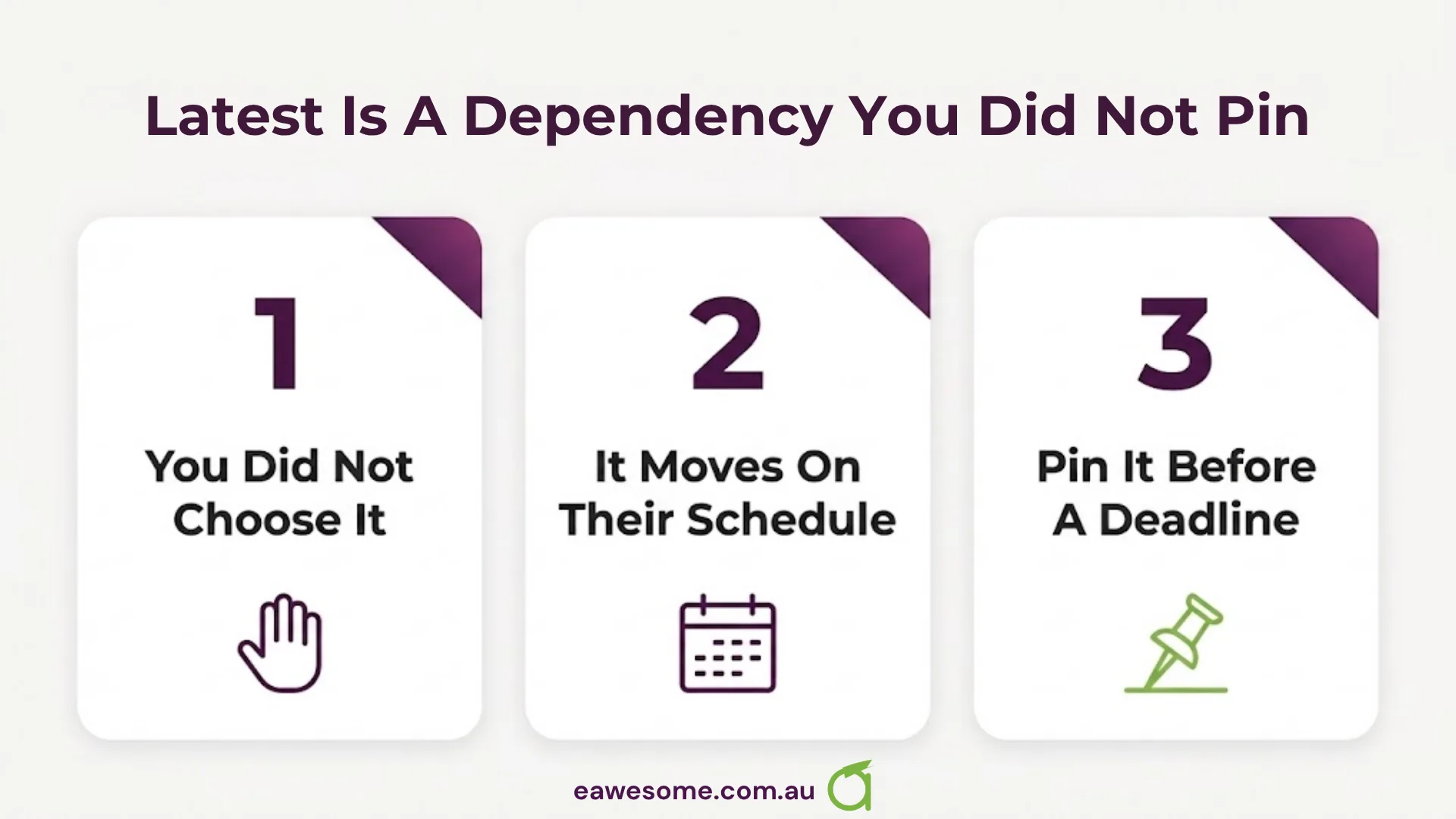
A build image tagged latest is a dependency you did not pin and did not choose to upgrade. Ours changed under us, on a schedule set by someone else, and the first signal was a red build on an unchanged commit.
That is not an argument for never taking upgrades. It is an argument for knowing that you have one:
- Pin the image where the timing matters. If you have a store deadline, an unpinned toolchain is a scheduling risk you have not written down.
- When a build fails with no source change, check the toolchain first. The diff you should read is not yours.
- Keep the fix where regeneration cannot eat it. A Podfile edit in a directory that gets rebuilt is a fix with an expiry date.
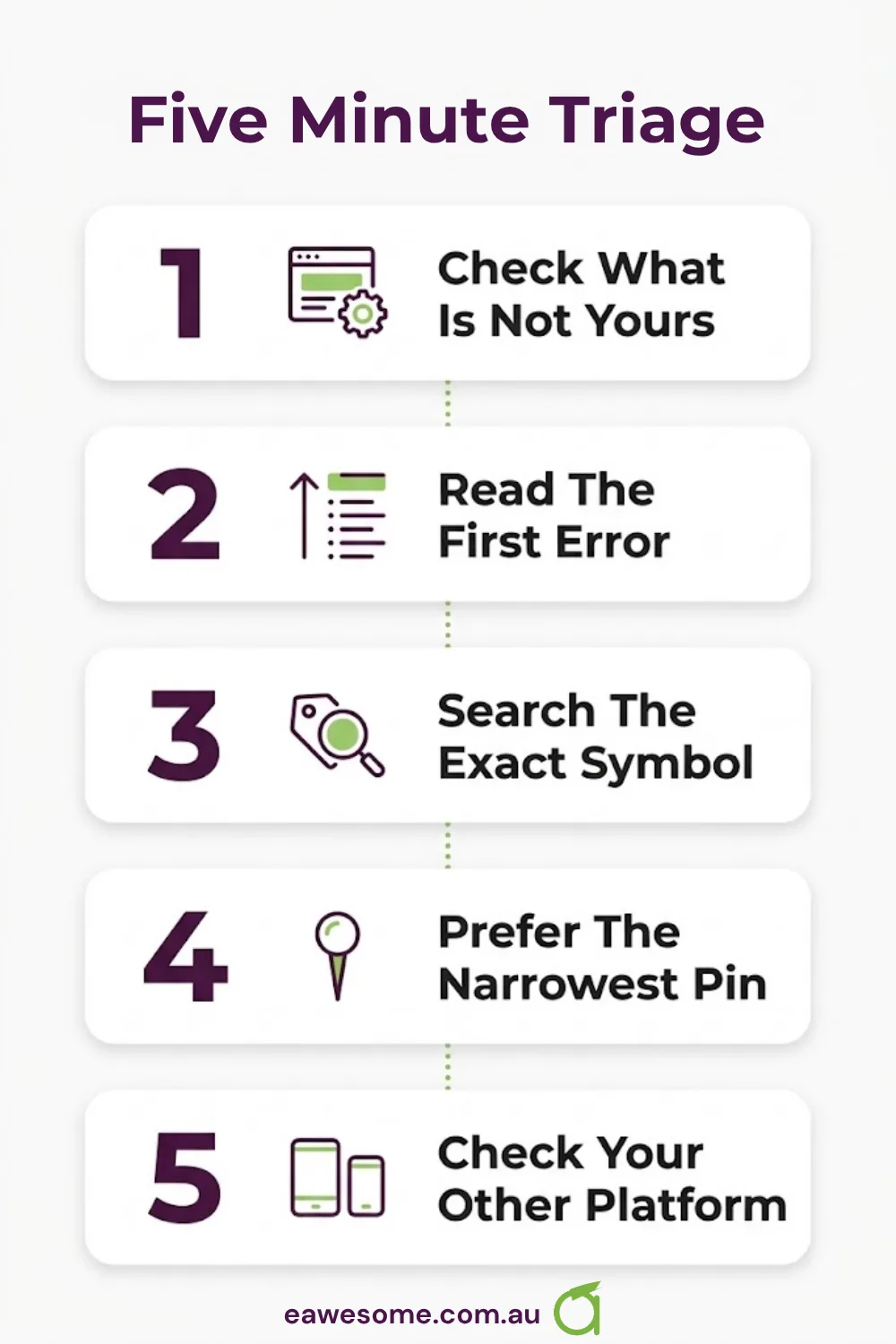
The five-minute triage
If your React Native iOS build has just started failing:
- Check what changed that is not yours — build image version, Xcode version, SDK version in the log header.
- Read the first error, not the last. C++ template failures produce hundreds of lines; the useful one is at the top.
- Search the exact symbol (
FMT_STRING,consteval) plus your RN version. If it is a toolchain regression, someone filed it within days. - Prefer the narrowest pin available. One target, not the whole project.
- Check your other platform. If Android is green, you have a toolchain problem, not a code problem.
Building or maintaining a React Native app and tired of losing days to the build system? Get in touch — this is routine work for us.
Build infrastructure, CI runners and release pipelines sit with Cloud Geeks, who handle DevOps for Australian businesses.
Ash Ganda writes on dependency and supply-chain risk in engineering practice, of which an unpinned build image is a small, sharp example.
Part of the Ganda Tech Services family, Awesome Apps builds iOS and Android applications for Australian businesses.
Frequently asked questions
Why did my React Native iOS build break without any code change?
The most common cause is a build-image or Xcode upgrade underneath you. A CI image tagged latest changes on the provider’s schedule, not yours, so an unchanged commit can go from green to red overnight.
What is the fmt FMT_STRING consteval error in Xcode 26?
Apple’s clang in Xcode 26 enforces consteval more strictly, and the fmt version bundled with React Native 0.79 uses a pattern that no longer compiles under C++20. It is tracked as fmt#4740 and facebook/react-native#55601.
How do I fix it?
Pin the fmt target to C++17 in your Podfile’s post_install hook. Pinning that one target rather than the whole project keeps every other pod on its intended standard.
Will the fix survive expo prebuild?
Not if you regenerate the ios/ directory — prebuild --clean will discard a manual Podfile edit. If you regenerate, move the change into a config plugin. If your ios/ directory is committed and used as-is, the edit applies directly.
Does this affect Android builds? No. This is an Apple toolchain regression and the Android build is unaffected. If your Android build is green and iOS is red after no source change, that asymmetry is itself the diagnostic.
Talk to a Sydney app developer — free.
30 minutes. We'll tell you what your app needs, how long it takes, and what it costs. Real answers, no sales pitch.
Book Free App Strategy Call →Free · 30 minutes · No obligation