Introduction
As 2021 concludes, the Android development ecosystem has experienced transformative changes that will shape app development for years to come. From the stable release of Jetpack Compose to the visual overhaul of Android 12 with Material You, Google has delivered significant advancements across the entire development stack.
For Australian businesses and developers building Android applications, understanding these changes is crucial for making informed technology decisions and delivering apps that meet user expectations. This review examines the major developments of 2021 and their implications for Android development moving forward.
Android 12: A Visual and Technical Overhaul
Rele
 ase Timeline
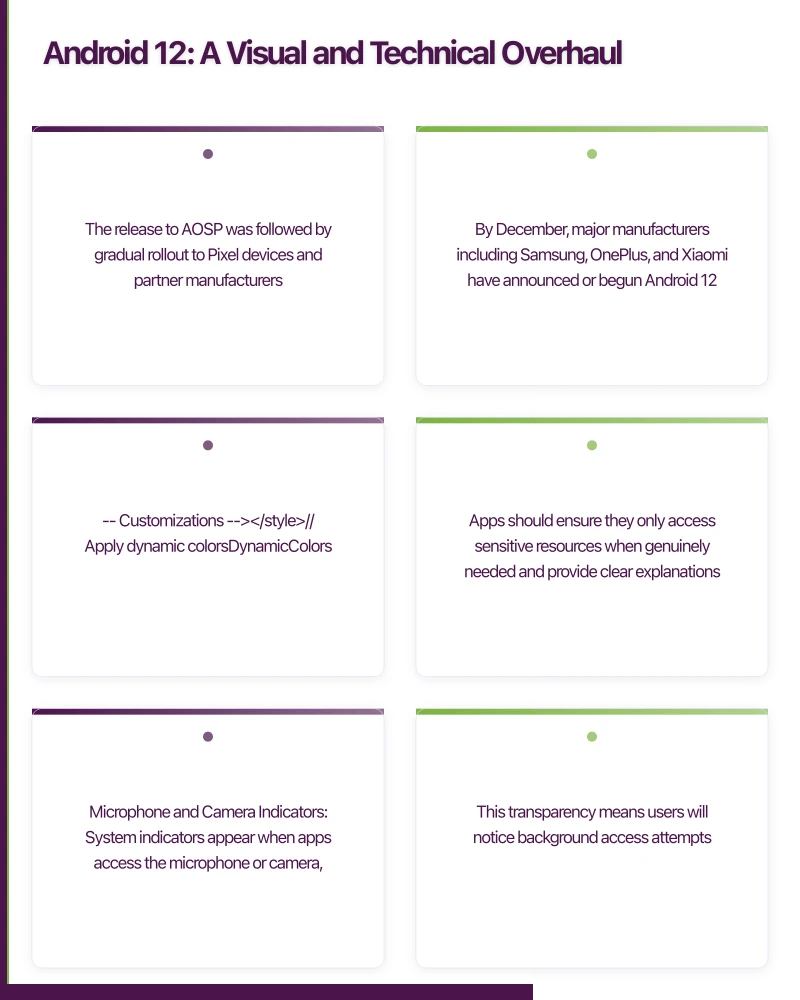
Android 12 was officially released on 4 October 2021, following an extended developer preview and beta period that began in February. The release to AOSP was followed by gradual rollout to Pixel devices and partner manufacturers. By December, major manufacturers including Samsung, OnePlus, and Xiaomi have announced or begun Android 12 updates for flagship devices.
Material You and Dynamic Colour
The most visible change in Android 12 is Material You, Google’s evolution of Material Design that emphasises personalisation through dynamic colour extraction:
Colour Extraction: Android 12 extracts colours from the user’s wallpaper to generate a personalised colour palette applied across the system UI and supporting apps.
Implementation for Developers: Apps can access the dynamic colour palette through the Material Components library:
// In your theme
<style name="Theme.MyApp" parent="Theme.Material3.DynamicColors.DayNight">
    {/* Customizations */}
</style>

// Apply dynamic colors
DynamicColors.applyToActivitiesIfAvailable(application)
Colour Harmony: The system generates primary, secondary, and tertiary colours along with their variants, ensuring harmonious colour combinations throughout the interface.
For apps wanting to support dynamic colours while maintaining brand identity, selective application is possible:
val dynamicColorScheme = if (Build.VERSION.SDK_INT >= Build.VERSION_CODES.S) {
    dynamicLightColorScheme(context)
} else {
    lightColorScheme() // Fallback to branded colours
}
Privacy Dashboard and Indicators
Android 12 introduces significant privacy features:
Privacy Dashboard: Users can view a timeline of app access to location, camera, and microphone. Apps should ensure they only access sensitive resources when genuinely needed and provide clear explanations.
Microphone and Camera Indicators: System indicators appear when apps access the microphone or camera, similar to iOS behaviour. This transparency means users will notice background access attempts.
Quick Settings Toggles: Users can disable microphone and camera access entirely via Quick Settings. Apps must handle denied permissions gracefully.
// Check if microphone is globally available
val audioManager = getSystemService(Context.AUDIO_SERVICE) as AudioManager
if (Build.VERSION.SDK_INT >= Build.VERSION_CODES.S) {
    if (audioManager.isMicrophoneMute) {
        // Handle microphone disabled state
    }
}
Approximate Location Permission
Android 12 requires apps to support approximate location:
<uses-permission android:name="android.permission.ACCESS_COARSE_LOCATION" />
<uses-permission android:name="android.permission.ACCESS_FINE_LOCATION" />
Users can grant either precise or approximate location. Apps must function meaningfully with approximate location, typically within 3 kilometres accuracy:
// Check which permission was granted
when {
    checkSelfPermission(ACCESS_FINE_LOCATION) == PERMISSION_GRANTED -> {
        // Precise location available
    }
    checkSelfPermission(ACCESS_COARSE_LOCATION) == PERMISSION_GRANTED -> {
        // Only approximate location available
    }
}
Performance Improvements
Faster App Launch: Android 12 optimises app startup, reducing the time to first frame by up to 15% on some devices.
Reduced Power Consumption: System-wide optimisations and restricted background activity improve battery life.
Smoother Animations: The system animation framework has been overhauled for more consistent 60fps performance.
Splash Screen API
Android 12 introduces a standardised splash screen system. All apps now display a splash screen using the app icon, providing consistent launch experiences:
// In your Activity
override fun onCreate(savedInstanceState: Bundle?) {
    val splashScreen = installSplashScreen()
    super.onCreate(savedInstanceState)

    // Keep splash screen while loading
    splashScreen.setKeepOnScreenCondition { isLoading }

    // Customize exit animation
    splashScreen.setOnExitAnimationListener { splashScreenView ->
        val fadeOut = ObjectAnimator.ofFloat(splashScreenView, View.ALPHA, 0f)
        fadeOut.duration = 200L
        fadeOut.doOnEnd { splashScreenView.remove() }
        fadeOut.start()
    }
}
Jetpack Compose Reaches Stable
The Most Significant Development
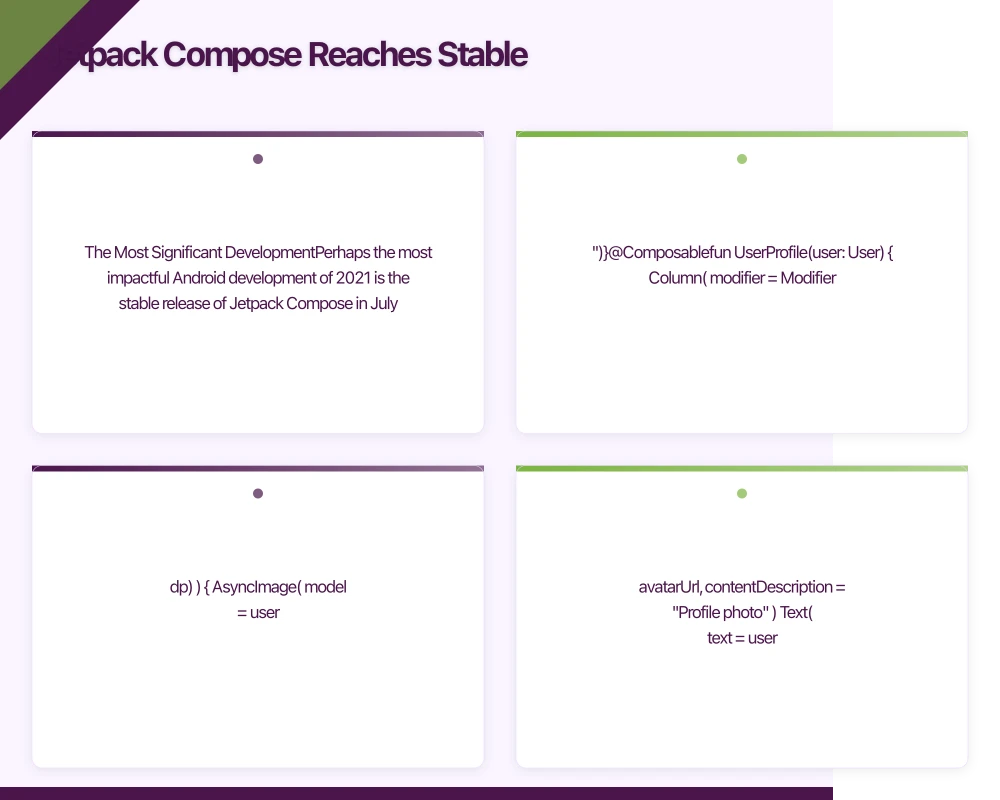
Perhaps the most impactful Android development of 2021 is the stable release of Jetpack Compose in July. This declarative UI toolkit represents the future of Android UI development:
Declarative Paradigm: Rather than imperatively manipulating views, developers describe the UI as a function of state:
@Composable
fun Greeting(name: String) {
    Text(text = "Hello, $name!")
}

@Composable
fun UserProfile(user: User) {
    Column(
        modifier = Modifier.padding(16.dp)
    ) {
        AsyncImage(
            model = user.avatarUrl,
            contentDescription = "Profile photo"
        )
        Text(
            text = user.name,
            style = MaterialTheme.typography.headlineMedium
        )
        Text(
            text = user.bio,
            style = MaterialTheme.typography.bodyMedium
        )
    }
}
State Management: Compose provides built-in state management primitives:
@Composable
fun Counter() {
    var count by remember { mutableStateOf(0) }

    Column {
        Text("Count: $count")
        Button(onClick = { count++ }) {
            Text("Increment")
        }
    }
}Interoperability: Compose interoperates with existing View-based code, enabling incremental adoption:
// Compose in Views
class MyFragment : Fragment() {
    override fun onCreateView(...): View {
        return ComposeView(requireContext()).apply {
            setContent {
                MyComposeContent()
            }
        }
    }
}

// Views in Compose
@Composable
fun MyContent() {
    AndroidView(
        factory = { context -> MapView(context) },
        update = { mapView -> mapView.moveCamera(...) }
    )
}
Material 3 for Compose
The Compose Material 3 library brings Material You design to Compose applications:
@Composable
fun AppTheme(
    darkTheme: Boolean = isSystemInDarkTheme(),
    dynamicColor: Boolean = true,
    content: @Composable () -> Unit
) {
    val colorScheme = when {
        dynamicColor && Build.VERSION.SDK_INT >= Build.VERSION_CODES.S -> {
            val context = LocalContext.current
            if (darkTheme) dynamicDarkColorScheme(context)
            else dynamicLightColorScheme(context)
        }
        darkTheme -> DarkColorScheme
        else -> LightColorScheme
    }

    MaterialTheme(
        colorScheme = colorScheme,
        typography = Typography,
        content = content
    )
}
Adoption Considerations
While Compose is stable, teams should consider:
Learning Curve: Developers familiar with imperative UI patterns need time to embrace declarative thinking.
Library Ecosystem: Not all third-party libraries have Compose support yet. Evaluate dependencies before committing.
Performance: Compose performance is generally excellent but requires understanding of recomposition to avoid unnecessary work.
Kotlin Developments
Kotlin 1.5 and 1.6
Kotlin received two major releases in 2021:
Kotlin 1.5 (May 2021):
- Stable JVM IR backend improving performance and enabling future language features
- Inline value classes (previously inline classes) reaching stable
- Sealed interfaces for more flexible type hierarchies
sealed interface Error {
    data class NetworkError(val code: Int) : Error
    data class DatabaseError(val message: String) : Error
    object Unknown : Error
}

@JvmInline
value class UserId(val id: String)
Kotlin 1.6 (November 2021):
- Stable exhaustive when statements
- Suspend functions as supertypes
- Improved type inference
// Exhaustive when now enforced
fun handleError(error: Error): String = when (error) {
    is Error.NetworkError -> "Network error: ${error.code}"
    is Error.DatabaseError -> "Database error: ${error.message}"
    Error.Unknown -> "Unknown error"
    // Compiler error if cases missing
}
Kotlin Coroutines Improvements
Coroutines 1.5 and 1.6 brought stability improvements and new features:
StateFlow and SharedFlow: Production-ready reactive streams for state management:
class UserRepository {
    private val _users = MutableStateFlow<List<User>>(emptyList())
    val users: StateFlow<List<User>> = _users.asStateFlow()

    suspend fun refresh() {
        _users.value = api.fetchUsers()
    }
}

// In ViewModel
viewModelScope.launch {
    repository.users.collect { users ->
        // Update UI
    }
}
Jetpack Library Updates
Room 2.4
The Room persistence library received significant updates:
Auto-Migrations: Room can now automatically generate database migrations:
@Database(
    entities = [User::class],
    version = 2,
    autoMigrations = [
        AutoMigration(from = 1, to = 2)
    ]
)
abstract class AppDatabase : RoomDatabase()
Multi-Process Support: Room now safely handles database access from multiple processes.
Kotlin Symbol Processing: KSP support improves build times compared to KAPT annotation processing.
Navigation 2.4
Navigation component updates include:
Multiple Back Stacks: Proper support for bottom navigation with preserved back stacks:
NavigationBarItem(
    selected = currentDestination?.hierarchy?.any { it.route == screen.route } == true,
    onClick = {
        navController.navigate(screen.route) {
            popUpTo(navController.graph.findStartDestination().id) {
                saveState = true
            }
            launchSingleTop = true
            restoreState = true
        }
    },
    icon = { Icon(screen.icon, contentDescription = null) },
    label = { Text(screen.label) }
)
WorkManager Improvements
WorkManager 2.7 added:
Expedited Work: For time-sensitive tasks that should execute immediately when possible:
val request = OneTimeWorkRequestBuilder<UploadWorker>()
    .setExpedited(OutOfQuotaPolicy.RUN_AS_NON_EXPEDITED_WORK_REQUEST)
    .build()

workManager.enqueue(request)
Foreground Service Types: Better integration with Android 12 foreground service requirements.
Google Play Developments
Data Safety Section
Google announced the Data Safety section for Play Store listings, requiring developers to disclose:
- What data is collected
- Whether data is shared with third parties
- Security practices employed
- Whether users can request data deletion
Developers must complete this information by April 2022 for new apps and July 2022 for existing apps.
Play Billing Library 4.0
Updates to the billing library include:
Simplified Subscription Management: Easier handling of subscription upgrades, downgrades, and proration:
val upgradeParams = BillingFlowParams.SubscriptionUpdateParams.newBuilder()
    .setOldSkuPurchaseToken(oldToken)
    .setReplaceSkusProrationMode(
        BillingFlowParams.ProrationMode.IMMEDIATE_WITH_TIME_PRORATION
    )
    .build()

val flowParams = BillingFlowParams.newBuilder()
    .setProductDetailsParamsList(productDetailsList)
    .setSubscriptionUpdateParams(upgradeParams)
    .build()

billingClient.launchBillingFlow(activity, flowParams)
Reduced Commission for Subscriptions
Google reduced the service fee for subscriptions from 30% to 15% starting from January 2022 for the first year of each subscription. After the first year, the fee drops to 15% permanently. This mirrors changes made earlier to match Apple’s reduced rates.
Testing and Quality
New Testing Libraries
Compose Testing: Compose includes comprehensive testing support:
@Test
fun counterIncrement() {
    composeTestRule.setContent {
        Counter()
    }

    composeTestRule.onNodeWithText("Count: 0").assertIsDisplayed()
    composeTestRule.onNodeWithText("Increment").performClick()
    composeTestRule.onNodeWithText("Count: 1").assertIsDisplayed()
}
Baseline Profiles: A new mechanism for improving app startup and runtime performance by pre-compiling frequently used code paths:
// Create baseline profile
@RunWith(AndroidJUnit4::class)
class BaselineProfileGenerator {
    @get:Rule
    val baselineProfileRule = BaselineProfileRule()

    @Test
    fun generateBaselineProfile() = baselineProfileRule.collectBaselineProfile(
        packageName = "com.example.app"
    ) {
        startActivityAndWait()
        // Perform common user journeys
    }
}
Android Studio Updates
Arctic Fox and Bumblebee
Android Studio received two major updates in 2021:
Arctic Fox (July 2021):
- Compose preview and tooling
- Device Manager for managing emulators and physical devices
- Background Task Inspector
Bumblebee (Beta):
- Improved Compose preview with animation inspection
- Paired device support for Wear OS development
- App Quality Insights integration
Compose Tooling
The Compose tooling in Android Studio dramatically improves the development experience:
Live Previews: See composables rendered in the IDE without building:
@Preview(showBackground = true)
@Composable
fun GreetingPreview() {
    Greeting("Preview")
}
Interactive Mode: Interact with previews directly in the IDE to test touch and click behaviour.
Animation Preview: Inspect and step through animations frame by frame.
Conclusion
2021 has been a transformational year for Android development. Jetpack Compose’s stable release provides a modern, declarative approach to UI development that will gradually replace the traditional View system. Android 12’s Material You design language emphasises personalisation and visual cohesion, while privacy improvements continue to align Android with user expectations for transparency.
For Australian developers and businesses planning Android development in 2022, the key recommendations are:
-
Begin Compose Adoption: Start incorporating Compose in new features, even if maintaining existing View-based code. The productivity benefits compound over time.
-
Embrace Material You: Design apps that work well with dynamic colours, providing personalised experiences that feel native to Android 12.
-
Prioritise Privacy: Ensure apps handle permission changes gracefully and prepare data safety disclosures for Play Store requirements.
-
Update Dependencies: Modern Jetpack libraries provide significant benefits. Evaluate and update key dependencies like Room, Navigation, and WorkManager.
-
Invest in Testing: Compose testing, baseline profiles, and improved tooling make quality assurance more effective.
The Android ecosystem continues to evolve rapidly, but the fundamental direction is clear: declarative UI, personalisation, and privacy. Apps that embrace these principles will deliver the experiences users expect on modern Android devices.
Planning your Android development strategy for 2022? Contact Awesome Apps to discuss how we can help you leverage the latest Android capabilities for your application.
Push notifications, real-time sync, and user data all need solid cloud backing. Cloud Geeks handles the server side so your app performs at its best.
Awesome Apps is the mobile development division of Ganda Tech Services, building iOS and Android apps for Australian businesses.
Talk to a Sydney app developer — free.
30 minutes. We'll tell you what your app needs, how long it takes, and what it costs. Real answers, no sales pitch.
Book Free App Strategy Call →Free · 30 minutes · No obligation