App Store Optimisation: Getting More Downloads in Australia
You have built a great app. Now people need to find it. App Store Optimisation (ASO) is the process of improving your app’s visibility in the App Store and Google Play Store to drive organic downloads. Think of it as SEO for mobile apps.
For Australian developers, ASO has unique considerations. The Australian market is relatively small (approximately 25 million people) but has high smartphone penetration and willingness to pay. Competing effectively in this market requires understanding local search behaviour, cultural nuances, and platform-specific ranking factors.
How App Store Search Works
Apple App Store: Apple’s search algorithm considers your app name, subtitle, keyword field, and in-app purchase names. It weighs download velocity, ratings, engagement metrics, and update frequency.
Google Play Store: Google indexes your title, short description, and full description. It also considers backlinks, download velocity, ratings, engagement, and keyword density in the description.
Both stores personalise results based on user behaviour, installed apps, and location. Australian users see results tailored to the Australian storefront.
Keyword Research for the Australian Market
Finding Keywords
Start with these approaches:
Brainstorm seed keywords. List every term your target users might search. Include Australian English spellings (optimisation, organisation, colour, favourite).
Analyse competitors. Look at what keywords competing apps rank for. Tools like Sensor Tower, App Annie, and AppTweak provide keyword intelligence.
Use autocomplete. Type your seed keywords in the App Store and Google Play search bars. The suggestions reveal what people actually search for.
Check search volume. Use ASO tools to estimate search volume for each keyword. A keyword with zero searches is worthless regardless of how relevant it is.
Australian Keyword Nuances
- Use Australian English spelling: “optimisation” not “optimization”, “organisation” not “organization”
- Include local terms: “rego” (car registration), “super” (superannuation), “arvo” (afternoon)
- Reference Australian services: Medicare, myGov, Opal, Myki
- Consider seasonal patterns: tax time (July-October), summer (December-February)
Keyword Optimisation by Platform
Apple App Store (100 characters in keyword field):
Keywords: invoice,freelance,billing,gst,abn,timesheet,hourly,contractor,bookkeeping,receiptRules:
- Comma-separated, no spaces after commas
- Do not repeat words from your app name or subtitle
- Use singular forms (Apple matches plural automatically)
- Do not include your brand name (it is indexed from the app name)
- Do not include “app” or your category name
Google Play Store (description-based):
Google indexes your full description. Include target keywords naturally in:
- The title (50 characters max)
- Short description (80 characters max)
- Full description (4,000 characters max, first 2-3 sentences most important)
Avoid keyword stuffing. Google penalises it. Write naturally and ensure keywords appear 3 to 5 times across the full description.
Optimising Your App Store Listing
App Name
Your app name is the strongest ranking signal. Include your primary keyword:
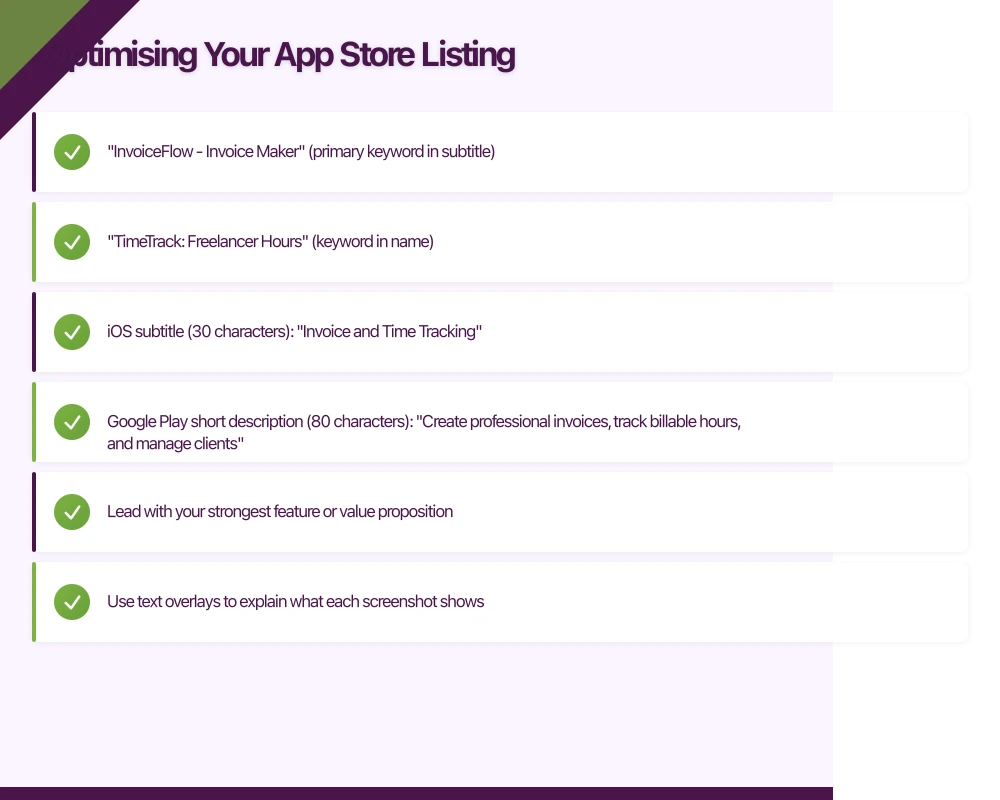
- “InvoiceFlow - Invoice Maker” (primary keyword in subtitle)
- “TimeTrack: Freelancer Hours” (keyword in name)
Keep it memorable and pronounceable. Users need to be able to tell friends about it.
Subtitle (iOS) / Short Description (Google Play)
This is prime keyword real estate:
- iOS subtitle (30 characters): “Invoice and Time Tracking”
- Google Play short description (80 characters): “Create professional invoices, track billable hours, and manage clients”
Description
Structure your description for both humans and algorithms:
First paragraph (most important): State what your app does and for whom. Include your primary keywords. This is what users see before tapping “more.”
Feature list: Bullet points highlighting key features. Each bullet should include a relevant keyword naturally.
Social proof: “Trusted by over 5,000 Australian freelancers” or “Featured in SmartCompany’s Top 10 Business Apps.”
Call to action: End with a clear prompt: “Download now and send your first invoice in under 2 minutes.”
Screenshots
Screenshots are the most influential factor in the download decision. Users spend an average of 7 seconds on your listing before deciding.
Design principles:
- Lead with your strongest feature or value proposition
- Use text overlays to explain what each screenshot shows
- Show the app with realistic data (not empty states)
- Use device frames appropriate to each platform
- Create a visual narrative across the screenshot sequence
For the Australian market:
- Use Australian English in text overlays
- Show Australian currency (AUD) in financial app screenshots
- Use Australian place names or references where appropriate
- Show data that resonates locally (Sydney, Melbourne, Brisbane)
Screenshot requirements:
- iOS: 6.5-inch and 5.5-inch sizes required; iPad Pro if you support iPad
- Google Play: Minimum 2 screenshots, up to 8
App Preview Video
A 15 to 30 second video showing your app in action can significantly increase conversion. Requirements:
- Show actual app functionality (not just marketing)
- The first 3 seconds must hook the viewer (many users have autoplay off)
- No voiceover on iOS (use text overlays instead)
- Include your key value proposition
Ratings and Reviews
Ratings directly impact search ranking and download conversion. A 4.5-star app converts significantly better than a 4.0-star app.
Requesting Reviews
iOS: Use SKStoreReviewController.requestReview(). Apple limits how often the prompt appears (typically 3 times per year). Time it after a positive user experience:
import StoreKit

func requestReviewIfAppropriate() {
    // Only ask after the user has completed a meaningful action
    let completedTasks = UserDefaults.standard.integer(forKey: "completedTaskCount")

    if completedTasks == 5 || completedTasks == 20 || completedTasks == 50 {
        if let scene = UIApplication.shared.connectedScenes
            .first(where: { $0.activationState == .foregroundActive }) as? UIWindowScene {
            SKStoreReviewController.requestReview(in: scene)
        }
    }
}
Google Play: Use the In-App Review API for a similar integrated experience.
Timing Review Requests
- After a positive outcome (completed a task, reached a milestone)
- After repeated engagement (5th session, 10th use of a key feature)
- Never after a negative experience (error, failed operation, app crash)
- Never during onboarding or first use
Responding to Reviews
Respond to all negative reviews (1-2 stars) promptly and constructively:
- Acknowledge the issue
- Explain what you are doing about it
- Provide a support email for direct follow-up
Positive review responses are optional but appreciated. Keep them brief and genuine.
Localisation
The Australian App Store is an English-language storefront, but ASO still benefits from localisation considerations:
- Use Australian English spelling consistently
- Reference local regulations (GST, ABN, Privacy Act) where relevant
- Mention Australian payment methods (BPAY, PayID, bank transfer)
- Consider seasonal timing (financial year starts July 1)
If you plan to target other markets, proper localisation of metadata (not just the app UI) is essential. The UK, US, and New Zealand are natural expansion markets for Australian apps.
Monitoring and Iterating
ASO is not a one-time effort. Monitor your performance and iterate:
Key Metrics
- Keyword rankings: Track your position for target keywords weekly
- Impression-to-download conversion rate: Available in App Store Connect and Google Play Console
- Search vs browse downloads: What percentage of downloads come from search?
- Category ranking: Your position within your app category
A/B Testing
Google Play Console offers built-in A/B testing for store listing elements (icons, screenshots, descriptions). Test one element at a time:
- Create two variants
- Split traffic 50/50
- Run for at least 7 days
- Choose the winner based on install rate
Apple does not offer native A/B testing, but tools like SplitMetrics and StoreMaven provide this capability.
Update Frequency
Regular updates signal to the algorithms (and users) that your app is actively maintained:
- Update keywords with each release based on performance data
- Refresh screenshots when the UI changes
- Update the description to highlight new features
- Respond to negative reviews with each update
Common ASO Mistakes
- Not using all 100 keyword characters (iOS). Every character is valuable.
- Repeating words across name, subtitle, and keywords. Apple indexes them all; repetition wastes space.
- Generic screenshots. Screenshots that do not show the app’s actual UI and value proposition waste the most influential real estate in your listing.
- Ignoring ratings. A sub-4.0 rating significantly hurts conversion.
- Keyword stuffing (Google Play). Unnatural keyword usage is penalised.
- Not testing. ASO without measurement is guesswork.
Getting Started
If you are launching a new app in Australia:
- Research 30 to 50 candidate keywords using competitor analysis and autocomplete
- Prioritise keywords by relevance and search volume
- Craft your app name, subtitle, and keyword field to maximise coverage
- Design screenshots that sell your app’s value in 7 seconds
- Plan your review request strategy from day one
- Monitor rankings weekly and iterate monthly
ASO is a long game. Rankings improve gradually as download velocity, ratings, and engagement compound. At eawesome, we integrate ASO into our app development process from the beginning, because building a great app means nothing if users cannot find it.
Every great app needs reliable cloud infrastructure behind it. Cloud Geeks provides managed AWS and Azure hosting for mobile backends.
Awesome Apps is the mobile development division of Ganda Tech Services, building iOS and Android apps for Australian businesses.
Talk to a Sydney app developer — free.
30 minutes. We'll tell you what your app needs, how long it takes, and what it costs. Real answers, no sales pitch.
Book Free App Strategy Call →Free · 30 minutes · No obligation