After launching dozens of apps in the Australian market, I’ve learned that building a great app is only half the battle. The other half? Making sure people can actually find it. With over 5 million apps combined across the App Store and Google Play, and Australian users downloading an average of 3-4 new apps per month, your app needs every competitive advantage to stand out.
App Store Optimization (ASO) is your secret weapon for organic growth. While paid user acquisition costs in Australia have climbed to $4-8 per install for competitive categories, organic installs from ASO cost nothing. Let’s dive into the strategies that actually move the needle for Australian app developers.
Understanding the Australian App Market
The Australian app market has unique characteristics that impact your ASO strategy. With 21 million smartphone users and a 91% smartphone penetration rate, Australia ranks among the highest globally for mobile adoption. However, the market is relatively small compared to the US or UK, which means:
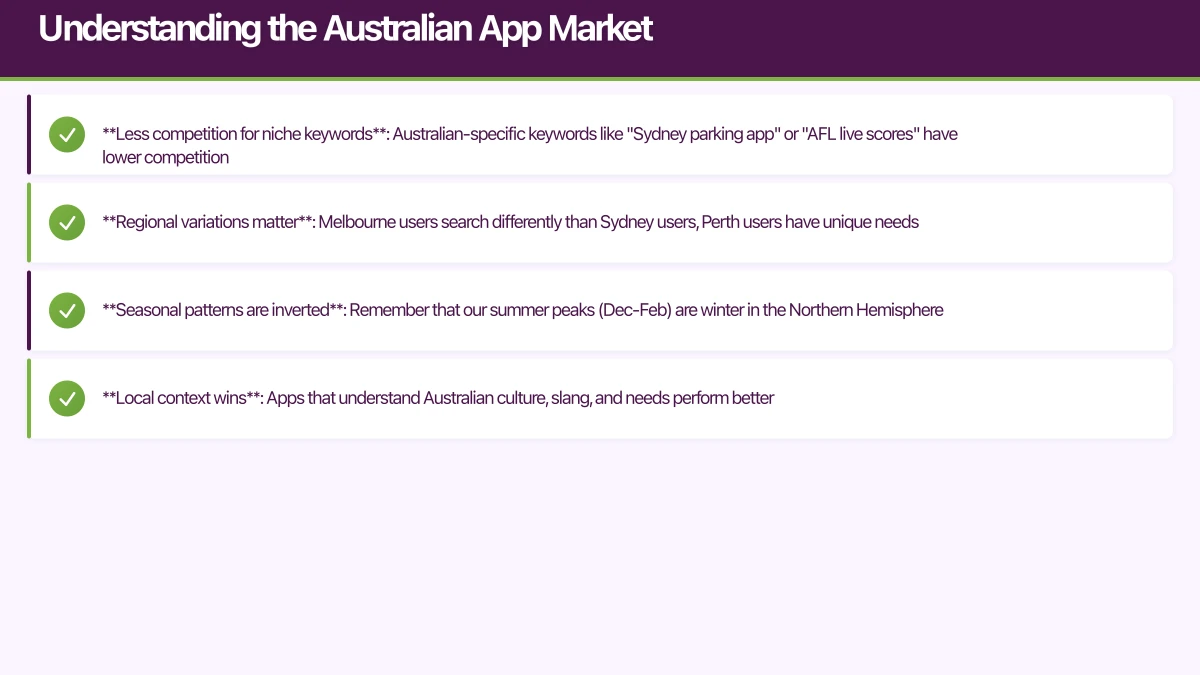
- Less competition for niche keywords: Australian-specific keywords like “Sydney parking app” or “AFL live scores” have lower competition
- Regional variations matter: Melbourne users search differently than Sydney users, Perth users have unique needs
- Seasonal patterns are inverted: Remember that our summer peaks (Dec-Feb) are winter in the Northern Hemisphere
- Local context wins: Apps that understand Australian culture, slang, and needs perform better
For the App Store, Australian users represent a significant English-speaking market where you can test before scaling to larger markets. Google Play’s algorithm treats Australia as part of the broader Asia-Pacific region, which affects your keyword competition and visibility.
Keyword Research: Finding What A
 ustralians Search
Keyword research is the foundation of ASO. Unlike web SEO, you’re limited to 100 characters in the App Store keyword field and 4,000 characters across your Google Play description, so every word counts.
Finding High-Value Keywords
Start with these three research methods:
Competitor analysis: Download the top 10 apps in your category and analyze their metadata. Tools like AppTweak, Sensor Tower, or App Radar can reveal which keywords your competitors rank for. I typically find 20-30 keyword opportunities just from analyzing the top 5 competitors.
Search suggestions: Type partial keywords into the App Store or Google Play search bar and note the autocomplete suggestions. These reflect actual user searches. For example, searching “fitness” might reveal “fitness tracker”, “fitness planner”, or “fitness app for women” as high-volume terms.
Australian-specific terms: Don’t ignore local language. Australians search for “footy tipping” not “football betting”, “servo finder” not “gas station locator”, and “bottle-o deals” not “liquor store sales”. These localized terms often have lower competition with highly engaged users.
Keyword Metrics That Matter
Focus on three key metrics when evaluating keywords:
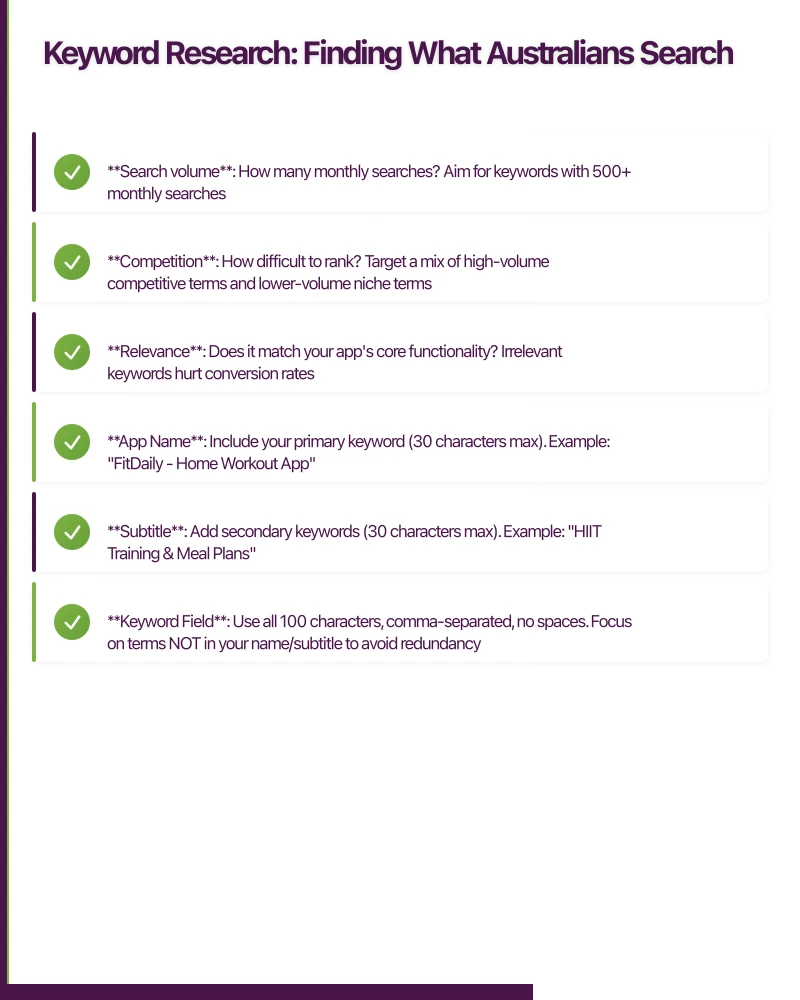
- Search volume: How many monthly searches? Aim for keywords with 500+ monthly searches
- Competition: How difficult to rank? Target a mix of high-volume competitive terms and lower-volume niche terms
- Relevance: Does it match your app’s core functionality? Irrelevant keywords hurt conversion rates
For an Australian fitness app I worked on, we found that “workout at home Australia” had 1,200 monthly searches with medium competition, while “HIIT workout app” had 8,000 searches but extremely high competition. We prioritized the Australian-specific term and ranked #3 within two weeks.
Implementing Keywords Effectively
For iOS (App Store):
- App Name: Include your primary keyword (30 characters max). Example: “FitDaily - Home Workout App”
- Subtitle: Add secondary keywords (30 characters max). Example: “HIIT Training & Meal Plans”
- Keyword Field: Use all 100 characters, comma-separated, no spaces. Focus on terms NOT in your name/subtitle to avoid redundancy
- Description: Not indexed for search, but crucial for conversion
For Android (Google Play):
- App Title: 50 characters including keywords. Example: “FitDaily: Home Workout & HIIT Training App”
- Short Description: 80 characters with your value proposition and a keyword
- Full Description: First 250 characters are most important. Include 5-7 primary keywords naturally. The full 4,000 characters are indexed, so include variations and long-tail keywords throughout
Pro tip: Update keywords every 4-6 weeks based on ranking performance. The App Store allows updates without submitting a new version, while Google Play indexes changes within 24-48 hours.
Screenshots and Visual Assets: Converting Browse
 rs into Downloads
Your keywords get users to your app listing, but your visuals determine if they download. With only 2-3 seconds to capture attention, your screenshots need to work hard.
Screenshot Strategy
Lead with value, not features: Your first screenshot should answer “What’s in it for me?” For the Australian market, I’ve found that showcasing local context in the first screenshot increases conversion by 15-25%. If you’re a property app, show a Sydney or Melbourne property. If you’re a weather app, display Australian cities.
Use portrait orientation: While both portrait and landscape work, portrait screenshots take up more vertical space on the listing page, pushing competitors’ listings further down. For an e-commerce app we optimized, switching to portrait increased impressions-to-installs by 18%.
Follow the 3-2 rule: Your most important screenshots are positions 1, 2, and 3. These are visible without scrolling. Use them to communicate:
- Primary value proposition
- Key differentiator
- Social proof or results
Positions 4-5 can showcase secondary features or specific use cases.
Design Best Practices
Text overlays that convert: Add concise benefit-driven text to screenshots. Use large, bold fonts (minimum 40pt) that are readable on small screens. For an Australian travel app, we tested:
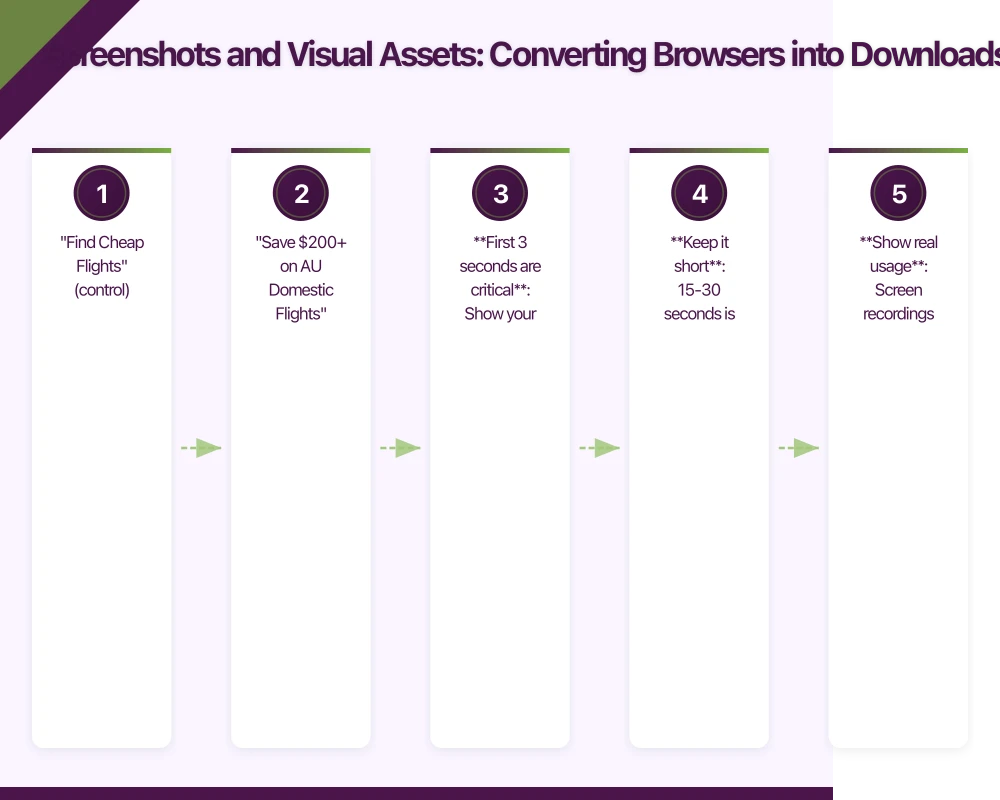
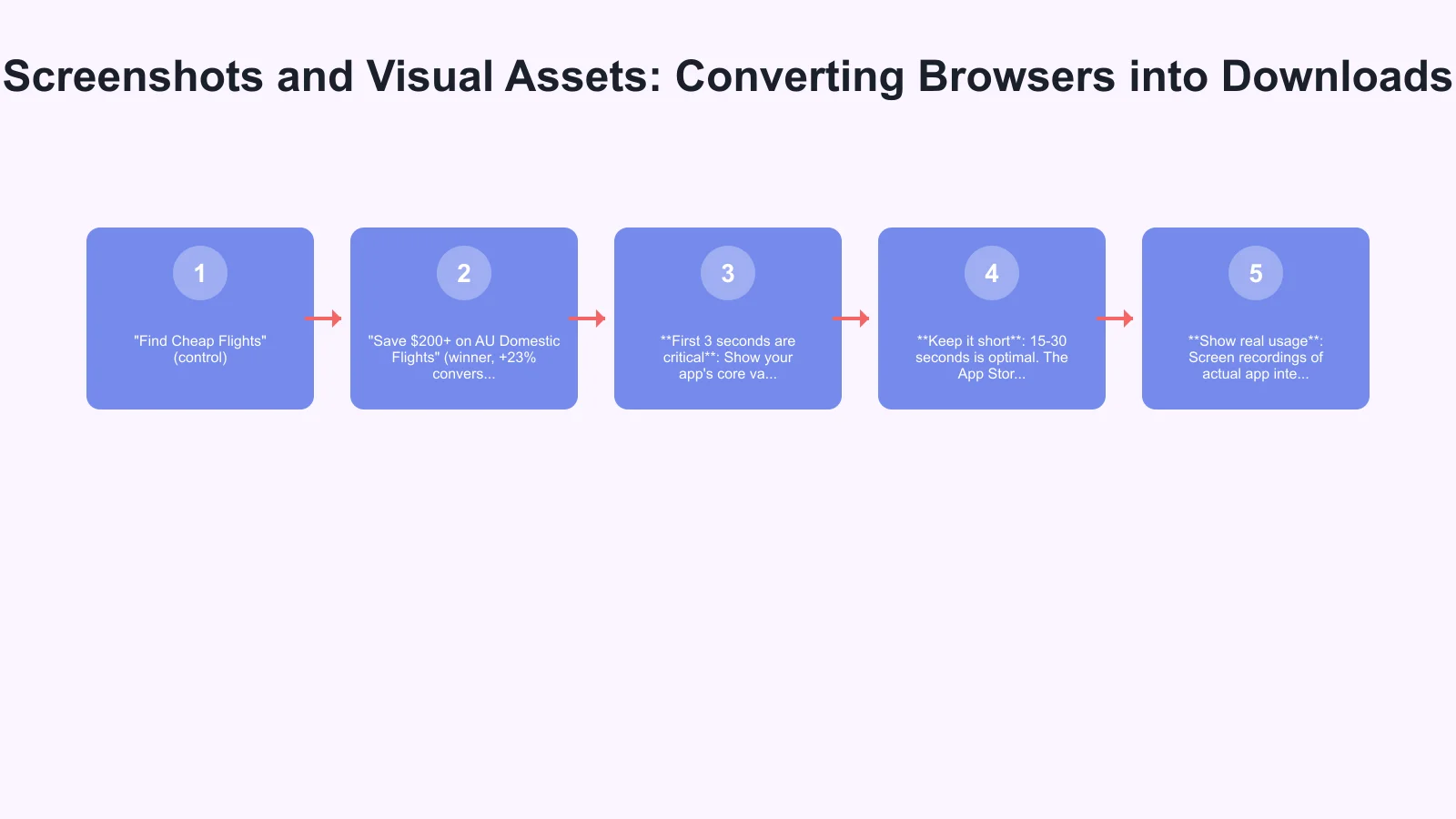
- “Find Cheap Flights” (control)
- “Save $200+ on AU Domestic Flights” (winner, +23% conversion)
Localize for Australia: Show Australian currency ($, not US$), Australian phone numbers (04xx format), Australian locations, and familiar UI patterns. One fintech app saw a 31% increase in Australian conversion after replacing US screenshots with Australian versions.
Consistent branding: Use your brand colors, fonts, and style across all screenshots. This builds trust and makes your listing feel professional. Avoid template-looking designs that scream “budget app.”
App Preview Videos
App preview videos autoplay on the App Store and can significantly boost conversion. Key learnings from producing 50+ preview videos:
- First 3 seconds are critical: Show your app’s core value immediately. Don’t start with logos or loading screens
- Keep it short: 15-30 seconds is optimal. The App Store allows up to 30 seconds for the first video
- Show real usage: Screen recordings of actual app interactions perform better than motion graphics
- No audio required: 80% of users watch with sound off. Use captions or text overlays
- Test Australian scenarios: For a food delivery app, showing “Order from 10,000+ Sydney Restaurants” outperformed generic footage by 28%
You can create preview videos using QuickTime screen recording on Mac, or tools like AppLaunchpad or Scr
 eenFlow. For Google Play, feature graphics (1024x500px) serve a similar preview purpose.
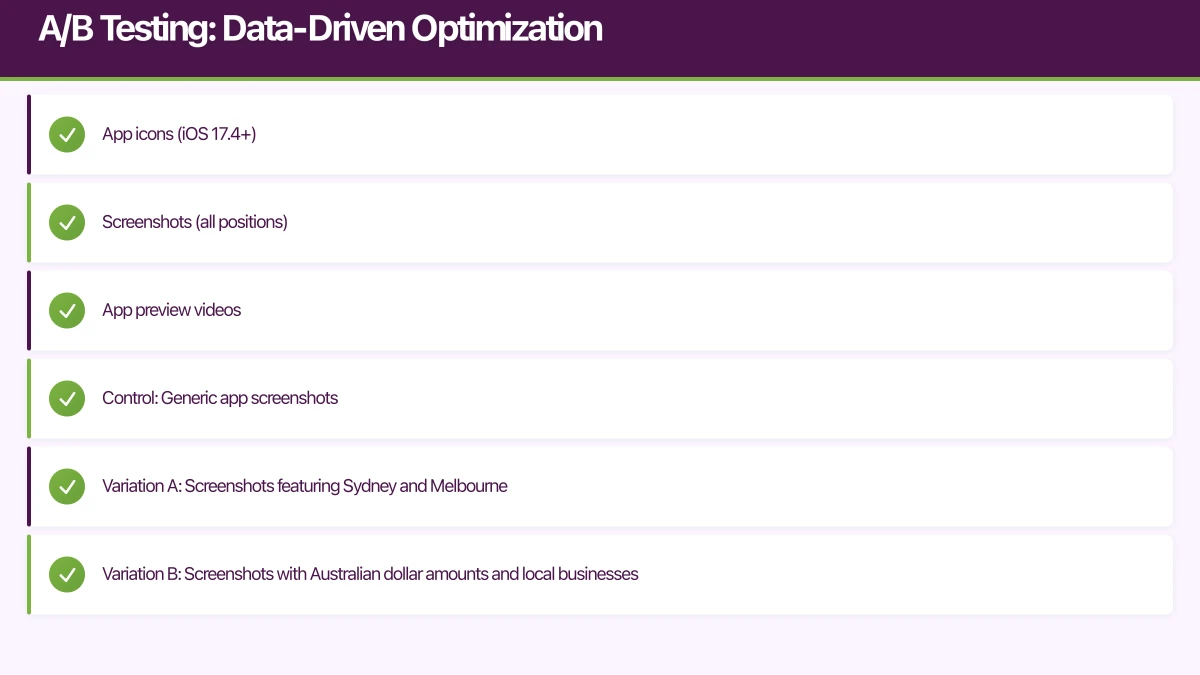
A/B Testing: Data-Driven Optimization
Never guess at ASO strategy. Both app stores offer native A/B testing capabilities that provide statistically significant results.
App Store Product Page Optimization
Apple’s Product Page Optimization (PPO) allows you to test up to 3 variations against your control, with up to 35% of traffic allocated to tests. You can test:
- App icons (iOS 17.4+)
- Screenshots (all positions)
- App preview videos
Running effective tests: Create hypothesis-driven variations. For example, we tested whether showing Australian-specific content in screenshots would increase conversion:
- Control: Generic app screenshots
- Variation A: Screenshots featuring Sydney and Melbourne
- Variation B: Screenshots with Australian dollar amounts and local businesses
- Result: Variation B won with 24% higher conversion after 3 weeks (90% confidence)
Test one element at a time to isolate what drives results. Run tests for minimum 2-3 weeks to account for weekly usage patterns.
Google Play Store Experiments
Google Play Console offers Store Listing Experiments where you can test:
- App icon
- Feature graphic
- Screenshots
- Short description
The interface provides real-time results with conversion rate improvements and confidence levels. One experiment we ran tested different value propositions in the short description:
- Control: “The best fitness app for Australians”
- Variation: “10-min home workouts. No equipment needed.”
- Result: Variation increased installs by 16.8% (95% confidence)
Google Play experiments typically reach statistical significance faster than App Store tests due to higher Android traffic volumes in Australia.
Localization for the Australian Market
While Australians speak English, localization goes beyond language. It’s about cultural relevance and trust.
Regional Customization
Australia has distinct regional markets. A property app should prioritize different features based on location:
- Sydney: Focus on auction alerts and suburb price trends
- Melbourne: Highlight cafe culture and laneways in location features
- Brisbane: Emphasize lifestyle and outdoor features
- Perth: Focus on space and affordability
Use location-based custom product pages (App Store) or regional store listings (Google Play) to speak directly to each market.
Cultural Localization
Pricing: Always show AUD prices. Displaying US pricing confuses users and reduces trust. Use Australian price tiers: $0.99, $2.99, $5.99, $11.99, etc.
Dates and formats: Use DD/MM/YYYY format, not MM/DD/YYYY. Show times in 12-hour format with am/pm as preferred by most Australians.
Language nuances: While we use British English spelling (colour, organisation, favourite), our vocabulary is uniquely Australian. Reference “public transport” not “mass transit”, “mobile phone” not “cell phone”, “suburbs” not “neighborhoods.”
Social proof: Australian users trust Australian reviews and testimonials more than international ones. If you have strong reviews from Australian users, feature them prominently in screenshots or your description.
Ratings and Reviews: Building Social Proof
With Australian users heavily researching before downloading, your rating is make-or-break. Apps with 4.5+ star ratings get 5-7x more downloads than those with 3.5-4 stars.
Optimizing Review Timing
Prompt users for reviews at peak satisfaction moments:
- After completing a valuable action (successful booking, workout completed, goal achieved)
- After 3-5 positive sessions with your app
- Never after an error or failed action
Use iOS’s SKStoreReviewController or Android’s In-App Review API rather than redirecting to the store. In-app prompts convert 10-20x better than external redirects.
Managing Negative Reviews
Respond to every negative review within 24 hours. Australian users expect responsive support, and public responses signal that you care. For a retail app we managed:
Bad response: “Thanks for your feedback. We’re working on improvements.”
Good response: “Thanks for reporting this, Sarah. We’ve identified the checkout bug you experienced and pushed a fix in version 2.1.3 released today. Please update and let us know if you continue having issues. Email [email protected] if you need help with your order.”
The good response addresses the issue specifically, shows action taken, and provides a support path. It converts 40% of upset users into updated 4-5 star reviews.
Encouraging Positive Reviews
The best strategy is building a product worth reviewing. But you can systematically encourage reviews:
- Implement smart review prompts at high-satisfaction moments
- Respond to all reviews (positive and negative) to build community
- Fix reported issues quickly and notify reviewers when fixed
- Feature user testimonials in updates to show you value feedback
One Australian fintech app increased reviews by 340% by adding a “Love our app? Rate us!” prompt after users successfully completed their third transaction.
Measuring and Iterating Your ASO Strategy
ASO isn’t set-and-forget. Track these metrics monthly:
Key Performance Indicators
Impressions: How many users see your app in search results or browse categories? Declining impressions indicate keyword ranking issues or category changes.
Page views: How many users click through to your listing? Low click-through rate (impressions to page views) suggests your app icon or title isn’t compelling.
Conversion rate: What percentage of page views become installs? Industry average is 15-30% for free apps, 1-5% for paid apps. Low conversion indicates visual assets or description issues.
Keyword rankings: Track your top 10-15 keywords weekly. Use App Store Connect (iOS) or Google Play Console (Android) to monitor ranking positions.
Organic vs paid installs: ASO impacts organic installs. If organic percentage decreases, your ASO needs attention.
Monthly ASO Workflow
I follow this monthly optimization cycle:
Week 1: Analyze performance data. Identify declining keywords, conversion rate changes, competitor movement.
Week 2: Research new keyword opportunities. Check competitor updates, seasonal trends, emerging search terms.
Week 3: Implement changes. Update keywords, launch A/B tests, refresh screenshots if needed.
Week 4: Monitor results and document learnings. What worked? What didn’t? Plan next month’s experiments.
ASO Tools for Australian Developers
While you can do basic ASO manually, these tools accelerate results:
App Store Connect / Google Play Console (Free): Native analytics and A/B testing. Start here.
AppTweak (From $79/month): Comprehensive ASO platform with keyword research, competitor tracking, and market intelligence. Strong Australian market data.
Sensor Tower (From $99/month): Deep analytics and app intelligence. Excellent for understanding competitor strategies.
AppFollow (From $77/month): Review management and sentiment analysis. Great for tracking reviews across multiple countries.
For bootstrapped Australian startups, start with the free native tools plus manual competitor research. Invest in paid tools once you’re generating $5k+ monthly revenue from your app.
Next Steps: Your ASO Action Plan
Start improving your app’s discoverability today:
-
Audit your current keywords: Are you using all 100 characters (iOS) or naturally integrating keywords throughout your description (Android)?
-
Analyze your top 3 competitors: What keywords do they rank for? How do their screenshots communicate value?
-
Update your first screenshot: Does it immediately communicate value for Australian users? Add localized context if missing.
-
Launch your first A/B test: Test screenshot variations focused on Australian-specific content vs. generic visuals.
-
Implement smart review prompts: Use native in-app review APIs at high-satisfaction moments.
-
Set up monthly tracking: Create a spreadsheet to monitor your top keyword rankings, conversion rate, and organic install volume.
ASO is a long game. Most significant ranking improvements take 4-8 weeks to materialize. But consistent optimization compounds over time. An Australian meditation app I advised went from 200 organic installs per month to 2,400+ per month over six months through systematic ASO improvements.
The apps winning in the Australian market aren’t necessarily the best apps. They’re the apps that best communicate their value and make themselves discoverable to Australian users searching for solutions. With these ASO strategies, your app can be one of them.
Building an app for the Australian market? At eawesome.com.au, we help startups optimize their entire app strategy from development to App Store presence. Get in touch to discuss how we can help your app succeed.
Your app’s marketing starts on the web. Cosmos Web Tech designs landing pages with SEO that help potential users find your app online.
Awesome Apps is the mobile development division of Ganda Tech Services, building iOS and Android apps for Australian businesses.
Talk to a Sydney app developer — free.
30 minutes. We'll tell you what your app needs, how long it takes, and what it costs. Real answers, no sales pitch.
Book Free App Strategy Call →Free · 30 minutes · No obligation