App Launch Checklist: The Ultimate Guide from Development to App Store Success
Launching a mobile app is one of the most exciting yet nerve-wracking moments in any developer’s journey. After months of coding, designing, and refining, you’re finally ready to share your creation with the world. But here’s the reality check: over 3.8 million apps are available on Google Play Store and 2.2 million on Apple’s App Store. Standing out in this crowded marketplace requires more than just a great app—it demands a strategic, well-executed launch.
The difference between apps that soar to success and those that sink into obscurity often comes down to preparation. A systematic approach to launching can mean the difference between gaining thousands of users in your first week or watching your app disappear into the digital abyss.
This comprehensive checklist will guide you through every critical step of the app launch process, from the final development phases to post-launch optimization strategies that drive sustainable growth.
Pre-Launch Development Essentials
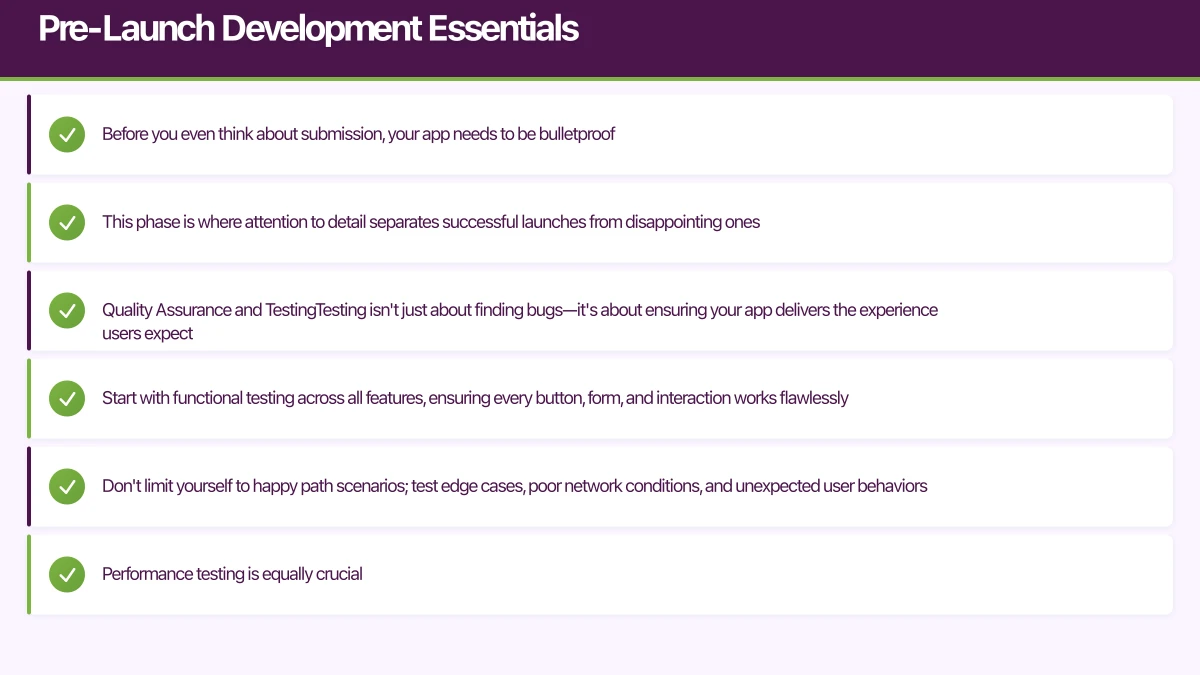
Before you even think about submission, your app needs to be bulletproof. This phase is where attention to detail separates successful launches from disappointing ones.
Quality Assurance and Testing
Testing isn’t just about finding bugs—it’s about ensuring your app delivers the experience users expect. Start with functional testing across all features, ensuring every button, form, and interaction works flawlessly. Don’t limit yourself to happy path scenarios; test edge cases, poor network conditions, and unexpected user behaviors.
Performance testing is equally crucial. Users abandon apps that take longer than 3 seconds to load, so optimize your app’s startup time, image loading, and data processing. Test on older devices too—not everyone has the latest iPhone or flagship Android device.
Usability testing with real users provides invaluable insights. Watch how people navigate your app without guidance. Their struggles reveal UX issues that you, as the creator, might miss due to familiarity bias.
Platform-Specific Optimization
Each platform has its nuances. For iOS apps, ensure your design follows Apple’s Human Interface Guidelines. Pay attention to navigation patterns, button placements, and typography that feel native to iOS users. Test across different iPhone models and iPad if your app supports it.
Android optimization involves testing across various screen sizes, Android versions, and manufacturer customizations. Samsung, Xiaomi, and other manufacturers often modify Android’s behavior, which can affect your app’s performance or appearance.
Don’t forget about permissions. Both platforms have become increasingly strict about privacy. Ensure your app requests only necessary permissions and provides clear explanations for why each permission is needed.
Security and Privacy Compliance
Data security isn’t optional—it’s mandatory. Use secure authentication, encrypt sensitive data, and follow platform-specific security guidelines. If you’re handling user data, ensure GDPR compliance for European users and familiarize yourself with other regional privacy laws.
Create a comprehensive privacy policy that clearly explains what data you collect, how you use it, and how users can control their information. This isn’t just good practice—it’s required for app store approval.
App Store Optimization (AS
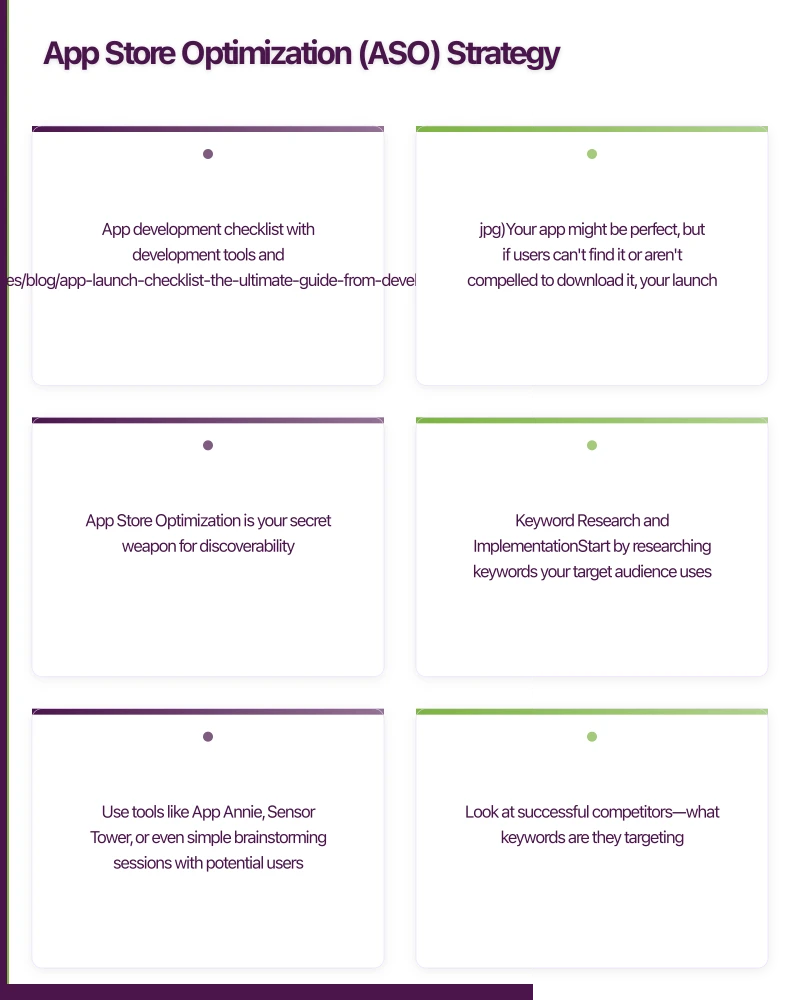 O) Strategy

Your app might be perfect, but if users can’t find it or aren’t compelled to download it, your launch will fall flat. App Store Optimization is your secret weapon for discoverability.
Keyword Research and Implementation
Start by researching keywords your target audience uses when searching for apps like yours. Use tools like App Annie, Sensor Tower, or even simple brainstorming sessions with potential users. Look at successful competitors—what keywords are they targeting?
For iOS, you have a dedicated keyword field with 100 characters. Use every character wisely, separating keywords with commas and avoiding repetition between your title and keyword field. Android apps rely more heavily on the app description for keyword optimization, so naturally integrate relevant terms throughout your description text.
Long-tail keywords often provide better opportunities than highly competitive single words. Instead of targeting “fitness,” consider “home workout planner” or “bodyweight exercise tracker.”
Visual Assets That Convert
Your app icon is often the first impression users have of your app. It needs to be distinctive, scalable, and representative of your app’s purpose. Avoid cluttered designs or too much text—remember, it will appear as small as 20x20 pixels in some contexts.
Screenshots tell your app’s story. Don’t just show static screens—demonstrate key features and benefits. Use the first screenshot to highlight your app’s primary value proposition. Consider creating localized screenshots for different markets, showing relevant content or languages.
App preview videos (available on both platforms) can significantly boost conversion rates. Keep them short, engaging, and focused on core functionality. Show real interactions, not just flashy animations.
Compelling App Descriptions
Your app description should hook users immediately. Start with a compelling first sentence that clearly states what problem your app solves or what benefit it provides. Use bullet points to highlight key features, and include social proof like awards or user testimonials when available.
Write for humans, not just algorithms. While keyword optimization matters, readability and persuasion are more important for conversion. End with a clear call-to-action encouraging downloads.
Technical Launch Preparation
The technical aspects of launching often trip up even experienced developers. Proper preparation prevents last-minute panic and ensures a smooth rollout.
Analytics and Monitoring Setup
Use comprehensive analytics before launch, not after. Set up tools like Firebase Analytics, Mixpanel, or Amplitude to track user behavior, feature usage, and conversion funnels. Define key metrics that align with your business objectives—downloads are vanity metrics if users don’t engage.
Crash reporting tools like Crashlytics or Bugsnag are essential for identifying and fixing issues quickly after launch. Users are less forgiving of crashes in production than during beta testing.
Monitor app performance with tools that track load times, API response rates, and user session lengths. Set up alerts for critical issues so you can respond immediately if problems arise.
Beta Testing and Feedback Integration
Beta testing provides your final opportunity to catch issues before public launch. Use TestFlight for iOS and Google Play Console’s internal testing for Android to distribute beta versions to selected users.
Recruit beta testers who represent your target audience, not just friends and family. Consider reaching out to potential users on social media, relevant forums, or through beta testing platforms like BetaList.
Actively collect and analyze beta feedback. Look for patterns in user comments—if multiple testers mention the same issue, prioritize fixing it before launch. Don’t try to use major new features based on beta feedback; focus on refinements and bug fixes.
App Store Guidelines Compliance
Both Apple and Google have strict guidelines, and violations can delay or prevent your app’s approval. Review the guidelines thoroughly and ensure compliance across all areas: content, functionality, design, and legal requirements.
Common rejection reasons include poor performance, incomplete functionality, misleading descriptions, inappropriate content, and privacy policy issues. Have a colleague or consultant review your app against the guidelines—fresh eyes often catch issues you might miss.
Prepare for the review process by testing your app exactly as reviewers will. Create test accounts if needed, and ensure all features work without special configuration or external dependencies.
Marketing and
User Acquisition

Building a great app is only half the battle. Without users, even the most innovative app fails. Your marketing strategy should start before launch and continue long after.
Pre-Launch Buzz Building
Start building anticipation weeks or months before launch. Create a landing page where interested users can sign up for launch notifications. Share development updates on social media, showing behind-the-scenes progress and teasers of key features.
Reach out to app review sites, tech blogs, and influencers in your niche. Many reviewers prefer to receive information about apps before they launch, allowing them to prepare coverage for launch day.
Consider creating a teaser trailer or demo video that showcases your app’s unique value proposition. Share this across social platforms, your website, and in email campaigns to potential users.
Launch Day Execution
Launch day requires coordination and monitoring. Release your app early in your target market’s day to maximize initial visibility. Send launch notifications to your email list, post across all social media channels, and personally reach out to friends, family, and professional contacts.
Monitor your app’s performance closely throughout launch day. Track downloads, user reviews, crash reports, and user behavior analytics. Be prepared to respond quickly to any issues that arise.
Engage with early users on social media and in app store reviews. Thank users for positive feedback and address concerns from negative reviews professionally and promptly.
Post-Launch Growth Strategies
Sustained growth requires ongoing effort beyond the initial launch excitement. Use referral systems that reward users for sharing your app. Create shareable content within your app that naturally encourages users to spread the word.
Regularly update your app with new features, improvements, and bug fixes. Each update provides an opportunity to re-engage existing users and attract new ones. Communicate updates clearly in your release notes and through in-app messaging.
Analyze user behavior data to identify opportunities for improvement. Which features are most popular? Where do users typically drop off? Use this data to guide future development priorities and marketing messages.
Post-Launch Optimization and Growth
Launching your app is just the beginning. Long-term success requires continuous optimization based on real user data and market feedback.
Performance Monitoring and Iteration
Post-launch monitoring should be systematic and data-driven. Track key performance indicators like daily active users, session length, retention rates, and conversion metrics. Set up automated alerts for significant changes in these metrics.
Regularly analyze user feedback from app store reviews, support emails, and in-app feedback tools. Look for patterns and prioritize improvements that address the most common user pain points.
A/B testing becomes crucial post-launch for optimizing user experience and conversion rates. Test different onboarding flows, feature presentations, and app store assets to continuously improve performance.
User Retention Strategies
Acquiring users is expensive; retaining them is profitable. Use push notifications strategically—they should provide value, not annoyance. Personalize notifications based on user behavior and preferences.
Create engaging in-app experiences that encourage regular use. This might include daily challenges, progress tracking, social features, or fresh content updates. The key is providing ongoing value that keeps users coming back.
Develop a user feedback loop that makes users feel heard and valued. Respond to reviews, use requested features when feasible, and communicate with your user community through social media or in-app messaging.
Conclusion: Your Path to App Store Success
Launching a successful mobile app requires meticulous planning, flawless execution, and continuous optimization. This comprehensive checklist provides the roadmap, but your unique app and market will require specific adaptations and strategies.
Remember that launch day is not the finish line—it’s the starting point of your app’s journey. The most successful apps are those that continuously evolve based on user needs, market changes, and technological advances.
Key takeaways for your app launch:
- Quality is non-negotiable: Thoroughly test across devices, platforms, and use cases
- Discoverability drives downloads: Invest time in ASO and keyword optimization
- First impressions matter: Polish your visual assets and app description
- Data guides decisions: Use analytics from day one and use insights to improve
- Community builds success: Engage with users, respond to feedback, and build relationships
- Persistence pays off: Continue marketing, updating, and optimizing long after launch
Your app represents months or years of hard work, creativity, and problem-solving. With proper preparation and execution, it can find its audience and achieve the success it deserves. Use this checklist as your guide, but don’t forget that behind every great app is a team that cared deeply about solving real problems for real people.
The app stores are crowded, but there’s always room for apps that truly serve their users. Make yours one of them.
Your app users will search for you on Google first. Cosmos Web Tech ensures your web presence converts visitors into downloads.
Awesome Apps operates under the Ganda Tech Services umbrella, delivering end-to-end technology solutions for Australian businesses.
Talk to a Sydney app developer — free.
30 minutes. We'll tell you what your app needs, how long it takes, and what it costs. Real answers, no sales pitch.
Book Free App Strategy Call →Free · 30 minutes · No obligation