Building Geolocation Features for Australian Mobile Apps
Location-based features are central to many mobile applications serving the Australian market. From delivery tracking and store locators to outdoor adventure apps covering the vast Australian landscape, geolocation is a capability that product teams frequently need to implement well.
Australia presents unique challenges for location-based apps: vast rural areas with limited connectivity, strict privacy regulations, and user expectations shaped by a mature mobile market. This guide covers the technical implementation and the Australia-specific considerations you need to get right.
Platform APIs Overview
iOS: Core Location
Apple’s Core Location framework is the primary API for location on iOS. It provides GPS, Wi-Fi, cellular, and Bluetooth-based positioning:
import CoreLocation

class LocationManager: NSObject, ObservableObject, CLLocationManagerDelegate {
    private let manager = CLLocationManager()

    @Published var location: CLLocation?
    @Published var authorizationStatus: CLAuthorizationStatus

    override init() {
        authorizationStatus = manager.authorizationStatus
        super.init()
        manager.delegate = self
        manager.desiredAccuracy = kCLLocationAccuracyBest
        manager.distanceFilter = 10 // metres
    }

    func requestPermission() {
        manager.requestWhenInUseAuthorization()
    }

    func startTracking() {
        manager.startUpdatingLocation()
    }

    func stopTracking() {
        manager.stopUpdatingLocation()
    }

    func locationManager(
        _ manager: CLLocationManager,
        didUpdateLocations locations: [CLLocation]
    ) {
        location = locations.last
    }

    func locationManagerDidChangeAuthorization(_ manager: CLLocationManager) {
        authorizationStatus = manager.authorizationStatus
    }
}
Android: Fused Location Provider
On Android, the Fused Location Provider from Google Play Services combines GPS, Wi-Fi, and cellular data for efficient location:
class LocationService(private val context: Context) {

    private val fusedClient = LocationServices.getFusedLocationProviderClient(context)

    private val locationRequest = LocationRequest.create().apply {
        interval = 10_000 // 10 seconds
        fastestInterval = 5_000
        priority = LocationRequest.PRIORITY_HIGH_ACCURACY
    }

    private val locationCallback = object : LocationCallback() {
        override fun onLocationResult(result: LocationResult) {
            result.lastLocation?.let { location ->
                onLocationUpdate(location)
            }
        }
    }

    @SuppressLint("MissingPermission")
    fun startLocationUpdates() {
        fusedClient.requestLocationUpdates(
            locationRequest,
            locationCallback,
            Looper.getMainLooper()
        )
    }

    fun stopLocationUpdates() {
        fusedClient.removeLocationUpdates(locationCallback)
    }

    private fun onLocationUpdate(location: Location) {
        // Process the location update
    }
}
Permissions: Getting It Right
Location permissions are among the most sensitive on both platforms. Getting the permission flow wrong leads to high denial rates and poor user experience.
iOS Permission Strategy
iOS offers three permission levels for location:
- When In Use: App accesses location only while in the foreground
- Always: App can access location in the background
- Precise vs Approximate: iOS 14 and later allows users to grant approximate location only
Best practice is to request “When In Use” first, then upgrade to “Always” only if you have a clear user-facing reason:
func requestAppropriatePermission() {
    switch manager.authorizationStatus {
    case .notDetermined:
        manager.requestWhenInUseAuthorization()
    case .authorizedWhenInUse:
        if needsBackgroundLocation {
            manager.requestAlwaysAuthorization()
        }
    default:
        break
    }
}
Always explain why you need location before requesting it. A pre-permission dialog that explains the benefit (“We use your location to find nearby stores and estimate delivery times”) significantly increases grant rates.
Android Permission Handling
Android requires runtime permissions for location. Since Android 10, background location requires a separate permission:
private val locationPermissionLauncher = registerForActivityResult(
    ActivityResultContracts.RequestMultiplePermissions()
) { permissions ->
    val fineGranted = permissions[Manifest.permission.ACCESS_FINE_LOCATION] ?: false
    val coarseGranted = permissions[Manifest.permission.ACCESS_COARSE_LOCATION] ?: false

    when {
        fineGranted -> startPreciseLocation()
        coarseGranted -> startApproximateLocation()
        else -> showLocationDeniedMessage()
    }
}

fun requestLocationPermission() {
    locationPermissionLauncher.launch(
        arrayOf(
            Manifest.permission.ACCESS_FINE_LOCATION,
            Manifest.permission.ACCESS_COARSE_LOCATION
        )
    )
}
For background location on Android 11 and above, you must direct users to the system settings page rather than showing a runtime prompt. Google Play also requires a prominent disclosure explaining why your app needs background location.
Australian-Specific Conside
 rations
The Australian Privacy Act
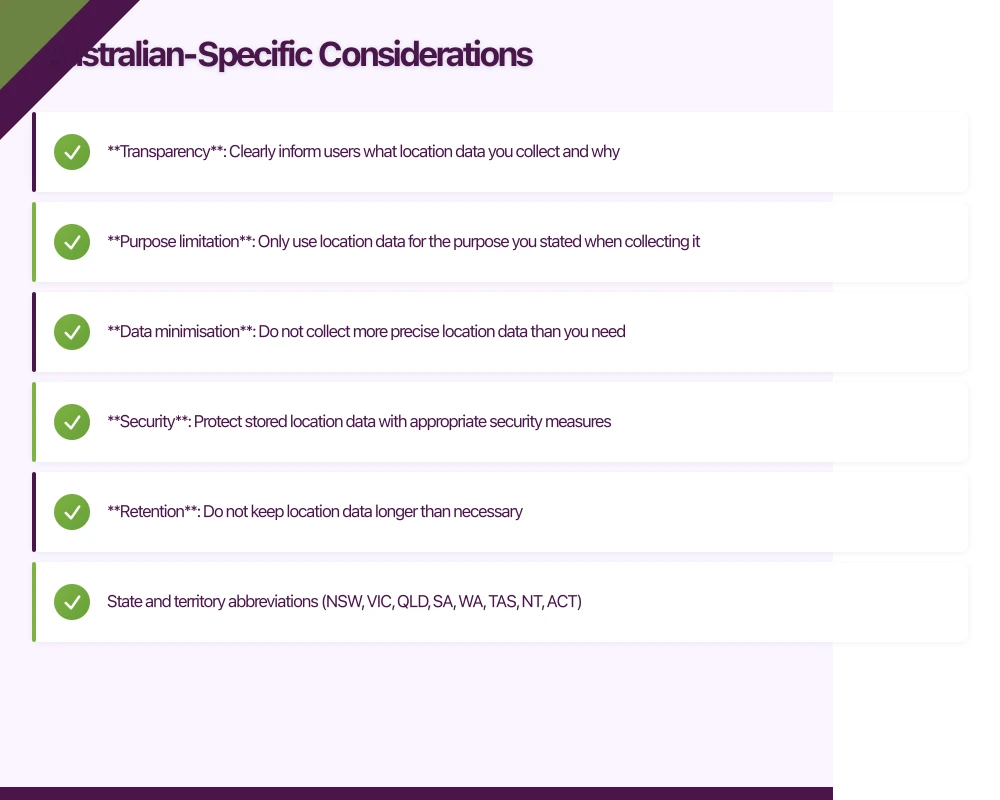
The Australian Privacy Principles (APPs) under the Privacy Act 1988 govern how you collect and use location data. Key requirements:
- Transparency: Clearly inform users what location data you collect and why
- Purpose limitation: Only use location data for the purpose you stated when collecting it
- Data minimisation: Do not collect more precise location data than you need
- Security: Protect stored location data with appropriate security measures
- Retention: Do not keep location data longer than necessary
If your app targets Australian users, your privacy policy must clearly explain your location data practices. This is not optional.
Coordinate Systems
Australia uses the Geocentric Datum of Australia 2020 (GDA2020) as its official coordinate reference system. While most mobile APIs use WGS84 (the GPS standard), if you are integrating with Australian government datasets or mapping services, you may need to convert between the two. The difference is small (roughly 1.8 metres) but matters for precision applications.
Addressing
Australian addresses follow specific conventions. If you are implementing address lookup or geocoding, account for:
- State and territory abbreviations (NSW, VIC, QLD, SA, WA, TAS, NT, ACT)
- Postcodes are four digits
- Rural addresses may use lot numbers or RMB (Roadside Mail Box) numbers
- Indigenous place names are increasingly used alongside English names
Use the Google Places API or the Australian Government’s G-NAF (Geocoded National Address File) for address validation.
Remote and Rural Coverage
Australia’s landmass is enormous, and much of it has limited or no cellular coverage. Apps that rely on continuous location tracking need to handle connectivity gaps gracefully:
func handleLocationInLowConnectivity() {
    // Cache map tiles for offline use
    let region = MKCoordinateRegion(
        center: lastKnownLocation.coordinate,
        latitudinalMeters: 50_000,
        longitudinalMeters: 50_000
    )

    // Store location history locally
    let locationStore = LocalLocationStore()
    locationStore.save(location: currentLocation)

    // Sync when connectivity returns
    NotificationCenter.default.addObserver(
        self,
        selector: #selector(syncLocationHistory),
        name: .connectivityRestored,
        object: nil
    )
}
Consider implementing offline map tile caching for apps used in rural areas. Libraries like Mapbox provide offline map support that works well across the Australian landscape.
Battery Optim
isation
Location tracking is one of the biggest battery drains on mobile devices. Australian users, many of whom spend time outdoors where charging is not readily available, are particularly sensitive to battery impact.
Accuracy Levels
Match accuracy to your actual need:
// High accuracy: GPS-based, high battery use
// Use for navigation, precise tracking
LocationRequest.PRIORITY_HIGH_ACCURACY

// Balanced: Wi-Fi and cellular, moderate battery
// Use for city-level features, store locators
LocationRequest.PRIORITY_BALANCED_POWER_ACCURACY

// Low power: Cellular only, minimal battery
// Use for regional content, weather
LocationRequest.PRIORITY_LOW_POWER

// Passive: Only receive updates from other apps
// Use for analytics, non-critical features
LocationRequest.PRIORITY_NO_POWER
Geofencing Instead of Continuous Tracking
For features that trigger based on proximity (e.g., “notify when near a store”), use geofencing instead of continuous location polling:
func setupGeofence(for store: Store) {
    let region = CLCircularRegion(
        center: store.coordinate,
        radius: 200, // metres
        identifier: store.id
    )
    region.notifyOnEntry = true
    region.notifyOnExit = false

    manager.startMonitoring(for: region)
}

func locationManager(
    _ manager: CLLocationManager,
    didEnterRegion region: CLRegion
) {
    sendNearbyStoreNotification(storeId: region.identifier)
}
Geofencing uses significantly less battery than continuous tracking because the system handles monitoring at the OS level.
Significant Location Changes
For apps that need periodic location updates but not continuous tracking, use significant location change monitoring:
// iOS: Only triggers on significant movement (roughly 500m)
manager.startMonitoringSignificantLocationChanges()

// Much lower battery impact than continuous tracking
// Works even when app is suspended
Testing Location Features
Simulating Locations
Both Xcode and Android Studio allow you to simulate locations for testing:
Xcode: Use a GPX file to simulate a route:
<?xml version="1.0"?>
<gpx version="1.1">
  <wpt lat="-33.8688" lon="151.2093">
    <name>Sydney CBD</name>
  </wpt>
  <wpt lat="-33.8523" lon="151.2108">
    <name>Circular Quay</name>
  </wpt>
</gpx>
Android Studio: Use the extended controls in the emulator to set location coordinates or load a GPX route file.
Testing Australian Locations
When testing, use coordinates from various Australian environments:
- Urban: Sydney CBD (-33.8688, 151.2093)
- Suburban: Melbourne eastern suburbs (-37.8136, 145.1300)
- Regional: Ballarat (-37.5622, 143.8503)
- Remote: Alice Springs (-23.6980, 133.8807)
- Coastal: Gold Coast (-28.0167, 153.4000)
Test with each to verify your app handles different connectivity and accuracy scenarios.
Conclusion
Building geolocation features for Australian mobile apps requires attention to both the technical implementation and the local context. Handle permissions thoughtfully, optimise for battery life, plan for offline scenarios in rural areas, and respect privacy regulations.
The investment in getting geolocation right pays off in user satisfaction and engagement. Location-aware features consistently rank among the most valued capabilities in mobile apps, and Australian users expect them to work reliably across our diverse geography.
If you need help implementing location features in your mobile app, contact eawesome. We build location-aware apps for Australian businesses across all environments, from inner-city Melbourne to remote Queensland.
Your app needs secure, low-latency APIs. Cloud Geeks builds and manages cloud backends optimised for mobile applications.
Ashish Ganda is the founder of Ganda Tech Services, a Sydney-based technology consultancy helping Australian businesses grow through cloud, web, and mobile solutions.
Talk to a Sydney app developer — free.
30 minutes. We'll tell you what your app needs, how long it takes, and what it costs. Real answers, no sales pitch.
Book Free App Strategy Call →Free · 30 minutes · No obligation