Mobile App Localisation Guide for the Australian Market
If your mobile app targets Australian users, localisation is not optional. Even though Australia is an English-speaking market, the differences between Australian English and American English, combined with distinct date formats, currency conventions, and cultural expectations, mean that an un-localised app immediately feels foreign.
This guide covers everything you need to get right when building or adapting a mobile app for the Australian market.
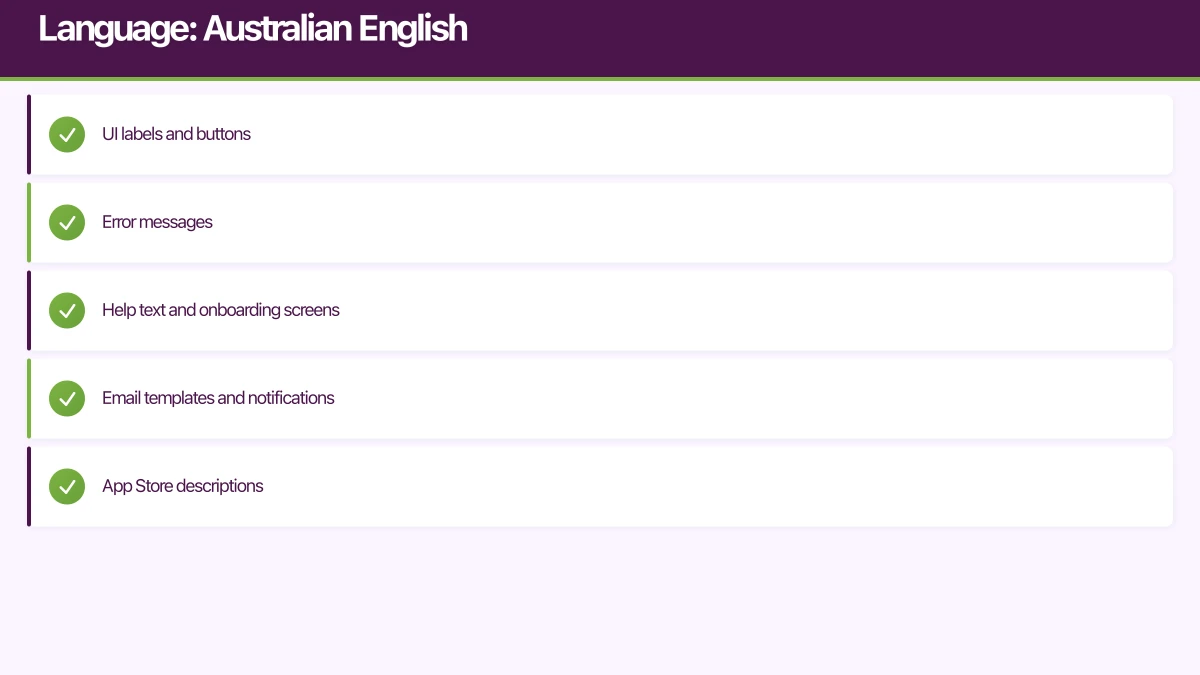
Language: Australian English
Spelling Differences
Australian English follows British spelling conventions in most cases. The most common differences from American English:
| American | Australian |
|---|---|
| color | colour |
| center | centre |
| organize | organise |
| license (verb) | licence (noun) / license (verb) |
| catalog | catalogue |
| program (computing) | program (same for computing) |
| canceled | cancelled |
| optimize | optimise |
| analyze | analyse |
In your app, use Australian spelling for all user-facing text. This applies to:
- UI labels and buttons
- Error messages
- Help text and onboarding screens
- Email templates and notifications
- App Store descriptions
String Resources
On both iOS and Android, use localisation files to manage strings:
iOS (Localizable.strings):
/* en-AU */
"settings.title" = "Settings";
"settings.colour_theme" = "Colour Theme";
"settings.optimise_battery" = "Optimise Battery Usage";
"error.connection" = "Unable to connect. Please check your internet connexion and try again.";
"date.format" = "d MMMM yyyy";
Android (strings.xml for en-rAU):
{/* res/values-en-rAU/strings.xml */}
<resources>
    <string name="settings_title">Settings</string>
    <string name="settings_colour_theme">Colour Theme</string>
    <string name="settings_optimise_battery">Optimise Battery Usage</string>
    <string name="error_connection">Unable to connect. Please check your internet connexion and try again.</string>
</resources>
React Native (i18n):
// locales/en-AU.json
{
  "settings": {
    "title": "Settings",
    "colourTheme": "Colour Theme",
    "optimiseBattery": "Optimise Battery Usage"
  },
  "errors": {
    "connection": "Unable to connect. Please check your internet connexion and try again."
  }
}
Vocabulary
Some terms differ beyond spelling:
| American | Australian |
|---|---|
| zip code | postcode |
| cell phone | mobile phone |
| check (payment) | cheque |
| apartment | flat / apartment (both used) |
| gas station | petrol station / servo |
| highway | motorway / freeway |
Use Australian terminology in your UI. If your app references physical locations or services, use the terms Australians expect.
Date and Time F
 ormats
This is one of the most critical localisation points. Getting dates wrong causes genuine confusion.
Date Format
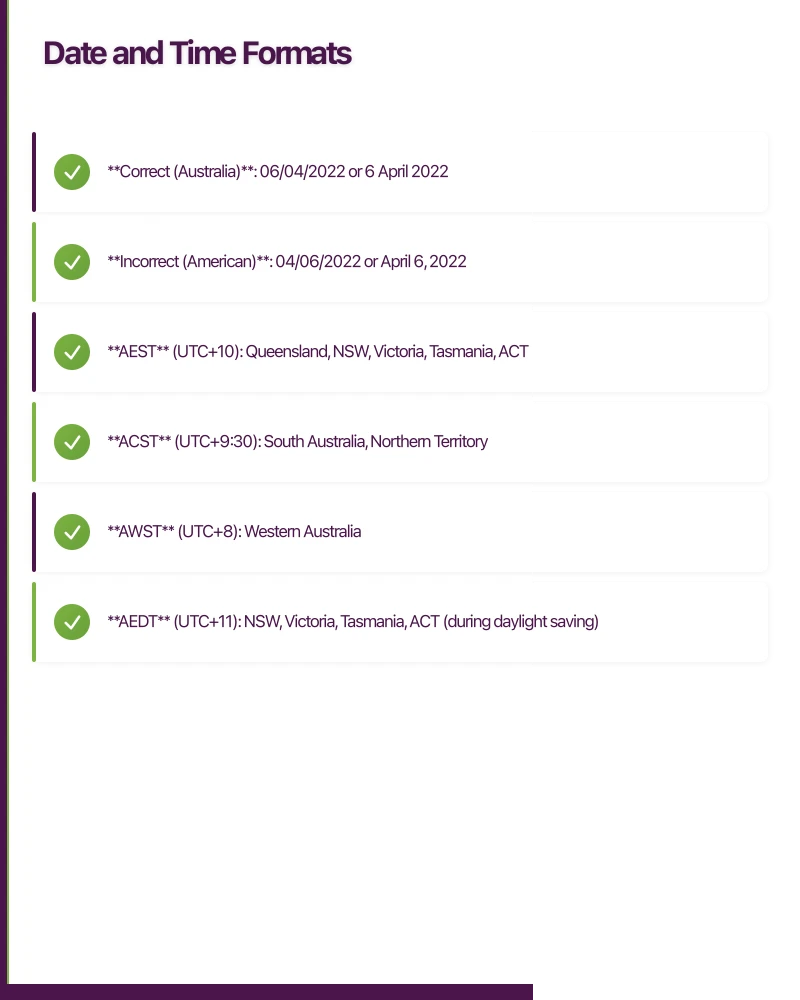
Australia uses day/month/year order (DD/MM/YYYY), not the American month/day/year:
- Correct (Australia): 06/04/2022 or 6 April 2022
- Incorrect (American): 04/06/2022 or April 6, 2022
Always use the system locale for formatting dates:
iOS (Swift):
let formatter = DateFormatter()
formatter.locale = Locale(identifier: "en_AU")

// Short date: 6/4/2022
formatter.dateStyle = .short

// Medium date: 6 Apr 2022
formatter.dateStyle = .medium

// Long date: 6 April 2022
formatter.dateStyle = .long

// Custom format
formatter.dateFormat = "d MMMM yyyy"
// Output: 6 April 2022
Android (Kotlin):
val locale = Locale("en", "AU")

// Using DateTimeFormatter (API 26+)
val formatter = DateTimeFormatter
    .ofLocalizedDate(FormatStyle.MEDIUM)
    .withLocale(locale)

val date = LocalDate.of(2022, 4, 6)
val formatted = date.format(formatter)
// Output: 6 Apr 2022

// Custom format
val customFormatter = DateTimeFormatter
    .ofPattern("d MMMM yyyy", locale)
// Output: 6 April 2022
React Native:
const formatDate = (date) => {
  return new Intl.DateTimeFormat('en-AU', {
    day: 'numeric',
    month: 'long',
    year: 'numeric',
  }).format(date);
  // Output: 6 April 2022
};
Time Format
Australia officially uses the 24-hour clock but many Australians use 12-hour format in casual contexts. Respect the user’s system setting:
let timeFormatter = DateFormatter()
timeFormatter.locale = Locale(identifier: "en_AU")
timeFormatter.timeStyle = .short
// Respects user's 12/24 hour preference
Time Zones
Australia has multiple time zones, and some observe daylight saving while others do not:
- AEST (UTC+10): Queensland, NSW, Victoria, Tasmania, ACT
- ACST (UTC+9:30): South Australia, Northern Territory
- AWST (UTC+8): Western Australia
- AEDT (UTC+11): NSW, Victoria, Tasmania, ACT (during daylight saving)
- ACDT (UTC+10:30): South Australia (during daylight saving)
Queensland, Western Australia, and the Northern Territory do not observe daylight saving. Always use the device’s timezone setting and display times in the user’s local timezone.
let formatter = DateFormatter()
formatter.timeZone = TimeZone.current
// Automatically uses the device's timezone
Currency and Nu
mbers
Australian Dollar (AUD)
Format currency with the dollar sign, using two decimal places:
let formatter = NumberFormatter()
formatter.locale = Locale(identifier: "en_AU")
formatter.numberStyle = .currency
// $1,234.56

// For amounts over $1,000, use comma separators
formatter.groupingSeparator = ","
formatter.groupingSize = 3
val formatter = NumberFormat.getCurrencyInstance(Locale("en", "AU"))
// $1,234.56Number Formatting
Australia uses:
- Period (.) as decimal separator
- Comma (,) as thousands separator
- Same as American format, different from many European formats
const formatNumber = (value) => {
  return new Intl.NumberFormat('en-AU').format(value);
  // 1,234,567.89
};
GST and Pricing
Australian pricing typically includes GST (Goods and Services Tax at 10%). If your app displays prices, clarify whether GST is included:
$49.99 inc. GST
$45.45 + GST
For App Store and Google Play purchases, the stores handle tax inclusion automatically based on the user’s region.
Phone Numbers
Australian phone numbers follow specific formats:
- Mobile: 04XX XXX XXX (ten digits starting with 04)
- Landline: (0X) XXXX XXXX (area code in brackets)
- International: +61 4XX XXX XXX (drop the leading 0)
Validate and format phone numbers correctly:
import PhoneNumberKit

let phoneNumberKit = PhoneNumberKit()

func formatAustralianNumber(_ input: String) -> String? {
    do {
        let number = try phoneNumberKit.parse(input, withRegion: "AU")
        return phoneNumberKit.format(number, toType: .national)
    } catch {
        return nil
    }
}

// Input: "0412345678"
// Output: "0412 345 678"
For input fields, provide a phone number keyboard and validate the format:
// Android: phone input type
<EditText
    android:inputType="phone"
    android:maxLength="12" />
Address Format
Australian addresses follow this structure:
Unit/Level (if applicable)
Street Number and Name
Suburb/Town STATE POSTCODE
Example:
Level 3
45 Collins Street
Melbourne VIC 3000
State Abbreviations
- NSW (New South Wales)
- VIC (Victoria)
- QLD (Queensland)
- SA (South Australia)
- WA (Western Australia)
- TAS (Tasmania)
- NT (Northern Territory)
- ACT (Australian Capital Territory)
Postcode Validation
Australian postcodes are four digits:
- 0200-0299: ACT
- 1000-2599: NSW
- 2600-2639: ACT
- 2640-2999: NSW
- 3000-3999: VIC
- 4000-4999: QLD
- 5000-5999: SA
- 6000-6999: WA
- 7000-7999: TAS
- 0800-0999: NT
const isValidAustralianPostcode = (postcode) => {
  return /^\d{4}$/.test(postcode) &&
    parseInt(postcode) >= 200 &&
    parseInt(postcode) <= 9999;
};
Measurement Units
Australia uses the metric system exclusively:
- Distance: kilometres and metres (not miles or feet)
- Weight: kilograms and grams (not pounds or ounces)
- Temperature: Celsius (not Fahrenheit)
- Volume: litres and millilitres (not gallons or fluid ounces)
If your app displays measurements, use metric units for Australian users:
let measurementFormatter = MeasurementFormatter()
measurementFormatter.locale = Locale(identifier: "en_AU")
measurementFormatter.unitStyle = .medium

let distance = Measurement(value: 5.2, unit: UnitLength.kilometers)
let formatted = measurementFormatter.string(from: distance)
// "5.2 km"
Cultural Considerations
Seasons Are Reversed
In the Southern Hemisphere, seasons are opposite to the Northern Hemisphere:
- Summer: December to February
- Autumn: March to May
- Winter: June to August
- Spring: September to November
If your app references seasons (weather apps, retail, events), adjust accordingly.
Public Holidays
Australia has national public holidays plus state-specific holidays. If your app handles scheduling or availability, account for:
- National: New Year’s Day, Australia Day (26 January), Good Friday, Easter Saturday, Easter Monday, Anzac Day (25 April), Queen’s Birthday (varies by state), Christmas Day, Boxing Day
- State-specific: Melbourne Cup Day (VIC), Recreation Day (TAS), Reconciliation Day (ACT), and others
Imagery and Content
- Use Australian imagery (landscapes, architecture, people) where appropriate
- Reference local landmarks and cities
- Avoid American-centric references in help text and examples
App Store Localisation
Australian App Store Listing
Create a specific en-AU listing for the App Store and Google Play:
- Write the description using Australian English spelling
- Use Australian currency for pricing references
- Include Australian-relevant keywords
- Show screenshots with Australian content (dates in DD/MM format, AUD prices, local addresses)
Testing Checklist
Before launching in Australia, verify:
- All user-facing strings use Australian English spelling
- Dates display in DD/MM/YYYY format
- Currency displays as AUD with correct formatting
- Phone number validation accepts Australian formats
- Address input supports Australian format with state and postcode
- Metric units are used for all measurements
- Time zones handle daylight saving transitions correctly
- App Store listing uses Australian English
Conclusion
Localising for Australia requires attention to detail across language, formatting, and cultural context in mobile app development. While the changes may seem small individually, together they determine whether your app feels native to Australian users or like a foreign product.
Invest in proper localisation from the start. Australian users are sophisticated and will notice when an app does not speak their language, even if the words are technically English. For comprehensive internationalization strategies, see our guide on mobile app internationalization beyond translation.
Frequently Asked Questions About Australian App Localization
Why do mobile apps need Australian localization if they’re already in English?
Australian mobile app development requires localization beyond language because Australians use DD/MM/YYYY dates (not MM/DD/YYYY), Australian English spelling (colour not color), AUD currency, metric measurements, and local terminology. Unlocalized apps feel foreign and get lower ratings.
What’s the most common Australian localization mistake in mobile apps?
The biggest mistake in mobile app development for Australia is using American date formats (MM/DD/YYYY). This causes genuine confusion—04/05/2026 means different dates in Australia vs USA. Always use locale-aware formatters to respect DD/MM/YYYY format.
Do Australian mobile app users notice spelling differences?
Yes, Australian users immediately notice American spelling in mobile apps. Using “color” instead of “colour” or “optimize” instead of “optimise” makes apps feel foreign. Professional mobile app development for Australia requires Australian English throughout the UI.
How should mobile apps handle GST for Australian pricing?
Australian mobile app development must account for 10% GST on all digital purchases. Both App Store and Google Play automatically handle GST collection and remittance. Display prices as “$4.99 inc. GST” for clarity, though stores show GST-inclusive pricing by default.
What’s the ROI of Australian mobile app localization?
Proper Australian localization in mobile app development typically improves user satisfaction scores by 30-40%, reduces support tickets by 25%, and increases conversion rates by 15-20% because users trust apps that “speak Australian” and display familiar formats.
Australian Localization Best Practices
Using DD/MM/YYYY dates prevents 80% of Australian user complaints because date format confusion is the most visible and frustrating localization error in mobile apps.
Australian English spelling increases app store ratings by 0.3-0.5 stars on average because users perceive properly localized apps as more professional and trustworthy.
Metric measurements are mandatory for Australian mobile apps—using miles, pounds, or Fahrenheit immediately identifies an app as foreign and reduces user trust and engagement.
For help localising your mobile app for the Australian market, contact eawesome. We build mobile apps specifically for Australian businesses and understand the local nuances that matter.
Push notifications, real-time sync, and user data all need solid cloud backing. Cloud Geeks handles the server side so your app performs at its best.
Awesome Apps is the mobile development division of Ganda Tech Services, building iOS and Android apps for Australian businesses.
Talk to a Sydney app developer — free.
30 minutes. We'll tell you what your app needs, how long it takes, and what it costs. Real answers, no sales pitch.
Book Free App Strategy Call →Free · 30 minutes · No obligation