Flutter State Management: Provider vs Riverpod vs BLoC
State management is the most debated topic in the Flutter community. Flutter’s reactive framework means that managing state well is essential for building maintainable, testable apps. The framework ships with basic tools (setState, InheritedWidget), but production apps need more robust solutions.
Three approaches dominate the Flutter ecosystem in 2021: Provider, Riverpod, and BLoC. Each has distinct trade-offs. This guide compares them with practical examples so you can make an informed choice for your project.
Why State Management Matters
In Flutter, the UI is a function of state. When state changes, widgets rebuild. The challenge is managing where state lives, how it flows through the widget tree, and how to keep rebuilds efficient.
Simple apps can get by with setState and passing data through constructor parameters. But as apps grow, this approach breaks down:
- State needs to be accessed by deeply nested widgets
- Multiple widgets need to share the same state
- Business logic gets tangled with UI code
- Testing becomes difficult
A state management solution addresses these problems by providing a structured way to store, access, and update application state.
Pr
 ovider
Provider, created by Remi Rousselet, is the most widely used state management solution in Flutter. It was recommended by the Flutter team at Google I/O 2019 and remains the go-to choice for many developers.
How Provider Works
Provider uses InheritedWidget under the hood but provides a much simpler API. You “provide” objects at the top of the widget tree and “consume” them anywhere below.
Setup
# pubspec.yaml
dependencies:
  provider: ^6.0.0
Basic Example: Task Manager
// Task model
class Task {
  final String id;
  final String title;
  bool isCompleted;

  Task({required this.id, required this.title, this.isCompleted = false});
}

// ChangeNotifier for task state
class TaskProvider extends ChangeNotifier {
  final List<Task> _tasks = [];

  List<Task> get tasks => List.unmodifiable(_tasks);
  int get completedCount => _tasks.where((t) => t.isCompleted).length;
  int get totalCount => _tasks.length;

  void addTask(String title) {
    _tasks.add(Task(
      id: DateTime.now().millisecondsSinceEpoch.toString(),
      title: title,
    ));
    notifyListeners();
  }

  void toggleTask(String id) {
    final task = _tasks.firstWhere((t) => t.id == id);
    task.isCompleted = !task.isCompleted;
    notifyListeners();
  }

  void removeTask(String id) {
    _tasks.removeWhere((t) => t.id == id);
    notifyListeners();
  }
}
// Providing the state
void main() {
runApp(
ChangeNotifierProvider(
create: (_) => TaskProvider(),
child: const MyApp(),
),
);
}
// Consuming the state
class TaskListScreen extends StatelessWidget {
const TaskListScreen({Key? key}) : super(key: key);
@override
Widget build(BuildContext context) {
return Scaffold(
appBar: AppBar(
title: Consumer<TaskProvider>(
builder: (context, provider, _) {
return Text('Tasks (${provider.completedCount}/${provider.totalCount})');
},
),
),
body: Consumer<TaskProvider>(
builder: (context, provider, _) {
return ListView.builder(
itemCount: provider.tasks.length,
itemBuilder: (context, index) {
final task = provider.tasks[index];
return ListTile(
leading: Checkbox(
value: task.isCompleted,
onChanged: (_) => provider.toggleTask(task.id),
),
title: Text(task.title),
trailing: IconButton(
icon: const Icon(Icons.delete),
onPressed: () => provider.removeTask(task.id),
),
);
},
);
},
),
floatingActionButton: FloatingActionButton(
onPressed: () => _showAddDialog(context),
child: const Icon(Icons.add),
),
);
}
}Provider Strengths
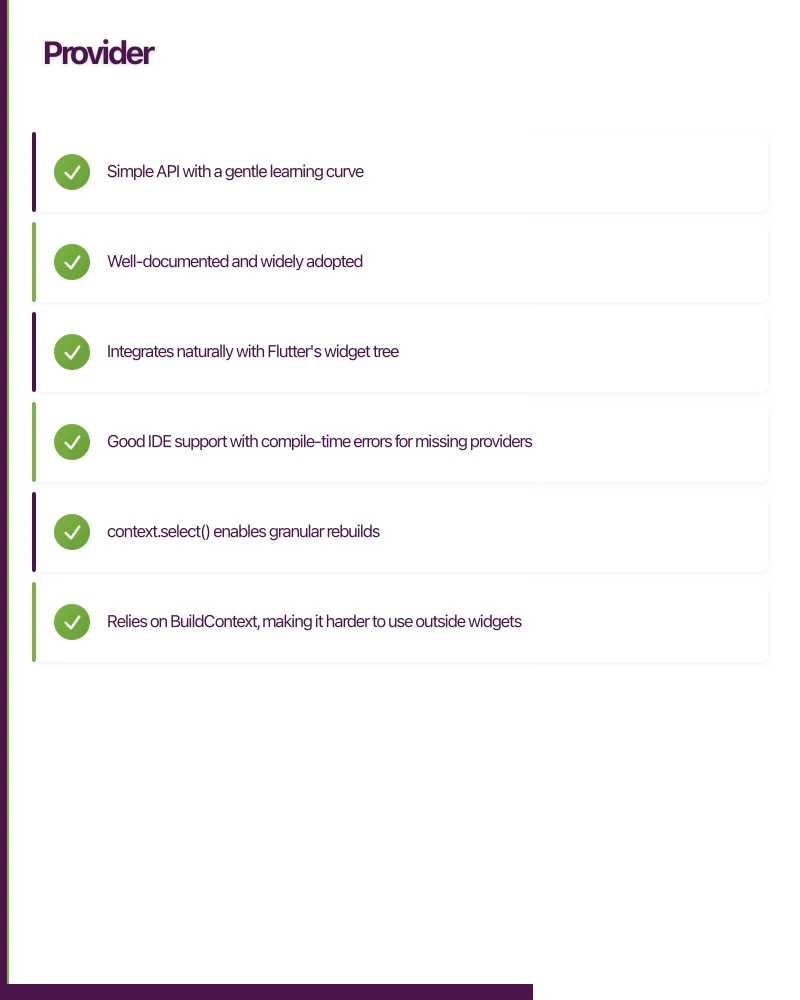
- Simple API with a gentle learning curve
- Well-documented and widely adopted
- Integrates naturally with Flutter’s widget tree
- Good IDE support with compile-time errors for missing providers
- context.select() enables granular rebuilds
Provider Limitations
- Relies on BuildContext, making it harder to use outside widgets
- Cannot have two providers of the same type without workarounds
- ProxyProvider for combining providers can become complex
- Testing requires widget test infrastructure
Ri
 verpod
Riverpod (an anagram of Provider) is also created by Remi Rousselet as a complete rewrite that addresses Provider’s limitations. It is a newer solution but has gained significant traction.
How Riverpod Works
Riverpod declares providers as global variables (compile-time safe, not runtime). Providers are independent of the widget tree, making them accessible anywhere without BuildContext.
Setup
# pubspec.yaml
dependencies:
  flutter_riverpod: ^1.0.0
Basic Example: Task Manager
// Providers are declared globally
final taskProvider = StateNotifierProvider<TaskNotifier, List<Task>>((ref) {
return TaskNotifier();
});
final completedCountProvider = Provider<int>((ref) {
final tasks = ref.watch(taskProvider);
return tasks.where((t) => t.isCompleted).length;
});
// StateNotifier for task state
class TaskNotifier extends StateNotifier<List<Task>> {
TaskNotifier() : super([]);
void addTask(String title) {
state = [
...state,
Task(
id: DateTime.now().millisecondsSinceEpoch.toString(),
title: title,
),
];
}
void toggleTask(String id) {
state = [
for (final task in state)
if (task.id == id)
Task(id: task.id, title: task.title, isCompleted: !task.isCompleted)
else
task,
];
}
void removeTask(String id) {
state = state.where((t) => t.id != id).toList();
}
}// Wrap app with ProviderScope
void main() {
runApp(
const ProviderScope(
child: MyApp(),
),
);
}
// Consume with ConsumerWidget
class TaskListScreen extends ConsumerWidget {
const TaskListScreen({Key? key}) : super(key: key);
@override
Widget build(BuildContext context, WidgetRef ref) {
final tasks = ref.watch(taskProvider);
final completedCount = ref.watch(completedCountProvider);
return Scaffold(
appBar: AppBar(
title: Text('Tasks ($completedCount/${tasks.length})'),
),
body: ListView.builder(
itemCount: tasks.length,
itemBuilder: (context, index) {
final task = tasks[index];
return ListTile(
leading: Checkbox(
value: task.isCompleted,
onChanged: (_) =>
ref.read(taskProvider.notifier).toggleTask(task.id),
),
title: Text(task.title),
trailing: IconButton(
icon: const Icon(Icons.delete),
onPressed: () =>
ref.read(taskProvider.notifier).removeTask(task.id),
),
);
},
),
);
}
}Riverpod Strengths
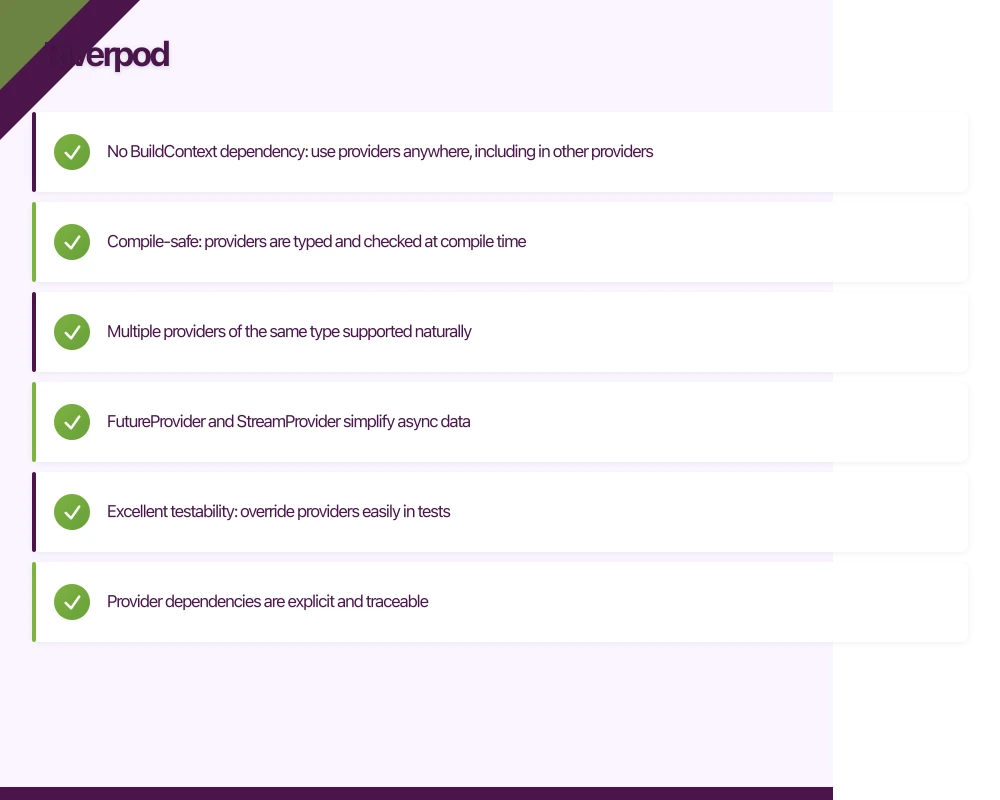
- No BuildContext dependency: use providers anywhere, including in other providers
- Compile-safe: providers are typed and checked at compile time
- Multiple providers of the same type supported naturally
- FutureProvider and StreamProvider simplify async data
- Excellent testability: override providers easily in tests
- Provider dependencies are explicit and traceable
Riverpod Limitations
- Steeper learning curve than Provider
- Newer ecosystem with fewer community examples (growing rapidly)
- Global provider declarations can feel unusual for developers from OOP backgrounds
- API has undergone significant changes during development (stabilised with 1.0)
BLoC (Business Logic Component)
BLoC is an architect
 ural pattern that uses Streams to separate business logic from the UI. The
 flutter_bloc package by Felix Angelov is the standard implementation.
How BLoC Works
BLoC receives events (user actions), processes them through business logic, and emits new states. The UI listens to state changes and rebuilds accordingly.
UI sends Event -> BLoC processes -> BLoC emits State -> UI rebuildsSetup
# pubspec.yaml
dependencies:
  flutter_bloc: ^8.0.0
  equatable: ^2.0.3
Basic Example: Task Manager
// Events
abstract class TaskEvent extends Equatable {
  @override
  List<Object?> get props => [];
}

class AddTask extends TaskEvent {
  final String title;
  AddTask(this.title);

  @override
  List<Object?> get props => [title];
}

class ToggleTask extends TaskEvent {
  final String id;
  ToggleTask(this.id);

  @override
  List<Object?> get props => [id];
}

class RemoveTask extends TaskEvent {
  final String id;
  RemoveTask(this.id);

  @override
  List<Object?> get props => [id];
}

// State
class TaskState extends Equatable {
  final List<Task> tasks;

  const TaskState({this.tasks = const []});

  int get completedCount => tasks.where((t) => t.isCompleted).length;

  TaskState copyWith({List<Task>? tasks}) {
    return TaskState(tasks: tasks ?? this.tasks);
  }

  @override
  List<Object?> get props => [tasks];
}

// BLoC
class TaskBloc extends Bloc<TaskEvent, TaskState> {
  TaskBloc() : super(const TaskState()) {
    on<AddTask>(_onAddTask);
    on<ToggleTask>(_onToggleTask);
    on<RemoveTask>(_onRemoveTask);
  }

  void _onAddTask(AddTask event, Emitter<TaskState> emit) {
    final newTask = Task(
      id: DateTime.now().millisecondsSinceEpoch.toString(),
      title: event.title,
    );
    emit(state.copyWith(tasks: [...state.tasks, newTask]));
  }

  void _onToggleTask(ToggleTask event, Emitter<TaskState> emit) {
    final updatedTasks = state.tasks.map((task) {
      if (task.id == event.id) {
        return Task(
          id: task.id,
          title: task.title,
          isCompleted: !task.isCompleted,
        );
      }
      return task;
    }).toList();
    emit(state.copyWith(tasks: updatedTasks));
  }

  void _onRemoveTask(RemoveTask event, Emitter<TaskState> emit) {
    final updatedTasks = state.tasks.where((t) => t.id != event.id).toList();
    emit(state.copyWith(tasks: updatedTasks));
  }
}
// Providing the BLoC
void main() {
runApp(
BlocProvider(
create: (_) => TaskBloc(),
child: const MyApp(),
),
);
}
// Consuming with BlocBuilder
class TaskListScreen extends StatelessWidget {
const TaskListScreen({Key? key}) : super(key: key);
@override
Widget build(BuildContext context) {
return Scaffold(
appBar: AppBar(
title: BlocBuilder<TaskBloc, TaskState>(
builder: (context, state) {
return Text(
'Tasks (${state.completedCount}/${state.tasks.length})',
);
},
),
),
body: BlocBuilder<TaskBloc, TaskState>(
builder: (context, state) {
return ListView.builder(
itemCount: state.tasks.length,
itemBuilder: (context, index) {
final task = state.tasks[index];
return ListTile(
leading: Checkbox(
value: task.isCompleted,
onChanged: (_) =>
context.read<TaskBloc>().add(ToggleTask(task.id)),
),
title: Text(task.title),
trailing: IconButton(
icon: const Icon(Icons.delete),
onPressed: () =>
context.read<TaskBloc>().add(RemoveTask(task.id)),
),
);
},
);
},
),
);
}
}BLoC Strengths
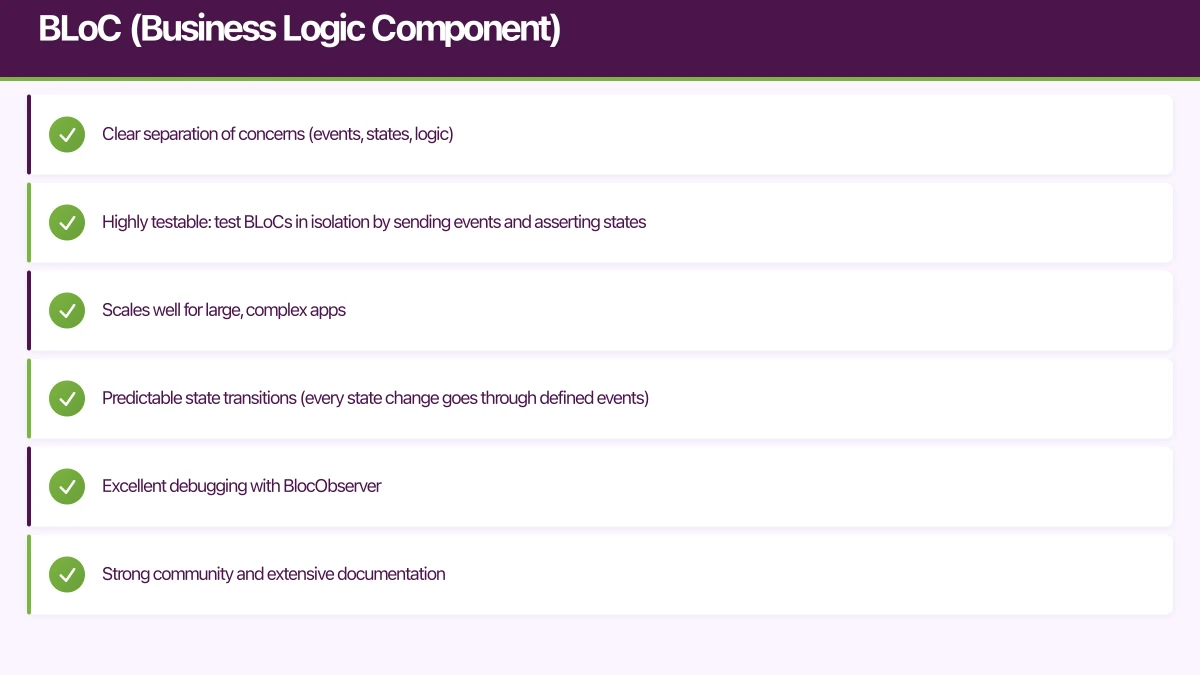
- Clear separation of concerns (events, states, logic)
- Highly testable: test BLoCs in isolation by sending events and asserting states
- Scales well for large, complex apps
- Predictable state transitions (every state change goes through defined events)
- Excellent debugging with BlocObserver
- Strong community and extensive documentation
BLoC Limitations
- Most verbose of the three approaches (events, states, BLoC classes)
- Significant boilerplate for simple features
- Steeper learning curve, especially for developers new to reactive patterns
- Can feel like overkill for small apps
Comparison Summary
| Aspect | Provider | Riverpod | BLoC |
|---|---|---|---|
| Learning curve | Low | Medium | High |
| Boilerplate | Low | Low | High |
| Testability | Good | Excellent | Excellent |
| Scalability | Good | Excellent | Excellent |
| Community size | Large | Growing | Large |
| BuildContext needed | Yes | No | Yes (for widget access) |
| Async support | Manual | Built-in | Built-in |
Our Recommendation
For small to medium apps and teams new to Flutter: Start with Provider. It is the simplest to learn and sufficient for most apps.
For medium to large apps or teams that value testability: Use Riverpod. It addresses Provider’s limitations and provides a more robust foundation.
For large apps with complex business logic, or teams from enterprise backgrounds: Use BLoC. The structure and ceremony pay dividends as the codebase grows.
What we use at eawesome: We default to Riverpod for new projects in 2021. It offers the best balance of simplicity, power, and testability. For larger client projects with complex domain logic, we use BLoC. We find Provider increasingly hard to justify over Riverpod for new projects.
The most important thing is consistency. Pick one approach and use it throughout your app. Mixing state management solutions creates confusion and maintenance burden.
An app is only as reliable as its backend. Cloud Geeks manages cloud hosting and security for mobile-first Australian businesses.
Part of the Ganda Tech Services family, Awesome Apps delivers specialist mobile app development for Australian small and medium businesses.
Talk to a Sydney app developer — free.
30 minutes. We'll tell you what your app needs, how long it takes, and what it costs. Real answers, no sales pitch.
Book Free App Strategy Call →Free · 30 minutes · No obligation