Integrating AI Features into Your Mobile App: A Complete Developer’s Guide 2024
Artificial Intelligence is no longer just a futuristic concept—it’s become an essential component of modern mobile applications. From personalized recommendations to voice assistants and image recognition, AI features are transforming how users interact with mobile apps. As mobile developers, understanding how to effectively integrate these capabilities can set your app apart in an increasingly competitive marketplace.
The integration of AI into mobile applications has reached a tipping point. According to recent industry reports, over 80% of successful mobile apps now incorporate some form of AI functionality. Whether you’re building an e-commerce platform, social media app, or productivity tool, AI features can significantly enhance user experience, increase engagement, and drive business value.
In this comprehensive guide, we’ll explore practical approaches to integrating AI features into your mobile app, covering everything from initial planning to implementation strategies and performance optimization. Let’s dive into the world of AI-powered mobile development.
Understanding AI Integration Options for Mobile Apps
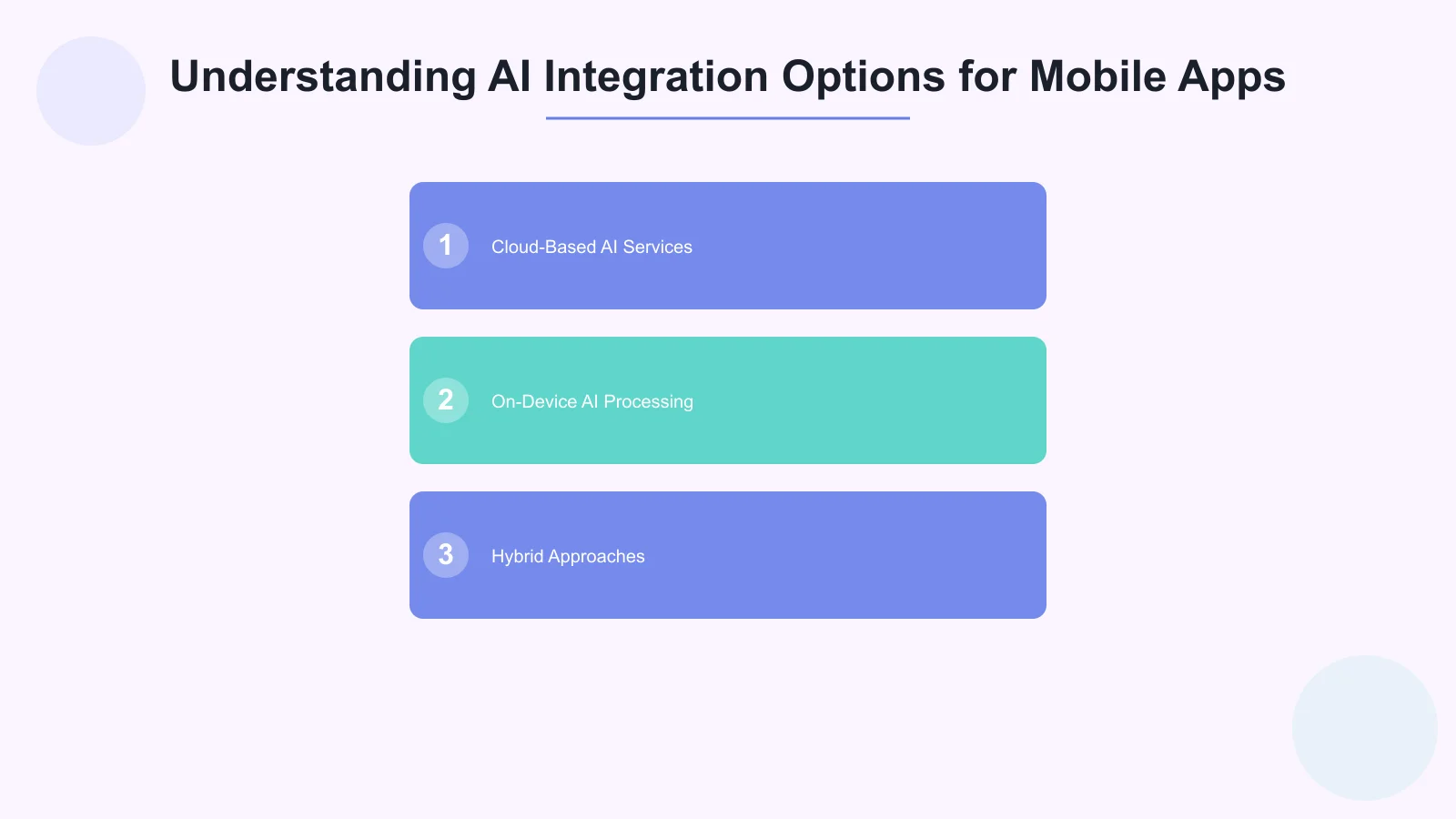
When considering AI integration for your mobile app, you have several implementation approaches to choose from, each with distinct advantages and considerations.
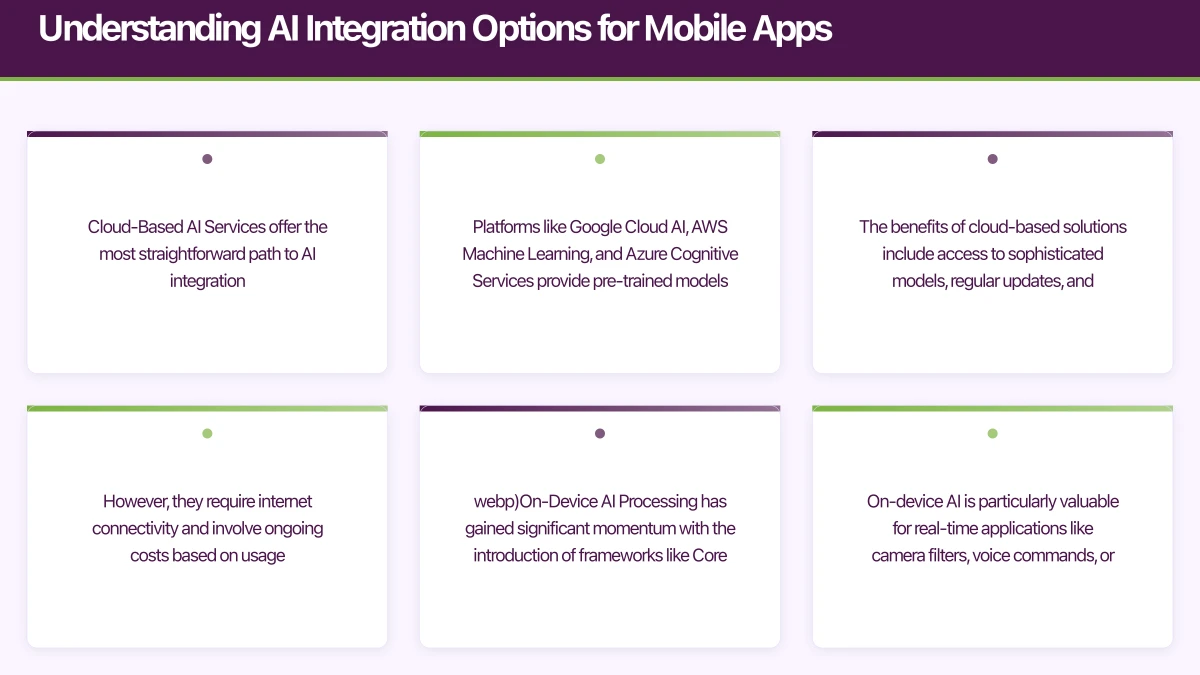
Cloud-Based AI Services offer the most straightforward path to AI integration. Platforms like Google Cloud AI, AWS Machine Learning, and Azure Cognitive Services provide pre-trained models accessible through APIs. This approach is ideal for developers who want to quickly use features like natural language processing, image recognition, or translation services without extensive machine learning expertise.
The benefits of cloud-based solutions include access to sophisticated models, regular updates, and scalability. However, they require internet connectivity and involve ongoing costs based on usage. Popular cloud AI services include Google’s Vision API for image analysis, Amazon Comprehend for text analysis, and Microsoft’s Speech Services for voice recognition.
On-Device AI Processing has gained significant momentum with the introduction of frameworks like Core ML for iOS and ML Kit for Android. This approach processes AI tasks directly on the user’s device, offering benefits like faster response times, offline functionality, and enhanced privacy since data doesn’t leave the device.
On-device AI is particularly valuable for real-time applications like camera filters, voice commands, or predictive text. Apple’s Core ML and Google’s TensorFlow Lite have made it easier than ever to deploy lightweight AI models directly within mobile apps.
Hybrid Approaches combine both cloud and on-device processing to improve performance and user experience. For example, your app might use on-device processing for quick, frequent tasks while leveraging cloud services for more complex analysis or when higher accuracy i
 s required.
Popular AI Features to Consider for Your App

Understanding which AI features align with your app’s purpose and user needs is crucial for successful implementation. Let’s explore some of the most impactful AI capabilities you can integrate.
Personalization and Recommendation Systems are among the most valuable AI features for user engagement. These systems analyze user behavior, preferences, and interactions to deliver customized content, products, or experiences. E-commerce apps use recommendation engines to suggest products, while content apps curate personalized feeds.
Implementing recommendation systems typically involves collecting user interaction data, processing it through machine learning algorithms, and continuously refining suggestions based on user feedback. Services like Amazon Personalize or Google Recommendations AI can accelerate this implementation.
Natural Language Processing (NLP) capabilities enable your app to understand and process human language. This includes features like sentiment analysis, language translation, text summarization, and chatbots. NLP can transform user experience by enabling voice commands, automated customer support, or content analysis.
For mobile apps, NLP integration might involve implementing voice-to-text functionality, creating intelligent search features, or developing conversational interfaces. Google’s Natural Language API and IBM Watson provide robust NLP capabilities through cloud services.
Computer Vision and Image Recognition open up exciting possibilities for mobile apps. These features can identify objects in photos, read text from images (OCR), recognize faces, or enable augmented reality experiences. Camera-based apps, social media platforms, and productivity tools frequently leverage computer vision capabilities.
Implementing computer vision might involve integrating services like Google Vision API for cloud processing or using Core ML Vision framework for on-device image analysis on iOS devices.
Predictive Analytics and Smart Automation help apps anticipate user needs and automate routine tasks. This might include predicting user behavior, optimizing app performance, or triggering automated
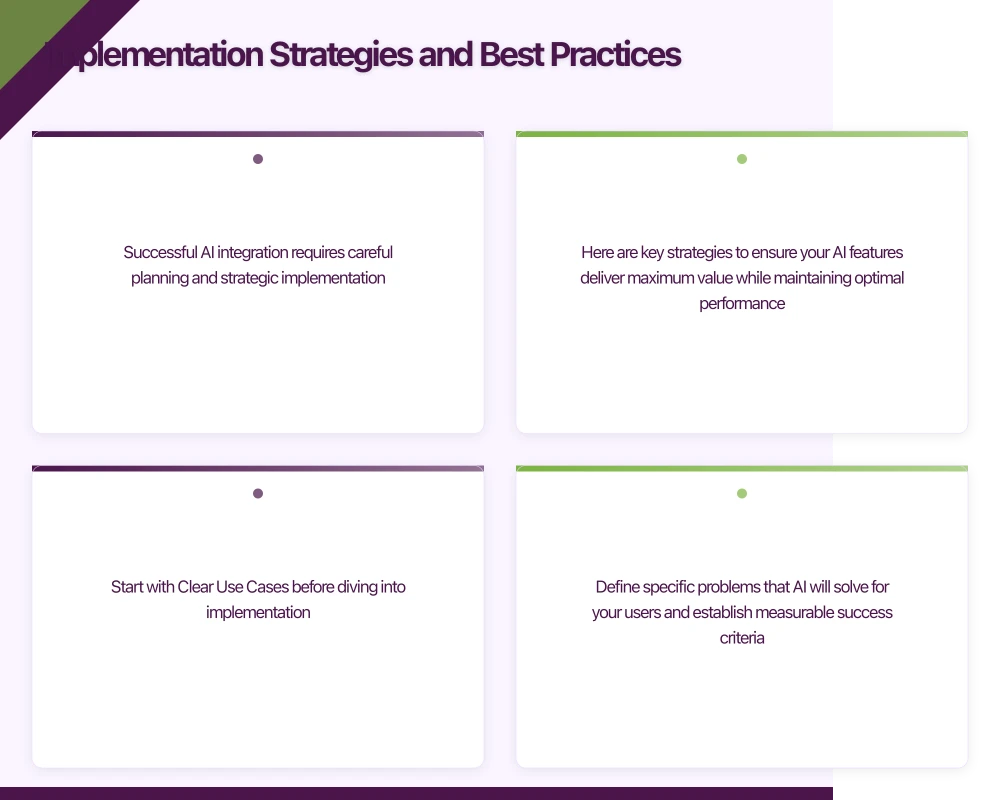 actions based on usage patterns.
Implementation Strategies and Best Practices
Successful AI integration requires careful planning and strategic implementation. Here are key strategies to ensure your AI features deliver maximum value while maintaining optimal performance.
Start with Clear Use Cases before diving into implementation. Define specific problems that AI will solve for your users and establish measurable success criteria. Avoid the temptation to add AI features simply because they’re trendy—focus on functionality that genuinely enhances user experience.
Conduct user research to understand pain points that AI could address. For example, if users struggle to find relevant content in your app, a recommendation system might be valuable. If manual data entry is cumbersome, consider implementing OCR or voice input capabilities.
Design for Privacy and Security from the beginning. AI features often require access to user data, making privacy protection crucial. Use data minimization principles—collect only the data necessary for AI functionality. Clearly communicate to users what data you’re collecting and how AI features benefit them.
For on-device processing, emphasize the privacy benefits to users. When using cloud services, ensure you’re working with reputable providers that offer strong security guarantees and comply with relevant privacy regulations like GDPR or CCPA.
Improve Performance and User Experience by carefully managing AI processing demands. AI operations can be computationally intensive, potentially affecting app performance and battery life. Use background processing for non-critical AI tasks and provide clear loading indicators for operations that require user waiting.
Consider progressive enhancement approaches where AI features enhance the experience but don’t break core functionality if they fail or are unavailable. Always have fallback mechanisms in place.
Plan for Continuous Improvement since AI features typically improve with more data and usage. Use analytics to track AI feature performance and user interaction patterns. Create feedback mechanisms that allow users to correct or rate AI-generated results, which can help improve accuracy over time.
Regularly update your AI models and services to take advantage of improvements and new capabilities. Many cloud AI services automatically update their models, but on-device models
 may require app updates.
Technical Implementation Guide

Let’s explore the technical aspects of integrating AI features into iOS and Android applications, with practical code examples and implementation patterns.
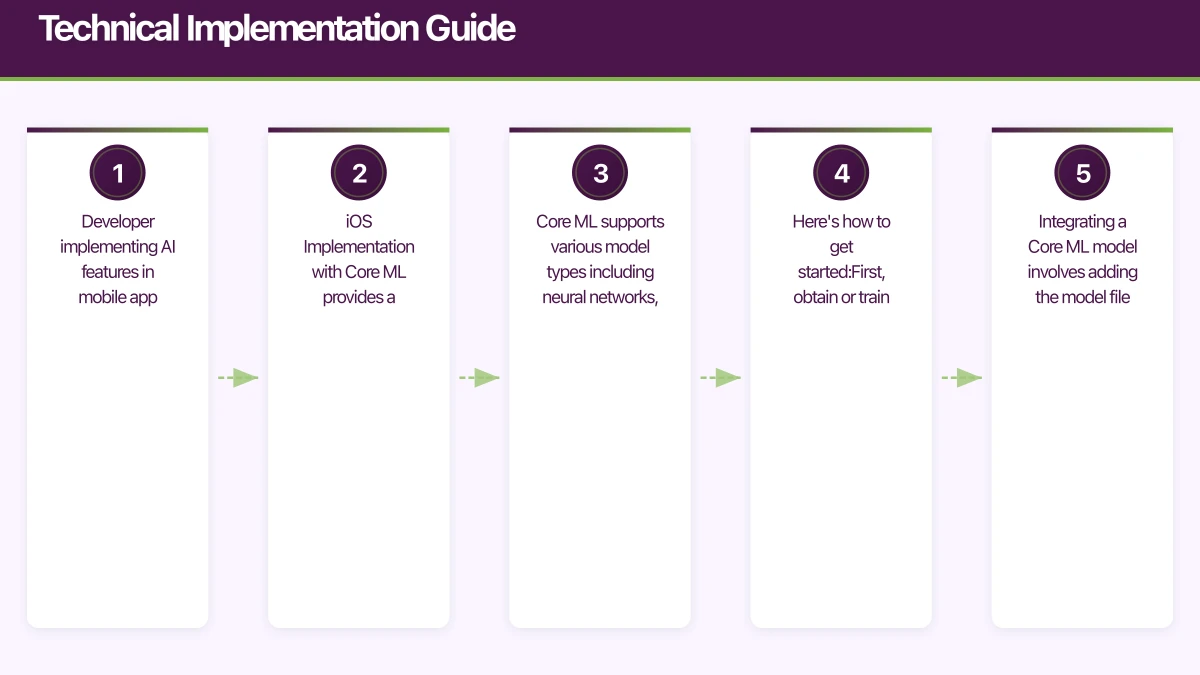
iOS Implementation with Core ML provides a streamlined approach for on-device AI processing. Core ML supports various model types including neural networks, tree ensembles, and linear models. Here’s how to get started:
First, obtain or train a Core ML model. You can convert models from TensorFlow, PyTorch, or other frameworks using Apple’s conversion tools, or download pre-trained models from Apple’s Machine Learning gallery.
Integrating a Core ML model involves adding the model file to your Xcode project and creating prediction code. For example, implementing image classification might involve capturing images through the camera, preprocessing them for your model, running prediction, and displaying results to users.
Core ML integrates seamlessly with other iOS frameworks like Vision for image processing and Natural Language for text analysis, enabling sophisticated AI workflows within your app.
Android Implementation with ML Kit and TensorFlow Lite offers flexible options for AI integration. ML Kit provides ready-to-use APIs for common AI tasks like text recognition, face detection, and barcode scanning, while TensorFlow Lite enables custom model deployment.
ML Kit implementation is straightforward—add the relevant dependencies to your app, configure the API, and process input data. For example, implementing text recognition involves capturing images, passing them to the text recognition API, and handling the extracted text results.
For custom models with TensorFlow Lite, you’ll convert your trained model to the TensorFlow Lite format, add it to your Android project, and create inference code to run predictions.
Cloud AI Integration follows similar patterns across platforms. Typically, you’ll make HTTP requests to AI service endpoints, handle authentication, and process JSON responses. Many cloud providers offer SDKs that simplify this integration.
Key considerations for cloud integration include handling network errors gracefully, implementing appropriate caching strategies, and managing API rate limits and costs.
Testing and Validation are crucial for AI feature implementation. Unlike traditional app features, AI functionality can behave unpredictably with different inputs. Use comprehensive testing strategies including unit tests for data processing, integration tests for AI service calls, and user acceptance testing with real-world data.
Consider creating test datasets that represent edge cases and unusual inputs your AI features might encounter. Monitor AI feature performance in production and be prepared to quickly address issues that arise.
Measuring Success and Optimization
Implementing AI features is just the beginning—measuring their impact and continuously optimizing performance is essential for long-term success.
Define Key Performance Indicators (KPIs) that align with your AI feature objectives. These might include user engagement metrics like session duration or feature usage rates, business metrics like conversion rates or revenue impact, and technical metrics like response times or accuracy rates.
For recommendation systems, track click-through rates, conversion rates, and user satisfaction scores. For computer vision features, monitor accuracy rates and processing times. For NLP features, measure user task completion rates and error frequencies.
Use Analytics and Monitoring to track AI feature performance in real-time. Use analytics platforms that can handle AI-specific metrics and provide insights into user interaction patterns with AI features.
Monitor technical performance including API response times, error rates, and resource usage. Set up alerts for unusual patterns or performance degradation that might indicate issues with AI services or models.
User Feedback and Iteration play crucial roles in AI feature optimization. Use mechanisms for users to provide feedback on AI results—this data can help improve model accuracy and identify areas for enhancement.
Regularly analyze user behavior data to understand how AI features impact overall app usage. Look for patterns that indicate successful AI integration, such as increased session lengths or improved task completion rates.
A/B Testing for AI Features helps validate the impact of AI implementations. Test AI-powered features against traditional alternatives to measure real user impact. For example, compare personalized content recommendations against generic content to measure engagement improvements.
Consider testing different AI approaches or parameters to improve performance. Machine learning models often have configurable parameters that can significantly impact results.
Conclusion: Building the Future of Mobile Apps with AI
Integrating AI features into your mobile app represents both an exciting opportunity and a significant responsibility. When implemented thoughtfully, AI can transform user experiences, increase engagement, and create competitive advantages. However, successful AI integration requires careful planning, technical expertise, and ongoing optimization.
The key takeaways for successful AI integration include starting with clear use cases that solve real user problems, choosing the right implementation approach based on your app’s needs and constraints, prioritizing user privacy and security throughout the development process, and planning for continuous improvement and optimization.
As AI technology continues to evolve rapidly, staying informed about new capabilities and best practices will be crucial for mobile developers. The frameworks and services available today make AI integration more accessible than ever, but success still depends on thoughtful implementation and user-centered design.
Remember that AI should enhance, not replace, good fundamental app design and development practices. Focus on creating value for your users, and use AI as a tool to deliver better experiences rather than as an end in itself.
The future of mobile apps is increasingly AI-powered, and developers who master these integration techniques will be well-positioned to create the next generation of innovative mobile applications. Start experimenting with AI features in your projects today, and join the revolution in mobile app development.
By following the strategies and best practices outlined in this guide, you’ll be equipped to successfully integrate AI features that delight users and drive business success. The journey of AI integration may be complex, but the potential rewards make it a worthwhile investment in your app’s future.
For a strategic perspective on how mobile fits into your broader digital transformation, read Ash Ganda’s insights on technology strategy.
Ashish Ganda is the founder of Ganda Tech Services, a Sydney-based technology consultancy helping Australian businesses grow through cloud, web, and mobile solutions.
Talk to a Sydney app developer — free.
30 minutes. We'll tell you what your app needs, how long it takes, and what it costs. Real answers, no sales pitch.
Book Free App Strategy Call →Free · 30 minutes · No obligation