The code sharing landscape for mobile development has matured significantly. Kotlin Multiplatform (KMP) has gone from experimental to production-ready. React Native’s New Architecture has eliminated most performance concerns. Flutter continues to expand platform support. And native development has become more efficient with SwiftUI and Jetpack Compose.
The question is no longer “should we share code?” but “what should we share and how?” This guide provides a practical assessment of each approach in mid-2026, based on shipping apps with each strategy.
The Code Sharing Spectrum
Code sharing isn’t binary. There’s a spectrum from fully native (no sharing) to fully cross-platform (maximum sharing):
-
Fully Native: Separate iOS and Android codebases
-
Shared Business Logic: Native UI with shared core (KMP)
-
Shared Everything: Single codebase for both platforms (React Native, Flutter)
-
Hybrid: Mix of approaches based on feature needs
Each position has valid use cases. The right choice depends on your team composition, app requirements, and long-term strategy.
Strategy 1: Kotlin Multiplatform (K
 MP)
MP)
KMP lets you write shared Kotlin code that compiles to native binaries for iOS and Android. The UI remains fully native (SwiftUI/Jetpack Compose), while business logic, networking, and data handling are shared.
When to Choose KMP
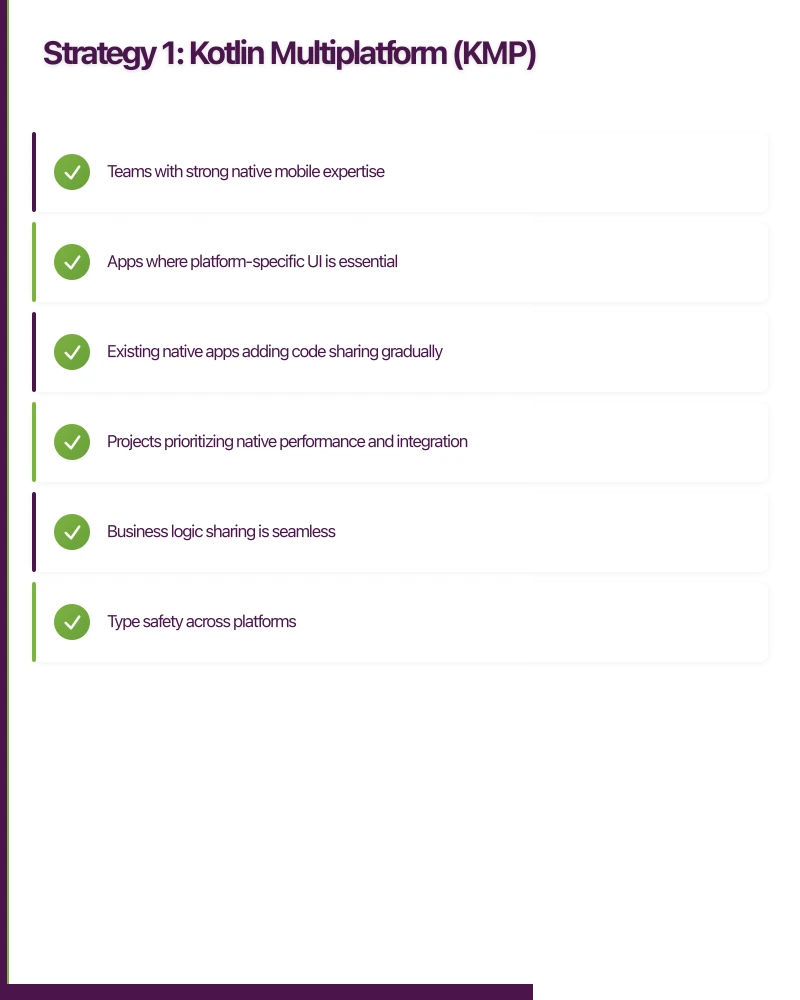
- Teams with strong native mobile expertise
- Apps where platform-specific UI is essential
- Existing native apps adding code sharing gradually
- Projects prioritizing native performance and integration
Architecture Pattern
+-----------------------------------------------------+
|                      Shared KMP                      |
|  +-------------+  +-------------+  +-------------+  |
|  |   Domain    |  |    Data     |  |   Network   |  |
|  |   Models    |  |   Layer     |  |   Client    |  |
|  +-------------+  +-------------+  +-------------+  |
+-----------------------------------------------------+
              |                         |
    +---------+---------+     +--------+---------+
    |   iOS Native UI   |     | Android Native UI |
    |     (SwiftUI)     |     | (Jetpack Compose) |
    +-------------------+     +-------------------+
Practical Implementation
// Shared KMP module: commonMain/src
// Domain models
@Serializable
data class User(
    val id: String,
    val email: String,
    val displayName: String,
    val createdAt: Instant
)

// Repository interface
interface UserRepository {
    suspend fun getUser(id: String): User
    suspend fun updateUser(user: User): User
    fun observeUser(id: String): Flow<User>
}

// Implementation with Ktor
class UserRepositoryImpl(
    private val httpClient: HttpClient,
    private val database: AppDatabase
) : UserRepository {

    override suspend fun getUser(id: String): User {
        // Check cache first
        database.userDao().getUser(id)?.let { return it }

        // Fetch from API
        val user = httpClient.get("$BASE_URL/users/$id").body<User>()

        // Cache
        database.userDao().insertUser(user)

        return user
    }

    override fun observeUser(id: String): Flow<User> {
        return database.userDao().observeUser(id)
    }
}

// ViewModel (shared)
class UserProfileViewModel(
    private val userRepository: UserRepository,
    private val userId: String
) : ViewModel() {

    private val _uiState = MutableStateFlow<UserProfileState>(UserProfileState.Loading)
    val uiState: StateFlow<UserProfileState> = _uiState.asStateFlow()

    init {
        loadUser()
    }

    private fun loadUser() {
        viewModelScope.launch {
            try {
                val user = userRepository.getUser(userId)
                _uiState.value = UserProfileState.Success(user)
            } catch (e: Exception) {
                _uiState.value = UserProfileState.Error(e.message ?: "Unknown error")
            }
        }
    }
}

sealed class UserProfileState {
    data object Loading : UserProfileState()
    data class Success(val user: User) : UserProfileState()
    data class Error(val message: String) : UserProfileState()
}
// iOS Native UI consuming shared code
import SharedModule // The KMP framework
struct UserProfileView: View {
@StateObject private var viewModel: UserProfileViewModelWrapper
init(userId: String) {
_viewModel = StateObject(wrappedValue:
UserProfileViewModelWrapper(userId: userId)
)
}
var body: some View {
Group {
switch viewModel.state {
case .loading:
ProgressView()
case .success(let user):
VStack {
Text(user.displayName)
.font(.title)
Text(user.email)
.foregroundStyle(.secondary)
}
case .error(let message):
Text("Error: \(message)")
}
}
}
}
// Wrapper to make KMP ViewModel work with SwiftUI
@MainActor
class UserProfileViewModelWrapper: ObservableObject {
@Published var state: UserProfileState = .loading
private let viewModel: UserProfileViewModel
init(userId: String) {
self.viewModel = KoinHelper.shared.getUserProfileViewModel(userId: userId)
// Collect Flow as Swift Combine publisher
viewModel.uiState.collect { [weak self] state in
self?.state = state
}
}
}KMP Reality Check
What works well:
- Business logic sharing is seamless
- Type safety across platforms
- Gradual adoption in existing apps
- Native UI means platform-perfect experiences
Challenges:
- iOS developers need Kotlin familiarity
- Debugging shared code requires context switching
- Some libraries need expect/actual implementations
- Build times can be slow for large shared modules
Strategy 2: React Nat
 ive
ive
React Native enables full code sharing with JavaScript/TypeScript, rendering to native components. The New Architecture (Fabric + TurboModules) has resolved historical performance issues.
When to Choose React Native
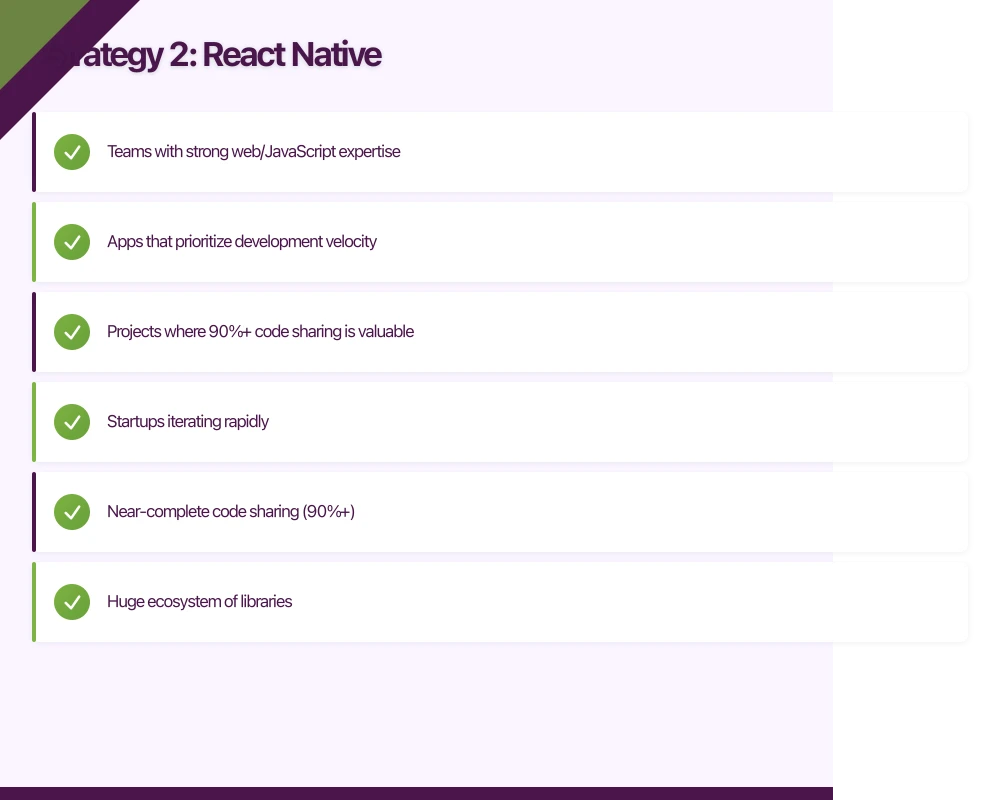
- Teams with strong web/JavaScript expertise
- Apps that prioritize development velocity
- Projects where 90%+ code sharing is valuable
- Startups iterating rapidly
Modern React Native Architecture
// Modern React Native with TypeScript
import { useQuery, useMutation, useQueryClient } from '@tanstack/react-query';

interface User {
  id: string;
  email: string;
  displayName: string;
  createdAt: string;
}

// API layer
const userApi = {
  getUser: async (id: string): Promise<User> => {
    const response = await fetch(`${API_BASE}/users/${id}`);
    if (!response.ok) throw new Error('Failed to fetch user');
    return response.json();
  },

  updateUser: async (user: Partial<User> & { id: string }): Promise<User> => {
    const response = await fetch(`${API_BASE}/users/${user.id}`, {
      method: 'PATCH',
      headers: { 'Content-Type': 'application/json' },
      body: JSON.stringify(user),
    });
    if (!response.ok) throw new Error('Failed to update user');
    return response.json();
  },
};

// Custom hook with React Query
function useUser(userId: string) {
  return useQuery({
    queryKey: ['user', userId],
    queryFn: () => userApi.getUser(userId),
    staleTime: 5 * 60 * 1000, // 5 minutes
  });
}

function useUpdateUser() {
  const queryClient = useQueryClient();

  return useMutation({
    mutationFn: userApi.updateUser,
    onSuccess: (updatedUser) => {
      queryClient.setQueryData(['user', updatedUser.id], updatedUser);
    },
  });
}

// Screen component
function UserProfileScreen({ userId }: { userId: string }) {
  const { data: user, isLoading, error } = useUser(userId);
  const updateUser = useUpdateUser();

  if (isLoading) {
    return <ActivityIndicator size="large" />;
  }

  if (error) {
    return <ErrorView message={error.message} />;
  }

  return (
    <ScrollView style={styles.container}>
      <View style={styles.header}>
        <Avatar user={user} size={80} />
        <Text style={styles.name}>{user.displayName}</Text>
        <Text style={styles.email}>{user.email}</Text>
      </View>

      <TouchableOpacity
        style={styles.editButton}
        onPress={() => {
          // Navigate to edit screen
        }}
      >
        <Text style={styles.editButtonText}>Edit Profile</Text>
      </TouchableOpacity>
    </ScrollView>
  );
}

const styles = StyleSheet.create({
  container: {
    flex: 1,
    backgroundColor: '#fff',
  },
  header: {
    alignItems: 'center',
    paddingVertical: 24,
  },
  name: {
    fontSize: 24,
    fontWeight: '600',
    marginTop: 12,
  },
  email: {
    fontSize: 16,
    color: '#666',
    marginTop: 4,
  },
  editButton: {
    marginHorizontal: 16,
    backgroundColor: '#007AFF',
    paddingVertical: 12,
    borderRadius: 8,
    alignItems: 'center',
  },
  editButtonText: {
    color: '#fff',
    fontSize: 16,
    fontWeight: '600',
  },
});
React Native Reality Check
What works well:
- Near-complete code sharing (90%+)
- Huge ecosystem of libraries
- Hot reloading dramatically speeds development
- Easy to hire JavaScript developers
Challenges:
- Some native functionality requires bridging
- Large apps need careful architecture
- Navigation libraries have tradeoffs
- Updates require testing on both platforms
Strategy 3: Flut
 ter
ter
Flutter provides a complete UI toolkit with Dart, rendering via its own engine (Skia/Impeller) rather than native components.
When to Choose Flutter
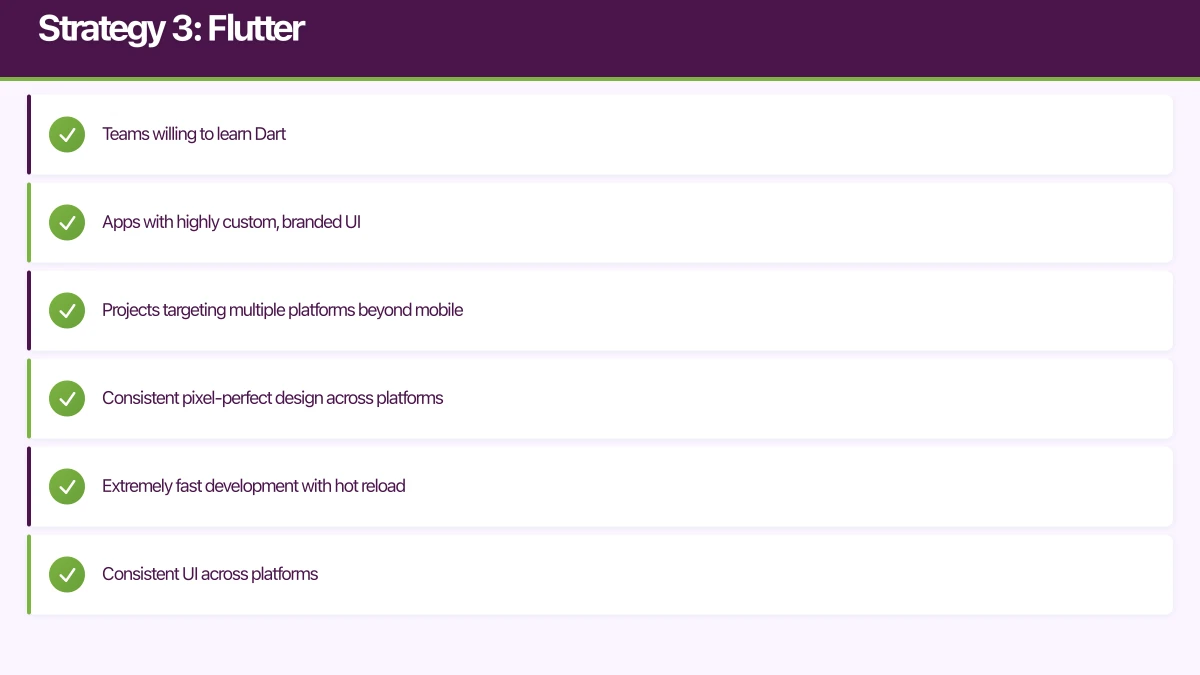
- Teams willing to learn Dart
- Apps with highly custom, branded UI
- Projects targeting multiple platforms beyond mobile
- Consistent pixel-perfect design across platforms
Flutter Implementation Pattern
// Flutter with Riverpod for state management
import 'package:flutter/material.dart';
import 'package:flutter_riverpod/flutter_riverpod.dart';
import 'package:freezed_annotation/freezed_annotation.dart';

part 'user_profile.freezed.dart';
part 'user_profile.g.dart';

// Model with Freezed for immutability
@freezed
class User with _$User {
  const factory User({
    required String id,
    required String email,
    required String displayName,
    required DateTime createdAt,
  }) = _User;

  factory User.fromJson(Map<String, dynamic> json) => _$UserFromJson(json);
}

// Repository
class UserRepository {
  final ApiClient _client;

  UserRepository(this._client);

  Future<User> getUser(String id) async {
    final response = await _client.get('/users/$id');
    return User.fromJson(response);
  }

  Future<User> updateUser(String id, Map<String, dynamic> updates) async {
    final response = await _client.patch('/users/$id', body: updates);
    return User.fromJson(response);
  }
}

// Providers
final userRepositoryProvider = Provider((ref) {
  return UserRepository(ref.read(apiClientProvider));
});

final userProvider = FutureProvider.family<User, String>((ref, userId) async {
  final repository = ref.read(userRepositoryProvider);
  return repository.getUser(userId);
});

// UI
class UserProfileScreen extends ConsumerWidget {
  final String userId;

  const UserProfileScreen({super.key, required this.userId});

  @override
  Widget build(BuildContext context, WidgetRef ref) {
    final userAsync = ref.watch(userProvider(userId));

    return Scaffold(
      appBar: AppBar(title: const Text('Profile')),
      body: userAsync.when(
        loading: () => const Center(child: CircularProgressIndicator()),
        error: (error, stack) => Center(child: Text('Error: $error')),
        data: (user) => _UserProfileContent(user: user),
      ),
    );
  }
}

class _UserProfileContent extends StatelessWidget {
  final User user;

  const _UserProfileContent({required this.user});

  @override
  Widget build(BuildContext context) {
    return SingleChildScrollView(
      padding: const EdgeInsets.all(16),
      child: Column(
        children: [
          CircleAvatar(
            radius: 40,
            child: Text(user.displayName[0]),
          ),
          const SizedBox(height: 16),
          Text(
            user.displayName,
            style: Theme.of(context).textTheme.headlineSmall,
          ),
          const SizedBox(height: 4),
          Text(
            user.email,
            style: Theme.of(context).textTheme.bodyMedium?.copyWith(
              color: Theme.of(context).colorScheme.onSurfaceVariant,
            ),
          ),
          const SizedBox(height: 24),
          FilledButton(
            onPressed: () {
              // Navigate to edit
            },
            child: const Text('Edit Profile'),
          ),
        ],
      ),
    );
  }
}
Flutter Reality Check
What works well:
- Extremely fast development with hot reload
- Consistent UI across platforms
- Strong typing with Dart
- Growing to web, desktop, embedded
Challenges:
- Doesn’t use native UI components (accessibility considerations)
- Dart ecosystem smaller than JavaScript/Swift/Kotlin
- App size is larger than native
- Platform-specific features require plugins
Strategy 4: Hybrid Approaches
Many successful apps combine strategies. A common pattern: KMP for shared business logic with React Native for rapid feature development.
+------------------------------------------+
|            App Shell (Native)            |
|  +------------------------------------+  |
|  |     React Native Features          |  |
|  |   (rapid iteration features)       |  |
|  +------------------------------------+  |
|  +------------------------------------+  |
|  |     KMP Shared Logic               |  |
|  |   (data, networking, business)     |  |
|  +------------------------------------+  |
|  +------------------------------------+  |
|  |     Native Features                |  |
|  |   (performance-critical)           |  |
|  +------------------------------------+  |
+------------------------------------------+
When Hybrid Makes Sense
- Large apps with varied feature requirements
- Teams with mixed expertise
- Gradual migration from one approach to another
- Performance-critical sections alongside rapid-iteration features
Decision Framework
Choose your approach based on these factors:
| Factor | Native | KMP | React Native | Flutter |
|---|---|---|---|---|
| Code sharing | 0% | 40-60% | 90%+ | 95%+ |
| Native feel | Perfect | Perfect | Very Good | Good |
| Team: iOS/Android devs | Ideal | Great | Okay | Okay |
| Team: Web devs | Poor | Poor | Ideal | Good |
| Iteration speed | Slower | Medium | Fast | Fast |
| Performance ceiling | Highest | Highest | High | High |
| Platform APIs | Full | Full | Via bridges | Via plugins |
| Long-term maintenance | Higher cost | Medium | Lower cost | Lower cost |
Questions to Guide Your Decision
-
What does your team know? A team of Swift/Kotlin experts will be more productive with KMP than React Native.
-
How important is native UI fidelity? Banking apps often need pixel-perfect platform conventions; games don’t.
-
How fast do you need to ship? Cross-platform approaches typically ship faster.
-
What’s your hiring plan? React Native developers are more abundant than Flutter or KMP specialists.
-
What’s your performance floor? Some apps need every frame; others are fine with 95% native performance.
Conclusion
There’s no universally “right” answer for code sharing in 2026. The landscape has matured to the point where KMP, React Native, and Flutter are all production-ready choices with different tradeoffs.
For Australian startups, our general guidance:
- React Native for teams with web background wanting maximum code sharing
- Flutter for teams building branded, cross-platform experiences
- KMP for teams with native expertise wanting to share business logic
- Native for apps where platform-specific excellence is the primary differentiator
The best approach is the one your team can execute well. A mediocre implementation of the “perfect” strategy loses to excellent execution of a “good enough” strategy every time.
Deciding on your mobile architecture? The Awesome Apps team has shipped apps with all of these approaches. Contact us to discuss which strategy fits your project.
Looking at the strategic side of app investment? Ash Ganda covers technology ROI and digital maturity for growing Australian businesses.
Awesome Apps operates under the Ganda Tech Services umbrella, delivering end-to-end technology solutions for Australian businesses.
Talk to a Sydney app developer — free.
30 minutes. We'll tell you what your app needs, how long it takes, and what it costs. Real answers, no sales pitch.
Book Free App Strategy Call →Free · 30 minutes · No obligation