Mobile App Backend Architecture: Node.js and Express Guide
Every mobile app backend of substance needs robust architecture. Whether you are building a marketplace, a social platform, or an enterprise tool, the mobile app backend is where your business logic, authentication, and data persistence live. Node.js with Express remains one of the most practical choices for mobile backend services in 2022, particularly for teams that want to move quickly without sacrificing scalability.
This guide covers the architectural decisions, patterns, and practical implementation details for building a backend that serves mobile clients well.
Why Node.js for Mobile Backends
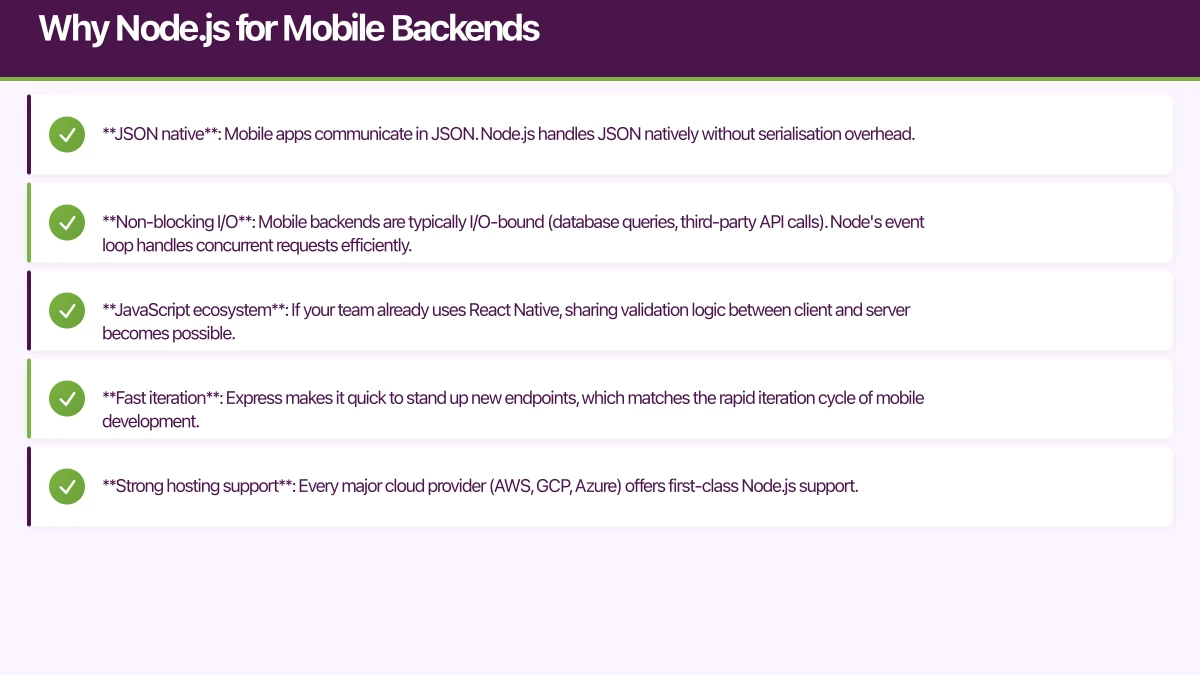
Node.js offers several advantages specifically relevant to mobile backends:
- JSON native: Mobile apps communicate in JSON. Node.js handles JSON natively without serialisation overhead.
- Non-blocking I/O: Mobile backends are typically I/O-bound (database queries, third-party API calls). Node’s event loop handles concurrent requests efficiently.
- JavaScript ecosystem: If your team already uses React Native, sharing validation logic between client and server becomes possible.
- Fast iteration: Express makes it quick to stand up new endpoints, which matches the rapid iteration cycle of mobile development.
- Strong hosting support: Every major cloud provider (AWS, GCP, Azure) offers first-class Node.js support.
Project
Structure
A well-structured Express project scales better than a monolithic app.js file. Here is the structure we use for production mobile backends:
src/
  config/
    database.js
    auth.js
    environment.js
  middleware/
    authentication.js
    validation.js
    errorHandler.js
    rateLimiter.js
  routes/
    auth.routes.js
    users.routes.js
    orders.routes.js
  controllers/
    auth.controller.js
    users.controller.js
    orders.controller.js
  services/
    auth.service.js
    users.service.js
    orders.service.js
    notification.service.js
  models/
    user.model.js
    order.model.js
  utils/
    logger.js
    apiResponse.js
  app.js
  server.js
The key principle is separation of concerns:
- Routes define URL paths and HTTP methods
- Controllers handle request/response logic
- Services contain business logic
- Models define data structures and database interactions
- Middleware handles cross-cutting concerns
Application Entry Point
// src/app.js
const express = require('express');
const helmet = require('helmet');
const cors = require('cors');
const morgan = require('morgan');
const { errorHandler } = require('./middleware/errorHandler');
const { rateLimiter } = require('./middleware/rateLimiter');

const authRoutes = require('./routes/auth.routes');
const userRoutes = require('./routes/users.routes');
const orderRoutes = require('./routes/orders.routes');

const app = express();

// Security middleware
app.use(helmet());
app.use(cors({
  origin: process.env.ALLOWED_ORIGINS?.split(',') || '*',
  methods: ['GET', 'POST', 'PUT', 'PATCH', 'DELETE'],
  allowedHeaders: ['Content-Type', 'Authorization'],
}));

// Rate limiting
app.use(rateLimiter);

// Body parsing
app.use(express.json({ limit: '10mb' }));
app.use(express.urlencoded({ extended: true }));

// Logging
app.use(morgan('combined'));

// Health check
app.get('/health', (req, res) => {
  res.json({ status: 'healthy', timestamp: new Date().toISOString() });
});

// API routes
app.use('/api/v1/auth', authRoutes);
app.use('/api/v1/users', userRoutes);
app.use('/api/v1/orders', orderRoutes);

// Error handling (must be last)
app.use(errorHandler);

module.exports = app;
API Design for Mobile Cli
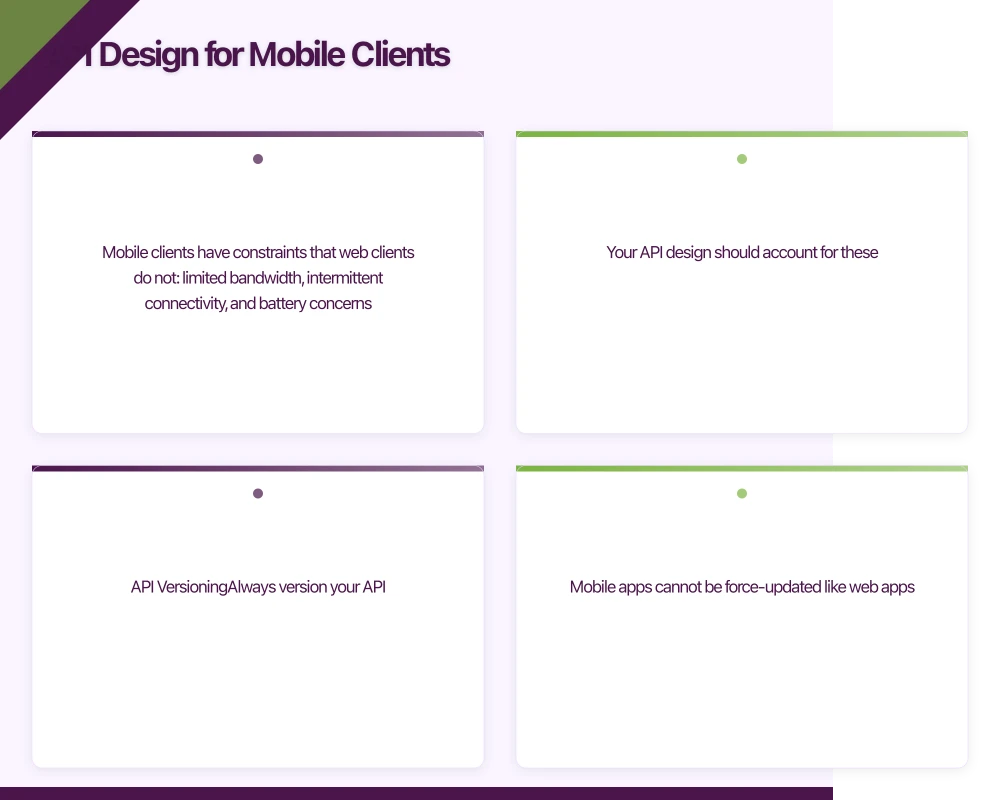 ents
ents
Mobile clients have constraints that web clients do not: limited bandwidth, intermittent connectivity, and battery concerns. Your API design should account for these.
API Versioning
Always version your API. Mobile apps cannot be force-updated like web apps. Old versions will continue making requests to your backend for months or years:
// Version in URL path
app.use('/api/v1/users', v1UserRoutes);
app.use('/api/v2/users', v2UserRoutes);
Response Format
Use a consistent response envelope that mobile clients can parse predictably:
// src/utils/apiResponse.js
class ApiResponse {
  static success(res, data, statusCode = 200) {
    return res.status(statusCode).json({
      success: true,
      data,
      timestamp: new Date().toISOString(),
    });
  }

  static error(res, message, statusCode = 500, errors = null) {
    return res.status(statusCode).json({
      success: false,
      message,
      errors,
      timestamp: new Date().toISOString(),
    });
  }

  static paginated(res, data, page, limit, total) {
    return res.status(200).json({
      success: true,
      data,
      pagination: {
        page,
        limit,
        total,
        totalPages: Math.ceil(total / limit),
        hasNext: page * limit < total,
      },
      timestamp: new Date().toISOString(),
    });
  }
}

module.exports = ApiResponse;
Pagination
Mobile apps should never fetch unbounded lists. Implement cursor-based or offset-based pagination:
// src/controllers/orders.controller.js
const getOrders = async (req, res, next) => {
  try {
    const page = parseInt(req.query.page) || 1;
    const limit = Math.min(parseInt(req.query.limit) || 20, 100);
    const skip = (page - 1) * limit;

    const [orders, total] = await Promise.all([
      Order.find({ userId: req.user.id })
        .sort({ createdAt: -1 })
        .skip(skip)
        .limit(limit)
        .lean(),
      Order.countDocuments({ userId: req.user.id }),
    ]);

    return ApiResponse.paginated(res, orders, page, limit, total);
  } catch (error) {
    next(error);
  }
};
Field Selection
Let mobile clients request only the fields they need, reducing payload size:
const getUser = async (req, res, next) => {
  try {
    const fields = req.query.fields?.split(',').join(' ') || '';
    const user = await User.findById(req.params.id)
      .select(fields)
      .lean();

    if (!user) {
      return ApiResponse.error(res, 'User not found', 404);
    }

    return ApiResponse.success(res, user);
  } catch (error) {
    next(error);
  }
};
Authentica
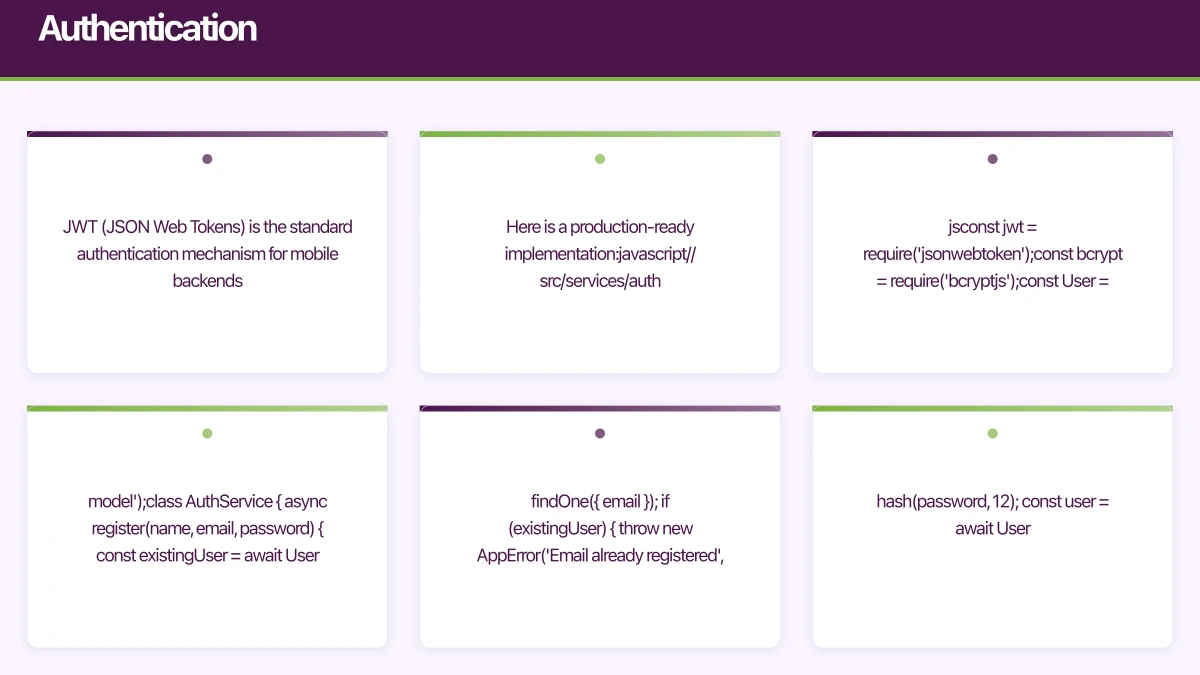 tion
tion
JWT (JSON Web Tokens) is the standard authentication mechanism for mobile backends. Here is a production-ready implementation:
// src/services/auth.service.js
const jwt = require('jsonwebtoken');
const bcrypt = require('bcryptjs');
const User = require('../models/user.model');

class AuthService {
  async register(name, email, password) {
    const existingUser = await User.findOne({ email });
    if (existingUser) {
      throw new AppError('Email already registered', 409);
    }

    const hashedPassword = await bcrypt.hash(password, 12);
    const user = await User.create({
      name,
      email,
      password: hashedPassword,
    });

    const tokens = this.generateTokens(user._id);
    return { user: this.sanitizeUser(user), ...tokens };
  }

  async login(email, password) {
    const user = await User.findOne({ email }).select('+password');
    if (!user || !(await bcrypt.compare(password, user.password))) {
      throw new AppError('Invalid email or password', 401);
    }

    const tokens = this.generateTokens(user._id);
    return { user: this.sanitizeUser(user), ...tokens };
  }

  async refreshToken(refreshToken) {
    const decoded = jwt.verify(
      refreshToken,
      process.env.REFRESH_TOKEN_SECRET
    );
    const user = await User.findById(decoded.userId);
    if (!user) {
      throw new AppError('User not found', 404);
    }

    return this.generateTokens(user._id);
  }

  generateTokens(userId) {
    const accessToken = jwt.sign(
      { userId },
      process.env.ACCESS_TOKEN_SECRET,
      { expiresIn: '15m' }
    );

    const refreshToken = jwt.sign(
      { userId },
      process.env.REFRESH_TOKEN_SECRET,
      { expiresIn: '7d' }
    );

    return { accessToken, refreshToken };
  }

  sanitizeUser(user) {
    const { password, ...sanitized } = user.toObject();
    return sanitized;
  }
}

module.exports = new AuthService();
Authentication Middleware
// src/middleware/authentication.js
const jwt = require('jsonwebtoken');
const User = require('../models/user.model');

const authenticate = async (req, res, next) => {
  try {
    const authHeader = req.headers.authorization;
    if (!authHeader?.startsWith('Bearer ')) {
      return ApiResponse.error(res, 'No token provided', 401);
    }

    const token = authHeader.split(' ')[1];
    const decoded = jwt.verify(token, process.env.ACCESS_TOKEN_SECRET);
    const user = await User.findById(decoded.userId);

    if (!user) {
      return ApiResponse.error(res, 'User not found', 401);
    }

    req.user = user;
    next();
  } catch (error) {
    if (error.name === 'TokenExpiredError') {
      return ApiResponse.error(res, 'Token expired', 401);
    }
    return ApiResponse.error(res, 'Invalid token', 401);
  }
};

module.exports = { authenticate };
Push Notifications
Mobile apps need push notifications. Integrate with Firebase Cloud Messaging (FCM), which supports both iOS and Android:
// src/services/notification.service.js
const admin = require('firebase-admin');

class NotificationService {
  constructor() {
    admin.initializeApp({
      credential: admin.credential.cert(
        require('../config/firebase-service-account.json')
      ),
    });
  }

  async sendToDevice(deviceToken, title, body, data = {}) {
    const message = {
      notification: { title, body },
      data: Object.fromEntries(
        Object.entries(data).map(([k, v]) => [k, String(v)])
      ),
      token: deviceToken,
    };

    return admin.messaging().send(message);
  }

  async sendToTopic(topic, title, body, data = {}) {
    const message = {
      notification: { title, body },
      data: Object.fromEntries(
        Object.entries(data).map(([k, v]) => [k, String(v)])
      ),
      topic,
    };

    return admin.messaging().send(message);
  }
}

module.exports = new NotificationService();
Error Handling
Robust error handling prevents your mobile app from showing cryptic error messages:
// src/middleware/errorHandler.js
const errorHandler = (err, req, res, next) => {
  let statusCode = err.statusCode || 500;
  let message = err.message || 'Internal server error';

  // Mongoose validation error
  if (err.name === 'ValidationError') {
    statusCode = 400;
    const errors = Object.values(err.errors).map(e => e.message);
    message = 'Validation failed';
    return ApiResponse.error(res, message, statusCode, errors);
  }

  // Mongoose duplicate key
  if (err.code === 11000) {
    statusCode = 409;
    message = 'Duplicate entry';
  }

  // JWT errors
  if (err.name === 'JsonWebTokenError') {
    statusCode = 401;
    message = 'Invalid token';
  }

  // Log server errors
  if (statusCode >= 500) {
    console.error('Server Error:', err);
  }

  return ApiResponse.error(res, message, statusCode);
};

module.exports = { errorHandler };
Database Integration
MongoDB with Mongoose is a popular pairing with Express for mobile backends:
// src/config/database.js
const mongoose = require('mongoose');

const connectDB = async () => {
  const options = {
    useNewUrlParser: true,
    useUnifiedTopology: true,
    maxPoolSize: 10,
    serverSelectionTimeoutMS: 5000,
    socketTimeoutMS: 45000,
  };

  try {
    await mongoose.connect(process.env.MONGODB_URI, options);
    console.log('MongoDB connected successfully');
  } catch (error) {
    console.error('MongoDB connection error:', error);
    process.exit(1);
  }

  mongoose.connection.on('error', (err) => {
    console.error('MongoDB runtime error:', err);
  });
};

module.exports = { connectDB };
Rate Limiting
Protect your API from abuse and accidental client-side loops:
// src/middleware/rateLimiter.js
const rateLimit = require('express-rate-limit');

const rateLimiter = rateLimit({
  windowMs: 15 * 60 * 1000, // 15 minutes
  max: 100, // limit each IP to 100 requests per window
  message: {
    success: false,
    message: 'Too many requests, please try again later',
  },
  standardHeaders: true,
  legacyHeaders: false,
});

const authRateLimiter = rateLimit({
  windowMs: 15 * 60 * 1000,
  max: 10, // stricter limit for auth endpoints
  message: {
    success: false,
    message: 'Too many login attempts, please try again later',
  },
});

module.exports = { rateLimiter, authRateLimiter };
Deployment Considerations
Environment Configuration
// src/config/environment.js
const requiredVars = [
  'NODE_ENV',
  'PORT',
  'MONGODB_URI',
  'ACCESS_TOKEN_SECRET',
  'REFRESH_TOKEN_SECRET',
];

const validateEnvironment = () => {
  const missing = requiredVars.filter(v => !process.env[v]);
  if (missing.length > 0) {
    throw new Error(
      `Missing environment variables: ${missing.join(', ')}`
    );
  }
};

module.exports = { validateEnvironment };
Health Checks and Monitoring
Your backend should expose health check endpoints that your hosting platform can use:
app.get('/health', async (req, res) => {
  const dbState = mongoose.connection.readyState === 1
    ? 'connected'
    : 'disconnected';

  res.json({
    status: 'healthy',
    database: dbState,
    uptime: process.uptime(),
    memory: process.memoryUsage(),
    timestamp: new Date().toISOString(),
  });
});
Hosting Options for Australian Apps
If your users are primarily in Australia, latency matters. Consider:
- AWS Sydney region (ap-southeast-2): Full AWS service availability
- Google Cloud Sydney: Good option if you are already using Firebase
- Azure Australia East (Sydney): Strong choice for enterprise clients
- DigitalOcean Sydney: Budget-friendly for startups
Choose a provider with an Australian data centre. The latency difference between serving from Sydney versus US-West is 150 to 200 milliseconds per request, which accumulates quickly across multiple API calls during app usage.
Conclusion
A well-architected Node.js and Express mobile app backend gives your application a solid foundation for growth. The key principles for mobile backend services are: separate concerns clearly, design your API for mobile constraints, handle authentication and errors robustly, and deploy close to your users.
Start simple with your mobile app backend, measure what matters, and add complexity only when you need it. A clean Express backend with good error handling and authentication can serve thousands of concurrent mobile users without trouble through robust BaaS (Backend as a Service) principles.
Explore more backend strategies in our guides on serverless mobile backends and mobile app architecture patterns.
Frequently Asked Questions About Mobile App Backend Development
Why use Node.js for mobile app backend development?
Node.js excels for mobile app backend services because it handles JSON natively (mobile apps communicate in JSON), provides non-blocking I/O for concurrent requests, enables JavaScript code sharing with React Native apps, offers fast iteration cycles, and has first-class support across all major cloud providers for mobile backend services.
How do I design APIs specifically for mobile app backend needs?
Design mobile app backend APIs with versioning (old app versions persist for months), consistent response envelopes, cursor-based pagination for infinite scroll, field selection to reduce payload sizes, and appropriate caching headers. Always minimize round trips by creating aggregate endpoints for complex screens.
What authentication strategy works best for mobile backends?
JWT (JSON Web Tokens) work best for mobile app backend authentication. Use short-lived access tokens (15 minutes) with long-lived refresh tokens (7-30 days). Store refresh tokens in secure device storage and implement token rotation for enhanced mobile backend services security.
Should I host my mobile app backend in Australia?
Yes, for Australian users. Hosting mobile backend services in Sydney reduces latency from 200-300ms (overseas servers) to 5-20ms, dramatically improving app responsiveness. AWS, GCP, and Azure all offer Sydney regions for BaaS and mobile backend services deployment.
How do I handle errors in mobile app backend APIs?
Use machine-readable error codes, appropriate HTTP status codes, detailed error messages for development, sanitized messages for production, global error handlers, and request IDs for tracing. Include Retry-After headers for rate limiting to maintain robust mobile backend services.
Essential Mobile App Backend Insights
Node.js mobile app backend systems handle concurrent API requests efficiently through non-blocking I/O - critical for mobile apps where thousands of users may make simultaneous requests during peak hours.
Hosting mobile backend services in the Australian region reduces latency by 90% for local users compared to US/European servers - from 200-300ms to 5-20ms per request.
Proper JWT token implementation with 15-minute access tokens and 7-day refresh tokens balances security and user experience - users stay logged in without frequent re-authentication while maintaining mobile app backend security.
If your team needs help building or scaling a mobile app backend, reach out to eawesome. We build production backends for Australian mobile applications and can help you get the architecture right from the start.
For a strategic perspective on how mobile fits into your broader digital transformation, read Ash Ganda’s insights on technology strategy.
Ganda Tech Services brings together cloud infrastructure, web development, and mobile app expertise to help Australian businesses thrive in the digital economy.
Talk to a Sydney app developer — free.
30 minutes. We'll tell you what your app needs, how long it takes, and what it costs. Real answers, no sales pitch.
Book Free App Strategy Call →Free · 30 minutes · No obligation