Mobile App Backend with Serverless Functions and BaaS
Every mobile app backend solution needs infrastructure, but not every mobile app needs a traditional server. Serverless functions have matured to the point where they handle the vast majority of mobile backend services requirements — authentication, data processing, push notifications, payment webhooks — without the operational overhead of managing servers, providing true BaaS capabilities.
For Australian startups and small teams, serverless is particularly attractive. You pay only for what you use, scaling is automatic, and you spend zero time on server maintenance. After building serverless backends for dozens of mobile apps, here is a practical guide to getting it right.
Why Serverless for Mobile Backends
The mobile backend workload is inherently bursty. Your app might see 50 requests per minute at 2am and 5,000 per minute during peak hours. Traditional servers either sit idle (wasting money) or struggle under load (losing users). Serverless handles both extremes automatically.
Cost efficiency: An app with 100,000 monthly active users generating 2 million API calls per month costs roughly $5-15/month on AWS Lambda. Try running a dedicated server for that price.
Operational simplicity: No OS patches, no capacity planning, no load balancers to configure. Your team focuses on business logic, not infrastructure.
Automatic scaling: From zero to thousands of concurrent executions without configuration. This is especially valuable for apps with unpredictable growth — a feature going viral will not crash your backend.
Regional deployment: Both AWS and Google Cloud have Sydney regions (ap-southeast-2), keeping latency low for Australian users.
Choosing Y
 our Platform
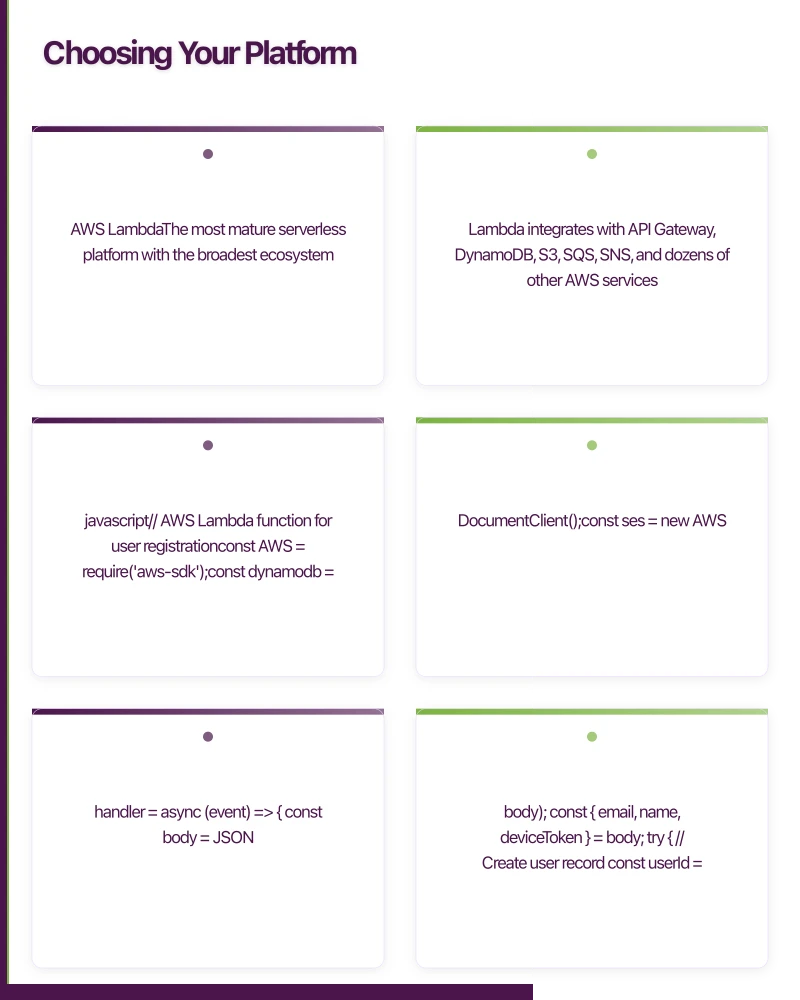
AWS Lambda
The most mature serverless platform with the broadest ecosystem. Lambda integrates with API Gateway, DynamoDB, S3, SQS, SNS, and dozens of other AWS services.
// AWS Lambda function for user registration
const AWS = require('aws-sdk');
const dynamodb = new AWS.DynamoDB.DocumentClient();
const ses = new AWS.SES();

exports.handler = async (event) => {
  const body = JSON.parse(event.body);
  const { email, name, deviceToken } = body;

  try {
    // Create user record
    const userId = generateId();
    await dynamodb.put({
      TableName: 'Users',
      Item: {
        userId,
        email,
        name,
        deviceToken,
        createdAt: new Date().toISOString(),
        plan: 'free',
      },
      ConditionExpression: 'attribute_not_exists(email)',
    }).promise();

    // Send welcome email
    await ses.sendEmail({
      Source: '[email protected]',
      Destination: { ToAddresses: [email] },
      Message: {
        Subject: { Data: 'Welcome to YourApp' },
        Body: {
          Html: { Data: getWelcomeEmailHtml(name) },
        },
      },
    }).promise();

    return {
      statusCode: 201,
      headers: { 'Content-Type': 'application/json' },
      body: JSON.stringify({ userId, message: 'Registration successful' }),
    };
  } catch (error) {
    if (error.code === 'ConditionalCheckFailedException') {
      return {
        statusCode: 409,
        body: JSON.stringify({ error: 'Email already registered' }),
      };
    }
    console.error('Registration error:', error);
    return {
      statusCode: 500,
      body: JSON.stringify({ error: 'Registration failed' }),
    };
  }
};
Google Cloud Functions
Deeply integrated with Firebase, making it the natural choice for apps already using Firebase services:
const functions = require('firebase-functions');
const admin = require('firebase-admin');
admin.initializeApp();

// Trigger on new user creation
exports.onUserCreated = functions
  .region('australia-southeast1')
  .auth.user()
  .onCreate(async (user) => {
    // Create user profile in Firestore
    await admin.firestore().collection('profiles').doc(user.uid).set({
      email: user.email,
      displayName: user.displayName || '',
      createdAt: admin.firestore.FieldValue.serverTimestamp(),
      plan: 'free',
      onboardingComplete: false,
    });

    // Send welcome notification
    if (user.email) {
      await admin.firestore().collection('mail').add({
        to: user.email,
        template: {
          name: 'welcome',
          data: { name: user.displayName },
        },
      });
    }
  });

// HTTP function for order processing
exports.processOrder = functions
  .region('australia-southeast1')
  .https.onCall(async (data, context) => {
    if (!context.auth) {
      throw new functions.HttpsError(
        'unauthenticated',
        'Must be logged in to place orders'
      );
    }

    const { items, paymentMethodId } = data;

    // Calculate total with GST
    const subtotal = items.reduce(
      (sum, item) => sum + item.price * item.quantity, 0
    );
    const gst = subtotal * 0.1;
    const total = subtotal + gst;

    // Process payment and create order...
    return { orderId: newOrderId, total };
  });
Azure Functions
Best for teams already invested in the Microsoft ecosystem or using Azure Active Directory:
const { CosmosClient } = require('@azure/cosmos');

module.exports = async function (context, req) {
  const client = new CosmosClient(process.env.COSMOS_CONNECTION);
  const container = client.database('appdb').container('orders');

  const { userId, items } = req.body;

  const order = {
    id: generateId(),
    userId,
    items,
    status: 'pending',
    createdAt: new Date().toISOString(),
    total: calculateTotal(items),
  };

  const { resource } = await container.items.create(order);

  context.res = {
    status: 201,
    body: resource,
  };
};
Architecture Patterns for Mob
 ile Backends
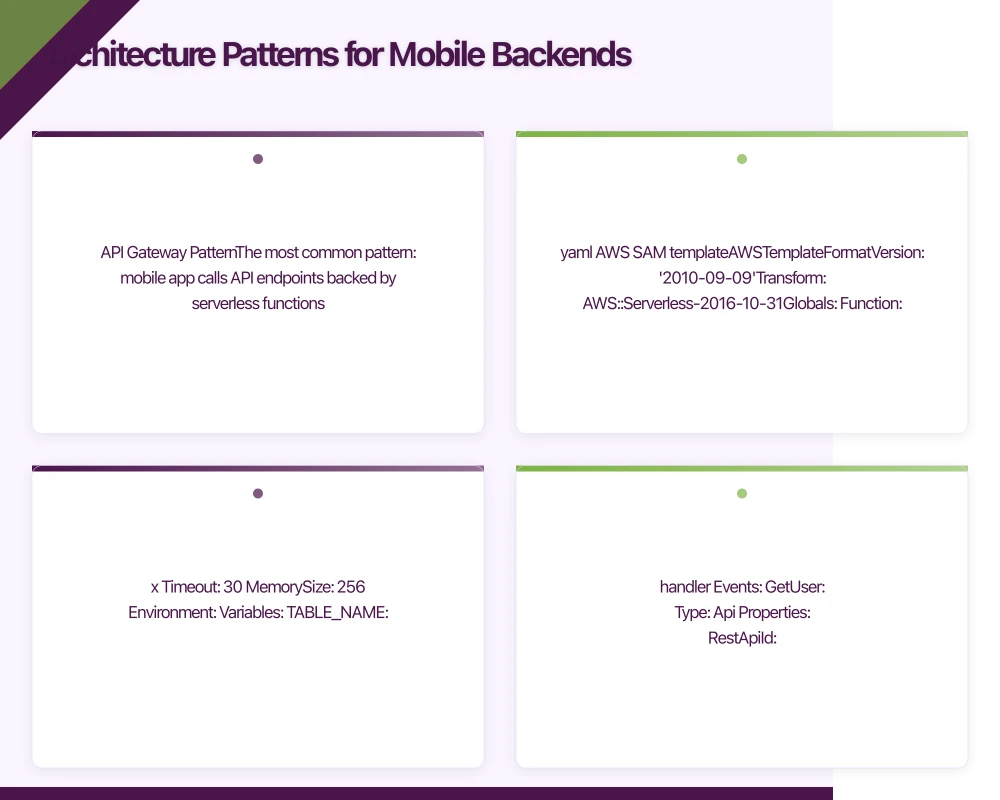
API Gateway Pattern
The most common pattern: mobile app calls API endpoints backed by serverless functions.
# AWS SAM template
AWSTemplateFormatVersion: '2010-09-09'
Transform: AWS::Serverless-2016-10-31

Globals:
  Function:
    Runtime: nodejs18.x
    Timeout: 30
    MemorySize: 256
    Environment:
      Variables:
        TABLE_NAME: !Ref UsersTable
        REGION: ap-southeast-2

Resources:
  ApiGateway:
    Type: AWS::Serverless::Api
    Properties:
      StageName: prod
      Cors:
        AllowMethods: "'GET,POST,PUT,DELETE'"
        AllowHeaders: "'Content-Type,Authorization'"
        AllowOrigin: "'*'"

  GetUserFunction:
    Type: AWS::Serverless::Function
    Properties:
      Handler: functions/getUser.handler
      Events:
        GetUser:
          Type: Api
          Properties:
            RestApiId: !Ref ApiGateway
            Path: /users/{userId}
            Method: get

  CreateOrderFunction:
    Type: AWS::Serverless::Function
    Properties:
      Handler: functions/createOrder.handler
      Events:
        CreateOrder:
          Type: Api
          Properties:
            RestApiId: !Ref ApiGateway
            Path: /orders
            Method: post
Event-Driven Pattern
Functions triggered by events rather than HTTP requests. Ideal for background processing:
// Process uploaded images
exports.handler = async (event) => {
  for (const record of event.Records) {
    const bucket = record.s3.bucket.name;
    const key = record.s3.object.key;

    // Generate thumbnails
    const image = await s3.getObject({ Bucket: bucket, Key: key }).promise();
    const thumbnail = await sharp(image.Body)
      .resize(300, 300, { fit: 'cover' })
      .jpeg({ quality: 80 })
      .toBuffer();

    await s3.putObject({
      Bucket: bucket,
      Key: `thumbnails/${key}`,
      Body: thumbnail,
      ContentType: 'image/jpeg',
    }).promise();

    // Update database with thumbnail URL
    await dynamodb.update({
      TableName: 'Photos',
      Key: { photoId: extractId(key) },
      UpdateExpression: 'SET thumbnailUrl = :url',
      ExpressionAttributeValues: {
        ':url': `https://${bucket}.s3.amazonaws.com/thumbnails/${key}`,
      },
    }).promise();
  }
};
Webhook Handler Pattern
Process webhooks from third-party services like Stripe, Twilio, or Apple:
// Stripe webhook handler
exports.handler = async (event) => {
  const sig = event.headers['stripe-signature'];
  let stripeEvent;

  try {
    stripeEvent = stripe.webhooks.constructEvent(
      event.body,
      sig,
      process.env.STRIPE_WEBHOOK_SECRET
    );
  } catch (err) {
    return { statusCode: 400, body: `Webhook Error: ${err.message}` };
  }

  switch (stripeEvent.type) {
    case 'payment_intent.succeeded':
      await handlePaymentSuccess(stripeEvent.data.object);
      break;
    case 'customer.subscription.updated':
      await handleSubscriptionUpdate(stripeEvent.data.object);
      break;
    case 'invoice.payment_failed':
      await handlePaymentFailure(stripeEvent.data.object);
      break;
  }

  return { statusCode: 200, body: 'OK' };
};
Cold Start
Optimisation
Cold starts are the primary performance concern with serverless functions. When a function has not been invoked recently, the platform needs to initialise a new execution environment, adding latency to the first request.
Strategies to minimise cold starts:
-
Keep functions small. Fewer dependencies mean faster initialisation. Bundle only what you need.
-
Use provisioned concurrency (AWS) or minimum instances (Google Cloud) for latency-sensitive endpoints like authentication:
ProvisionedConcurrencyConfig:
ProvisionedConcurrentExecutions: 5- Initialise outside the handler. Database connections and SDK clients created outside the handler function persist across invocations:
// This runs once per cold start
const dynamodb = new AWS.DynamoDB.DocumentClient();
const stripe = require('stripe')(process.env.STRIPE_KEY);

// This runs on every invocation
exports.handler = async (event) => {
  // Use pre-initialised clients
};- Choose your runtime wisely. Node.js and Python have the fastest cold starts. Java and .NET are slower but can be warmed with provisioned concurrency.
Security Considerations
Serverless functions need the same security attention as traditional APIs:
- Validate all input. Never trust data from the mobile app.
- Use least-privilege IAM roles. Each function should only access the resources it needs.
- Encrypt environment variables. Store API keys and secrets in AWS Secrets Manager or Google Secret Manager.
- Implement rate limiting at the API Gateway level to prevent abuse.
- Use authentication middleware. Verify JWT tokens or API keys on every request.
Monitoring and Debugging
Serverless mobile app backend functions can be harder to debug than traditional servers. Set up proper observability from day one:
- Structured logging: Use JSON-formatted logs with request IDs for traceability
- Distributed tracing: AWS X-Ray or Google Cloud Trace for end-to-end request tracking
- Error alerting: CloudWatch Alarms or Google Cloud Monitoring for error rate spikes
- Cost monitoring: Set billing alerts to catch runaway costs early
Serverless mobile backend services are not a silver bullet, but for the typical mobile app backend — CRUD operations, authentication, payment processing, and push notifications — they offer the best balance of cost, scalability, and operational simplicity available through modern BaaS today.
Discover complementary approaches in our guides on Node.js mobile backends and Firebase vs Supabase for Australian apps.
Frequently Asked Questions About Serverless Mobile App Backend
What are the cost benefits of serverless for mobile app backend?
Serverless mobile app backend solutions cost approximately $5-15/month for apps with 100,000 monthly active users generating 2 million API calls. You pay only for execution time, not idle server capacity. Cold starts are the main trade-off, but provisioned concurrency solves this for critical mobile backend services endpoints.
Which serverless platform is best for mobile app backend development?
AWS Lambda offers the most mature ecosystem for mobile app backend with broadest service integration. Google Cloud Functions integrates deeply with Firebase for BaaS needs. Azure Functions suits Microsoft-centric teams. For Australian apps, ensure your provider has Sydney region support for optimal mobile backend services latency.
How do I handle cold starts in serverless mobile backends?
Minimize cold starts by keeping functions small with fewer dependencies, using provisioned concurrency for latency-sensitive mobile app backend endpoints, initializing database connections outside the handler function, and choosing fast-starting runtimes like Node.js or Python for mobile backend services.
Can serverless handle high-traffic mobile apps?
Yes, serverless mobile app backend functions automatically scale from zero to thousands of concurrent executions. AWS Lambda scales to handle 1000 concurrent executions by default (can be increased). This makes serverless ideal for BaaS applications with unpredictable traffic patterns in mobile backend services.
What security considerations apply to serverless mobile backends?
Always validate all input in serverless mobile app backend functions, use least-privilege IAM roles, encrypt environment variables in AWS Secrets Manager or Google Secret Manager, implement rate limiting at API Gateway level, and verify JWT tokens or API keys on every request to maintain secure mobile backend services.
Key Insights for Serverless Mobile App Backend Success
Serverless mobile app backend solutions can reduce infrastructure costs by 80-90% compared to traditional servers for apps under 1 million monthly users - you pay only for actual execution time.
AWS Lambda functions in Sydney (ap-southeast-2) provide 5-20ms baseline latency for Australian users, making serverless competitive with traditional mobile backend services for real-time applications.
Cold start optimization through small function sizes and provisioned concurrency can reduce initialization time from 1-2 seconds to under 100ms - critical for user-facing mobile app backend endpoints.
Need a scalable backend for your mobile app? Our team at eawesome builds serverless architectures that grow with your user base.
Your app needs secure, low-latency APIs. Cloud Geeks builds and manages cloud backends optimised for mobile applications.
Ashish Ganda is the founder of Ganda Tech Services, a Sydney-based technology consultancy helping Australian businesses grow through cloud, web, and mobile solutions.
Talk to a Sydney app developer — free.
30 minutes. We'll tell you what your app needs, how long it takes, and what it costs. Real answers, no sales pitch.
Book Free App Strategy Call →Free · 30 minutes · No obligation