Mobile App Development: MVVM vs Clean Architecture Patterns
Choosing the right architecture for your mobile app development project is one of the most consequential decisions you will make early on. The architecture determines how easily your codebase scales, how testable your code is, and how quickly new developers can onboard to mobile development tasks.
Two patterns dominate mobile development conversations in 2022: MVVM (Model-View-ViewModel) and Clean Architecture. Both are proven approaches, but they serve different needs and come with different trade-offs. This guide breaks down each pattern, compares them directly, and helps you decide which fits your project.
Understanding MVVM
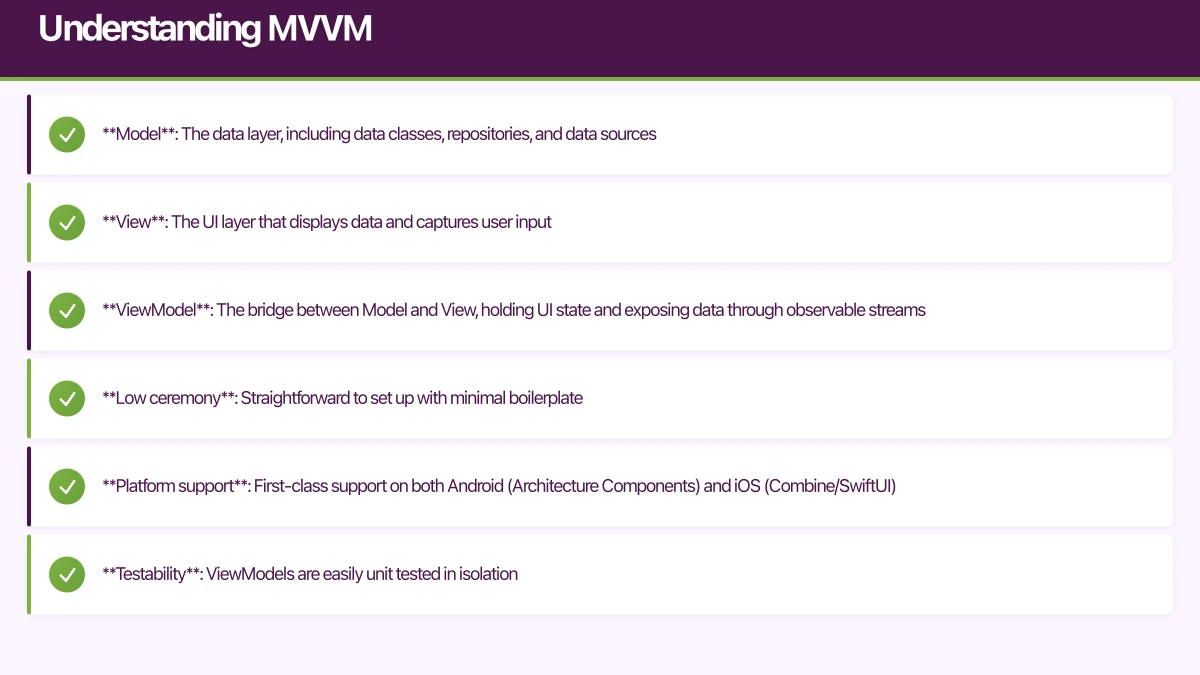
MVVM separates an application into three layers:
- Model: The data layer, including data classes, repositories, and data sources
- View: The UI layer that displays data and captures user input
- ViewModel: The bridge between Model and View, holding UI state and exposing data through observable streams
MVVM in Practice
On Android, MVVM is the recommended architecture from Google, supported by Architecture Components including ViewModel, LiveData, and Room:
// ViewModel
class UserProfileViewModel(
    private val userRepository: UserRepository
) : ViewModel() {

    private val _userState = MutableLiveData<UserProfileState>()
    val userState: LiveData<UserProfileState> = _userState

    fun loadUser(userId: String) {
        viewModelScope.launch {
            _userState.value = UserProfileState.Loading
            try {
                val user = userRepository.getUser(userId)
                _userState.value = UserProfileState.Success(user)
            } catch (e: Exception) {
                _userState.value = UserProfileState.Error(e.message)
            }
        }
    }
}

// View (Activity/Fragment)
class UserProfileFragment : Fragment() {
    private val viewModel: UserProfileViewModel by viewModels()

    override fun onViewCreated(view: View, savedInstanceState: Bundle?) {
        viewModel.userState.observe(viewLifecycleOwner) { state ->
            when (state) {
                is UserProfileState.Loading -> showLoading()
                is UserProfileState.Success -> showUser(state.user)
                is UserProfileState.Error -> showError(state.message)
            }
        }
        viewModel.loadUser(args.userId)
    }
}
On iOS, MVVM works naturally with SwiftUI’s declarative model and Combine framework:
// ViewModel
class UserProfileViewModel: ObservableObject {
    @Published var user: User?
    @Published var isLoading = false
    @Published var errorMessage: String?

    private let userRepository: UserRepository
    private var cancellables = Set<AnyCancellable>()

    init(userRepository: UserRepository) {
        self.userRepository = userRepository
    }

    func loadUser(id: String) {
        isLoading = true
        userRepository.getUser(id: id)
            .receive(on: DispatchQueue.main)
            .sink(
                receiveCompletion: { [weak self] completion in
                    self?.isLoading = false
                    if case .failure(let error) = completion {
                        self?.errorMessage = error.localizedDescription
                    }
                },
                receiveValue: { [weak self] user in
                    self?.user = user
                }
            )
            .store(in: &cancellables)
    }
}

// View
struct UserProfileView: View {
    @StateObject var viewModel: UserProfileViewModel

    var body: some View {
        Group {
            if viewModel.isLoading {
                ProgressView()
            } else if let user = viewModel.user {
                UserDetailView(user: user)
            } else if let error = viewModel.errorMessage {
                ErrorView(message: error)
            }
        }
        .onAppear { viewModel.loadUser(id: userId) }
    }
}
MVVM Strengths
- Low ceremony: Straightforward to set up with minimal boilerplate
- Platform support: First-class support on both Android (Architecture Components) and iOS (Combine/SwiftUI)
- Testability: ViewModels are easily unit tested in isolation
- Reactive by nature: Pairs naturally with reactive frameworks like RxSwift, Combine, LiveData, and Flow
- Developer familiarity: Most mobile developers understand and can work with MVVM quickly
MVVM Weaknesses
- ViewModel bloat: Without discipline, ViewModels accumulate business logic and grow unwieldy
- No clear domain layer: MVVM does not prescribe where business rules live, leading to logic scattered across ViewModels and repositories
- Navigation complexity: MVVM does not address navigation patterns, leaving teams to solve this independently
- Scaling challenges: In large applications with shared business logic, the lack of a structured domain layer creates duplication
Understanding Clean Architecture
Cl
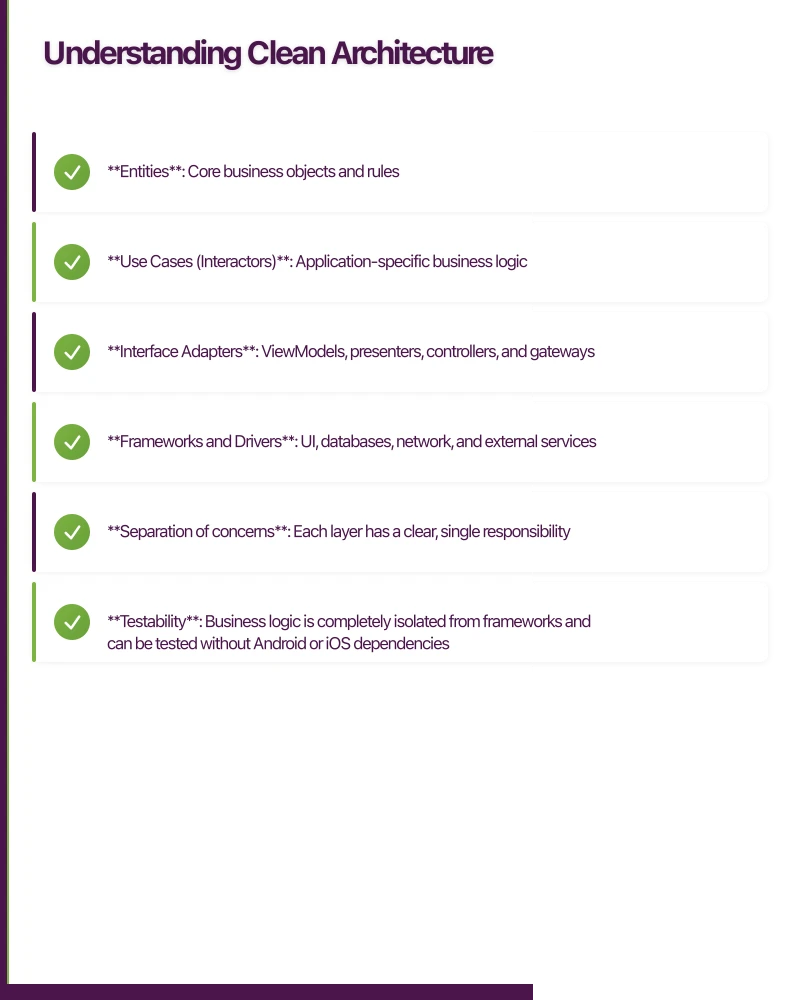 ean Architecture, popularised by Robert C. Martin, organises code into concentric layers with strict dependency rules. The inner layers know nothing about the outer layers.
The typical layers are:
- Entities: Core business objects and rules
- Use Cases (Interactors): Application-specific business logic
- Interface Adapters: ViewModels, presenters, controllers, and gateways
- Frameworks and Drivers: UI, databases, network, and external services
Clean Architecture in Practice
Here is how a feature looks with Clean Architecture on Android:
// Entity (innermost layer)
data class User(
    val id: String,
    val name: String,
    val email: String,
    val memberSince: LocalDate
)

// Use Case
class GetUserProfileUseCase(
    private val userRepository: UserRepository
) {
    suspend operator fun invoke(userId: String): Result<User> {
        return try {
            val user = userRepository.getUser(userId)
            if (user.isActive()) {
                Result.success(user)
            } else {
                Result.failure(InactiveUserException())
            }
        } catch (e: Exception) {
            Result.failure(e)
        }
    }
}

// Repository Interface (defined in domain layer)
interface UserRepository {
    suspend fun getUser(userId: String): User
}

// Repository Implementation (data layer)
class UserRepositoryImpl(
    private val apiService: ApiService,
    private val userDao: UserDao
) : UserRepository {
    override suspend fun getUser(userId: String): User {
        return try {
            val networkUser = apiService.getUser(userId)
            userDao.insertUser(networkUser.toEntity())
            networkUser.toDomain()
        } catch (e: IOException) {
            userDao.getUser(userId)?.toDomain()
                ?: throw UserNotFoundException()
        }
    }
}

// ViewModel (interface adapter layer)
class UserProfileViewModel(
    private val getUserProfile: GetUserProfileUseCase
) : ViewModel() {

    private val _state = MutableStateFlow<UiState<User>>(UiState.Loading)
    val state: StateFlow<UiState<User>> = _state.asStateFlow()

    fun loadUser(userId: String) {
        viewModelScope.launch {
            getUserProfile(userId)
                .onSuccess { _state.value = UiState.Success(it) }
                .onFailure { _state.value = UiState.Error(it.message) }
        }
    }
}
Package Structure
Clean Architecture typically maps to a clear package structure:
com.example.app/
  domain/
    model/
      User.kt
    repository/
      UserRepository.kt
    usecase/
      GetUserProfileUseCase.kt
  data/
    repository/
      UserRepositoryImpl.kt
    remote/
      ApiService.kt
      UserDto.kt
    local/
      UserDao.kt
      UserEntity.kt
  presentation/
    profile/
      UserProfileViewModel.kt
      UserProfileFragment.kt
Clean Architecture Strengths
- Separation of concerns: Each layer has a clear, single responsibility
- Testability: Business logic is completely isolated from frameworks and can be tested without Android or iOS dependencies
- Flexibility: Swapping databases, network libraries, or UI frameworks only affects the outer layers
- Scalability: Large teams can work on different layers independently
- Business logic clarity: Use cases explicitly document what the application does
Clean Architecture Weaknesses
- Boilerplate: Significantly more files and code than simpler architectures
- Over-engineering risk: Small apps gain little from the additional structure
- Mapper overhead: Converting between entities, DTOs, and domain models requires mapping code at each layer boundary
- Learning curve: Developers unfamiliar with the pattern need time to understand the dependency rules
- Rigid structure: The strict layering can feel restrictive for simple CRUD operations
Direct Comp
arison
Codebase Size
MVVM produces a leaner codebase. A typical feature in MVVM requires a Model, ViewModel, and View. Clean Architecture adds Use Cases, repository interfaces, multiple model classes (DTOs, entities, domain models), and mappers. For a medium-complexity feature, expect Clean Architecture to require roughly 40 to 60 percent more files.
Testing
Both architectures support unit testing, but Clean Architecture makes it more natural. Use cases are pure Kotlin or Swift classes with no framework dependencies. MVVM ViewModels can be tested, but they sometimes accumulate logic that is harder to isolate.
Team Size
For small teams of one to three developers, MVVM is typically sufficient. The reduced boilerplate means faster iteration. For teams of four or more, Clean Architecture’s clear boundaries reduce merge conflicts and make code ownership more manageable.
Project Lifespan
Short-lived projects (under 12 months) rarely benefit from Clean Architecture’s upfront investment. Long-lived products that will be maintained for years benefit from the modularity and replaceability that Clean Architecture provides.
Complexity
If your app is primarily UI-driven with straightforward data fetching, MVVM handles this well. If your app has complex business rules, data transformations, or multiple data sources, Clean Architecture’s use case layer provides a natural home for that logic.
A Pragmatic Approach: MVVM with Clean Principle
s
In our experience building apps for Australian businesses, a hybrid approach often delivers the best results. Start with MVVM as your base and adopt Clean Architecture principles selectively:
-
Always define repository interfaces in a domain layer, even if your app is small. This costs almost nothing and makes testing dramatically easier.
-
Extract use cases when business logic grows beyond simple data fetching. If a ViewModel is doing more than mapping repository data to UI state, extract that logic into a use case.
-
Use a domain model separate from your API DTOs and database entities. This decouples your business logic from your backend’s data format.
-
Skip use cases for simple CRUD. If a feature is purely “fetch data and display it” with no business rules, a ViewModel calling a repository directly is fine.
// Pragmatic approach: ViewModel uses repository directly for simple cases
class SimpleListViewModel(
    private val itemRepository: ItemRepository
) : ViewModel() {
    val items = itemRepository.getItems()
        .stateIn(viewModelScope, SharingStarted.Lazily, emptyList())
}

// Extract use case when business logic exists
class ComplexFeatureViewModel(
    private val processOrder: ProcessOrderUseCase,
    private val validateInventory: ValidateInventoryUseCase
) : ViewModel() {
    fun submitOrder(order: Order) {
        viewModelScope.launch {
            validateInventory(order.items)
                .flatMap { processOrder(order) }
                .onSuccess { _state.value = OrderState.Confirmed(it) }
                .onFailure { _state.value = OrderState.Error(it) }
        }
    }
}
Decision Framework
Use this framework to choose your architecture:
Choose MVVM when:
- Your team is small (one to three developers)
- The project timeline is under 12 months
- Business logic is straightforward
- You need to ship quickly
- The app is primarily UI-driven
Choose Clean Architecture when:
- Your team has four or more developers
- The project will be maintained for years
- Complex business rules exist
- Multiple data sources need coordination
- You need to share logic across platforms (e.g., Kotlin Multiplatform)
Choose the hybrid approach when:
- You are unsure about long-term complexity
- You want a flexible starting point that can scale
- Your team has mixed experience levels
Conclusion
Neither MVVM nor Clean Architecture is universally superior for mobile app development. They solve different problems at different scales. The best architecture for mobile development is the one your team can maintain consistently, that supports your testing strategy, and that matches your project’s complexity.
For most Australian startups building their first mobile app development project, we recommend starting with MVVM and adopting Clean Architecture principles as complexity grows. This gives you the fastest path to market while keeping the door open for architectural evolution in mobile development.
Whatever you choose for your mobile app development, commit to it. Inconsistent architecture is worse than any single pattern applied consistently. Document your architectural decisions, enforce them through code review, and revisit them as your product evolves.
Learn more about implementing these patterns in our guides on Clean MVVM in 2023 and mobile app testing basics.
Frequently Asked Questions About Mobile App Development Architecture
What is the main difference between MVVM and Clean Architecture?
MVVM is a presentation pattern focusing on separating UI from business logic through ViewModels. Clean Architecture is a layered system organizing the entire app into Domain, Data, and Presentation layers with strict dependency rules. MVVM addresses UI concerns while Clean Architecture provides comprehensive app structure for mobile development.
Which architecture is better for small mobile app development projects?
MVVM is better for small mobile app development projects (under 12 months, 1-3 developers). It requires less boilerplate, faster initial development, and easier learning curve. Clean Architecture’s benefits (modularity, testability, scalability) become apparent only as project complexity grows in mobile development.
Can I combine MVVM with Clean Architecture?
Yes, combining MVVM with Clean Architecture principles is recommended for mobile app development. Use MVVM for the Presentation layer, define repository interfaces in the Domain layer, and extract Use Cases when business logic grows beyond simple data fetching. This hybrid approach offers flexibility and scalability for mobile development.
How does architecture choice affect mobile app development team productivity?
For teams of 1-3 developers, MVVM’s simplicity enables faster iteration in mobile app development. Teams of 4+ benefit from Clean Architecture’s clear boundaries that reduce merge conflicts and enable parallel development. Choose based on team size and mobile development project lifespan.
When should I migrate from MVVM to Clean Architecture?
Migrate when ViewModels exceed 200 lines regularly, business logic is duplicated across screens, multiple data sources need coordination, or your mobile app development team grows beyond 3 developers. Gradual migration by extracting Use Cases and defining repository interfaces minimizes disruption.
Expert Insights for Mobile App Development Architecture
For the typical mobile app development project - CRUD operations, authentication, and data display - MVVM handles requirements with 40-60% less code than Clean Architecture while maintaining testability.
Clean Architecture’s strict dependency rules enable testing business logic with zero Android or iOS dependencies - critical for mobile app development projects requiring high test coverage and reliability.
Most Australian mobile app development startups benefit from starting with MVVM and adopting Clean Architecture principles incrementally - this approach provides fastest time-to-market with architectural flexibility.
For insights on building a technology strategy where mobile, web, and cloud work together, visit Ash Ganda’s blog.
Part of the Ganda Tech Services family, Awesome Apps delivers specialist mobile app development for Australian small and medium businesses.
Talk to a Sydney app developer — free.
30 minutes. We'll tell you what your app needs, how long it takes, and what it costs. Real answers, no sales pitch.
Book Free App Strategy Call →Free · 30 minutes · No obligation