Mobile App Database Migration Strategies
Database migrations on mobile are uniquely challenging. Unlike server-side migrations where you control the environment and can run scripts sequentially, mobile migrations run on millions of devices with different database states, OS versions, and storage constraints. A failed migration means data loss for real users who cannot call your DBA for recovery.
The stakes are high. A migration bug in version 2.3 of your app might not surface until a user who has been on version 1.0 finally updates — skipping three intermediate schema versions. Your migration code must handle every possible upgrade path, not just the latest one.
This guide covers practical migration strategies for the most common mobile databases: Core Data (iOS), Room (Android), Realm (cross-platform), and raw SQLite.
Core Data Migrations on iOS
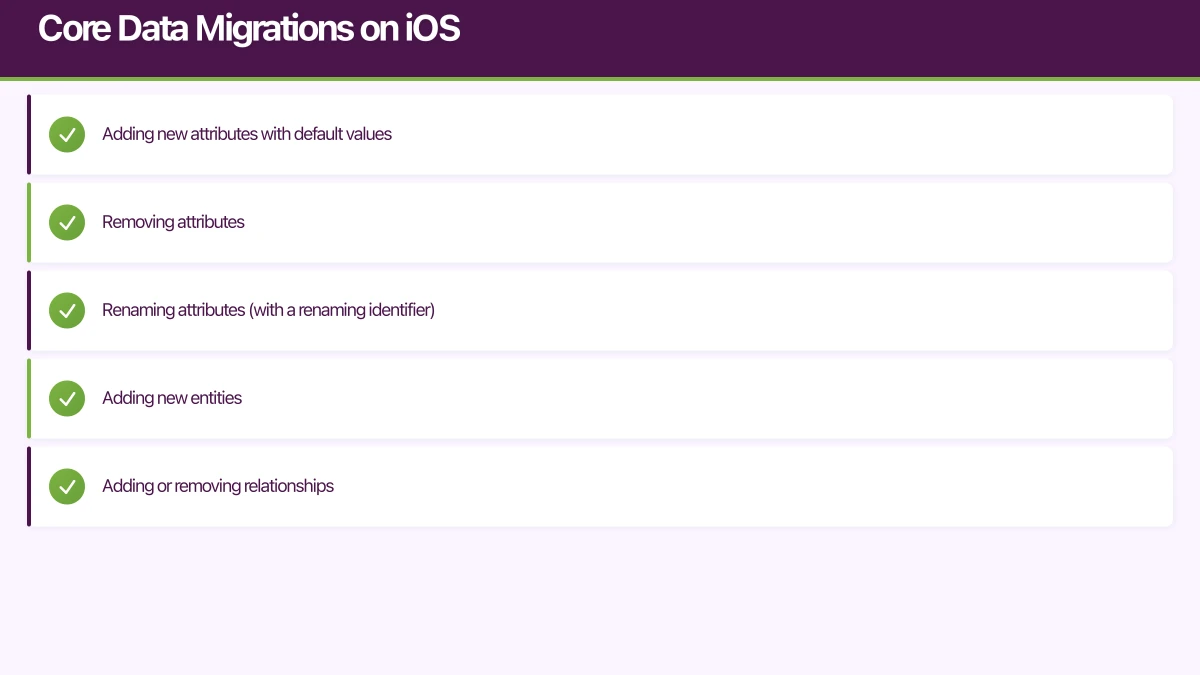
Core Data provides two migration approaches: lightweight (automatic) and heavyweight (manual).
Lightweight Migration
Core Data can automatically handle simple schema changes:
- Adding new attributes with default values
- Removing attributes
- Renaming attributes (with a renaming identifier)
- Adding new entities
- Adding or removing relationships
class PersistenceController {
    let container: NSPersistentContainer

    init() {
        container = NSPersistentContainer(name: "MyApp")

        // Enable automatic lightweight migration
        let description = container.persistentStoreDescriptions.first
        description?.setOption(
            true as NSNumber,
            forKey: NSMigratePersistentStoresAutomaticallyOption
        )
        description?.setOption(
            true as NSNumber,
            forKey: NSInferMappingModelAutomaticallyOption
        )

        container.loadPersistentStores { description, error in
            if let error = error {
                // Handle migration failure
                self.handleMigrationFailure(error)
            }
        }
    }

    private func handleMigrationFailure(_ error: Error) {
        // Log the error for diagnostics
        Logger.error("Core Data migration failed: \(error)")

        // Option 1: Delete and recreate (lose data)
        // Option 2: Copy to backup, delete, recreate, restore what we can
        // Option 3: Show error to user with recovery instructions
    }
}
To rename an attribute while preserving data, set the Renaming Identifier in the Xcode model editor. For example, renaming name to displayName: set the Renaming Identifier of displayName to name.
Heavyweight Migration with Mapping Models
When schema changes are too complex for lightweight migration — like splitting an entity into two, merging entities, or transforming data — you need a mapping model:
// Custom migration policy
class OrderMigrationPolicy: NSEntityMigrationPolicy {
    override func createDestinationInstances(
        forSource sourceInstance: NSManagedObject,
        in mapping: NSEntityMapping,
        manager: NSMigrationManager
    ) throws {
        // Create the new Order entity
        let destinationOrder = NSEntityDescription.insertNewObject(
            forEntityName: "Order",
            into: manager.destinationContext
        )

        // Copy basic attributes
        destinationOrder.setValue(
            sourceInstance.value(forKey: "orderId"),
            forKey: "id"
        )
        destinationOrder.setValue(
            sourceInstance.value(forKey: "orderDate"),
            forKey: "createdAt"
        )

        // Transform data: split full name into first and last
        if let fullName = sourceInstance.value(forKey: "customerName") as? String {
            let components = fullName.split(separator: " ")
            destinationOrder.setValue(
                String(components.first ?? ""),
                forKey: "customerFirstName"
            )
            destinationOrder.setValue(
                components.dropFirst().joined(separator: " "),
                forKey: "customerLastName"
            )
        }

        // Calculate new field from existing data
        if let subtotal = sourceInstance.value(forKey: "subtotal") as? Double {
            let gst = subtotal / 11.0 // Australian GST
            destinationOrder.setValue(gst, forKey: "gstAmount")
        }

        manager.associate(
            sourceInstance: sourceInstance,
            withDestinationInstance: destinationOrder,
            for: mapping
        )
    }
}
Progressive Migration
When users might skip multiple versions, chain migrations through intermediate models:
class MigrationManager {
    private let modelVersions = ["Model_v1", "Model_v2", "Model_v3", "Model_v4"]

    func migrateStoreIfNeeded(at storeURL: URL) throws {
        let metadata = try NSPersistentStoreCoordinator
            .metadataForPersistentStore(
                ofType: NSSQLiteStoreType,
                at: storeURL
            )

        // Find the source model version
        guard let sourceVersionIndex = modelVersions.firstIndex(where: { version in
            let model = managedObjectModel(named: version)
            return model.isConfiguration(
                withName: nil,
                compatibleWithStoreMetadata: metadata
            )
        }) else {
            throw MigrationError.incompatibleStore
        }

        // Already on latest version
        let currentIndex = modelVersions.count - 1
        if sourceVersionIndex == currentIndex { return }

        // Migrate through each version step
        for i in sourceVersionIndex..<currentIndex {
            let sourceModel = managedObjectModel(named: modelVersions[i])
            let destinationModel = managedObjectModel(named: modelVersions[i + 1])

            try migrateStore(
                at: storeURL,
                from: sourceModel,
                to: destinationModel,
                mappingModelName: "\(modelVersions[i])_to_\(modelVersions[i + 1])"
            )
        }
    }
}
Room Database Migrations on Android
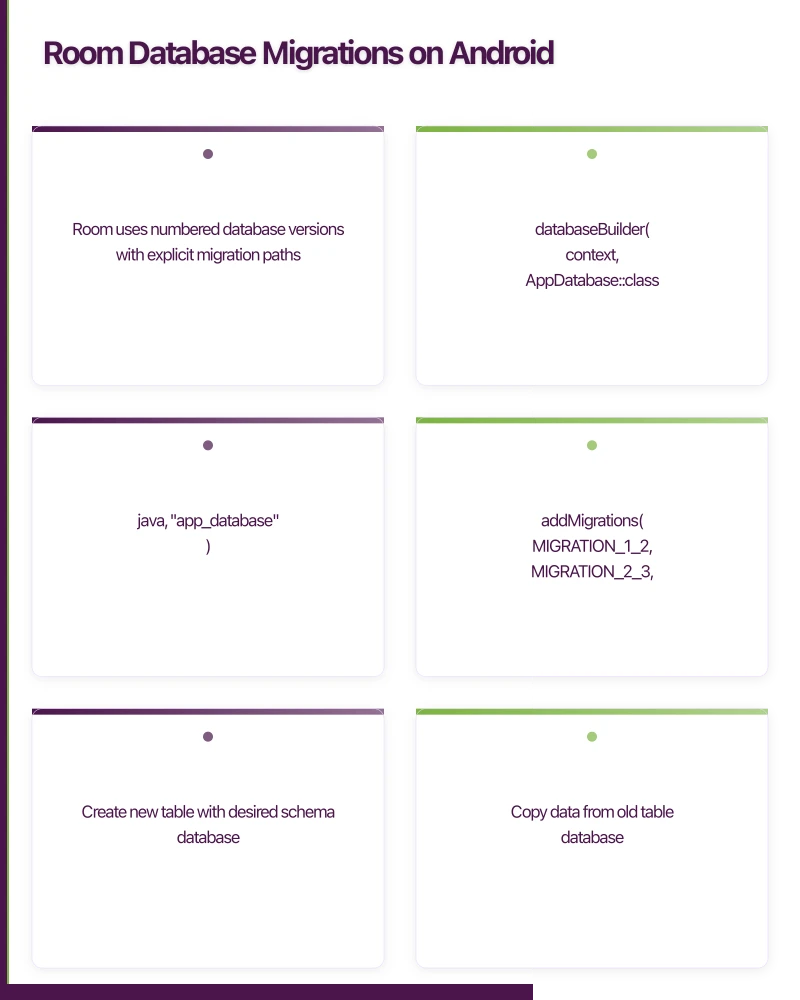
Room uses numbered database versions with explicit migration paths.
Basic Migration
@Database(
    entities = [User::class, Order::class, Product::class],
    version = 4,
    exportSchema = true // Always export for migration testing
)
abstract class AppDatabase : RoomDatabase() {
    abstract fun userDao(): UserDao
    abstract fun orderDao(): OrderDao

    companion object {
        fun build(context: Context): AppDatabase {
            return Room.databaseBuilder(
                context,
                AppDatabase::class.java,
                "app_database"
            )
                .addMigrations(
                    MIGRATION_1_2,
                    MIGRATION_2_3,
                    MIGRATION_3_4
                )
                .build()
        }

        val MIGRATION_1_2 = object : Migration(1, 2) {
            override fun migrate(database: SupportSQLiteDatabase) {
                // Add new column
                database.execSQL(
                    "ALTER TABLE users ADD COLUMN profile_image_url TEXT"
                )
            }
        }

        val MIGRATION_2_3 = object : Migration(2, 3) {
            override fun migrate(database: SupportSQLiteDatabase) {
                // Create new table
                database.execSQL("""
                    CREATE TABLE IF NOT EXISTS orders (
                        id TEXT PRIMARY KEY NOT NULL,
                        user_id TEXT NOT NULL,
                        total_amount REAL NOT NULL,
                        gst_amount REAL NOT NULL,
                        status TEXT NOT NULL DEFAULT 'pending',
                        created_at INTEGER NOT NULL,
                        FOREIGN KEY(user_id) REFERENCES users(id)
                    )
                """)
                database.execSQL(
                    "CREATE INDEX index_orders_user_id ON orders(user_id)"
                )
            }
        }

        val MIGRATION_3_4 = object : Migration(3, 4) {
            override fun migrate(database: SupportSQLiteDatabase) {
                // Complex migration: rename column and add new ones
                // SQLite doesn't support ALTER COLUMN, so recreate the table

                // 1. Create new table with desired schema
                database.execSQL("""
                    CREATE TABLE users_new (
                        id TEXT PRIMARY KEY NOT NULL,
                        display_name TEXT NOT NULL,
                        email TEXT NOT NULL,
                        profile_image_url TEXT,
                        created_at INTEGER NOT NULL DEFAULT 0,
                        updated_at INTEGER NOT NULL DEFAULT 0
                    )
                """)

                // 2. Copy data from old table
                database.execSQL("""
                    INSERT INTO users_new (id, display_name, email, profile_image_url)
                    SELECT id, name, email, profile_image_url FROM users
                """)

                // 3. Drop old table
                database.execSQL("DROP TABLE users")

                // 4. Rename new table
                database.execSQL("ALTER TABLE users_new RENAME TO users")
            }
        }
    }
}
Auto-Migration (Room 2.4+)
Room 2.4 introduced auto-migrations for simple schema changes:
@Database(
    entities = [User::class, Order::class],
    version = 5,
    autoMigrations = [
        AutoMigration(from = 4, to = 5, spec = AutoMigration4To5::class)
    ]
)
abstract class AppDatabase : RoomDatabase()

@RenameColumn(
    tableName = "users",
    fromColumnName = "full_name",
    toColumnName = "display_name"
)
class AutoMigration4To5 : AutoMigrationSpec
Testing Migrations
Room provides excellent migration testing support:
@RunWith(AndroidJUnit4::class)
class MigrationTest {
    @get:Rule
    val helper = MigrationTestHelper(
        InstrumentationRegistry.getInstrumentation(),
        AppDatabase::class.java
    )

    @Test
    fun migrate2To3() {
        // Create database at version 2
        var db = helper.createDatabase(TEST_DB, 2)

        // Insert test data
        db.execSQL("""
            INSERT INTO users (id, name, email, profile_image_url)
            VALUES ('1', 'Test User', '[email protected]', null)
        """)
        db.close()

        // Migrate to version 3
        db = helper.runMigrationsAndValidate(
            TEST_DB, 3, true, AppDatabase.MIGRATION_2_3
        )

        // Verify migration succeeded
        val cursor = db.query("SELECT * FROM orders")
        assertEquals(0, cursor.count) // New table exists but is empty
        cursor.close()

        // Verify existing data preserved
        val userCursor = db.query("SELECT * FROM users WHERE id = '1'")
        assertTrue(userCursor.moveToFirst())
        assertEquals("Test User", userCursor.getString(
            userCursor.getColumnIndex("name")
        ))
        userCursor.close()
    }

    @Test
    fun migrateAllVersions() {
        // Test the complete migration path from version 1 to latest
        helper.createDatabase(TEST_DB, 1).close()

        helper.runMigrationsAndValidate(
            TEST_DB,
            4, // Latest version
            true,
            AppDatabase.MIGRATION_1_2,
            AppDatabase.MIGRATION_2_3,
            AppDatabase.MIGRATION_3_4
        )
    }
}
Rea
lm Migrations
Realm uses a schema version number with a migration block:
// iOS Realm migration
let config = Realm.Configuration(
    schemaVersion: 4,
    migrationBlock: { migration, oldSchemaVersion in
        if oldSchemaVersion < 2 {
            // Add new property (Realm handles adding with default values automatically)
            // Only need migration block for data transformation
            migration.enumerateObjects(ofType: User.className()) { oldObject, newObject in
                let firstName = oldObject?["firstName"] as? String ?? ""
                let lastName = oldObject?["lastName"] as? String ?? ""
                newObject?["displayName"] = "\(firstName) \(lastName)"
            }
        }

        if oldSchemaVersion < 3 {
            migration.enumerateObjects(ofType: Order.className()) { oldObject, newObject in
                if let total = oldObject?["total"] as? Double {
                    newObject?["gstAmount"] = total / 11.0
                }
            }
        }

        if oldSchemaVersion < 4 {
            // Rename property
            migration.renameProperty(
                onType: User.className(),
                from: "emailAddress",
                to: "email"
            )
        }
    }
)

Realm.Configuration.defaultConfiguration = config
Migration Best Pr
actices
1. Always Test Migration Paths
Test every possible upgrade path, not just version N to N+1. A user on version 1 might skip directly to version 5.
2. Back Up Before Migrating
func backupDatabase(at url: URL) throws -> URL {
    let backupURL = url.deletingLastPathComponent()
        .appendingPathComponent("database_backup.sqlite")
    try FileManager.default.copyItem(at: url, to: backupURL)
    return backupURL
}
3. Handle Migration Failures Gracefully
fun buildDatabase(context: Context): AppDatabase {
    return try {
        Room.databaseBuilder(context, AppDatabase::class.java, "app.db")
            .addMigrations(*allMigrations)
            .build()
    } catch (e: Exception) {
        Logger.error("Migration failed, falling back to destructive", e)
        // Last resort: recreate database
        Room.databaseBuilder(context, AppDatabase::class.java, "app.db")
            .fallbackToDestructiveMigration()
            .build()
    }
}
4. Export Schema for Version Control
Always export your database schema to version control. Room’s exportSchema = true creates JSON schema files. For Core Data, keep each .xcdatamodel version in your repository.
5. Monitor Migration Performance
Large databases can take seconds to migrate. Show progress to users:
func migrateWithProgress() async {
    await MainActor.run { migrationState = .inProgress(0) }

    // Perform migration steps
    for (index, step) in migrationSteps.enumerated() {
        try await step.execute()
        let progress = Double(index + 1) / Double(migrationSteps.count)
        await MainActor.run { migrationState = .inProgress(progress) }
    }

    await MainActor.run { migrationState = .complete }
}
6. Plan for Skip-Version Migrations
Structure your migrations so they can be chained. Each migration should be self-contained and idempotent where possible.
Database migrations are infrastructure work that users never see but immediately feel when it goes wrong. Invest in testing, handle failures gracefully, and always provide a recovery path. Your users’ data is the most valuable thing in your app.
Need help managing database migrations in your mobile app? Our team at eawesome builds robust data layers for Australian mobile applications.
A dedicated website amplifies your app’s reach. Cosmos Web Tech builds SEO-optimised sites that turn Google searches into app installs.
Part of the Ganda Tech Services family, Awesome Apps delivers specialist mobile app development for Australian small and medium businesses.
Talk to a Sydney app developer — free.
30 minutes. We'll tell you what your app needs, how long it takes, and what it costs. Real answers, no sales pitch.
Book Free App Strategy Call →Free · 30 minutes · No obligation