Mobile App Database Options: SQLite vs Realm vs Room
Every mobile app that stores data locally needs a database strategy. The choice of local database affects performance, development speed, data integrity, and how easily your app handles offline scenarios. In 2022, three options dominate the conversation for mobile development: SQLite, Realm, and Room.
Each has distinct strengths and is suited to different types of applications. This guide provides an honest comparison to help you make the right choice for your project.
SQLite: The Foundation
SQLite is the most widely deployed database engine in the world. It ships embedded in both iOS and Android and has been the default local storage solution for mobile apps since the early days of the platform.
How SQLite Works on Mobile
SQLite is a serverless, file-based relational database. It stores the entire database in a single file on the device’s filesystem. Both iOS (via FMDB or the native SQLite3 C API) and Android (via the built-in android.database.sqlite package) provide direct access.
SQLite on iOS
import SQLite3

class DatabaseManager {
    private var db: OpaquePointer?

    func open() -> Bool {
        let fileURL = try! FileManager.default
            .url(for: .documentDirectory,
                 in: .userDomainMask,
                 appropriateFor: nil,
                 create: false)
            .appendingPathComponent("app.sqlite")

        return sqlite3_open(fileURL.path, &db) == SQLITE_OK
    }

    func createTable() {
        let sql = """
            CREATE TABLE IF NOT EXISTS users (
                id INTEGER PRIMARY KEY AUTOINCREMENT,
                name TEXT NOT NULL,
                email TEXT UNIQUE NOT NULL,
                created_at TEXT DEFAULT CURRENT_TIMESTAMP
            );
            """
        var statement: OpaquePointer?
        if sqlite3_prepare_v2(db, sql, -1, &statement, nil) == SQLITE_OK {
            sqlite3_step(statement)
        }
        sqlite3_finalize(statement)
    }

    func insertUser(name: String, email: String) -> Bool {
        let sql = "INSERT INTO users (name, email) VALUES (?, ?);"
        var statement: OpaquePointer?

        guard sqlite3_prepare_v2(db, sql, -1, &statement, nil) == SQLITE_OK
        else { return false }

        sqlite3_bind_text(statement, 1, (name as NSString).utf8String, -1, nil)
        sqlite3_bind_text(statement, 2, (email as NSString).utf8String, -1, nil)

        let result = sqlite3_step(statement) == SQLITE_DONE
        sqlite3_finalize(statement)
        return result
    }
}
As you can see, raw SQLite on iOS involves verbose C-level API calls. Most teams use a wrapper library like GRDB.swift or SQLite.swift to improve ergonomics.
SQLite Strengths
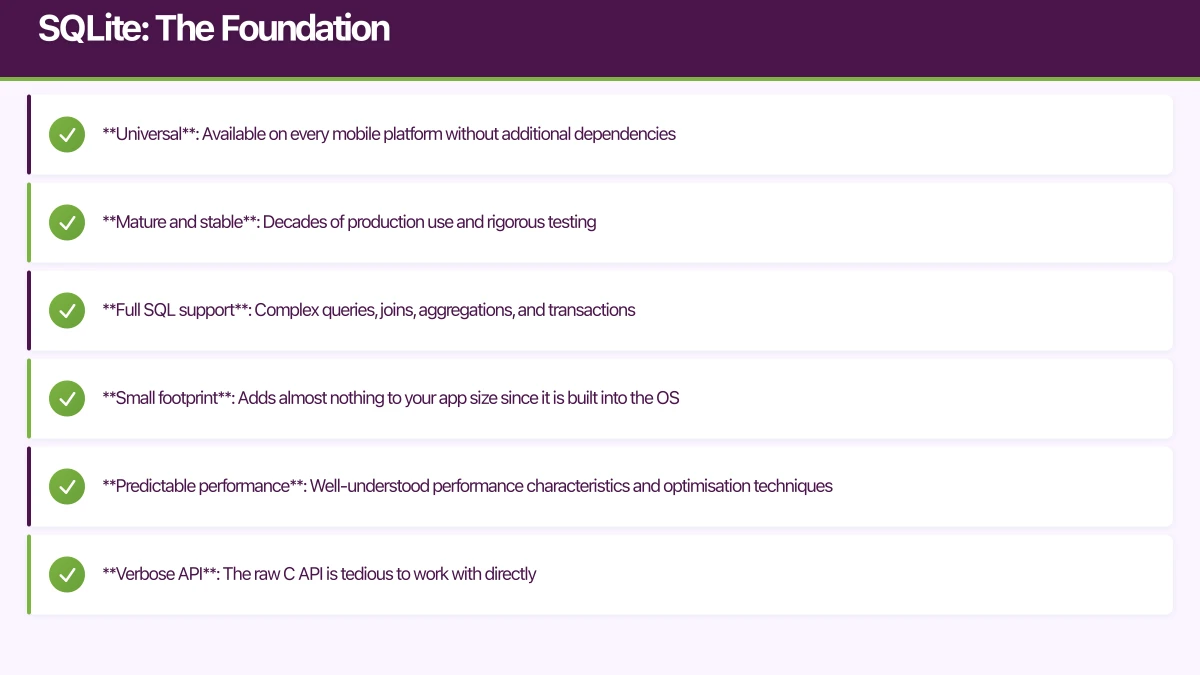
- Universal: Available on every mobile platform without additional dependencies
- Mature and stable: Decades of production use and rigorous testing
- Full SQL support: Complex queries, joins, aggregations, and transactions
- Small footprint: Adds almost nothing to your app size since it is built into the OS
- Predictable performance: Well-understood performance characteristics and optimisation techniques
SQLite Weaknesses
- Verbose API: The raw C API is tedious to work with directly
- No object mapping: You must manually convert between database rows and application objects
- Schema migrations: Managing schema changes across app versions requires manual migration scripts
- Threading complexity: SQLite supports concurrent reads but requires careful management of write operations
- No reactive queries: Out of the box, SQLite does not notify you when data changes
Room: SQLite Made Modern (Android)
Room is Google’s official persistence library for Android. It is not an alternative to SQLite but rather an abstraction layer that makes SQLite dramatically easier to use.
Room Architecture
Room provides three main components:
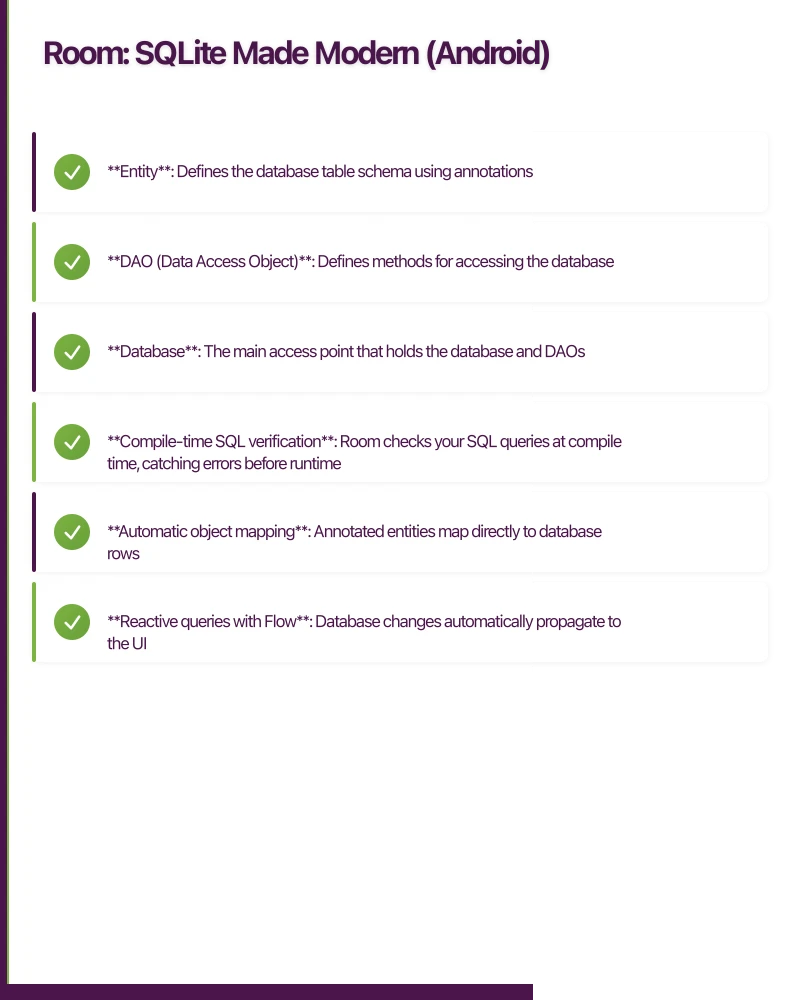
- Entity: Defines the database table schema using annotations
- DAO (Data Access Object): Defines methods for accessing the database
- Database: The main access point that holds the database and DAOs
// Entity
@Entity(tableName = "users")
data class User(
    @PrimaryKey(autoGenerate = true)
    val id: Long = 0,
    @ColumnInfo(name = "name")
    val name: String,
    @ColumnInfo(name = "email")
    val email: String,
    @ColumnInfo(name = "created_at")
    val createdAt: Long = System.currentTimeMillis()
)

// DAO
@Dao
interface UserDao {
    @Query("SELECT * FROM users ORDER BY created_at DESC")
    fun getAllUsers(): Flow<List<User>>

    @Query("SELECT * FROM users WHERE id = :userId")
    suspend fun getUserById(userId: Long): User?

    @Insert(onConflict = OnConflictStrategy.REPLACE)
    suspend fun insertUser(user: User): Long

    @Update
    suspend fun updateUser(user: User)

    @Delete
    suspend fun deleteUser(user: User)

    @Query("SELECT * FROM users WHERE name LIKE :query")
    fun searchUsers(query: String): Flow<List<User>>
}

// Database
@Database(entities = [User::class], version = 1)
abstract class AppDatabase : RoomDatabase() {
    abstract fun userDao(): UserDao

    companion object {
        @Volatile
        private var INSTANCE: AppDatabase? = null

        fun getInstance(context: Context): AppDatabase {
            return INSTANCE ?: synchronized(this) {
                Room.databaseBuilder(
                    context.applicationContext,
                    AppDatabase::class.java,
                    "app_database"
                )
                .addMigrations(MIGRATION_1_2)
                .build()
                .also { INSTANCE = it }
            }
        }
    }
}
Room with Coroutines and Flow
Room’s integration with Kotlin Coroutines and Flow makes reactive data patterns natural:
class UserRepository(private val userDao: UserDao) {

    val allUsers: Flow<List<User>> = userDao.getAllUsers()

    suspend fun addUser(name: String, email: String) {
        userDao.insertUser(User(name = name, email = email))
    }

    fun searchUsers(query: String): Flow<List<User>> {
        return userDao.searchUsers("%$query%")
    }
}

// In ViewModel
class UserListViewModel(
    private val repository: UserRepository
) : ViewModel() {

    val users: StateFlow<List<User>> = repository.allUsers
        .stateIn(viewModelScope, SharingStarted.Lazily, emptyList())
}
Room Strengths
- Compile-time SQL verification: Room checks your SQL queries at compile time, catching errors before runtime
- Automatic object mapping: Annotated entities map directly to database rows
- Reactive queries with Flow: Database changes automatically propagate to the UI
- Built-in migration support: Structured migration system with version tracking
- Coroutine support: Native suspend function support for async database operations
- Type converters: Easy conversion of complex types like dates and enums
Room Weaknesses
- Android only: Room is part of Android Jetpack and not available on iOS
- Still SQL underneath: You need SQL knowledge for anything beyond basic CRUD
- Compile time impact: Annotation processing adds to build times, especially in large projects
- Limited relationship support: Complex relationships require careful setup with
@Relationand@Embeddedannotations
Realm: The Obj
 ect Database
Realm takes a fundamentally different approach. Instead of mapping objects to SQL tables, Realm is an object database that stores objects directly. It is available on both iOS and Android.
Realm on Android
// Define model
open class User : RealmObject() {
    @PrimaryKey
    var id: String = UUID.randomUUID().toString()
    var name: String = ""
    var email: String = ""
    var createdAt: Date = Date()
}

// Database operations
class UserRepository {
    private val realm: Realm
        get() = Realm.getDefaultInstance()

    fun getAllUsers(): Flow<List<User>> = callbackFlow {
        val realm = Realm.getDefaultInstance()
        val results = realm.where<User>()
            .sort("createdAt", Sort.DESCENDING)
            .findAllAsync()

        val listener = RealmChangeListener<RealmResults<User>> { results ->
            trySend(realm.copyFromRealm(results))
        }
        results.addChangeListener(listener)

        awaitClose {
            results.removeChangeListener(listener)
            realm.close()
        }
    }

    fun addUser(name: String, email: String) {
        realm.executeTransaction { r ->
            val user = User().apply {
                this.name = name
                this.email = email
            }
            r.insertOrUpdate(user)
        }
        realm.close()
    }
}
Realm on iOS
import RealmSwift

class User: Object {
    @Persisted(primaryKey: true) var id: ObjectId
    @Persisted var name: String
    @Persisted var email: String
    @Persisted var createdAt: Date = Date()
}

class UserRepository {
    private var realm: Realm {
        try! Realm()
    }

    func getAllUsers() -> Results<User> {
        realm.objects(User.self)
            .sorted(byKeyPath: "createdAt", ascending: false)
    }

    func addUser(name: String, email: String) throws {
        let user = User()
        user.name = name
        user.email = email

        try realm.write {
            realm.add(user)
        }
    }
}
Realm Strengths
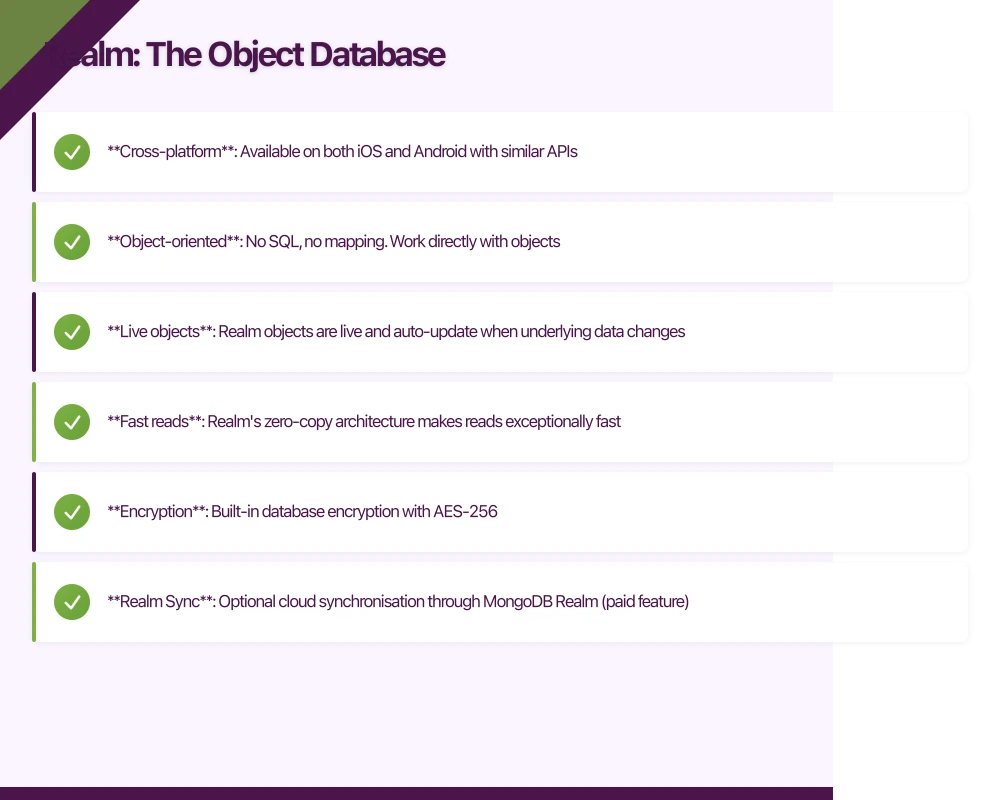
- Cross-platform: Available on both iOS and Android with similar APIs
- Object-oriented: No SQL, no mapping. Work directly with objects
- Live objects: Realm objects are live and auto-update when underlying data changes
- Fast reads: Realm’s zero-copy architecture makes reads exceptionally fast
- Encryption: Built-in database encryption with AES-256
- Realm Sync: Optional cloud synchronisation through MongoDB Realm (paid feature)
Realm Weaknesses
- App size increase: Realm adds several megabytes to your app binary
- Threading model: Realm objects cannot be passed between threads. You must freeze or copy them
- No raw SQL: Complex aggregations and joins that are straightforward in SQL require workarounds
- Vendor dependency: You depend on MongoDB (which acquired Realm) for ongoing development
- Migration complexity: Schema changes can be more difficult to manage than SQL migrations
- Learning curve: The threading model and live objects require a different mental model
Perfor
mance Comparison
Performance varies significantly by use case. Here are general benchmarks based on our testing with 10,000 records:
Write Performance (batch insert)
- SQLite (raw): Fast, especially with transactions
- Room: Similar to raw SQLite, with slight overhead from annotation processing
- Realm: Fast for individual writes, competitive for batch operations
Read Performance (full table scan)
- SQLite (raw): Consistent and predictable
- Room: Comparable to raw SQLite with Flow overhead
- Realm: Fastest for simple reads due to zero-copy architecture
Query Performance (filtered search)
- SQLite/Room: Excellent with proper indexes. SQL’s query optimiser handles complex queries well
- Realm: Good for simple queries. Complex filtering is less optimised than SQL
Memory Usage
- SQLite/Room: Lower baseline memory. Data is loaded on demand
- Realm: Higher baseline due to memory-mapped file. Efficient for frequently accessed data
Decision Framework
Choose SQLite (with a wrapper like GRDB or SQLite.swift) when:
- You are building an iOS app and want minimal dependencies
- You have complex relational data with many joins
- Your team has strong SQL expertise
- App size is a critical constraint
Choose Room when:
- You are building an Android app
- You want compile-time SQL verification
- You need reactive data with Kotlin Flow
- You are already using Android Jetpack components
Choose Realm when:
- You are building a cross-platform app and want consistent data layer code
- You need built-in encryption
- Your data model is primarily object-oriented with few complex relations
- You might need cloud synchronisation in the future
Our Recommendation
For most Android projects in 2022, Room is the default choice. It provides the best developer experience on Android with compile-time safety, reactive queries, and excellent documentation.
For iOS projects, the picture is less clear. Core Data remains Apple’s official solution but has a steep learning curve. GRDB.swift provides an excellent SQLite wrapper with Swift-native ergonomics. Realm offers simplicity but adds a dependency.
For cross-platform teams building both iOS and Android, Realm’s consistent API across platforms can reduce cognitive switching costs, though you trade away SQL flexibility.
Whatever you choose, invest time in getting your data layer architecture right. A well-structured repository pattern with a clean interface lets you swap database implementations later if your needs change.
Need help choosing the right database strategy for your mobile app? Talk to the eawesome team. We have built data-intensive mobile applications for Australian businesses across all three platforms.
For executive-level thinking on mobile strategy and digital transformation, explore Ash Ganda’s blog.
Ganda Tech Services brings together cloud infrastructure, web development, and mobile app expertise to help Australian businesses thrive in the digital economy.
Talk to a Sydney app developer — free.
30 minutes. We'll tell you what your app needs, how long it takes, and what it costs. Real answers, no sales pitch.
Book Free App Strategy Call →Free · 30 minutes · No obligation