Mobile App Backend Services: Choosing the Right Platform
Building a mobile app backend from scratch is time-consuming and expensive. Backend-as-a-Service (BaaS) platforms provide authentication, databases, storage, and serverless functions out of the box, letting you focus on your mobile app’s user experience and rapid development.
Three BaaS platforms dominate the mobile development landscape in 2021: Google’s Firebase, Amazon’s AWS Amplify, and the open-source Supabase. Each takes a fundamentally different approach to solving the same problems. This guide compares them to help you choose the right foundation for your mobile app.
Firebase
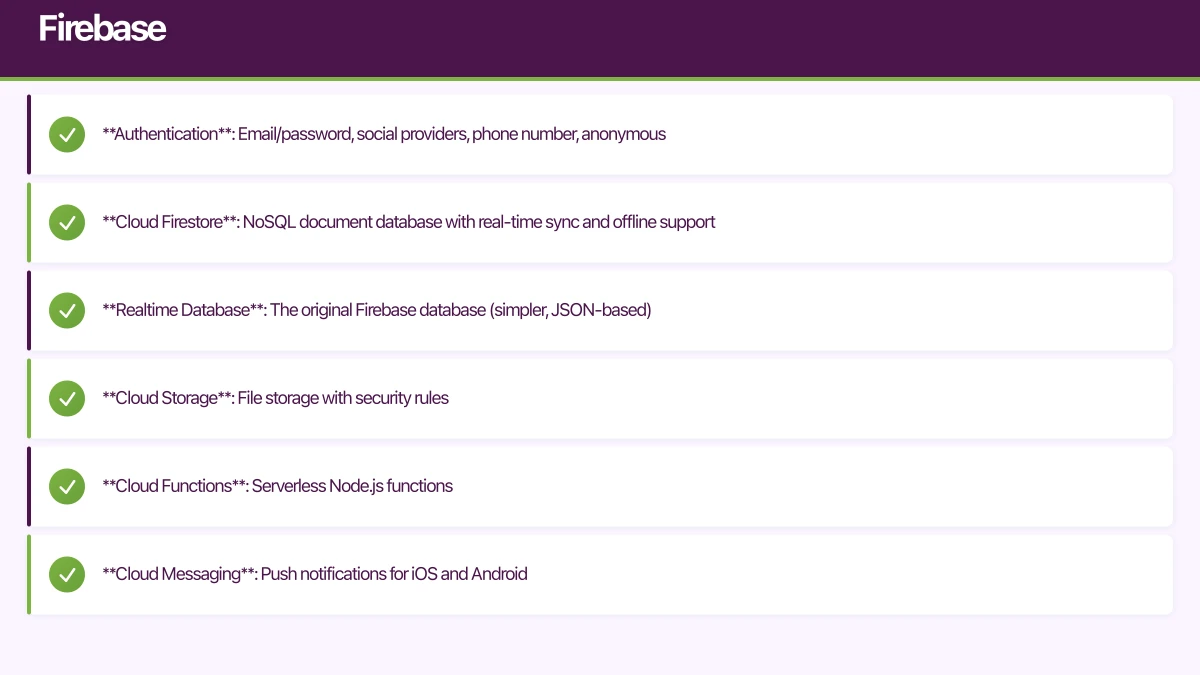
Firebase is Google’s comprehensive mobile development platform. It has been the default BaaS choice since Google acquired it in 2014 and has the largest ecosystem and community.
Core Services
- Authentication: Email/password, social providers, phone number, anonymous
- Cloud Firestore: NoSQL document database with real-time sync and offline support
- Realtime Database: The original Firebase database (simpler, JSON-based)
- Cloud Storage: File storage with security rules
- Cloud Functions: Serverless Node.js functions
- Cloud Messaging: Push notifications for iOS and Android
- Analytics: Free, unlimited analytics
- Crashlytics: Crash reporting
- Remote Config: Feature flags and A/B testing
Strengths
Best-in-class mobile SDKs. Firebase’s iOS, Android, and Flutter SDKs are mature and well-documented. The React Native support via community packages is solid.
Real-time out of the box. Firestore and Realtime Database provide real-time data synchronisation that works seamlessly across devices.
Offline persistence built in. Firestore caches data locally and syncs automatically when connectivity returns. This is particularly valuable for Australian apps where connectivity varies.
Generous free tier. The Spark plan covers most MVP and early-stage apps at zero cost.
Comprehensive ecosystem. From analytics to crash reporting to A/B testing, Firebase covers the full stack of mobile backend needs.
Limitations
NoSQL only. Firestore is a document database. Complex queries, joins, and aggregations that are trivial in SQL require denormalisation and careful data modelling.
Vendor lock-in. Firebase is deeply tied to Google Cloud. Migrating away is possible but requires significant effort.
Cost at scale. Firestore charges per document read. High-read applications can become expensive at scale. Costs can be unpredictable.
Cloud Functions limitations. Node.js only (as of 2021), cold starts can add latency, and the programming model is more limited than a full backend framework.
Pricing for Australian Teams
Firebase’s free tier includes:
- 50,000 auth operations/month
- 1 GB Firestore storage, 50,000 reads/day
- 5 GB Cloud Storage
- 2 million Cloud Function invocations/month
Paid plans (Blaze) charge per usage. Typical early-stage app: AUD 0 to 50/month. Growth stage: AUD 50 to 500/month. The jump can be steep for read-heavy apps.
AWS Amplify
AWS Amplify
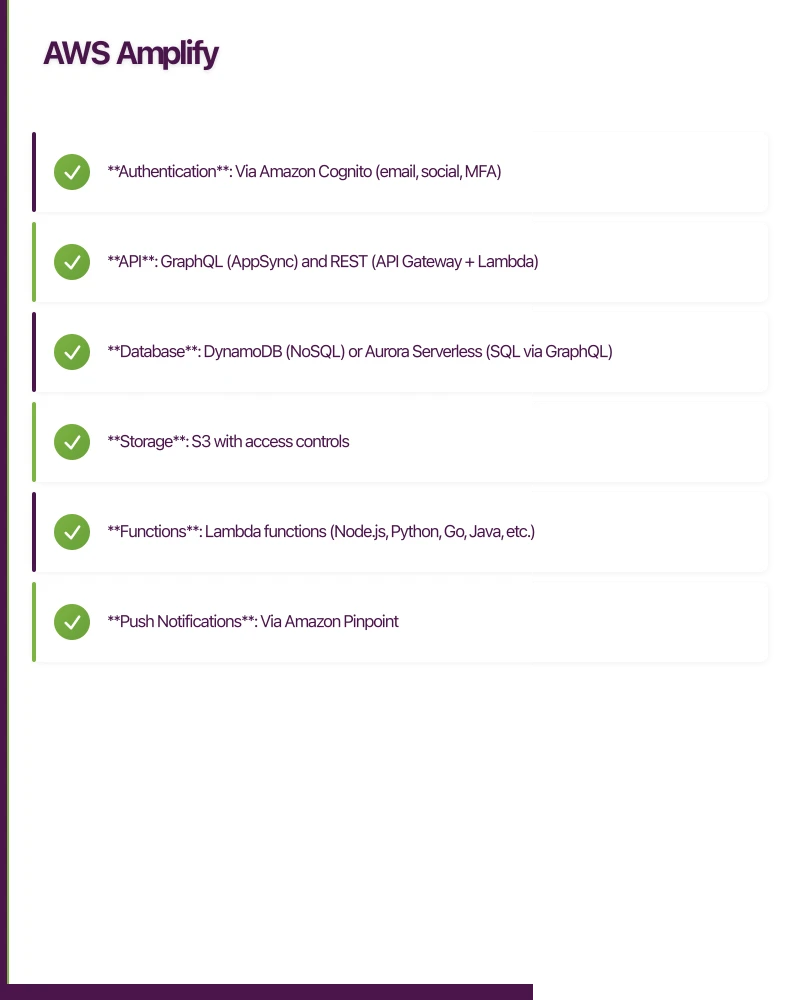 is Amazon’s framework for building mobile and web applications on AWS infrastructure. It provides a higher-level abstraction over AWS services.
Core Services
- Authentication: Via Amazon Cognito (email, social, MFA)
- API: GraphQL (AppSync) and REST (API Gateway + Lambda)
- Database: DynamoDB (NoSQL) or Aurora Serverless (SQL via GraphQL)
- Storage: S3 with access controls
- Functions: Lambda functions (Node.js, Python, Go, Java, etc.)
- Push Notifications: Via Amazon Pinpoint
- Analytics: Via Amazon Pinpoint
- Machine Learning: Pre-built AI/ML features (text-to-speech, translation, predictions)
Strengths
GraphQL first. Amplify’s default API is GraphQL via AppSync. For mobile apps that need flexible data fetching, GraphQL eliminates over-fetching and reduces round trips.
Full AWS ecosystem. When you outgrow Amplify’s abstractions, you have access to the entire AWS service catalogue. This provides an upgrade path that Firebase lacks.
Multiple language support for functions. Lambda supports Node.js, Python, Go, Java, C#, and Ruby. You are not limited to JavaScript.
SQL option. Through AppSync with Aurora Serverless, you can use relational data models. This is significant if your data is naturally relational.
Strong enterprise features. Fine-grained IAM permissions, VPC integration, and compliance certifications (SOC 2, HIPAA) that Firebase does not match.
Limitations
Steeper learning curve. Amplify abstracts AWS services, but the underlying complexity leaks through. Debugging often requires understanding the AWS services underneath.
CLI-heavy workflow. Amplify relies heavily on its CLI for configuration and deployment. This can feel rigid compared to Firebase’s console-first approach.
Mobile SDK maturity. The Amplify mobile SDKs are younger than Firebase’s and occasionally less polished. Documentation gaps exist, particularly for advanced use cases.
Cold starts. Lambda functions experience cold starts (typically 100 to 500 milliseconds for Node.js, longer for Java). This adds latency to API calls, particularly for infrequently accessed endpoints.
Complexity tax. Even simple operations involve multiple AWS services (Cognito, AppSync, DynamoDB, Lambda). Each service has its own configuration, pricing, and monitoring.
Pricing for Australian Teams
AWS pricing is complex and usage-based. Key services:
- Cognito: Free for the first 50,000 MAUs
- AppSync: USD 4 per million queries, USD 2 per million mutations
- DynamoDB: Pay per read/write capacity units
- Lambda: Free for 1 million invocations/month
- S3: USD 0.023 per GB/month
Typical early-stage cost: AUD 0 to 30/month. Growth stage: AUD 50 to 300/month. AWS costs are more predictable than Firebase for read-heavy apps.
Supabase
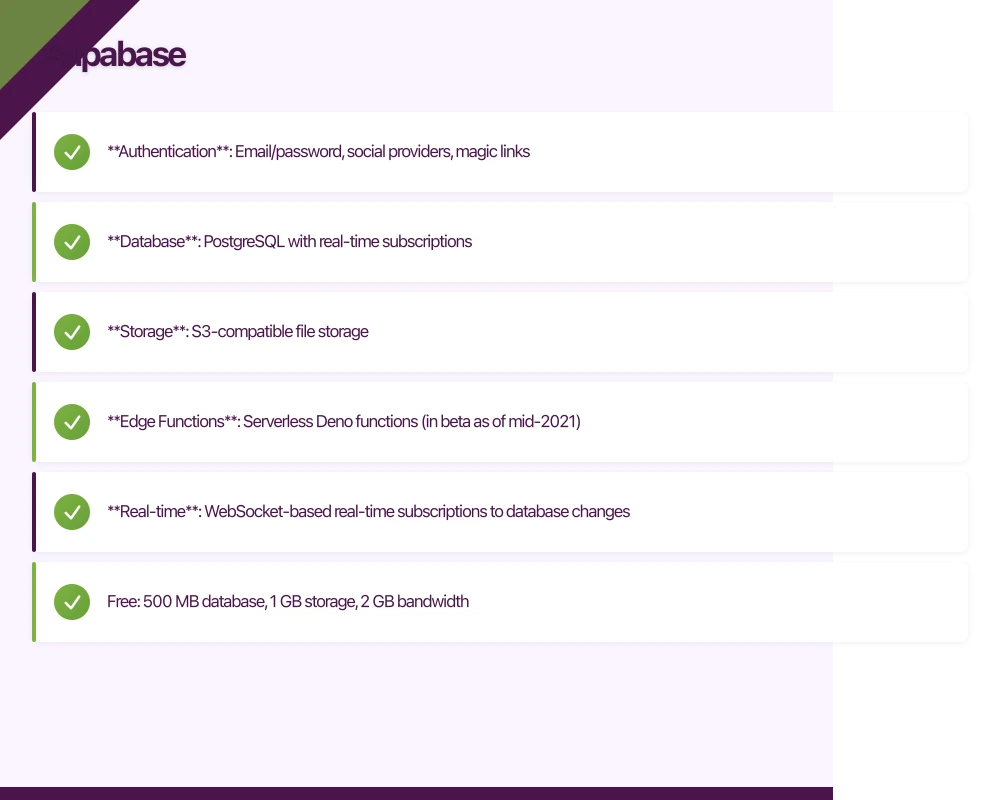
Supabase is the newest contender, positioning itself as the “open-source Firebase alternative.” Built on PostgreSQL, it takes a SQL-first approach that feels familiar to traditional backend developers.
Core Services
- Authentication: Email/password, social providers, magic links
- Database: PostgreSQL with real-time subscriptions
- Storage: S3-compatible file storage
- Edge Functions: Serverless Deno functions (in beta as of mid-2021)
- Real-time: WebSocket-based real-time subscriptions to database changes
Strengths
PostgreSQL. If you know SQL, you know Supabase’s database. Full relational queries, joins, indexes, and the entire PostgreSQL extension ecosystem (PostGIS for geospatial, pg_trgm for full-text search).
Open source. Self-hostable. No vendor lock-in. You can migrate your entire backend to self-hosted infrastructure if needed.
SQL power. Complex queries, aggregations, window functions, and stored procedures that are difficult or impossible in NoSQL databases are straightforward.
Familiar developer experience. For backend developers with SQL experience, Supabase feels natural. The dashboard provides a spreadsheet-like interface for database management.
Pricing transparency. Fixed-tier pricing is easier to predict than usage-based models.
Limitations
Younger ecosystem. Supabase launched publicly in 2020. The mobile SDKs are less mature than Firebase’s, and the community is smaller.
Real-time is database-level. Supabase’s real-time is built on PostgreSQL’s replication features. It works well but is architecturally different from Firestore’s purpose-built real-time engine.
Offline support. Unlike Firestore, Supabase does not provide built-in offline persistence for mobile apps. You need to implement caching yourself.
Edge Functions are new. Supabase’s serverless functions are in beta and less mature than Firebase Cloud Functions or AWS Lambda.
Limited analytics and crash reporting. Supabase focuses on backend infrastructure. You will need separate tools for analytics (Firebase Analytics works independently) and crash reporting.
Pricing for Australian Teams
Supabase offers fixed-tier pricing:
- Free: 500 MB database, 1 GB storage, 2 GB bandwidth
- Pro: USD 25/month (8 GB database, 100 GB storage, 50 GB bandwidth)
- Enterprise: Custom pricing
The fixed pricing is more predictable than Firebase or AWS for growing apps.
Comparison Table
| Feature | Firebase | AWS Amplify | Supabase |
|---|---|---|---|
| Database type | NoSQL (Firestore) | NoSQL (DynamoDB) or SQL | SQL (PostgreSQL) |
| Real-time | Built-in | Via AppSync subscriptions | Built-in |
| Offline support | Built-in on mobile | Manual | Manual |
| Auth providers | Comprehensive | Comprehensive (Cognito) | Growing |
| Serverless functions | Cloud Functions (Node.js) | Lambda (multi-language) | Edge Functions (Deno, beta) |
| File storage | Cloud Storage | S3 | S3-compatible |
| Push notifications | FCM (excellent) | Pinpoint (good) | Not built-in |
| Analytics | Firebase Analytics (free) | Pinpoint | Not built-in |
| Open source | No | Partially | Yes |
| Self-hostable | No | Partially | Yes |
| Mobile SDK maturity | Excellent | Good | Developing |
| Learning curve | Low-Medium | High | Low-Medium |
| Vendor lock-in | High | Medium-High | Low |
When to Choose Each
Choose Firebase When:
- You are building an MVP and need to ship fast
- Real-time and offline support are important
- Your data model is document-oriented (user profiles, posts, messages)
- You want an all-in-one solution (backend, analytics, crash reporting, push notifications)
- Your team is small and prefers a managed solution
Choose AWS Amplify When:
- You need enterprise-grade security and compliance
- GraphQL is a priority for your API layer
- You anticipate needing advanced AWS services (ML, IoT, complex event processing)
- Your team has AWS experience
- You need relational database capabilities with the managed service model
Choose Supabase When:
- Your data is naturally relational (e-commerce, CRM, inventory)
- Your team has strong SQL/backend experience
- Vendor lock-in is a concern
- You want predictable pricing
- Open-source values align with your organisation
Frequently Asked Questions About Mobile App Backends
What is Backend-as-a-Service (BaaS) for mobile apps?
BaaS platforms provide pre-built mobile app backend infrastructure including authentication, databases, storage, and serverless functions. This allows developers to focus on app features instead of server management, reducing development time by 40-60%.
Which mobile app backend is best for startups?
Firebase is ideal for most mobile app startups due to its generous free tier, quick setup, and comprehensive SDK support. Supabase works better for apps requiring complex SQL queries or teams wanting to avoid vendor lock-in.
How much does a mobile app backend cost?
Firebase costs $0-50/month for MVPs, scaling to $50-500/month for growth-stage apps. Supabase offers fixed pricing at $25/month (Pro tier), while AWS Amplify typically costs $0-300/month depending on usage patterns.
Can I migrate between mobile app backend platforms?
Yes, but migration difficulty varies. Supabase’s open-source PostgreSQL makes migration easiest. Firebase migration requires denormalizing NoSQL data and rewriting security rules. Plan for 2-4 weeks for a typical migration project.
What’s the best mobile app backend for real-time features?
Firebase excels at real-time with purpose-built infrastructure and offline support. Supabase offers real-time via PostgreSQL replication, which works well but requires more configuration. AWS Amplify uses AppSync for real-time GraphQL subscriptions.
Key Takeaways: Mobile App Backend Selection
Industry Standard: 73% of mobile apps use BaaS platforms to reduce development time and infrastructure costs.
Cost Advantage: Supabase’s flat $25/month pricing becomes 60-80% cheaper than Firebase for read-heavy applications with 10,000+ daily users.
Open Source Benefits: Supabase’s PostgreSQL foundation allows self-hosting and full data portability, eliminating vendor lock-in risks.
Our Recommendation for Australian Startups
For most Australian mobile app MVPs in 2026, Firebase remains our default recommendation. The speed to market, mobile SDK quality, offline support, and integrated ecosystem are unmatched.
For apps with complex relational data or teams with strong backend experience, Supabase is an increasingly compelling alternative. Its PostgreSQL foundation provides capabilities that Firestore cannot match, and the open-source model reduces long-term risk.
AWS Amplify is the right choice for teams already invested in the AWS ecosystem or apps with enterprise compliance requirements. The learning curve is steeper, but the ceiling is higher.
At eawesome, we evaluate the right mobile app backend for each project based on the specific requirements, team skills, and long-term vision. There is no universal best choice, but there is always a best choice for your situation.
Learn more about specific implementations in our Firebase vs Supabase comparison or explore mobile app analytics integration.
Launching an app? You’ll need a website to support it. Cosmos Web Tech builds app landing pages and marketing sites for Australian businesses.
Awesome Apps is the mobile development division of Ganda Tech Services, building iOS and Android apps for Australian businesses.
Talk to a Sydney app developer — free.
30 minutes. We'll tell you what your app needs, how long it takes, and what it costs. Real answers, no sales pitch.
Book Free App Strategy Call →Free · 30 minutes · No obligation