Building Mobile Apps with ChatGPT API Integration
OpenAI has just opened access to its ChatGPT model through a public API, and the mobile development community is buzzing. After spending the past few weeks experimenting with the API in both iOS and Android projects, I can confirm that the possibilities are genuinely exciting. This guide walks through everything you need to know to integrate ChatGPT into your mobile applications today.
The API gives developers access to the same language model powering ChatGPT, enabling features like conversational interfaces, content generation, text summarisation, and intelligent search. For Australian startups and app founders looking to differentiate their products, this is a significant opportunity to add AI-powered features without building machine learning infrastructure from scratch.
Understanding the ChatGPT API
The ChatGPT API operates on a simple request-response model. You send a series of messages representing a conversation, and the API returns the assistant’s next response. The model currently available is gpt-3.5-turbo, which offers an excellent balance of capability and cost.
Here is the basic structure of an API call:
{
  "model": "gpt-3.5-turbo",
  "messages": [
    {"role": "system", "content": "You are a helpful assistant."},
    {"role": "user", "content": "What is the capital of Australia?"}
  ],
  "temperature": 0.7,
  "max_tokens": 150
}
The system message sets the behaviour of the assistant, while user and assistant messages form the conversation history. This structure is critical for mobile apps because it means you need to manage conversation state on the client side.
Pricing Considerations
At $0.002 per 1,000 tokens, the API is remarkably affordable. A typical conversation exchange might use 200-500 tokens, meaning you can serve thousands of user interactions for just a few dollars. For Australian startups operating on lean budgets, this makes AI features financially viable even at the MVP stage.
Setting Up the Mobile Archi
 tecture
Before writing any API calls, you need a solid architecture that handles network requests, manages conversation state, and provides a responsive user experience.
The Network Layer
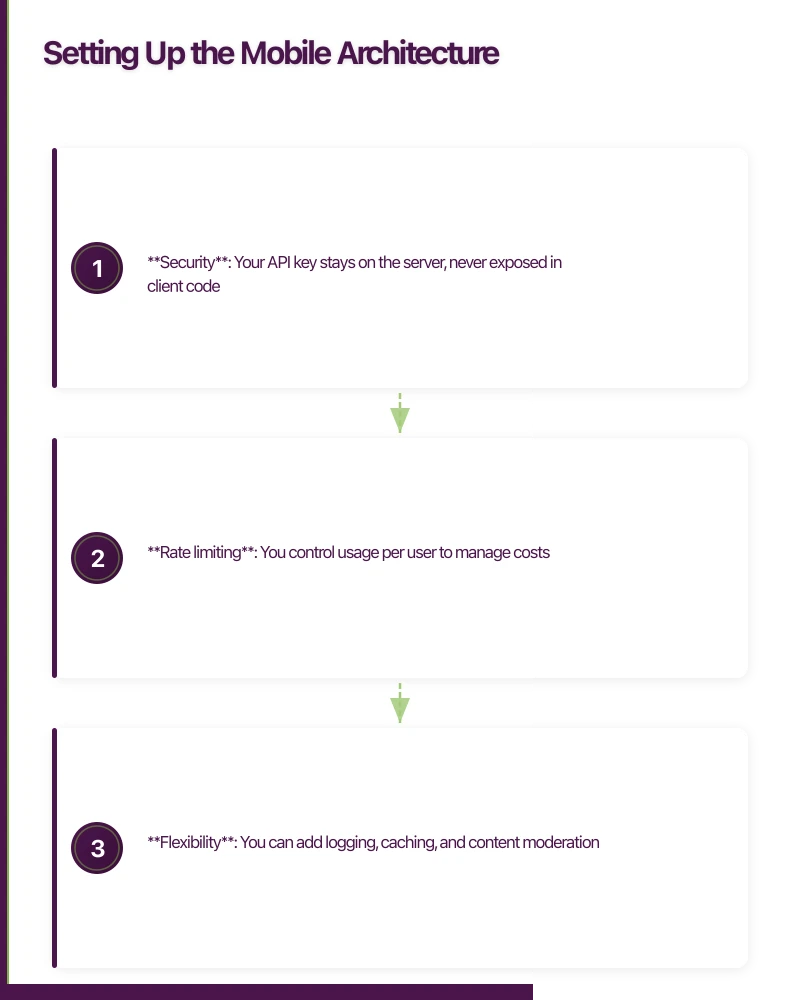
Never call the OpenAI API directly from your mobile app. Instead, route requests through your own backend server. This approach offers three critical advantages:
- Security: Your API key stays on the server, never exposed in client code
- Rate limiting: You control usage per user to manage costs
- Flexibility: You can add logging, caching, and content moderation
For the backend, a simple Node.js Express server or a serverless function on AWS Lambda works well:
const express = require('express');
const { Configuration, OpenAIApi } = require('openai');

const configuration = new Configuration({
  apiKey: process.env.OPENAI_API_KEY,
});
const openai = new OpenAIApi(configuration);

app.post('/api/chat', async (req, res) => {
  const { messages } = req.body;

  try {
    const completion = await openai.createChatCompletion({
      model: 'gpt-3.5-turbo',
      messages: messages,
      temperature: 0.7,
      max_tokens: 500,
    });

    res.json({
      message: completion.data.choices[0].message,
      usage: completion.data.usage,
    });
  } catch (error) {
    res.status(500).json({ error: 'AI service unavailable' });
  }
});
iOS Implementation with Swift
On iOS, create a dedicated service class to handle ChatGPT interactions:
class ChatGPTService {
    private let baseURL = "https://your-api-server.com/api/chat"
    private var conversationHistory: [Message] = []

    struct Message: Codable {
        let role: String
        let content: String
    }

    func sendMessage(_ text: String) async throws -> String {
        conversationHistory.append(Message(role: "user", content: text))

        var request = URLRequest(url: URL(string: baseURL)!)
        request.httpMethod = "POST"
        request.setValue("application/json", forHTTPHeaderField: "Content-Type")

        let body = ["messages": conversationHistory]
        request.httpBody = try JSONEncoder().encode(body)

        let (data, _) = try await URLSession.shared.data(for: request)
        let response = try JSONDecoder().decode(ChatResponse.self, from: data)

        let assistantMessage = response.message
        conversationHistory.append(assistantMessage)

        return assistantMessage.content
    }

    func resetConversation() {
        conversationHistory = []
    }
}
Android Implementation with Kotlin
The Kotlin implementation follows a similar pattern using coroutines for asynchronous operations:
class ChatGPTRepository(
private val apiService: ChatApiService
) {
private val conversationHistory = mutableListOf<ChatMessage>()
suspend fun sendMessage(text: String): Result<String> {
conversationHistory.add(ChatMessage("user", text))
return try {
val response = apiService.sendChat(
ChatRequest(messages = conversationHistory)
)
val assistantMessage = response.message
conversationHistory.add(assistantMessage)
Result.success(assistantMessage.content)
} catch (e: Exception) {
Result.failure(e)
}
}
fun clearHistory() {
conversationHistory.clear()
}
}Buildi
ng a Chat Interface
The chat UI is where users interact with the AI. A well-designed chat interface needs to handle several concerns: message display, loading states, error handling, and input management.
Key UX Considerations
Typing indicators are essential. The API can take 1-3 seconds to respond, and users need visual feedback that something is happening. A simple animated dots indicator works well.
Streaming responses dramatically improve perceived performance. Instead of waiting for the complete response, display text as it arrives. The OpenAI API supports streaming through server-sent events, which you can relay through your backend:
app.post('/api/chat/stream', async (req, res) => {
  res.setHeader('Content-Type', 'text/event-stream');
  res.setHeader('Cache-Control', 'no-cache');

  const completion = await openai.createChatCompletion({
    model: 'gpt-3.5-turbo',
    messages: req.body.messages,
    stream: true,
  }, { responseType: 'stream' });

  completion.data.on('data', (data) => {
    const lines = data.toString().split('\n');
    for (const line of lines) {
      if (line.startsWith('data: ') && line !== 'data: [DONE]') {
        res.write(line + '\n\n');
      }
    }
  });

  completion.data.on('end', () => {
    res.end();
  });
});
Error handling must be robust. Network failures, rate limits, and API errors all need graceful fallbacks. Display user-friendly messages and offer retry options rather than cryptic error codes.
Conversation length management is a practical concern. The gpt-3.5-turbo model has a 4,096 token context window. As conversations grow, you need to either truncate older messages or summarise them. A sliding window approach works well for most mobile use cases:
func trimConversation() {
    let maxMessages = 20
    if conversationHistory.count > maxMessages {
        let systemMessages = conversationHistory.filter { $0.role == "system" }
        let recentMessages = Array(conversationHistory.suffix(maxMessages))
        conversationHistory = systemMessages + recentMessages
    }
}
Practical Use Ca
ses for Mobile Apps
Beyond basic chatbots, the ChatGPT API enables several compelling mobile features:
Smart Search and Discovery
Traditional keyword search falls short when users cannot articulate exactly what they need. ChatGPT can interpret natural language queries and map them to structured search parameters. A real estate app, for example, could let users say “I need a three-bedroom house near good schools in Melbourne’s eastern suburbs under 800k” and translate that into precise search filters.
Content Generation
Apps that require user-generated content can use ChatGPT to help users draft text. Think product descriptions for marketplace apps, professional bios for networking platforms, or meal descriptions for food delivery services. The key is providing strong system prompts that constrain the output to your app’s context.
In-App Assistance
Replace static FAQ pages with a dynamic assistant that understands your app’s features. By crafting a detailed system prompt that describes your app’s functionality, you can create a support assistant that guides users through complex workflows without human intervention.
Data Interpretation
For apps that display charts, analytics, or complex data, ChatGPT can generate natural language summaries. Feed it structured data and ask for insights in plain English. This is particularly valuable for business and finance apps where users need to understand trends quickly.
Managing Costs and Performance
Cost management is crucial for any production deployment. Here are strategies that keep your API bill manageable:
Implement token budgets per user. Track usage and set daily or monthly limits. Free-tier users might get 50 messages per day, while premium subscribers get unlimited access.
Cache common responses. If many users ask similar questions, cache the responses server-side with a reasonable TTL. This is especially effective for FAQ-style interactions.
Optimise system prompts. Long system prompts consume tokens on every request. Keep them concise but effective. A 100-token system prompt used across 10,000 daily conversations adds up quickly.
Use temperature wisely. For factual responses, use a low temperature (0.2-0.3). For creative content, go higher (0.7-0.9). Lower temperatures also tend to produce shorter, more focused responses.
Content Moderation and Safety
Any app deploying AI-generated content must implement moderation. OpenAI provides a free Moderation API endpoint that checks content against several categories including hate speech, violence, and self-harm.
async function moderateContent(text) {
  const response = await openai.createModeration({
    input: text,
  });

  const results = response.data.results[0];
  return !results.flagged;
}
Call this on both user inputs and AI outputs. For apps targeting the Australian market, also consider compliance with Australian consumer law regarding AI-generated content and transparency requirements.
Testing and Iteration
AI features require a different testing approach than traditional app features. The non-deterministic nature of language models means the same input can produce different outputs.
Focus your testing on:
- Boundary conditions: Very long inputs, empty inputs, special characters
- System prompt effectiveness: Does the AI stay in character and follow instructions?
- Error recovery: Network timeouts, rate limiting, malformed responses
- Cost validation: Monitor token usage during testing to project production costs
Automated testing can validate response format and structure, while manual testing evaluates quality and appropriateness.
Getting Started Today
The barrier to entry for AI-powered mobile features has never been lower. Here is a practical roadmap:
- Week 1: Set up a backend proxy server and experiment with the API
- Week 2: Build a basic chat interface in your app
- Week 3: Implement conversation management and error handling
- Week 4: Add moderation, usage tracking, and cost controls
For Australian startups, the ChatGPT API represents a genuine competitive advantage. While larger companies deliberate on AI strategy, smaller teams can ship AI-powered features today and start learning from real user interactions.
The technology is here, the pricing is accessible, and the developer experience is straightforward. The question is not whether to integrate AI into your mobile app, but how quickly you can get started.
Ready to build AI-powered mobile features? Our team at eawesome specialises in integrating cutting-edge technology into mobile applications for Australian businesses.
From staging environments to production servers, Cloud Geeks manages the cloud infrastructure that mobile apps depend on.
Awesome Apps operates under the Ganda Tech Services umbrella, delivering end-to-end technology solutions for Australian businesses.
Talk to a Sydney app developer — free.
30 minutes. We'll tell you what your app needs, how long it takes, and what it costs. Real answers, no sales pitch.
Book Free App Strategy Call →Free · 30 minutes · No obligation