Building Offline-First Mobile Applications
Australia is a country of vast distances and variable connectivity. Regional areas, underground train stations, and even parts of busy CBD areas can leave your users without a reliable internet connection. If your app stops working the moment connectivity drops, you are failing a significant portion of your Australian user base.
Offline-first is a design philosophy where the app works fully (or near-fully) without an internet connection, and syncs data when connectivity is available. It is not just about handling errors gracefully when the network fails. It is about treating offline as the default state and online as an enhancement.
The Offline-First Architecture
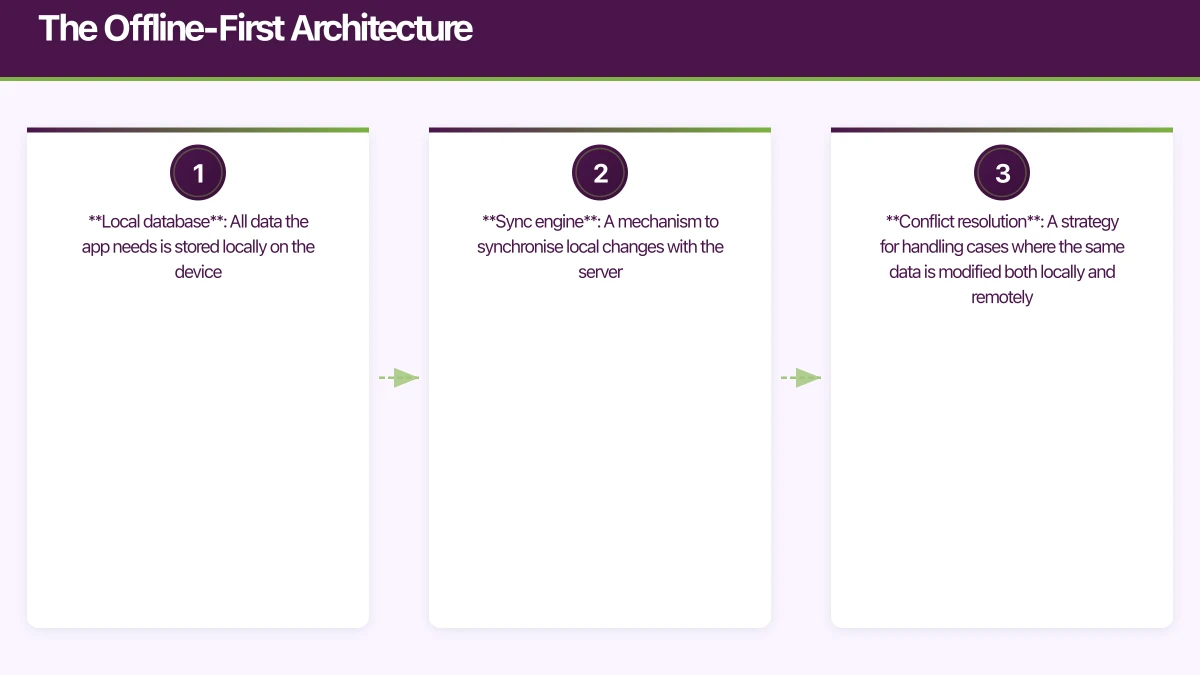
An offline-first app has three core components:
- Local database: All data the app needs is stored locally on the device
- Sync engine: A mechanism to synchronise local changes with the server
- Conflict resolution: A strategy for handling cases where the same data is modified both locally and remotely
[User Interface]
      |
[Local Database]  <--- Primary data source
      |
[Sync Engine]     <--- Runs when connectivity available
      |
[Remote Server]   <--- Secondary, authoritative store
The key insight is that the local database is the primary data source for the UI. The app reads from and writes to the local database. The sync engine operates independently, pushing local changes to the server and pulling remote changes to the local database.
Choosing a Local
 Database
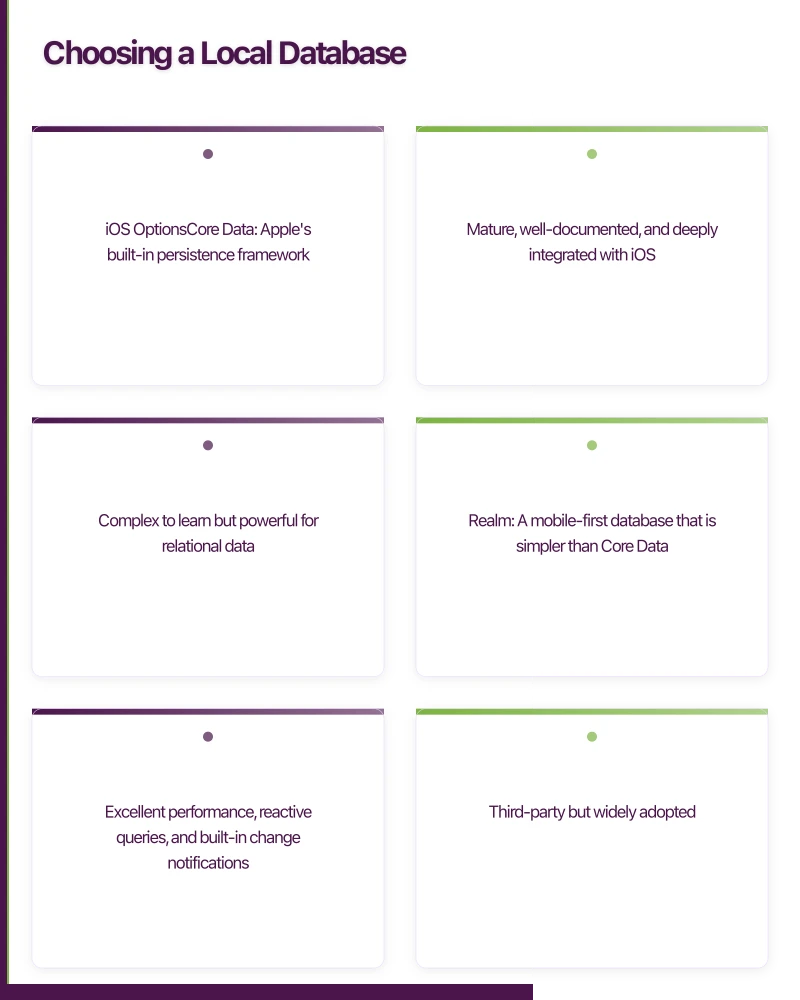
iOS Options
Core Data: Apple’s built-in persistence framework. Mature, well-documented, and deeply integrated with iOS. Complex to learn but powerful for relational data.
Realm: A mobile-first database that is simpler than Core Data. Excellent performance, reactive queries, and built-in change notifications. Third-party but widely adopted.
SQLite (via GRDB or SQLite.swift): Direct SQL access with Swift wrappers. Good for developers comfortable with SQL who want maximum control.
For most offline-first iOS apps, Core Data or Realm are the strongest choices. Core Data is free and first-party. Realm is simpler and faster for most operations.
Android Options
Room: Part of Android Jetpack. A SQLite abstraction that provides compile-time query validation, LiveData integration, and coroutine support. The recommended choice for most Android apps.
Realm: Same benefits as on iOS. Cross-platform consistency if you are building for both platforms.
React Native Options
WatermelonDB: Built specifically for React Native. Uses SQLite under the hood but provides a reactive, lazy-loading API. Excellent performance for large datasets.
Realm React Native: The Realm SDK for React Native. Good if you are already using Realm on native platforms.
AsyncStorage: Simple key-value storage. Only suitable for small amounts of unstructured data, not for offline-first architectures.
Implementing Local-First Dat
a Access
The Repository Pattern
Use a repository to abstract data access. The UI layer never knows whether data comes from the local database or the network:
// Android: Repository with offline-first logic
class TaskRepository(
    private val taskDao: TaskDao,
    private val apiService: TaskApiService,
    private val networkMonitor: NetworkMonitor
) {
    // UI reads from local database
    fun getTasks(): Flow<List<Task>> {
        return taskDao.getAllTasks()
    }

    // Writes go to local database first
    suspend fun addTask(task: Task) {
        val localTask = task.copy(
            syncStatus = SyncStatus.PENDING,
            lastModified = System.currentTimeMillis()
        )
        taskDao.insert(localTask)

        // Attempt immediate sync if online
        if (networkMonitor.isConnected()) {
            syncTask(localTask)
        }
    }

    // Sync engine pushes to server
    private suspend fun syncTask(task: Task) {
        try {
            val response = apiService.createTask(task.toApiModel())
            taskDao.updateSyncStatus(task.id, SyncStatus.SYNCED)
            taskDao.updateServerId(task.id, response.id)
        } catch (e: Exception) {
            // Will be retried by the sync engine
            taskDao.updateSyncStatus(task.id, SyncStatus.FAILED)
        }
    }
}
Data Model with Sync Metadata
Your local data models need additional fields to support synchronisation:
// iOS: Task model with sync metadata
struct Task {
    let localId: UUID
    var serverId: String?       // nil until first sync
    var title: String
    var isCompleted: Bool
    var lastModified: Date
    var syncStatus: SyncStatus
    var isDeleted: Bool          // Soft delete for sync
}

enum SyncStatus: String {
    case synced
    case pending
    case failed
    case conflict
}
The serverId is separate from localId because the server assigns its own ID. Until the first sync, serverId is nil.
The isDeleted flag enables soft deletes. Instead of removing records from the local database, you mark them as deleted. The sync engine communicates the deletion to the server, and only then is the record truly removed.
Sync St
 rategies
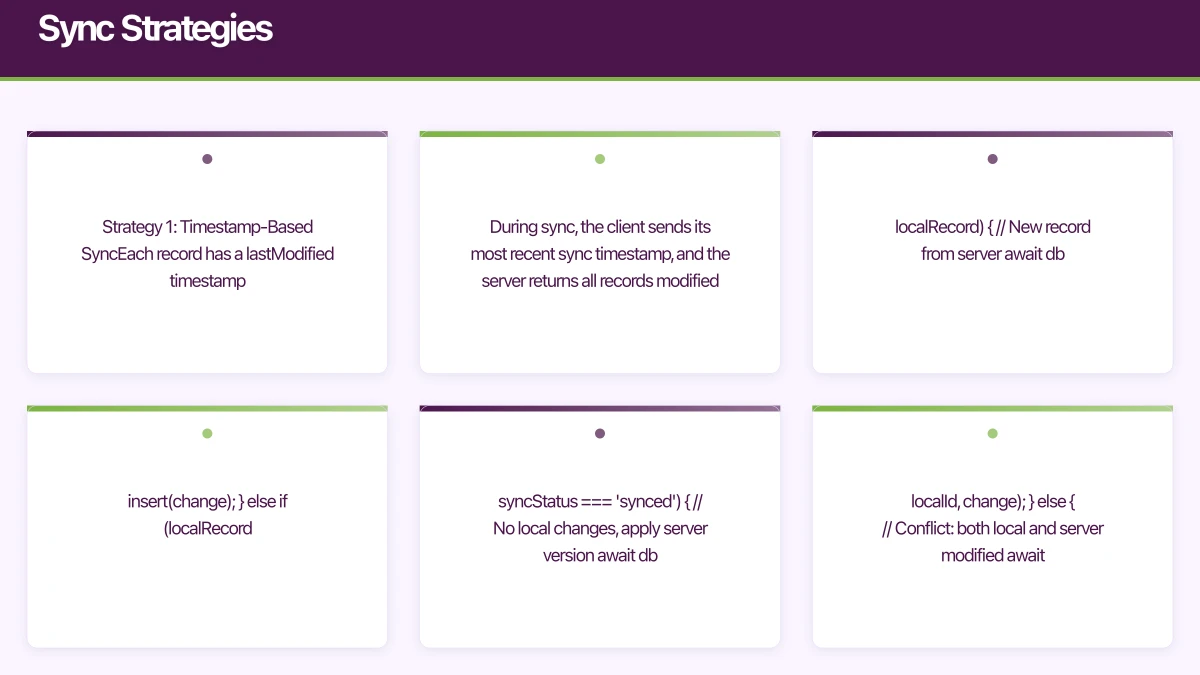
Strategy 1: Timestamp-Based Sync
Each record has a lastModified timestamp. During sync, the client sends its most recent sync timestamp, and the server returns all records modified after that time.
// Sync flow
const sync = async () => {
  const lastSyncTime = await getLastSyncTimestamp();

  // Pull changes from server
  const serverChanges = await api.getChanges({ since: lastSyncTime });

  // Apply server changes to local database
  for (const change of serverChanges) {
    const localRecord = await db.getByServerId(change.id);

    if (!localRecord) {
      // New record from server
      await db.insert(change);
    } else if (localRecord.syncStatus === 'synced') {
      // No local changes, apply server version
      await db.update(localRecord.localId, change);
    } else {
      // Conflict: both local and server modified
      await resolveConflict(localRecord, change);
    }
  }

  // Push local changes to server
  const pendingChanges = await db.getPendingChanges();
  for (const change of pendingChanges) {
    try {
      const response = await api.pushChange(change);
      await db.markSynced(change.localId, response.serverId);
    } catch (error) {
      await db.markFailed(change.localId);
    }
  }

  await setLastSyncTimestamp(Date.now());
};Pros: Simple to implement, works well for most apps. Cons: Clock skew between client and server can cause issues. Does not handle deleted records without soft deletes.
Strategy 2: Version Vector Sync
Each record has a version number that increments on every change. The client tracks the last known version for each record.
Pros: No clock skew issues. More precise change tracking. Cons: More complex to implement. Higher storage overhead.
Strategy 3: Event Sourcing
Instead of syncing current state, sync the operations (events) that produced that state. The local and remote databases replay events to reconstruct current state.
Pros: Complete audit trail. Elegant conflict resolution. Works well for collaborative apps. Cons: Significantly more complex. Higher storage requirements. Requires careful event design.
For most Australian startup MVPs, timestamp-based sync is sufficient. Move to more complex strategies only when the simpler approach proves inadequate.
Conflict Resolution
Conflicts occur when the same record is modified both locally and on the server between sync cycles. You need a strategy for resolving them.
Last Write Wins (LWW)
The most recent change (by timestamp) wins. Simple but can lose data.
fun resolveConflict(local: Task, remote: TaskApiModel): Task {
    return if (local.lastModified > remote.lastModified) {
        // Keep local version, push to server on next sync
        local.copy(syncStatus = SyncStatus.PENDING)
    } else {
        // Accept server version
        local.copy(
            title = remote.title,
            isCompleted = remote.isCompleted,
            lastModified = remote.lastModified,
            syncStatus = SyncStatus.SYNCED
        )
    }
}
Field-Level Merge
Compare individual fields and merge non-conflicting changes. If the local user changed the title while the server changed the completion status, merge both changes.
func resolveConflict(local: Task, remote: Task, base: Task) -> Task {
    var resolved = base

    // Title: use whichever changed from base
    if local.title != base.title && remote.title == base.title {
        resolved.title = local.title
    } else if remote.title != base.title && local.title == base.title {
        resolved.title = remote.title
    } else if local.title != remote.title {
        // Both changed title - need user input or use LWW
        resolved.title = local.lastModified > remote.lastModified
            ? local.title : remote.title
    }

    // Completion status: same logic
    if local.isCompleted != base.isCompleted && remote.isCompleted == base.isCompleted {
        resolved.isCompleted = local.isCompleted
    } else if remote.isCompleted != base.isCompleted && local.isCompleted == base.isCompleted {
        resolved.isCompleted = remote.isCompleted
    } else if local.isCompleted != remote.isCompleted {
        resolved.isCompleted = local.lastModified > remote.lastModified
            ? local.isCompleted : remote.isCompleted
    }

    return resolved
}
User-Resolved Conflicts
Show both versions to the user and let them choose. This is the safest approach for critical data but adds UI complexity.
For most apps, Last Write Wins is acceptable. Use field-level merge for apps where data loss is unacceptable. Use user-resolved conflicts for collaborative editing scenarios.
Network Monitoring and Sync Triggers
Your app needs to know when connectivity changes to trigger syncs:
// Android: Network monitor using ConnectivityManager
class NetworkMonitor(context: Context) {
    private val connectivityManager =
        context.getSystemService(Context.CONNECTIVITY_SERVICE) as ConnectivityManager

    val isConnected: Flow<Boolean> = callbackFlow {
        val callback = object : ConnectivityManager.NetworkCallback() {
            override fun onAvailable(network: Network) {
                trySend(true)
            }

            override fun onLost(network: Network) {
                trySend(false)
            }
        }

        val request = NetworkRequest.Builder()
            .addCapability(NetworkCapabilities.NET_CAPABILITY_INTERNET)
            .build()

        connectivityManager.registerNetworkCallback(request, callback)

        awaitClose {
            connectivityManager.unregisterNetworkCallback(callback)
        }
    }
}
Trigger syncs on:
- Network connectivity restored
- App comes to foreground
- User performs a pull-to-refresh
- Periodic background sync (using WorkManager on Android, BGTaskScheduler on iOS)
UI Considerations
Show Sync Status
Users should know when data is pending sync. Subtle indicators work well:
- A small cloud icon with a checkmark when synced
- A pending icon when changes are queued
- An error icon when sync has failed
Optimistic UI Updates
Write to the local database and update the UI immediately. Do not wait for server confirmation. If the sync later fails, show the error state but keep the local data.
This makes the app feel instant regardless of network conditions.
Handle Stale Data
When the app has been offline for an extended period, the local data may be significantly outdated. Consider showing a “Last updated” timestamp so users know how fresh their data is.
Testing Offline Behaviour
Test these scenarios:
- App used entirely offline, then connectivity restored
- Network drops during a sync operation
- Conflicting changes made on two devices
- Large number of pending changes accumulated offline
- App killed and restarted while sync is in progress
Use Charles Proxy or the network link conditioner (included with Xcode) to simulate poor network conditions during testing.
Summary
Building offline-first is more work upfront but delivers a significantly better user experience, especially in Australia where connectivity cannot be taken for granted. The core principles are:
- Local database is the source of truth for the UI
- Write locally first, sync in the background
- Handle conflicts with a clear, documented strategy
- Show sync status so users know the state of their data
- Test thoroughly under poor network conditions
At eawesome, we build offline-first capabilities into apps that need to work reliably across Australia’s diverse connectivity landscape. The patterns in this guide have been proven across multiple production apps.
Your app’s marketing starts on the web. Cosmos Web Tech designs landing pages with SEO that help potential users find your app online.
Ashish Ganda is the founder of Ganda Tech Services, a Sydney-based technology consultancy helping Australian businesses grow through cloud, web, and mobile solutions.
Talk to a Sydney app developer — free.
30 minutes. We'll tell you what your app needs, how long it takes, and what it costs. Real answers, no sales pitch.
Book Free App Strategy Call →Free · 30 minutes · No obligation