Mobile App Data Synchronisation Strategies
Data synchronisation is one of the hardest problems in mobile development. Your app needs to work offline, sync changes when connectivity returns, handle conflicts when multiple devices edit the same data, and do all of this without losing user data or creating a confusing experience.
This guide covers the architectural patterns and practical strategies for building reliable data sync in mobile apps.
Why Sync Is Hard
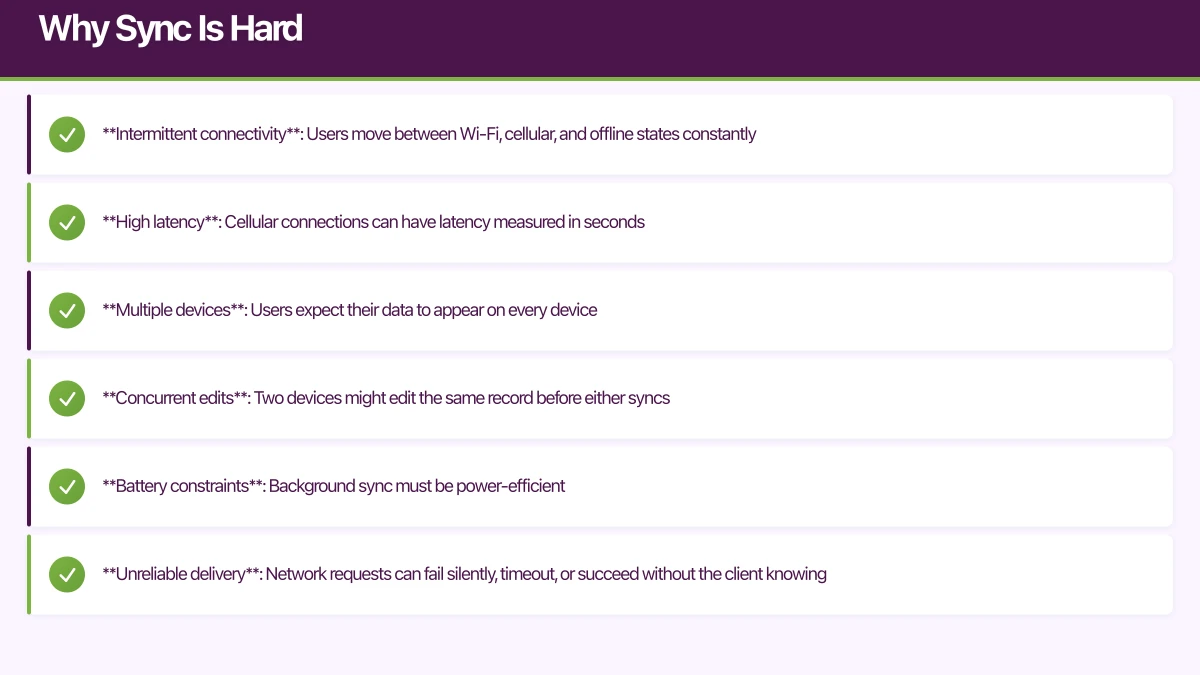
Mobile apps operate in a fundamentally hostile networking environment:
- Intermittent connectivity: Users move between Wi-Fi, cellular, and offline states constantly
- High latency: Cellular connections can have latency measured in seconds
- Multiple devices: Users expect their data to appear on every device
- Concurrent edits: Two devices might edit the same record before either syncs
- Battery constraints: Background sync must be power-efficient
- Unreliable delivery: Network requests can fail silently, timeout, or succeed without the client knowing
These constraints make naive approaches (just POST everything to the server) break in production.
Sync Architecture Patterns
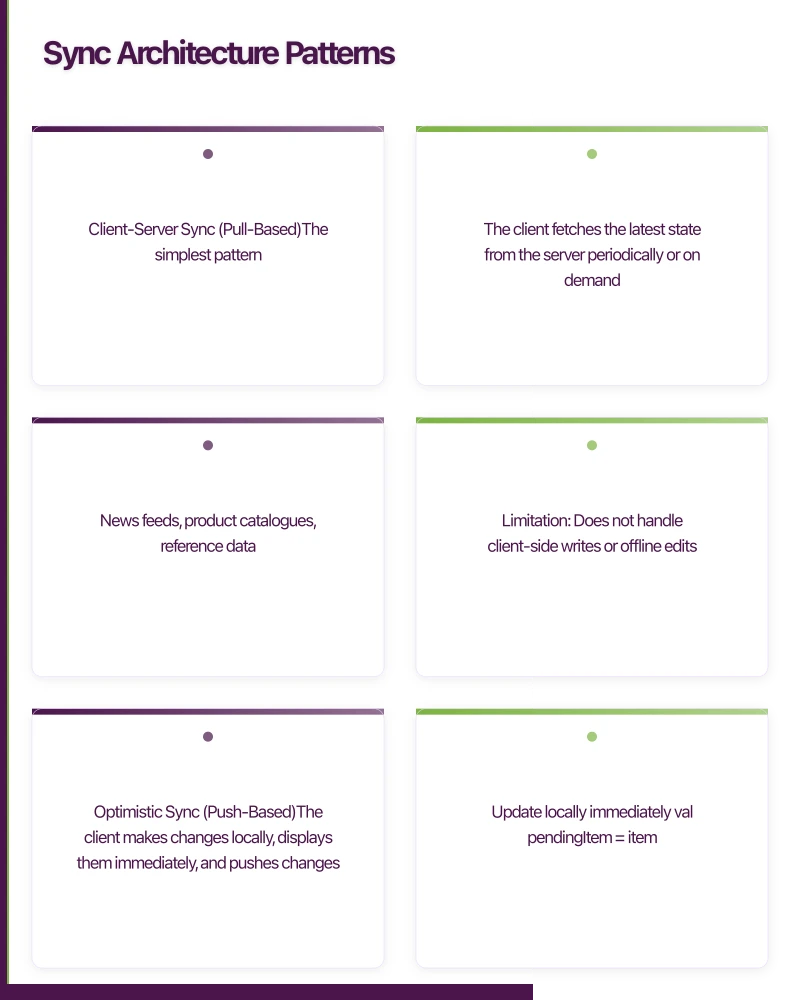
- Client-Server Sync (Pull-Based)
The simplest pattern. The client fetches the latest state from the server periodically or on demand.
Client --GET /data*/} Server
Client <--200 OK + data-- Server
Client replaces local data with server data
Use when: Data is read-heavy and only modified on the server. News feeds, product catalogues, reference data.
Limitation: Does not handle client-side writes or offline edits.
2. Optimistic Sync (Push-Based)
The client makes changes locally, displays them immediately, and pushes changes to the server in the background.
class SyncManager(
    private val localDb: AppDatabase,
    private val api: ApiService,
    private val connectivity: ConnectivityManager,
) {
    suspend fun updateItem(item: Item) {
        // 1. Update locally immediately
        val pendingItem = item.copy(syncStatus = SyncStatus.PENDING)
        localDb.itemDao().update(pendingItem)

        // 2. Try to sync
        if (connectivity.isConnected()) {
            try {
                val response = api.updateItem(item)
                localDb.itemDao().update(
                    item.copy(
                        syncStatus = SyncStatus.SYNCED,
                        serverVersion = response.version
                    )
                )
            } catch (e: Exception) {
                // Will retry later
                localDb.itemDao().update(
                    item.copy(syncStatus = SyncStatus.FAILED)
                )
            }
        }
    }

    suspend fun syncPendingChanges() {
        val pendingItems = localDb.itemDao()
            .getItemsBySyncStatus(SyncStatus.PENDING, SyncStatus.FAILED)

        for (item in pendingItems) {
            try {
                val response = api.updateItem(item)
                localDb.itemDao().update(
                    item.copy(
                        syncStatus = SyncStatus.SYNCED,
                        serverVersion = response.version
                    )
                )
            } catch (e: Exception) {
                // Track retry count, exponential backoff
            }
        }
    }
}
3. Timestamp-Based Sync
Track when each record was last modified. When syncing, only fetch records modified since the last sync.
class SyncEngine {
    private let userDefaults = UserDefaults.standard
    private let lastSyncKey = "lastSyncTimestamp"

    func performSync() async throws {
        let lastSync = userDefaults.object(forKey: lastSyncKey) as? Date
            ?? Date.distantPast

        // Fetch changes from server since last sync
        let serverChanges = try await api.getChanges(since: lastSync)

        // Fetch local changes since last sync
        let localChanges = try database.getModifiedItems(since: lastSync)

        // Resolve conflicts
        let resolved = resolveConflicts(
            local: localChanges,
            remote: serverChanges
        )

        // Apply resolved changes locally
        try database.applyChanges(resolved.localUpdates)

        // Push local changes to server
        try await api.pushChanges(resolved.serverUpdates)

        // Update last sync timestamp
        userDefaults.set(Date(), forKey: lastSyncKey)
    }
}
4. Event Sourcing / CRDT
Instead of syncing state, sync events (operations). Each device records what happened, and events are merged to produce the final state.
// Each change is recorded as an event
data class SyncEvent(
    val id: String = UUID.randomUUID().toString(),
    val entityId: String,
    val entityType: String,
    val operation: Operation,
    val data: Map<String, Any>,
    val timestamp: Long = System.currentTimeMillis(),
    val deviceId: String,
)

enum class Operation {
    CREATE, UPDATE, DELETE
}

class EventSyncManager {
    fun recordEvent(event: SyncEvent) {
        // Store locally
        eventStore.save(event)

        // Push to server when possible
        syncQueue.enqueue(event)
    }

    fun applyRemoteEvents(events: List<SyncEvent>) {
        // Sort by timestamp
        val sorted = events.sortedBy { it.timestamp }

        // Apply each event
        for (event in sorted) {
            if (!eventStore.exists(event.id)) {
                eventStore.save(event)
                applyEvent(event)
            }
        }
    }
}
Conflict Resolution
When two devices edit the same record offline, you have a conflict. There are several resolution strategies:
Last Write Wins (LWW)
The simplest approach. The change with the latest timestamp wins.
fun resolveConflict(local: Item, remote: Item): Item {
    return if (remote.modifiedAt > local.modifiedAt) {
        remote
    } else {
        local
    }
}Pros: Simple, deterministic. Cons: Data loss. The earlier change is discarded silently.
Field-Level Merge
Merge changes at the field level rather than the record level. If different fields were changed, both changes are preserved.
fun mergeItems(base: Item, local: Item, remote: Item): Item {
    return Item(
        id = base.id,
        name = if (local.name != base.name) local.name
               else if (remote.name != base.name) remote.name
               else base.name,
        description = if (local.description != base.description) local.description
                      else if (remote.description != base.description) remote.description
                      else base.description,
        status = if (local.status != base.status && remote.status != base.status) {
            // Both changed: need a tiebreaker
            if (remote.modifiedAt > local.modifiedAt) remote.status else local.status
        } else if (local.status != base.status) local.status
        else remote.status,
    )
}
User Resolution
For critical data where automatic resolution is unacceptable, present the conflict to the user:
struct ConflictResolutionView: View {
    let localVersion: Document
    let remoteVersion: Document
    let onResolve: (Document) -> Void

    var body: some View {
        VStack(spacing: 16) {
            Text("This document was edited on another device")
                .font(.headline)

            HStack(spacing: 16) {
                VStack {
                    Text("Your version")
                        .font(.subheadline)
                    Text("Modified \(localVersion.modifiedAt.formatted())")
                        .font(.caption)
                    DocumentPreview(document: localVersion)
                    Button("Keep mine") {
                        onResolve(localVersion)
                    }
                }

                VStack {
                    Text("Other version")
                        .font(.subheadline)
                    Text("Modified \(remoteVersion.modifiedAt.formatted())")
                        .font(.caption)
                    DocumentPreview(document: remoteVersion)
                    Button("Keep theirs") {
                        onResolve(remoteVersion)
                    }
                }
            }
        }
    }
}
Background Sync
iOS Background Fetch
// AppDelegate
func application(
    _ application: UIApplication,
    performFetchWithCompletionHandler completionHandler: @escaping (UIBackgroundFetchResult) -> Void
) {
    Task {
        do {
            let hasNewData = try await syncEngine.performSync()
            completionHandler(hasNewData ? .newData : .noData)
        } catch {
            completionHandler(.failed)
        }
    }
}

// Register for background fetch
func application(
    _ application: UIApplication,
    didFinishLaunchingWithOptions launchOptions: [UIApplication.LaunchOptionsKey: Any]?
) -> Bool {
    UIApplication.shared.setMinimumBackgroundFetchInterval(
        UIApplication.backgroundFetchIntervalMinimum
    )
    return true
}
Android WorkManager
class SyncWorker(
    context: Context,
    params: WorkerParameters,
) : CoroutineWorker(context, params) {

    override suspend fun doWork(): Result {
        return try {
            val syncManager = SyncManager.getInstance(applicationContext)
            syncManager.syncPendingChanges()
            syncManager.fetchRemoteChanges()
            Result.success()
        } catch (e: Exception) {
            if (runAttemptCount >= 3) {
                Result.failure()
            } else {
                Result.retry()
            }
        }
    }
}

// Schedule periodic sync
fun scheduleSyncWork(context: Context) {
    val constraints = Constraints.Builder()
        .setRequiredNetworkType(NetworkType.CONNECTED)
        .setRequiresBatteryNotLow(true)
        .build()

    val syncRequest = PeriodicWorkRequestBuilder<SyncWorker>(
        repeatInterval = 15,
        repeatIntervalTimeUnit = TimeUnit.MINUTES,
    )
        .setConstraints(constraints)
        .setBackoffCriteria(
            BackoffPolicy.EXPONENTIAL,
            WorkRequest.MIN_BACKOFF_MILLIS,
            TimeUnit.MILLISECONDS
        )
        .build()

    WorkManager.getInstance(context).enqueueUniquePeriodicWork(
        "data_sync",
        ExistingPeriodicWorkPolicy.KEEP,
        syncRequest,
    )
}
Sync Status UI
Users need to know whether their data is synced. Provide clear visual indicators:
@Composable
fun SyncStatusIndicator(status: SyncStatus) {
    Row(
        verticalAlignment = Alignment.CenterVertically,
        horizontalArrangement = Arrangement.spacedBy(4.dp),
    ) {
        when (status) {
            SyncStatus.SYNCED -> {
                Icon(
                    Icons.Default.CloudDone,
                    contentDescription = "Synced",
                    tint = MaterialTheme.colorScheme.primary,
                    modifier = Modifier.size(16.dp),
                )
                Text("Saved", style = MaterialTheme.typography.bodySmall)
            }
            SyncStatus.PENDING -> {
                Icon(
                    Icons.Default.CloudUpload,
                    contentDescription = "Syncing",
                    tint = MaterialTheme.colorScheme.secondary,
                    modifier = Modifier.size(16.dp),
                )
                Text("Syncing...", style = MaterialTheme.typography.bodySmall)
            }
            SyncStatus.FAILED -> {
                Icon(
                    Icons.Default.CloudOff,
                    contentDescription = "Sync failed",
                    tint = MaterialTheme.colorScheme.error,
                    modifier = Modifier.size(16.dp),
                )
                Text("Offline", style = MaterialTheme.typography.bodySmall)
            }
        }
    }
}
Sync Protocol Design
API Design for Sync
Design your API to support efficient sync:
GET /api/v1/sync?since=2022-08-03T10:00:00Z
Response:
{
  "changes": [
    {
      "entityType": "task",
      "entityId": "abc123",
      "operation": "update",
      "data": { "title": "Updated task", "status": "done" },
      "timestamp": "2022-08-03T10:15:00Z",
      "version": 5
    }
  ],
  "syncToken": "eyJ...",
  "hasMore": false
}

POST /api/v1/sync
Body:
{
  "changes": [
    {
      "entityType": "task",
      "entityId": "def456",
      "operation": "create",
      "data": { "title": "New task" },
      "clientTimestamp": "2022-08-03T09:50:00Z"
    }
  ]
}
Pagination
For large sync payloads, paginate:
GET /api/v1/sync?since=...&limit=100
Response includes: "hasMore": true, "syncToken": "..."

GET /api/v1/sync?token=...&limit=100
Continue fetching until hasMore is false
Testing Sync
Sync bugs are notoriously hard to reproduce. Test these scenarios:
- Basic offline/online cycle: Edit offline, go online, verify sync
- Concurrent edits: Edit on two devices offline, sync both
- Network interruption during sync: Kill connectivity mid-sync
- Large payload sync: Sync thousands of records
- Clock skew: Device clocks differ by minutes or hours
- Rapid edits: Many changes in quick succession
- Delete/edit conflict: One device deletes, another edits the same record
Conclusion
Data synchronisation is complex, but it is solvable with the right architecture. Choose the simplest sync strategy that meets your needs: pull-based for read-heavy apps, optimistic push for simple writes, timestamp-based for bidirectional sync, and event sourcing for collaborative editing.
Invest in conflict resolution early, provide clear sync status to users, and test aggressively with simulated network conditions. A well-implemented sync system is invisible to users, and that is exactly how it should be.
For help building offline-capable mobile apps with reliable sync, contact eawesome. We architect data synchronisation systems for Australian mobile applications.
An app is part of a bigger picture. Ash Ganda explores how businesses can build cohesive digital strategies that connect mobile, web, and cloud.
Part of the Ganda Tech Services family, Awesome Apps delivers specialist mobile app development for Australian small and medium businesses.
Talk to a Sydney app developer — free.
30 minutes. We'll tell you what your app needs, how long it takes, and what it costs. Real answers, no sales pitch.
Book Free App Strategy Call →Free · 30 minutes · No obligation