Introduction
Deep linking connects the web and app worlds. Instead of dumping users on your app’s home screen, deep links take them exactly where they want to go—a specific product, article, user profile, or any other content.
For apps with marketing, sharing, or onboarding flows, deep linking is essential. This guide covers implementation from basics through advanced scenarios.
Deep Linking Fundamentals
What
 Deep Links Do
Deep links are URLs that open specific content within your app:
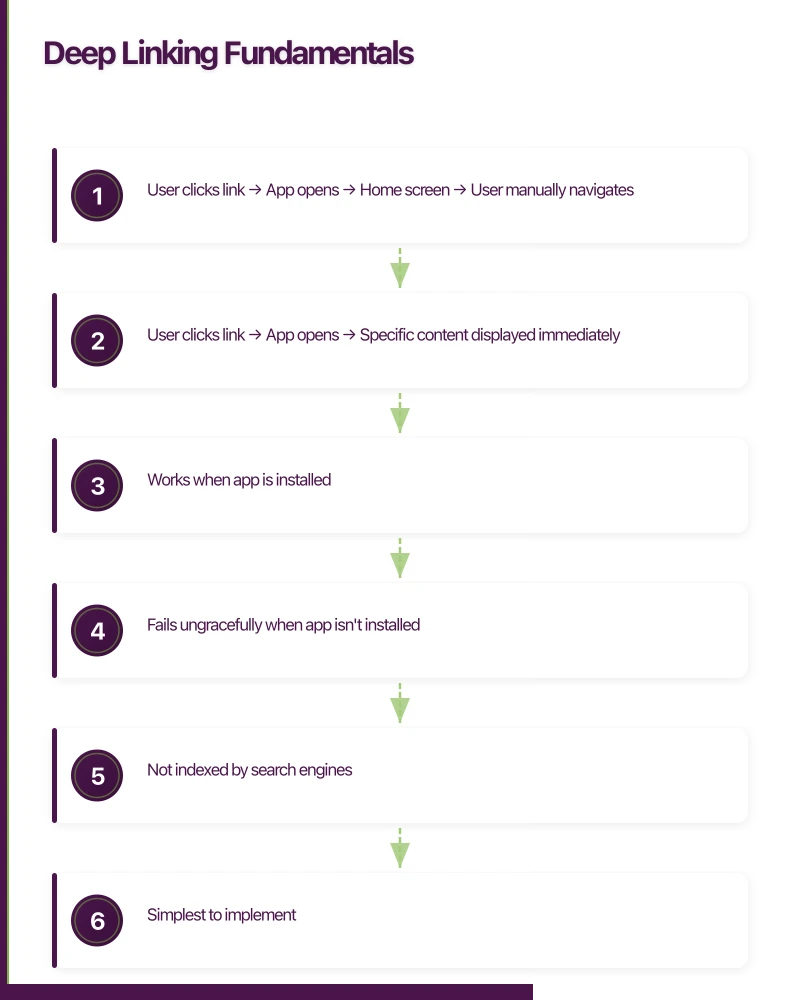
Without deep linking:
- User clicks link -> App opens -> Home screen -> User manually navigates
With deep linking:
- User clicks link -> App opens -> Specific content displayed immediately
Types of Deep Links
Standard Deep Links (URI Schemes)
Custom URL schemes like myapp://product/123
- Works when app is installed
- Fails ungracefully when app isn’t installed
- Not indexed by search engines
- Simplest to implement
Universal Links (iOS) / App Links (Android)
Standard HTTPS URLs like https://myapp.com/product/123
- Opens app if installed, website if not
- Works across platforms
- Search engine indexable
- Requires server configuration
Deferred Deep Links
Links that persist through app installation:
- User clicks link (app not installed)
- User goes to app store
- User installs app
- App opens to correct content
Requires third-party service or custom implementation.
Implementing URI Schemes
iOS
 Setup
Setup
1. Register URL Scheme
In Xcode, select your target -> Info -> URL Types:
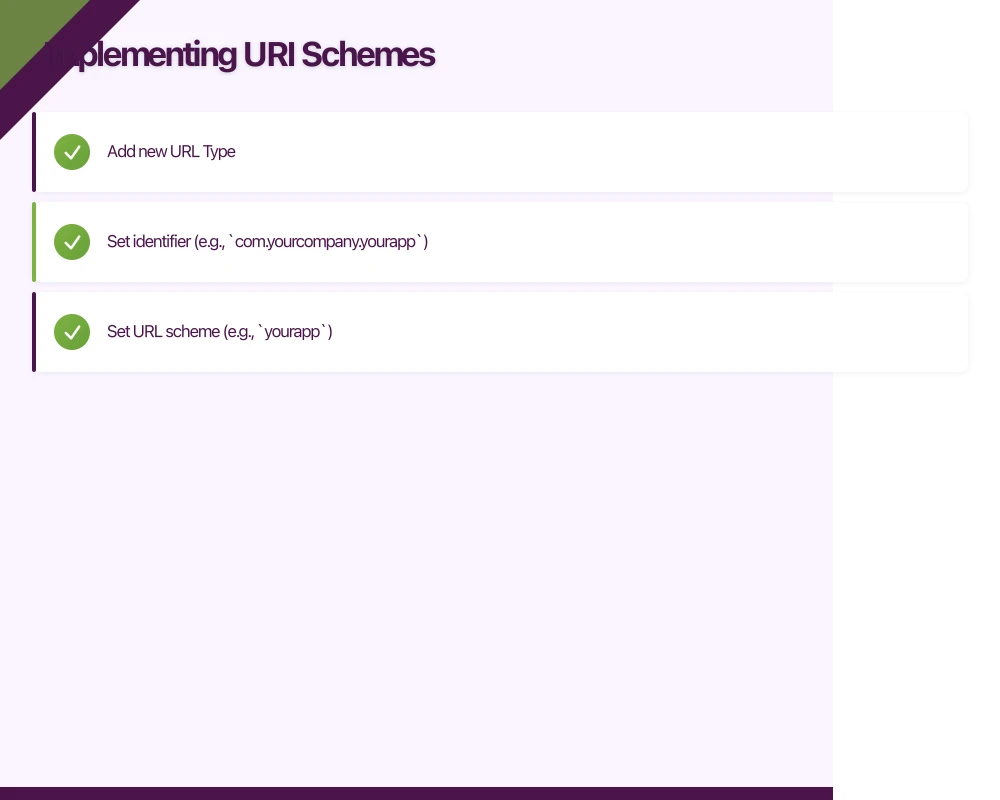
- Add new URL Type
- Set identifier (e.g.,
com.yourcompany.yourapp) - Set URL scheme (e.g.,
yourapp)
Or in Info.plist:
<key>CFBundleURLTypes</key>
<array>
    <dict>
        <key>CFBundleURLSchemes</key>
        <array>
            <string>yourapp</string>
        </array>
        <key>CFBundleURLName</key>
        <string>com.yourcompany.yourapp</string>
    </dict>
</array>
2. Handle Incoming Links
In your AppDelegate:
func application(_ app: UIApplication,
                 open url: URL,
                 options: [UIApplication.OpenURLOptionsKey: Any] = [:]) -> Bool {

    // Parse the URL
    guard let components = URLComponents(url: url, resolvingAgainstBaseURL: true) else {
        return false
    }

    // Route based on path
    switch components.host {
    case "product":
        if let productId = components.queryItems?.first(where: { $0.name == "id" })?.value {
            navigateToProduct(id: productId)
            return true
        }
    case "profile":
        if let userId = components.queryItems?.first(where: { $0.name == "id" })?.value {
            navigateToProfile(id: userId)
            return true
        }
    default:
        break
    }

    return false
}
For SwiftUI apps using App protocol:
@main
struct YourApp: App {
    var body: some Scene {
        WindowGroup {
            ContentView()
                .onOpenURL { url in
                    handleDeepLink(url: url)
                }
        }
    }
}
Android Setup
1. Define Intent Filters
In AndroidManifest.xml:
<activity android:name=".MainActivity">
    <intent-filter>
        <action android:name="android.intent.action.VIEW" />
        <category android:name="android.intent.category.DEFAULT" />
        <category android:name="android.intent.category.BROWSABLE" />
        <data
            android:scheme="yourapp"
            android:host="product" />
    </intent-filter>
    <intent-filter>
        <action android:name="android.intent.action.VIEW" />
        <category android:name="android.intent.category.DEFAULT" />
        <category android:name="android.intent.category.BROWSABLE" />
        <data
            android:scheme="yourapp"
            android:host="profile" />
    </intent-filter>
</activity>
2. Handle Incoming Links
class MainActivity : AppCompatActivity() {

    override fun onCreate(savedInstanceState: Bundle?) {
        super.onCreate(savedInstanceState)
        handleIntent(intent)
    }

    override fun onNewIntent(intent: Intent?) {
        super.onNewIntent(intent)
        intent?.let { handleIntent(it) }
    }

    private fun handleIntent(intent: Intent) {
        val action = intent.action
        val data = intent.data

        if (action == Intent.ACTION_VIEW && data != null) {
            when (data.host) {
                "product" -> {
                    val productId = data.getQueryParameter("id")
                    productId?.let { navigateToProduct(it) }
                }
                "profile" -> {
                    val userId = data.getQueryParameter("id")
                    userId?.let { navigateToProfile(it) }
                }
            }
        }
    }
}
Testing URI Schemes
iOS Simulator:
xcrun simctl openurl booted "yourapp://product?id=123"Android Emulator:
adb shell am start -W -a android.intent.action.VIEW -d "yourapp://product?id=123"Universal Links (iOS) & App Links (Android)
Universal Links and App Links use standard HTTPS URLs, providing better user experience and fallback behaviour.
iOS Universal Links
1. Configure Your Domain
Create apple-app-site-association file at https://yourdomain.com/.well-known/apple-app-site-association:
{
    "applinks": {
        "apps": [],
        "details": [
            {
                "appID": "TEAMID.com.yourcompany.yourapp",
                "paths": [
                    "/product/*",
                    "/profile/*",
                    "/share/*"
                ]
            }
        ]
    }
}
Requirements:
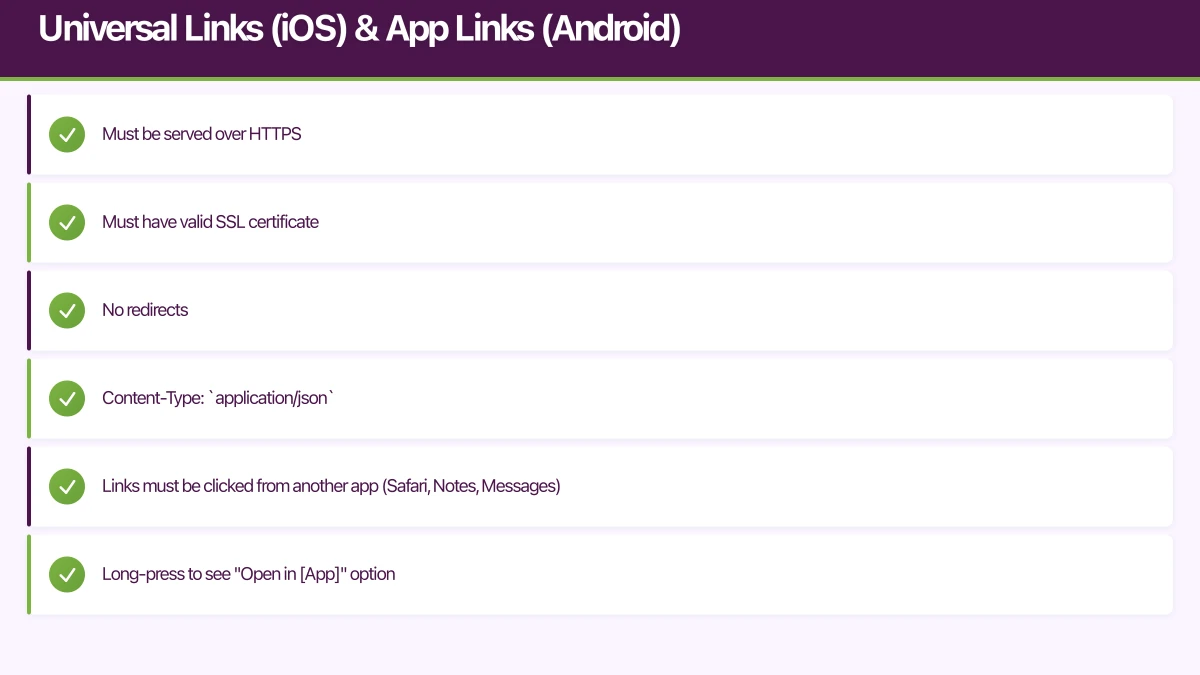
- Must be served over HTTPS
- Must have valid SSL certificate
- No redirects
- Content-Type:
application/json
2. Enable Associated Domains
In Xcode -> Signing & Capabilities -> Add “Associated Domains”:
applinks:yourdomain.com3. Handle Links
func application(_ application: UIApplication,
                 continue userActivity: NSUserActivity,
                 restorationHandler: @escaping ([UIUserActivityRestoring]?) -> Void) -> Bool {

    guard userActivity.activityType == NSUserActivityTypeBrowsingWeb,
          let url = userActivity.webpageURL else {
        return false
    }

    return handleUniversalLink(url: url)
}

func handleUniversalLink(url: URL) -> Bool {
    guard let components = URLComponents(url: url, resolvingAgainstBaseURL: true) else {
        return false
    }

    let pathComponents = components.path.split(separator: "/")

    if pathComponents.first == "product", pathComponents.count > 1 {
        let productId = String(pathComponents[1])
        navigateToProduct(id: productId)
        return true
    }

    return false
}
Android App Links
1. Configure Your Domain
Create assetlinks.json at https://yourdomain.com/.well-known/assetlinks.json:
[{
    "relation": ["delegate_permission/common.handle_all_urls"],
    "target": {
        "namespace": "android_app",
        "package_name": "com.yourcompany.yourapp",
        "sha256_cert_fingerprints": [
            "YOUR_APP_SIGNING_CERTIFICATE_SHA256_FINGERPRINT"
        ]
    }
}]
Get your fingerprint:
keytool -list -v -keystore your-keystore.jks -alias your-alias2. Configure Intent Filters
<activity android:name=".MainActivity">
    <intent-filter android:autoVerify="true">
        <action android:name="android.intent.action.VIEW" />
        <category android:name="android.intent.category.DEFAULT" />
        <category android:name="android.intent.category.BROWSABLE" />
        <data
            android:scheme="https"
            android:host="yourdomain.com"
            android:pathPrefix="/product" />
    </intent-filter>
</activity>
The android:autoVerify="true" triggers verification against assetlinks.json.
3. Handle Links
Same as URI scheme handling—check the Intent data in your activity.
Testing Universal/App Links
iOS:
- Links must be clicked from another app (Safari, Notes, Messages)
- Long-press to see “Open in [App]” option
- Check Apple’s validation:
https://app-site-association.cdn-apple.com/a/v1/yourdomain.com
Android:
adb shell am start -W -a android.intent.action.VIEW -d "https://yourdomain.com/product/123"Check verification status:
adb shell pm get-app-links com.yourcompany.yourappDeferred Deep Linking
Deferred deep links work when the app isn’t installed, persisting through the installation process.
The Challenge
When a user without your app clicks a link:
- They’re sent to the app store
- They install the app
- The original link context is lost
- App opens to home screen instead of intended content
Solutions
Firebase Dynamic Links
Firebase’s solution for deferred deep linking:
// iOS
import FirebaseDynamicLinks

func application(_ application: UIApplication,
                 continue userActivity: NSUserActivity,
                 restorationHandler: @escaping ([UIUserActivityRestoring]?) -> Void) -> Bool {

    let handled = DynamicLinks.dynamicLinks().handleUniversalLink(userActivity.webpageURL!) { dynamicLink, error in
        if let dynamicLink = dynamicLink, let url = dynamicLink.url {
            self.handleDeepLink(url: url)
        }
    }

    return handled
}

// Check for deferred link on app launch
DynamicLinks.dynamicLinks().getAppDynamicLink { dynamicLink, error in
    if let dynamicLink = dynamicLink, let url = dynamicLink.url {
        self.handleDeepLink(url: url)
    }
}
Branch.io
Commercial deep linking platform with advanced features:
// iOS
import Branch

func application(_ application: UIApplication,
                 didFinishLaunchingWithOptions launchOptions: [UIApplication.LaunchOptionsKey: Any]?) -> Bool {

    Branch.getInstance().initSession(launchOptions: launchOptions) { params, error in
        if let params = params as? [String: AnyObject] {
            self.handleBranchParams(params)
        }
    }

    return true
}
AppsFlyer OneLink
Attribution platform with deep linking:
// iOS
import AppsFlyerLib

func application(_ application: UIApplication,
                 didFinishLaunchingWithOptions launchOptions: [UIApplication.LaunchOptionsKey: Any]?) -> Bool {

    AppsFlyerLib.shared().appsFlyerDevKey = "YOUR_DEV_KEY"
    AppsFlyerLib.shared().appleAppID = "YOUR_APP_ID"
    AppsFlyerLib.shared().delegate = self

    return true
}

func onConversionDataSuccess(_ conversionInfo: [AnyHashable: Any]) {
    if let deepLinkValue = conversionInfo["deep_link_value"] as? String {
        handleDeepLink(value: deepLinkValue)
    }
}
Choosing a Solution
| Feature | Firebase | Branch | AppsFlyer |
|---|---|---|---|
| Price | Free | Freemium | Paid |
| Deferred deep links | Yes | Yes | Yes |
| Attribution | Basic | Advanced | Advanced |
| Analytics | Firebase integration | Built-in | Built-in |
| Complexity | Moderate | Moderate | Higher |
For most apps, Firebase Dynamic Links provides sufficient functionality at no cost.
Deep Link Routing
Building a Router
Create a centralised router for handling all deep links:
enum DeepLink {
    case product(id: String)
    case profile(id: String)
    case category(name: String)
    case search(query: String)
    case unknown

    init(url: URL) {
        guard let components = URLComponents(url: url, resolvingAgainstBaseURL: true) else {
            self = .unknown
            return
        }

        let pathComponents = components.path
            .split(separator: "/")
            .map(String.init)

        switch pathComponents.first {
        case "product":
            if pathComponents.count > 1 {
                self = .product(id: pathComponents[1])
            } else {
                self = .unknown
            }
        case "profile":
            if pathComponents.count > 1 {
                self = .profile(id: pathComponents[1])
            } else {
                self = .unknown
            }
        case "category":
            if pathComponents.count > 1 {
                self = .category(name: pathComponents[1])
            } else {
                self = .unknown
            }
        case "search":
            let query = components.queryItems?.first(where: { $0.name == "q" })?.value ?? ""
            self = .search(query: query)
        default:
            self = .unknown
        }
    }
}

class DeepLinkRouter {
    func route(to deepLink: DeepLink) {
        switch deepLink {
        case .product(let id):
            navigateToProduct(id: id)
        case .profile(let id):
            navigateToProfile(id: id)
        case .category(let name):
            navigateToCategory(name: name)
        case .search(let query):
            navigateToSearch(query: query)
        case .unknown:
            navigateToHome()
        }
    }
}
Handling App State
Deep links arrive in different app states:
App Not Running
- Link data comes through launch options
- May need to wait for app initialization
App in Background
- Link arrives via delegate method
- App state preserved, navigate from current position
App in Foreground
- Link arrives via delegate method
- May interrupt current user flow
Consider each scenario:
func handleDeepLink(url: URL, appState: UIApplication.State) {
    let deepLink = DeepLink(url: url)

    switch appState {
    case .active:
        // May want to confirm navigation with user
        showNavigationConfirmation(for: deepLink)
    case .inactive, .background:
        // Navigate directly
        router.route(to: deepLink)
    @unknown default:
        router.route(to: deepLink)
    }
}
Common Challenges
Links Not Working
Checklist:
- SSL certificate valid?
- AASA/assetlinks.json accessible and valid JSON?
- No redirects to the file?
- Domain matches exactly (including www)?
- App capabilities configured correctly?
- Testing from external source (not same app)?
Universal Links Opening in Browser
Common causes:
- User previously chose “Open in Safari”
- AASA file not validated
- Link domain doesn’t match configuration
- Testing by typing in Safari address bar (won’t work)
Deferred Links Not Working
Check:
- Attribution SDK initialized before checking for links
- App not killed between install and launch
- Link created through proper SDK methods
- Fallback URL configured correctly
Best Practices
URL Design
Design deep link URLs for clarity and flexibility:
Good: https://app.com/product/SKU123
Good: https://app.com/user/johndoe

Less Good: https://app.com/p?id=123&type=product&ref=email
Graceful Degradation
Always have fallbacks:
- If app not installed -> website or app store
- If content not found -> relevant fallback screen
- If user not authorized -> login then redirect
Analytics
Track deep link performance:
- Link click counts
- Conversion through links
- Attribution source
- Fallback triggers
Security
Validate deep link content:
- Don’t trust input blindly
- Validate IDs exist before navigation
- Consider authentication requirements
- Sanitize any displayed content
Conclusion
Deep linking transforms how users interact with your app. Proper implementation takes effort, but the user experience improvement is substantial.
Start with universal links for the best user experience, add deferred deep linking for marketing use cases, and build a robust routing system that handles all the edge cases gracefully.
Your app needs secure, low-latency APIs. Cloud Geeks builds and manages cloud backends optimised for mobile applications.
Awesome Apps is the mobile development division of Ganda Tech Services, building iOS and Android apps for Australian businesses.
Talk to a Sydney app developer — free.
30 minutes. We'll tell you what your app needs, how long it takes, and what it costs. Real answers, no sales pitch.
Book Free App Strategy Call →Free · 30 minutes · No obligation