Introduction
Taking your app global is one of the most impactful growth strategies available to mobile developers. With over 5 billion smartphone users worldwide, limiting your app to a single language means missing out on the vast majority of potential users.
Localization goes far beyond simple translation. It encompasses adapting your entire user experience for different cultures, regions, and languages. Done well, localized apps see significantly higher download rates, better reviews, and stronger engagement in target markets.
This guide covers the complete localization process for iOS and Android apps, from initial planning through to ongoing maintenance.
Why Localize Your App
Market Opportunity
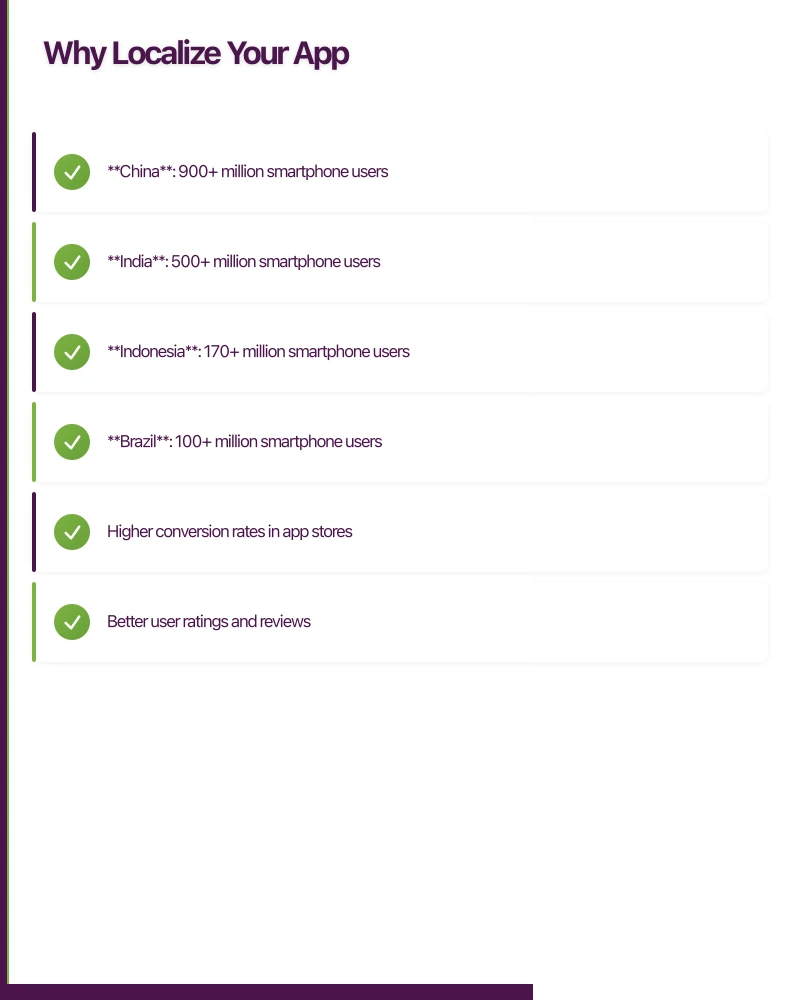
The numbers make a compelling case:
- China: 900+ million smartphone users
- India: 500+ million smartphone users
- Indonesia: 170+ million smartphone users
- Brazil: 100+ million smartphone users
English speakers represent only about 25% of global internet users. Apps available in multiple languages consistently outperform English-only alternatives in international markets.
User Expectations
Research from Common Sense Advisory shows that 75% of consumers prefer to buy products in their native language. For apps, this translates directly to:
- Higher conversion rates in app stores
- Better user ratings and reviews
- Increased engagement and retention
- Lower customer support burden
Competitive Advantage
Many developers treat localization as an afterthought. By prioritizing it early, you can establish market presence before competitors arrive. First-mover advantage in emerging markets can be significant.
Planning Your Localization Strategy
Market Selection
Not all markets are equal. Consider these factors when prioritizing:
Market Size and Growth
- Current smartphone penetration
- Projected growth rates
- App category popularity
Competition Analysis
- Existing localized competitors
- Quality of their localization
- Market saturation
Technical Requirements
- Right-to-left (RTL) language support
- Character set complexity
- Local regulations
Business Considerations
- Payment infrastructure
- Local partnerships needed
- Support requirements
Recommended Starting Markets
For Australian app developers, consider this prioritization:
Tier 1 (High value, lower complexity)
- United States (English, minimal changes)
- United Kingdom (English with minor adjustments)
- Germany (large market, Latin script)
- France (large market, Latin script)
Tier 2 (High value, moderate complexity)
- Japan (large market, requires native speakers)
- South Korea (tech-savvy users)
- Brazil (Portuguese, growing market)
- Spain/Mexico (Spanish, large combined market)
Tier 3 (High potential, higher complexity)
- China (requires specific considerations)
- Arabic-speaking countries (RTL support)
- India (multiple languages, diverse market)
iOS Localization Im
plementation
Project Setup
Enable localization in your Xcode project:
- Select your project in the navigator
- Go to the Info tab
- Under Localizations, click the + button
- Add your target languages
Xcode creates .lproj folders for each language containing localized resources.
String Localization
Creating Localizable.strings
Your base localization file uses key-value pairs:
/* Welcome screen greeting */
"welcome_title" = "Welcome to AppName";

/* Button to continue to main app */
"continue_button" = "Continue";

/* Error message for network failure */
"network_error" = "Unable to connect. Please check your internet connection.";
Using NSLocalizedString
In Swift, reference localized strings:
let title = NSLocalizedString("welcome_title", comment: "Welcome screen greeting")For SwiftUI:
Text("welcome_title")SwiftUI automatically looks up the key in Localizable.strings.
Handling Plurals
English pluralization (1 item, 2 items) does not work for all languages. Russian has three plural forms, Arabic has six.
Use stringsdict files for plural handling:
<?xml version="1.0" encoding="UTF-8"?>
<!DOCTYPE plist PUBLIC "-//Apple//DTD PLIST 1.0//EN" "http://www.apple.com/DTDs/PropertyList-1.0.dtd">
<plist version="1.0">
<dict>
    <key>items_count</key>
    <dict>
        <key>NSStringLocalizedFormatKey</key>
        <string>%#@items@</string>
        <key>items</key>
        <dict>
            <key>NSStringFormatSpecTypeKey</key>
            <string>NSStringPluralRuleType</string>
            <key>NSStringFormatValueTypeKey</key>
            <string>d</string>
            <key>one</key>
            <string>%d item</string>
            <key>other</key>
            <string>%d items</string>
        </dict>
    </dict>
</dict>
</plist>
Asset Localization
Images containing text need localized versions. In your asset catalog:
- Select the image
- In the Attributes inspector, check “Localize”
- Provide localized versions for each language
Storyboard and XIB Localization
For Interface Builder files:
- Select the file in the navigator
- Open the File inspector
- Click “Localize…”
- Choose localization method (strings file or separate storyboards)
The strings file approach exports translatable text while maintaining a single storyboard.
Android Localization Implementation
Resource Structure
Android uses resource folders with language qualifiers:
res/
  values/
    strings.xml (default/English)
  values-de/
    strings.xml (German)
  values-ja/
    strings.xml (Japanese)
  values-zh-rCN/
    strings.xml (Simplified Chinese)
String Resources
Define strings in XML:
<?xml version="1.0" encoding="utf-8"?>
<resources>
    <string name="welcome_title">Welcome to AppName</string>
    <string name="continue_button">Continue</string>
    <string name="network_error">Unable to connect. Please check your internet connection.</string>
</resources>
Reference in code:
val title = getString(R.string.welcome_title)In layouts:
<TextView
    android:text="@string/welcome_title"
    ... />
Quantity Strings (Plurals)
Android handles plurals with quantity strings:
<plurals name="items_count">
    <item quantity="one">%d item</item>
    <item quantity="other">%d items</item>
</plurals>
Usage:
val count = 5
val message = resources.getQuantityString(R.plurals.items_count, count, count)
Layout Considerations
Text in different languages varies significantly in length. German text is typically 30% longer than English. Plan for this:
Use Flexible Layouts
- Prefer
wrap_contentover fixed widths - Use ConstraintLayout for complex screens
- Test with pseudolocalization
Enable Pseudolocalization
In your build.gradle:
android {
    buildTypes {
        debug {
            pseudoLocalesEnabled true
        }
    }
}
This adds fake locales that stretch text and add accents, revealing layout issues.
Drawable and Asset Localization
Create qualified resource folders:
res/
  drawable/
    hero_image.png (default)
  drawable-de/
    hero_image.png (German version)
Right-to-Left (RTL) Language Support
Arabic, Hebrew, Persian, and Urdu require RTL layouts. Both platforms now provide excellent RTL support.
iOS RTL Support
UIKit automatically flips layouts for RTL languages. Ensure you:
- Use leading/trailing constraints instead of left/right
- Use
semanticContentAttributewhen needed - Test with RTL languages in simulator
// Force RTL for testing
UIView.appearance().semanticContentAttribute = .forceRightToLeft
Android RTL Support
Enable RTL support in your manifest:
<application
    android:supportsRtl="true"
    ... >
Use start/end instead of left/right in layouts:
<TextView
    android:layout_marginStart="16dp"
    android:layout_marginEnd="16dp"
    ... />
Common RTL Issues
Watch for these problems:
- Icons with direction: Arrows, progress indicators need mirroring
- Phone numbers: Should remain LTR
- Mixed content: English within Arabic text
- Custom views: May need manual RTL handling
Translation Workflow
Extracting Strings
Maintain a single source of truth for translatable content. Tools to help:
iOS
genstringscommand-line tool- Xcode’s Export for Localization feature
- Third-party tools like Lokalise or Phrase
Android
- Android Studio’s Translations Editor
- Lint warnings for missing translations
- Export to XLIFF format
Working with Translators
Provide Context
Translators need more than just strings:
- Screenshots showing where text appears
- Character limits for UI elements
- Explanation of features and terminology
- Style guide for tone and voice
Use Translation Management Systems
Platforms like Lokalise, Phrase, or Crowdin offer:
- Collaborative translation workflows
- Translation memory (reuse previous translations)
- Integration with development tools
- Quality assurance checks
Quality Assurance
Before release, verify translations:
In-Context Review
- Run the app in each language
- Check text fits in UI elements
- Verify nothing is truncated
Native Speaker Review
- Have native speakers test the app
- Check for awkward phrasing
- Verify cultural appropriateness
Automated Checks
- Missing translations
- Placeholder mismatches
- Character encoding issues
Cultural Adaptation
Localization extends beyond language to cultural considerations.
Date and Time Formats
Never hardcode date formats. Use platform APIs:
iOS
let formatter = DateFormatter()
formatter.dateStyle = .medium
formatter.timeStyle = .short
let dateString = formatter.string(from: date)
Android
val formatter = DateFormat.getDateTimeInstance(DateFormat.MEDIUM, DateFormat.SHORT)
val dateString = formatter.format(date)
Number and Currency Formatting
Same principle applies to numbers:
iOS
let formatter = NumberFormatter()
formatter.numberStyle = .currency
formatter.currencyCode = "EUR"
let priceString = formatter.string(from: NSNumber(value: 29.99))
Android
val formatter = NumberFormat.getCurrencyInstance()
formatter.currency = Currency.getInstance("EUR")
val priceString = formatter.format(29.99)
Images and Icons
Consider cultural implications of imagery:
- Hand gestures have different meanings globally
- Colors carry cultural significance
- Religious or political symbols
- Local customs and dress
Units of Measurement
Support both metric and imperial where relevant. Most of the world uses metric, but US users expect imperial for certain measurements.
App Store Localization
Your app store listing needs localization too.
Localizable Elements
- App name (can vary by market)
- Subtitle (iOS) / Short description (Android)
- Description
- Keywords (iOS)
- Screenshots
- Preview videos
Screenshot Localization
Create localized screenshots showing:
- Translated UI
- Local content examples
- Culturally relevant imagery
Tools like Fastlane’s snapshot can automate screenshot generation across languages.
Keyword Research
Keywords vary by language and market. Research local search terms:
- Use App Store Connect’s suggested keywords
- Analyze competitor keywords
- Consider local terminology differences
Testing Localized Apps
Device Configuration
Test on devices set to target locales:
iOS Settings > General > Language & Region
Android Settings > System > Languages & input
Simulator/Emulator Testing
Change locale without changing device language:
iOS Simulator Product > Scheme > Edit Scheme > Run > Options > Application Language
Android Emulator Use ADB:
adb shell "setprop persist.sys.locale ja-JP; stop; start"Checklist for Each Language
- All visible text is translated
- No text truncation or overflow
- Dates, times, numbers format correctly
- Images and icons are appropriate
- Links point to localized content
- RTL layout correct (if applicable)
- Audio/video content localized (if applicable)
Maintaining Localized Apps
Update Workflow
When adding new features:
- Add strings to base language file
- Export for translation
- Integrate translations
- Test in all languages
- Release
Handling String Changes
When modifying existing strings:
- Keep the same key if meaning is unchanged
- Create new key for changed meaning
- Mark deprecated keys for removal
- Communicate changes to translators
Community Translations
For resource-constrained projects, consider:
- Community translation programs
- Crowdsourced platforms
- User-contributed translations
Maintain quality through review processes.
Common Pitfalls to Avoid
String Concatenation
Never build sentences by concatenating strings:
// Wrong - word order varies by language
let message = greeting + " " + username + "!"

// Right - use format strings
let message = String(format: NSLocalizedString("greeting_format", comment: ""), username)
Where greeting_format is “Hello, %@!” in English but can be reordered for other languages.
Hardcoded Strings
Search your codebase for hardcoded strings:
# Find potential hardcoded strings in Swift
grep -r "\"[A-Z]" --include="*.swift" .
Assuming Text Length
German and Finnish text can be 30-40% longer than English. Design UI with flexibility.
Ignoring Locale-Specific Logic
Some logic depends on locale:
- Name formatting (Western vs Eastern order)
- Address formats
- Phone number validation
- Legal requirements
Conclusion
Localization is an investment that pays dividends through expanded market reach and improved user satisfaction. The technical implementation, while requiring careful attention to detail, is well-supported by both iOS and Android platforms.
Start with your highest-priority markets, establish a sustainable translation workflow, and expand gradually. The effort you put into localization directly impacts your app’s global success potential.
For Australian app developers looking to grow beyond the domestic market, localization opens doors to billions of potential users. Begin planning your localization strategy early in development to minimize retrofitting costs and maximize international opportunity.
Need help localizing your mobile app for international markets? The Awesome Apps team specializes in building apps that work beautifully across languages and cultures. Get in touch to discuss your global expansion plans.
Mobile is one pillar of a complete digital strategy. Ash Ganda writes about aligning technology investments — cloud, web, and mobile — for business growth.
Part of the Ganda Tech Services family, Awesome Apps delivers specialist mobile app development for Australian small and medium businesses.
Talk to a Sydney app developer — free.
30 minutes. We'll tell you what your app needs, how long it takes, and what it costs. Real answers, no sales pitch.
Book Free App Strategy Call →Free · 30 minutes · No obligation