Introduction
You can’t improve what you don’t understand. User feedback tells you what’s working, what’s broken, and what users actually want—information that analytics alone can’t provide.
But feedback collection done poorly annoys users and yields low-quality data. Done well, it provides invaluable insights while respecting user experience.
Why Collect Feedback
Analytics Show What, Not Why
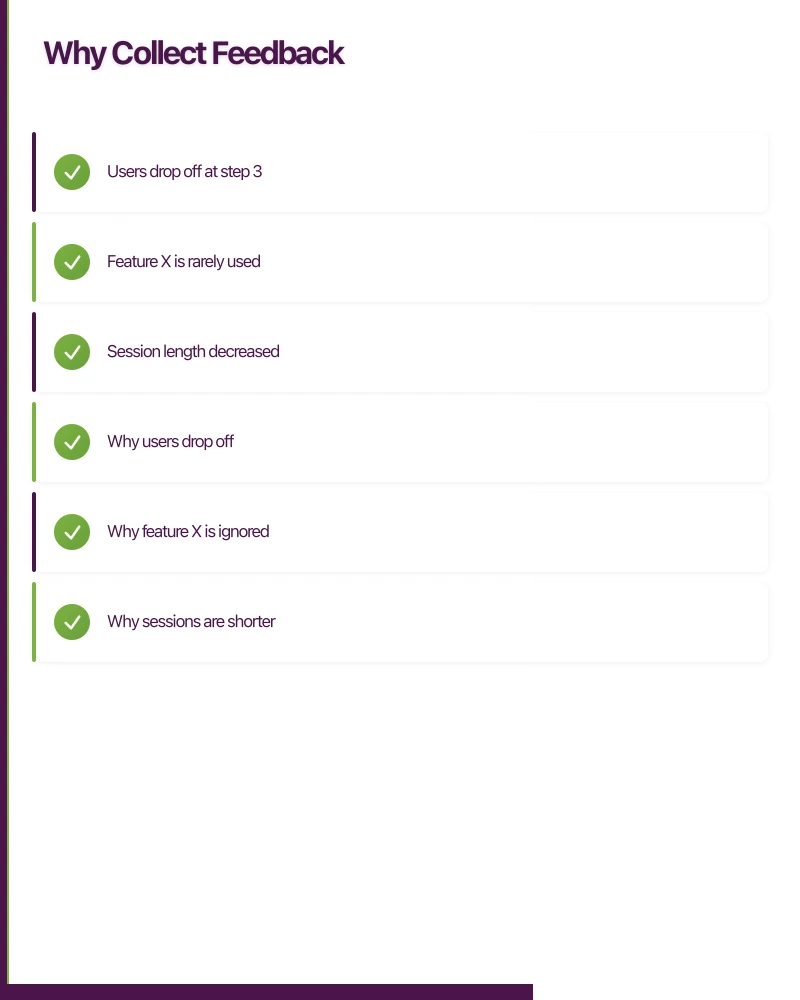
Analytics tell you:
- Users drop off at step 3
- Feature X is rarely used
- Session length decreased
Analytics don’t tell you:
- Why users drop off
- Why feature X is ignored
- Why sessions are shorter
Feedback provides the “why.”
Users Know Things You Don’t
As developers, you:
- Know the app deeply
- Use it differently than users
- Miss obvious problems
- Have assumptions about users
Users encounter:
- Confusing flows you consider clear
- Bugs in unexpected scenarios
- Needs you didn’t anticipate
- Competition you’re unaware of
Early Warning System
Feedback catches issues before they show in metrics:
- Problems affecting some users
- Frustrations building up
- Competitors doing something better
- Opportunities being missed
Feedback Methods
In-App
 Feedback
Feedback Buttons
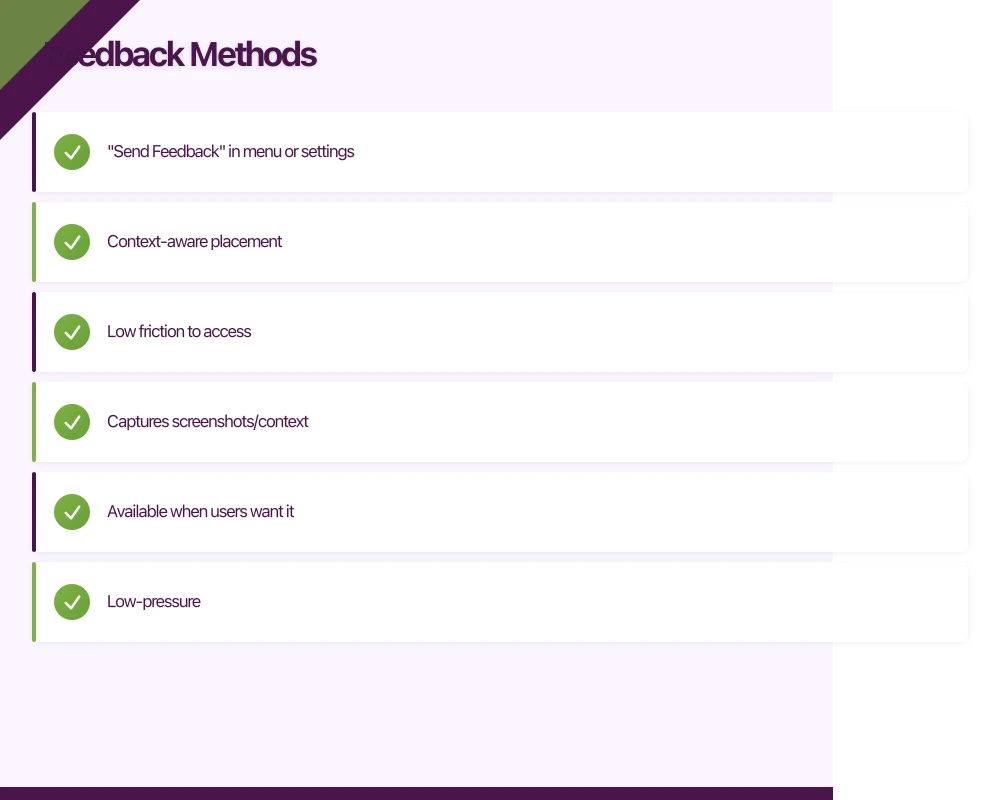
Persistent or contextual access to feedback:
- “Send Feedback” in menu or settings
- Context-aware placement
- Low friction to access
- Captures screenshots/context
Pros
- Available when users want it
- Low-pressure
- Captures motivated feedback
Cons
- Self-selecting sample (frustrated or enthusiastic)
- May not represent average users
In-App Surveys
Types
- Net Promoter Score (NPS)
- Customer Satisfaction (CSAT)
- Customer Effort Score (CES)
- Custom questions
Implementation
- Trigger at appropriate moments
- Keep very short (1-3 questions)
- Don’t block the experience
- Allow easy dismissal
Example Flow
After successful task completion:
“How easy was it to [complete task]?” [1-5 rating] Optional: “Tell us more” (text field)
App Store Reviews
Encourage Reviews
Prompt happy users to leave reviews:
- After positive moments
- For engaged users
- Not too frequently
- Never for unhappy users
Monitor Reviews
Reviews are public feedback:
- Read regularly
- Respond professionally
- Track trends
- Address common issues
Direct Contact
In-App Support
- Chat or email integration
- Help center access
- Bug report mechanism
Support as Feedback
Support tickets reveal:
- Common problems
- Confusing features
- Feature requests
- User frustrations
Mine support data for insights.
User Research
Interviews
- Deep qualitative insights
- Understand context and motivations
- Explore unexpected findings
Usability Testing
- Watch users use the app
- Discover usability issues
- Validate designs before building
Surveys
- Broader quantitative data
- Email or in-app delivery
- Specific research questions
Timing Feedback Requests
Good Moments
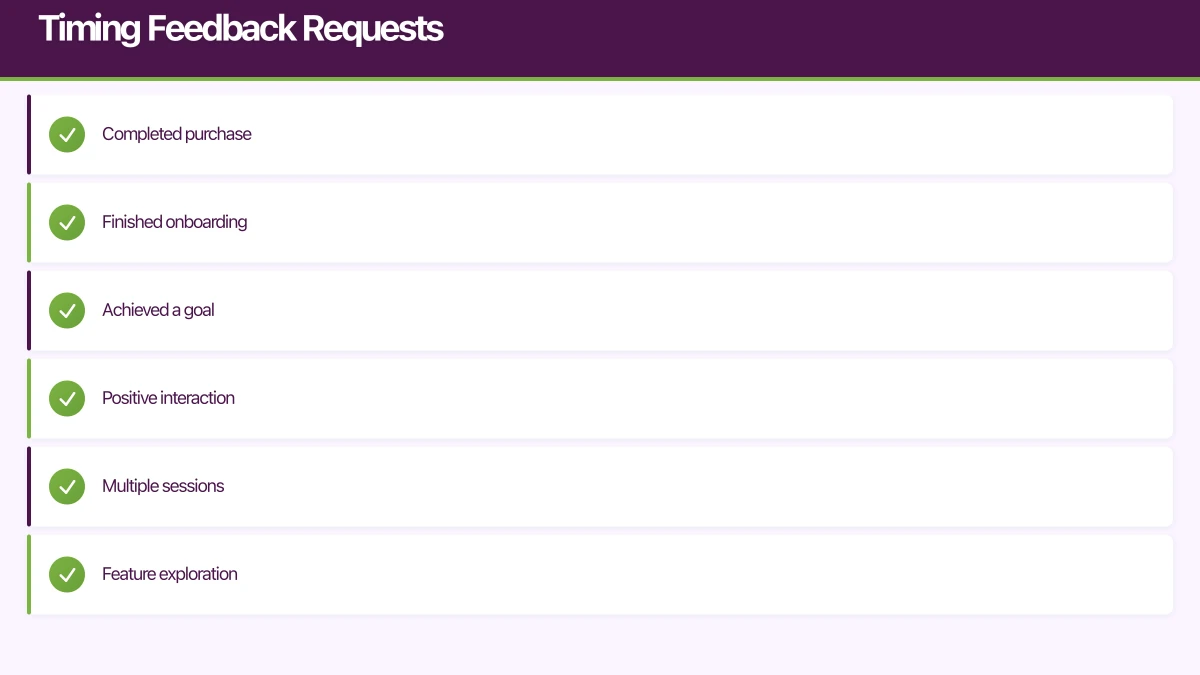
After Success
- Completed purchase
- Finished onboarding
- Achieved a goal
- Positive interaction
Users feel good and are willing to share.
After Engagement
- Multiple sessions
- Feature exploration
- Return after absence
Engaged users have opinions.
After Value Delivery
- Report generated
- Task completed
- Problem solved
Value moment creates goodwill.
Bad Moments
During Critical Tasks
- Mid-purchase
- Form completion
- Time-sensitive actions
Don’t interrupt important flows.
On First Launch
- No context yet
- Nothing to evaluate
- Sets bad impression
Wait until they’ve experienced the app.
After Errors
- Frustrated already
- Not in evaluative mindset
- May vent rather than help
Let them recover first.
Too Frequently
- Survey fatigue
- Annoyance
- Lower quality responses
- Damage to experience
Set minimum intervals between asks.
Designing Feedback Flows
Keep It Short
Mobile context is limited:
- Minimal questions
- Easy input methods
- Quick to complete
- Respect their time
One good question beats ten ignored ones.
Make It Easy
Reduce friction:
- Tap-based responses
- Star ratings
- Emoji responses
- Pre-filled context
Text input should be optional.
Allow Opt-Out
Always:
- Clear dismiss option
- No guilt for declining
- Remember preference
- Don’t ask again too soon
Forced feedback yields bad data and user resentment.
Capture Context
Automatically include:
- App version
- Device information
- Current screen
- Recent actions
- User ID (if logged in)
This context helps you understand and act on feedback.
Offer Follow-Up
For users willing to help more:
- “Can we contact you?”
- Email for follow-up
- Opt-in to research
Some users want to help; make it easy.
Analysing Feedback
Quantitative Feedback
Aggregate Metrics
- Average NPS/CSAT scores
- Trends over time
- Comparison by segment
- Changes after updates
Statistical Significance
- Enough responses?
- Real change or noise?
- Confidence in conclusions?
Qualitative Feedback
Categorisation
Group feedback by theme:
- Feature requests
- Bugs
- Usability issues
- Praise
- Complaints
Pattern Recognition
Look for:
- Recurring themes
- Correlation with user segments
- Relationship to app areas
- Changes over time
Reading Between Lines
Consider:
- What are they really asking for?
- What’s the underlying need?
- What would actually solve this?
Users describe symptoms; you diagnose causes.
Prioritisation
Not all feedback is equal:
Consider
- Frequency (how many mention this?)
- Severity (how bad is the problem?)
- Impact (how many affected?)
- Effort (how hard to address?)
- Strategic fit (does it align with direction?)
Don’t Just Count Votes
Loudest users aren’t representative. Balance vocal minority with silent majority.
Acting on Feedback
Close the Loop
When You Act
- Let users know
- “You asked, we listened”
- Release notes
- Direct communication
This encourages future feedback.
When You Don’t Act
Sometimes you won’t implement feedback:
- Explain when possible
- Don’t promise everything
- Be honest about constraints
Build Feedback Into Process
Regular Review
- Weekly feedback review
- Monthly trend analysis
- Quarterly deep dives
Input to Planning
- Feedback informs roadmap
- Validates assumptions
- Prioritises improvements
Team Visibility
- Share feedback widely
- Discuss in team meetings
- Connect to work being done
Everyone should hear from users.
Common Mistakes
Asking Without Acting
Collecting feedback then ignoring it:
- Users notice nothing changes
- Feedback volume decreases
- Trust erodes
Only ask if you’ll actually use the input.
Asking Too Often
Frequent feedback requests:
- Survey fatigue
- Lower response rates
- User annoyance
- Decreased quality
Set reasonable frequency limits.
Leading Questions
Questions that bias answers:
“How much do you love our new feature?”
vs
“How useful do you find [feature]?”
Neutral wording yields honest feedback.
Ignoring Negative Feedback
Only hearing what you want:
- Confirmation bias
- Missing problems
- Surprised by churn
Negative feedback is most valuable.
Not Segmenting
Treating all feedback the same:
- New vs experienced users
- Different use cases
- Different platforms
Segment for meaningful insights.
Privacy and Ethics
Transparency
- Clear about data use
- Privacy policy compliance
- Opt-in for personal contact
Anonymity Options
- Allow anonymous feedback
- Don’t require login
- Respect privacy preferences
Data Handling
- Secure storage
- Appropriate retention
- Compliance with regulations
Conclusion
User feedback is essential for building apps people love. The key is collecting it respectfully—at the right moments, with minimal friction, and with genuine intent to act on what you learn.
Start simple. One well-timed question yields more value than a comprehensive survey nobody completes. Build feedback into your regular process. Close the loop when you act.
Users who feel heard become advocates. Make it easy for them to help you build a better app.
How does your app strategy fit into long-term digital transformation? Ash Ganda writes about the frameworks that connect mobile innovation to business outcomes.
Ganda Tech Services brings together cloud infrastructure, web development, and mobile app expertise to help Australian businesses thrive in the digital economy.
Talk to a Sydney app developer — free.
30 minutes. We'll tell you what your app needs, how long it takes, and what it costs. Real answers, no sales pitch.
Book Free App Strategy Call →Free · 30 minutes · No obligation