Mobile Image and Video Processing with Native APIs
Image and video processing is central to many mobile apps: social media, e-commerce, real estate, health and fitness, and document scanning all require the ability to capture, process, and display visual media efficiently.
Modern mobile devices have powerful GPUs and dedicated image processing hardware. Using the right native APIs lets you leverage this hardware for fast, battery-efficient media processing. This guide covers the key APIs and patterns on both iOS and Android.
iOS Image Processing with Core Image
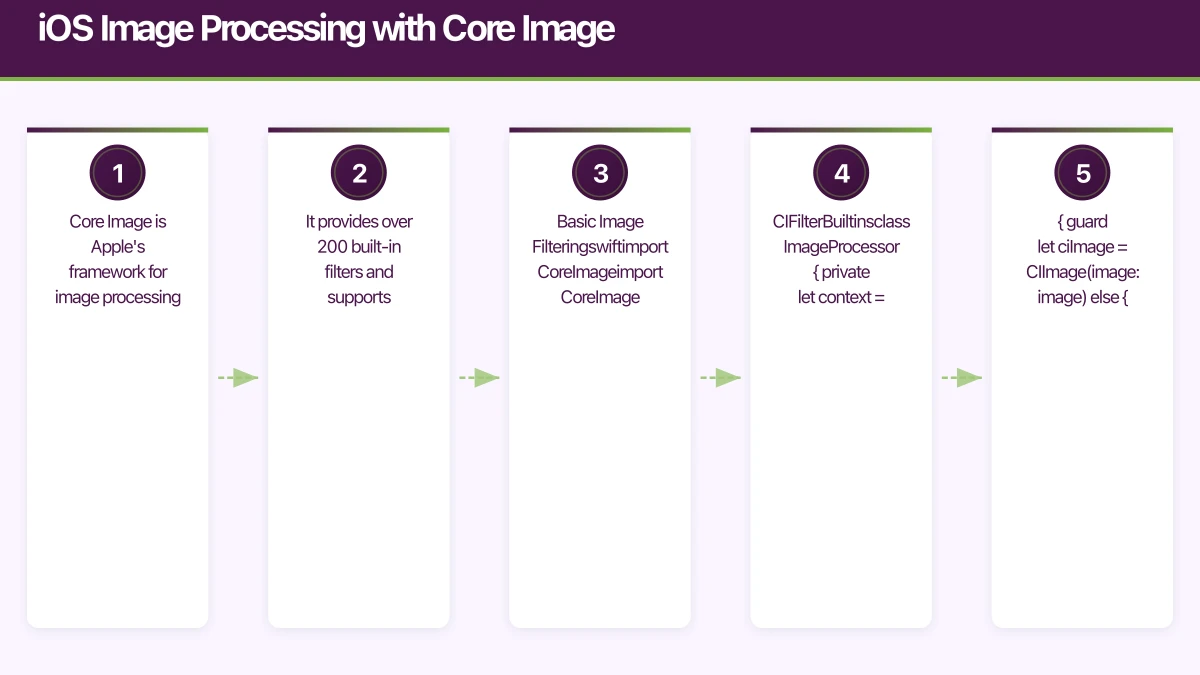
Core Image is Apple’s framework for image processing. It provides over 200 built-in filters and supports GPU-accelerated processing.
Basic Image Filtering
import CoreImage
import CoreImage.CIFilterBuiltins

class ImageProcessor {
    private let context = CIContext()

    func applyFilter(to image: UIImage) -> UIImage? {
        guard let ciImage = CIImage(image: image) else { return nil }

        // Apply a vibrance filter
        let filter = CIFilter.vibrance()
        filter.inputImage = ciImage
        filter.amount = 0.8

        guard let outputImage = filter.outputImage,
              let cgImage = context.createCGImage(
                  outputImage,
                  from: outputImage.extent
              )
        else { return nil }

        return UIImage(cgImage: cgImage)
    }

    func adjustExposure(
        image: UIImage,
        exposure: Float
    ) -> UIImage? {
        guard let ciImage = CIImage(image: image) else { return nil }

        let filter = CIFilter.exposureAdjust()
        filter.inputImage = ciImage
        filter.ev = exposure

        guard let outputImage = filter.outputImage,
              let cgImage = context.createCGImage(
                  outputImage,
                  from: outputImage.extent
              )
        else { return nil }

        return UIImage(cgImage: cgImage)
    }
}
Chaining Filters
func applyPhotoEnhancement(to image: UIImage) -> UIImage? {
    guard var ciImage = CIImage(image: image) else { return nil }

    // Auto-enhance
    let adjustments = ciImage.autoAdjustmentFilters()
    for filter in adjustments {
        filter.setValue(ciImage, forKey: kCIInputImageKey)
        if let output = filter.outputImage {
            ciImage = output
        }
    }

    // Apply additional styling
    let warmth = CIFilter.temperatureAndTint()
    warmth.inputImage = ciImage
    warmth.neutral = CIVector(x: 6500, y: 0) // Warm tone

    guard let warmImage = warmth.outputImage else { return nil }

    let vignette = CIFilter.vignette()
    vignette.inputImage = warmImage
    vignette.intensity = 0.5
    vignette.radius = 2.0

    guard let finalImage = vignette.outputImage,
          let cgImage = context.createCGImage(
              finalImage,
              from: finalImage.extent
          )
    else { return nil }

    return UIImage(cgImage: cgImage)
}
Image Resizing and Compression
class ImageResizer {
    static func resize(
        image: UIImage,
        maxDimension: CGFloat
    ) -> UIImage {
        let size = image.size
        let ratio = min(
            maxDimension / size.width,
            maxDimension / size.height
        )

        if ratio >= 1.0 { return image }

        let newSize = CGSize(
            width: size.width * ratio,
            height: size.height * ratio
        )

        let renderer = UIGraphicsImageRenderer(size: newSize)
        return renderer.image { _ in
            image.draw(in: CGRect(origin: .zero, size: newSize))
        }
    }

    static func compress(
        image: UIImage,
        maxSizeKB: Int
    ) -> Data? {
        var quality: CGFloat = 1.0
        var data = image.jpegData(compressionQuality: quality)

        while let imageData = data,
              imageData.count > maxSizeKB * 1024,
              quality > 0.1 {
            quality -= 0.1
            data = image.jpegData(compressionQuality: quality)
        }

        return data
    }
}
Android Im
age Processing
Bitmap Operations
class ImageProcessor(private val context: Context) {

    fun resizeBitmap(
        bitmap: Bitmap,
        maxDimension: Int
    ): Bitmap {
        val width = bitmap.width
        val height = bitmap.height
        val ratio = minOf(
            maxDimension.toFloat() / width,
            maxDimension.toFloat() / height
        )

        if (ratio >= 1f) return bitmap

        val newWidth = (width * ratio).toInt()
        val newHeight = (height * ratio).toInt()

        return Bitmap.createScaledBitmap(bitmap, newWidth, newHeight, true)
    }

    fun applyBrightnessContrast(
        bitmap: Bitmap,
        brightness: Float,
        contrast: Float
    ): Bitmap {
        val cm = ColorMatrix().apply {
            // Apply brightness
            val brightnessArray = floatArrayOf(
                1f, 0f, 0f, 0f, brightness,
                0f, 1f, 0f, 0f, brightness,
                0f, 0f, 1f, 0f, brightness,
                0f, 0f, 0f, 1f, 0f
            )
            set(brightnessArray)

            // Apply contrast
            val contrastMatrix = ColorMatrix()
            val scale = contrast + 1f
            val translate = (-0.5f * scale + 0.5f) * 255f
            contrastMatrix.set(floatArrayOf(
                scale, 0f, 0f, 0f, translate,
                0f, scale, 0f, 0f, translate,
                0f, 0f, scale, 0f, translate,
                0f, 0f, 0f, 1f, 0f
            ))
            postConcat(contrastMatrix)
        }

        val paint = Paint().apply {
            colorFilter = ColorMatrixColorFilter(cm)
        }

        val result = Bitmap.createBitmap(
            bitmap.width, bitmap.height, bitmap.config
        )
        val canvas = Canvas(result)
        canvas.drawBitmap(bitmap, 0f, 0f, paint)

        return result
    }
}
Efficient Image Loading with Coil
// Using Coil for efficient image loading
@Composable
fun ProductImage(imageUrl: String) {
    AsyncImage(
        model = ImageRequest.Builder(LocalContext.current)
            .data(imageUrl)
            .crossfade(true)
            .size(Size.ORIGINAL)
            .transformations(
                CircleCropTransformation(),
            )
            .memoryCachePolicy(CachePolicy.ENABLED)
            .diskCachePolicy(CachePolicy.ENABLED)
            .build(),
        contentDescription = "Product image",
        modifier = Modifier
            .size(200.dp)
            .clip(CircleShape),
        contentScale = ContentScale.Crop,
    )
}
Video Processing
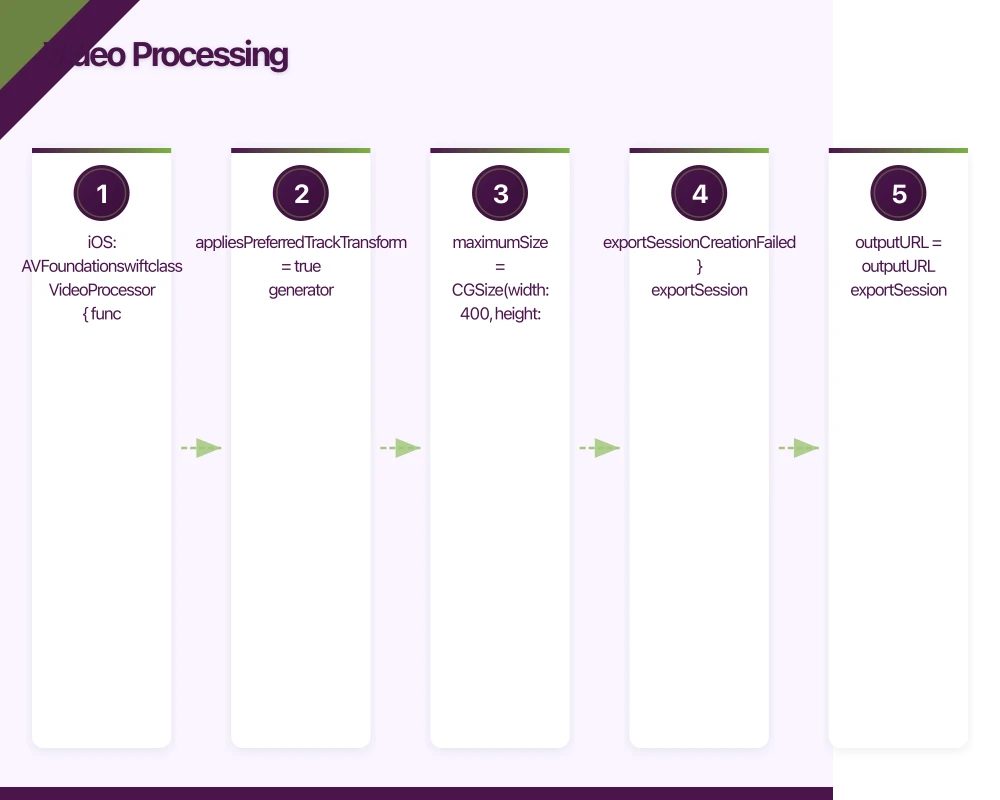
iOS: AVFoundation
class VideoProcessor {

    func generateThumbnail(
        from videoURL: URL,
        at time: CMTime = .zero
    ) async throws -> UIImage {
        let asset = AVURLAsset(url: videoURL)
        let generator = AVAssetImageGenerator(asset: asset)
        generator.appliesPreferredTrackTransform = true
        generator.maximumSize = CGSize(width: 400, height: 400)

        let cgImage = try await generator.image(at: time).image
        return UIImage(cgImage: cgImage)
    }

    func compressVideo(
        inputURL: URL,
        outputURL: URL,
        quality: String = AVAssetExportPresetMediumQuality
    ) async throws {
        let asset = AVURLAsset(url: inputURL)

        guard let exportSession = AVAssetExportSession(
            asset: asset,
            presetName: quality
        ) else {
            throw VideoError.exportSessionCreationFailed
        }

        exportSession.outputURL = outputURL
        exportSession.outputFileType = .mp4
        exportSession.shouldOptimizeForNetworkUse = true

        await exportSession.export()

        if let error = exportSession.error {
            throw error
        }
    }

    func trimVideo(
        inputURL: URL,
        outputURL: URL,
        startTime: CMTime,
        endTime: CMTime
    ) async throws {
        let asset = AVURLAsset(url: inputURL)

        guard let exportSession = AVAssetExportSession(
            asset: asset,
            presetName: AVAssetExportPresetHighestQuality
        ) else {
            throw VideoError.exportSessionCreationFailed
        }

        exportSession.outputURL = outputURL
        exportSession.outputFileType = .mp4
        exportSession.timeRange = CMTimeRange(
            start: startTime,
            end: endTime
        )

        await exportSession.export()
    }
}
Android: MediaCodec
For video thumbnail generation on Android:
class VideoThumbnailGenerator {

    fun generateThumbnail(
        context: Context,
        videoUri: Uri,
        timeUs: Long = 0
    ): Bitmap? {
        val retriever = MediaMetadataRetriever()
        return try {
            retriever.setDataSource(context, videoUri)
            retriever.getFrameAtTime(
                timeUs,
                MediaMetadataRetriever.OPTION_CLOSEST_SYNC
            )
        } catch (e: Exception) {
            null
        } finally {
            retriever.release()
        }
    }
}
Video Compression on Android
class VideoCompressor {

    suspend fun compress(
        context: Context,
        inputUri: Uri,
        outputFile: File,
        onProgress: (Float) -> Unit
    ): Boolean = withContext(Dispatchers.IO) {
        val retriever = MediaMetadataRetriever()
        retriever.setDataSource(context, inputUri)

        val width = retriever.extractMetadata(
            MediaMetadataRetriever.METADATA_KEY_VIDEO_WIDTH
        )?.toIntOrNull() ?: return@withContext false

        val height = retriever.extractMetadata(
            MediaMetadataRetriever.METADATA_KEY_VIDEO_HEIGHT
        )?.toIntOrNull() ?: return@withContext false

        retriever.release()

        // Calculate target dimensions (max 720p)
        val maxDimension = 720
        val scale = minOf(
            maxDimension.toFloat() / width,
            maxDimension.toFloat() / height,
            1f
        )
        val targetWidth = ((width * scale).toInt() / 2) * 2
        val targetHeight = ((height * scale).toInt() / 2) * 2

        // Use MediaCodec for hardware-accelerated transcoding
        // Implementation depends on your codec wrapper library
        true
    }
}
Camera Int
egration
iOS: AVCaptureSession
class CameraManager: NSObject, ObservableObject {
    @Published var capturedImage: UIImage?

    private let session = AVCaptureSession()
    private let output = AVCapturePhotoOutput()

    func configure() {
        session.beginConfiguration()
        session.sessionPreset = .photo

        guard let camera = AVCaptureDevice.default(
            .builtInWideAngleCamera,
            for: .video,
            position: .back
        ),
        let input = try? AVCaptureDeviceInput(device: camera)
        else { return }

        if session.canAddInput(input) {
            session.addInput(input)
        }

        if session.canAddOutput(output) {
            session.addOutput(output)
        }

        session.commitConfiguration()
    }

    func startSession() {
        DispatchQueue.global(qos: .userInitiated).async { [weak self] in
            self?.session.startRunning()
        }
    }

    func capturePhoto() {
        let settings = AVCapturePhotoSettings()
        settings.flashMode = .auto
        output.capturePhoto(with: settings, delegate: self)
    }
}
Android: CameraX
class CameraManager(private val context: Context) {

    private var imageCapture: ImageCapture? = null

    fun bindCamera(
        lifecycleOwner: LifecycleOwner,
        previewView: PreviewView
    ) {
        val cameraProviderFuture = ProcessCameraProvider.getInstance(context)

        cameraProviderFuture.addListener({
            val cameraProvider = cameraProviderFuture.get()

            val preview = Preview.Builder()
                .build()
                .also { it.setSurfaceProvider(previewView.surfaceProvider) }

            imageCapture = ImageCapture.Builder()
                .setCaptureMode(ImageCapture.CAPTURE_MODE_MAXIMIZE_QUALITY)
                .build()

            val cameraSelector = CameraSelector.DEFAULT_BACK_CAMERA

            cameraProvider.unbindAll()
            cameraProvider.bindToLifecycle(
                lifecycleOwner,
                cameraSelector,
                preview,
                imageCapture
            )
        }, ContextCompat.getMainExecutor(context))
    }

    fun takePhoto(onImageCaptured: (Uri) -> Unit) {
        val outputOptions = ImageCapture.OutputFileOptions.Builder(
            File(context.cacheDir, "photo_${System.currentTimeMillis()}.jpg")
        ).build()

        imageCapture?.takePicture(
            outputOptions,
            ContextCompat.getMainExecutor(context),
            object : ImageCapture.OnImageSavedCallback {
                override fun onImageSaved(output: ImageCapture.OutputFileResults) {
                    output.savedUri?.let { onImageCaptured(it) }
                }

                override fun onError(exception: ImageCaptureException) {
                    // Handle error
                }
            }
        )
    }
}
Performance Best Practices
- Process on background threads: Never process images or video on the main thread
- Use appropriate image sizes: Resize before processing, not after
- Leverage GPU acceleration: Core Image (iOS) and RenderScript (Android) use the GPU
- Cache processed results: Store thumbnails and processed images rather than reprocessing
- Stream large videos: Process video in chunks rather than loading entire files into memory
- Release resources promptly: Bitmaps on Android and CGImages on iOS consume significant memory
Conclusion
Mobile image and video processing is a deep topic, but the native APIs on both iOS and Android are powerful and well-optimised. Use Core Image and AVFoundation on iOS, and Bitmap operations with CameraX on Android. Always process media on background threads and size images appropriately for their display context.
For help building media-rich mobile applications, contact eawesome. We build apps with sophisticated image and video capabilities for Australian businesses.
Drive more app downloads with a professional web presence. Cosmos Web Tech specialises in web design and SEO for Australian tech businesses.
Awesome Apps is the mobile development division of Ganda Tech Services, building iOS and Android apps for Australian businesses.
Talk to a Sydney app developer — free.
30 minutes. We'll tell you what your app needs, how long it takes, and what it costs. Real answers, no sales pitch.
Book Free App Strategy Call →Free · 30 minutes · No obligation