Mobile UX Trends 2025: 7 Essential User Expectations That Will Define App Success
As we step into 2025, the mobile app landscape continues to evolve at breakneck speed. Users’ expectations have never been higher, and the bar for exceptional mobile experiences keeps rising. With over 6.8 billion smartphone users worldwide and mobile apps generating more than $935 billion in revenue, understanding what users expect from your app isn’t just important—it’s critical for survival.
The mobile UX trends emerging in 2025 represent a fundamental shift toward more intuitive, personalized, and smoothly integrated experiences. Users no longer tolerate clunky interfaces or one-size-fits-all approaches. They demand apps that understand their context, anticipate their needs, and deliver value within seconds of opening.
At Awesome Apps, we’ve been tracking these evolving user expectations through our extensive work with iOS and Android applications across various industries. Our research reveals that successful apps in 2025 will need to master seven key UX trends that are reshaping how users interact with mobile technology.
Let’s dive into these game-changing trends and explore how you can use them to exceed user expectations and drive app success.
AI-Powered Personalization: Beyond Basic Recommendations
Artificial intelligence has moved far beyond simple “customers who bought this also bought that” recommendations. In 2025, users expect deeply personalized experiences that adapt in real-time to their behavior, context, and preferences.
Smart Content Curation
Modern users expect apps to understand not just what they like, but when and why they like it. Netflix’s algorithm doesn’t just recommend shows based on viewing history—it considers the time of day, device being used, and even how long users typically watch content during specific periods. This contextual personalization is becoming the baseline expectation across all app categories.
Predictive User Flows
The most successful apps in 2025 are implementing predictive UX that anticipates user actions before they happen. Spotify’s “Made for You” playlists don’t just reflect past listening habits—they predict what users want to hear based on mood, activity, and even weather patterns. Banking apps are pre-loading relevant information based on spending patterns and upcoming bill due dates.
Implementation Strategy
To use effective AI personalization:
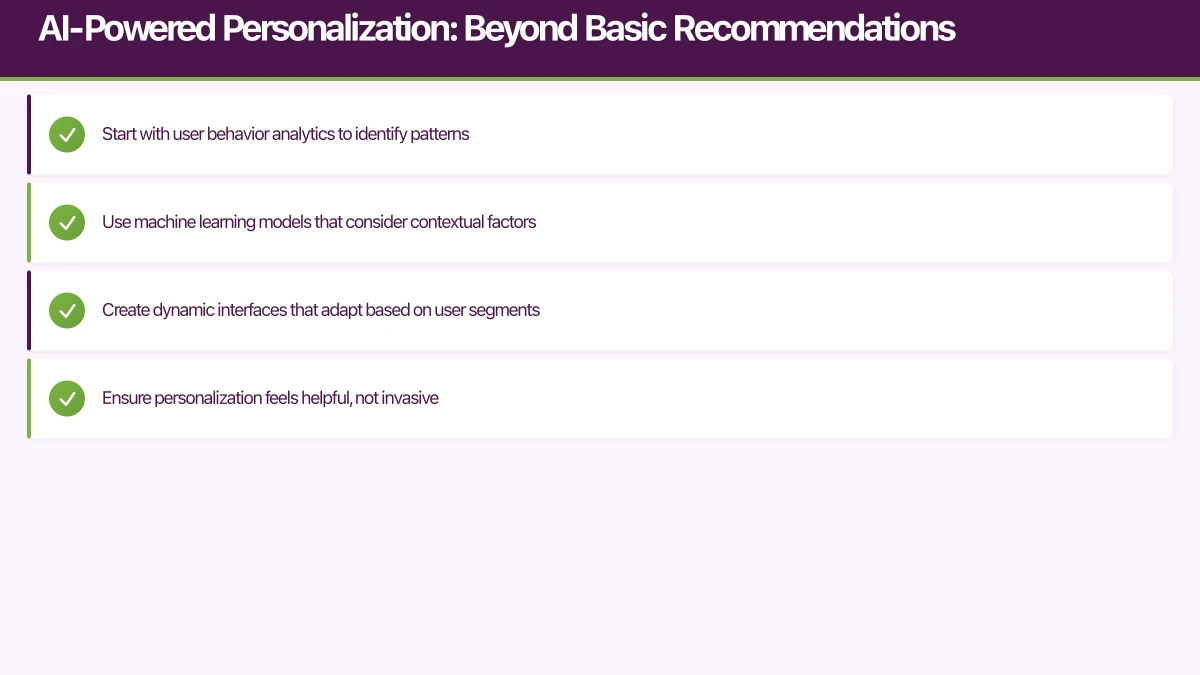
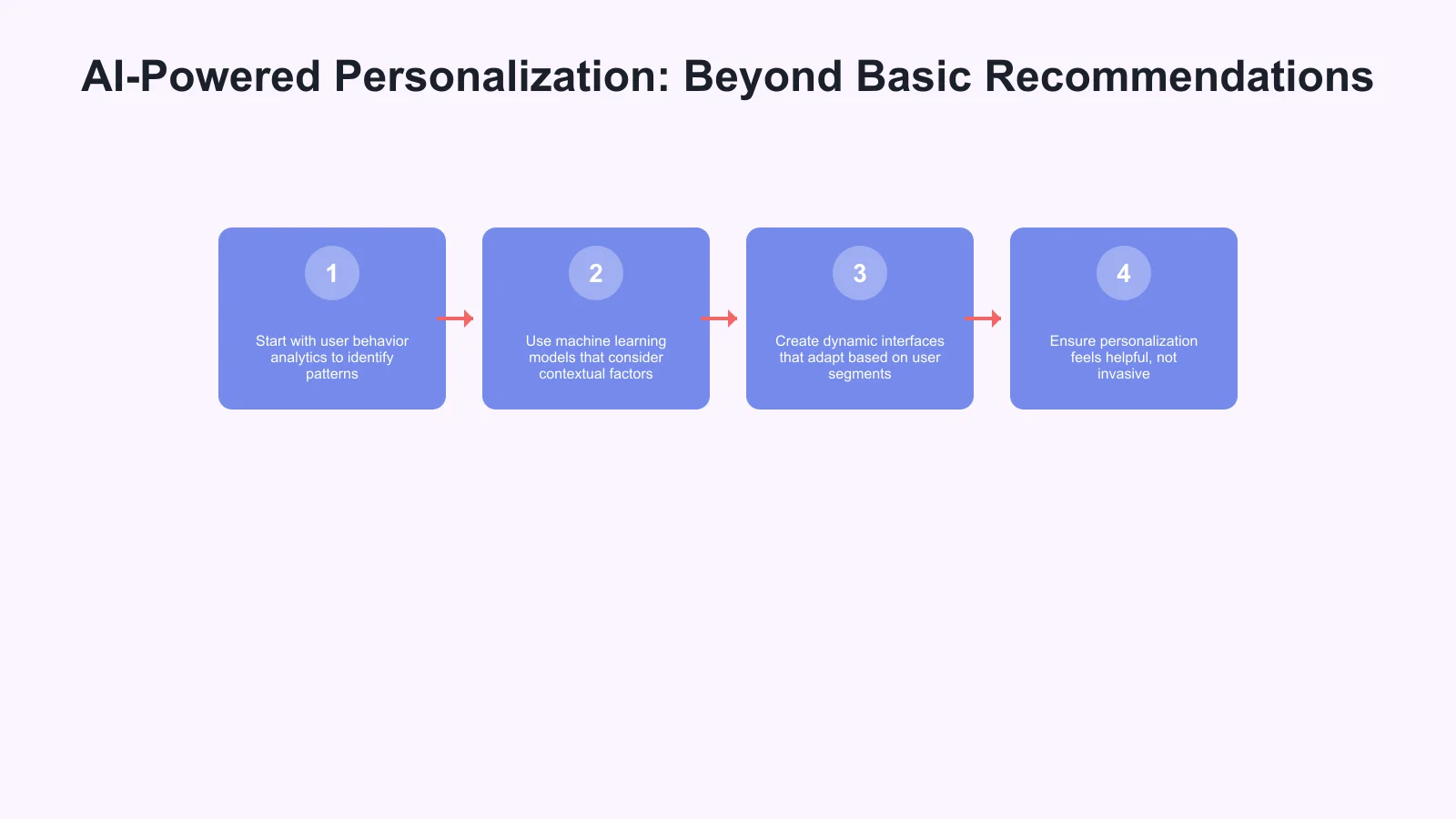
- Start with user behavior analytics to identify patterns
- Use machine learning models that consider contextual factors
- Create dynamic interfaces that adapt based on user segments
- Ensure personalization feels helpful, not invasive
Privacy-First Personalization
With growing privacy concerns, users expect personalized experiences that don’t compromise their data security. Apple’s App Tracking Transparency and Google’s privacy-focused updates mean apps must deliver personalization while respecting user privacy preferences.
Voice and Conversational Interfaces: The Rise of Multimodal Experiences

Voice interaction is no longer limited to smart speakers. In 2025, users expect seamless voice integration within mobile apps, creating more natural and accessible user experiences.
Beyond Simple Voice Commands
While early voice interfaces focused on basic commands, 2025’s voice UX involves natural conversation flows. Users can now interact with fitness apps using conversational language: “I had a stressful day and want a gentle workout” instead of navigating through multiple menu options.
Voice-First Navigation
Apps are implementing voice-first navigation that allows users to accomplish complex tasks without touching their screens. This is particularly valuable for accessibility, hands-free scenarios, and multitasking situations.
Multimodal Integration
The most effective voice interfaces in 2025 combine voice with visual elements. Users might start a task with voice commands and complete it with touch interactions, or use voice to clarify visual information. This seamless switching between interaction modes creates more flexible and intuitive experiences.
Implementation Considerations
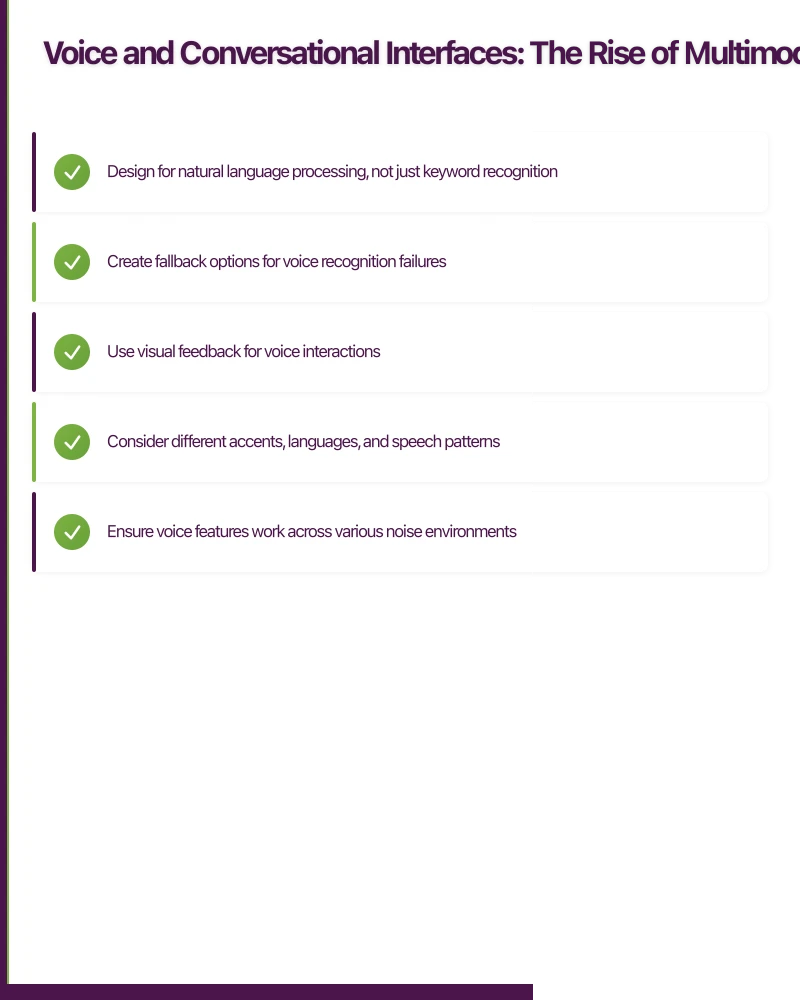
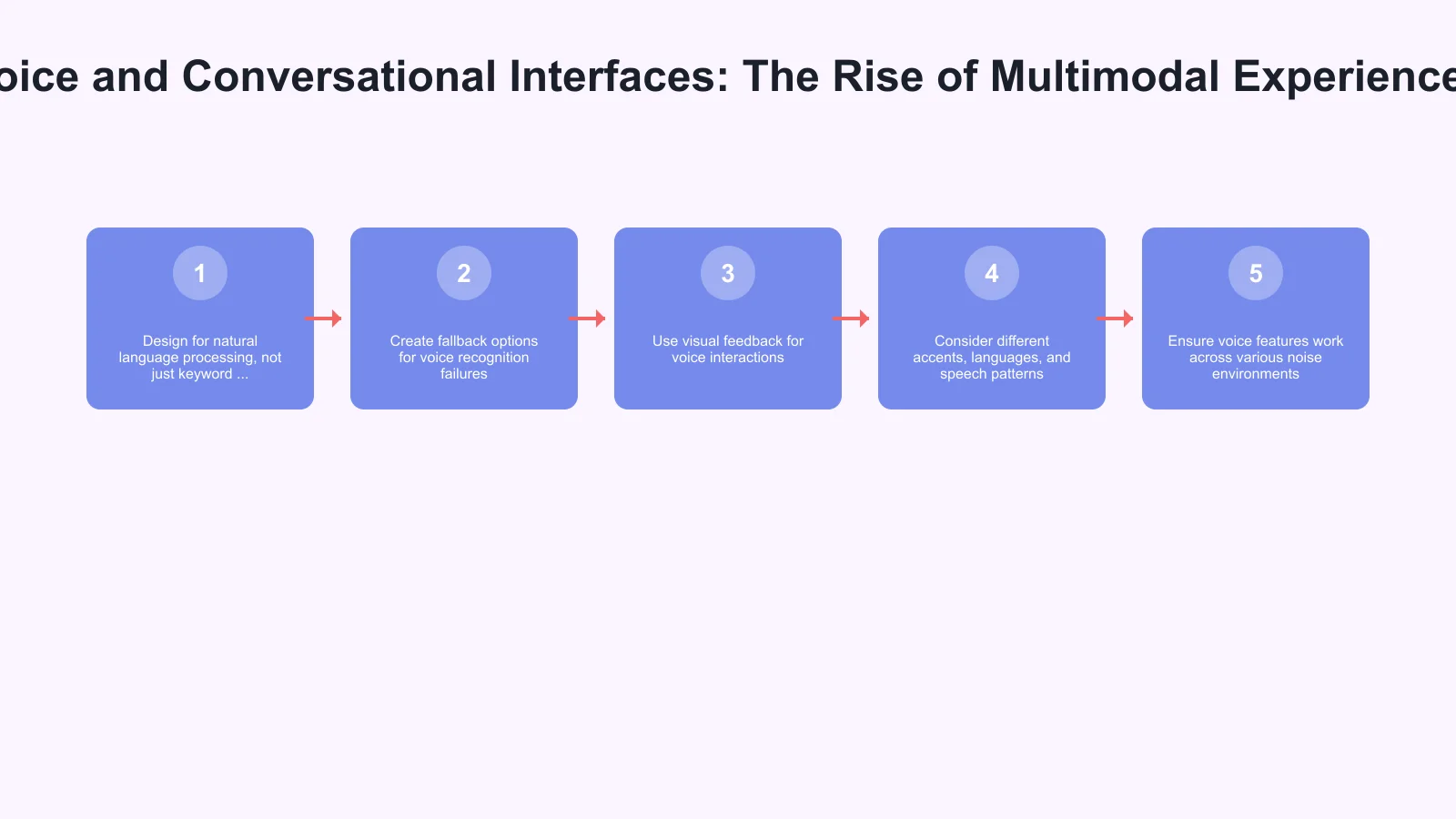
- Design for natural language processing, not just keyword recognition
- Create fallback options for voice recognition failures
- Use visual feedback for voice interactions
- Consider different accents, languages, and speech patterns
- Ensure voice features work acro
 ss various noise environments
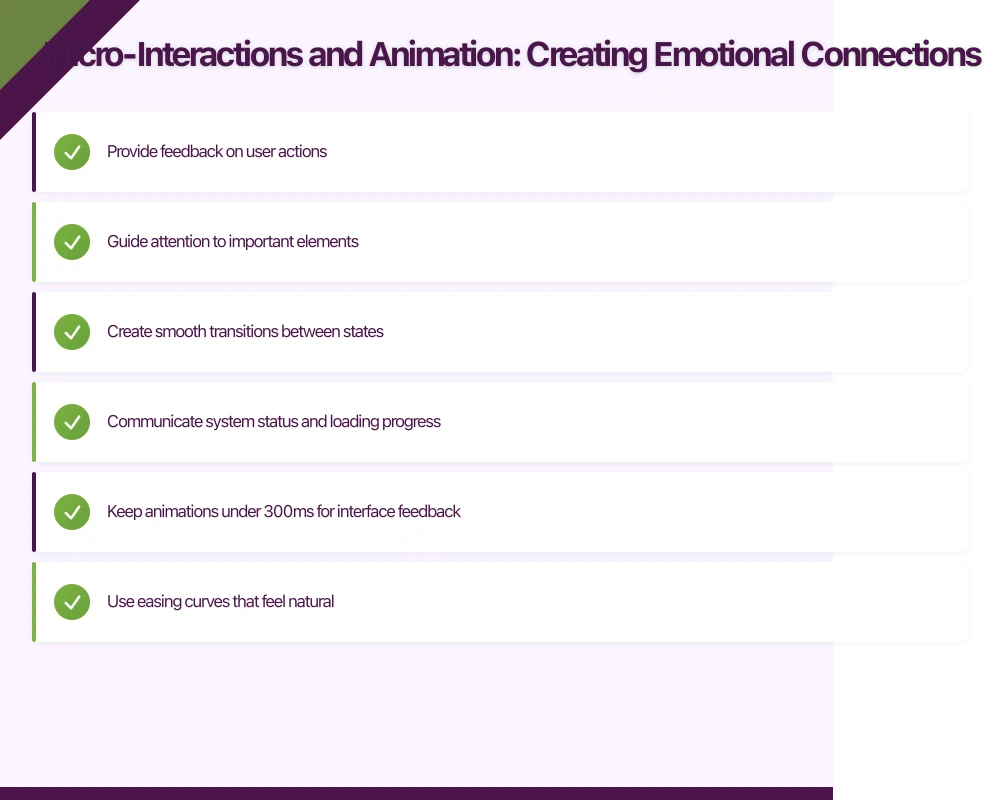
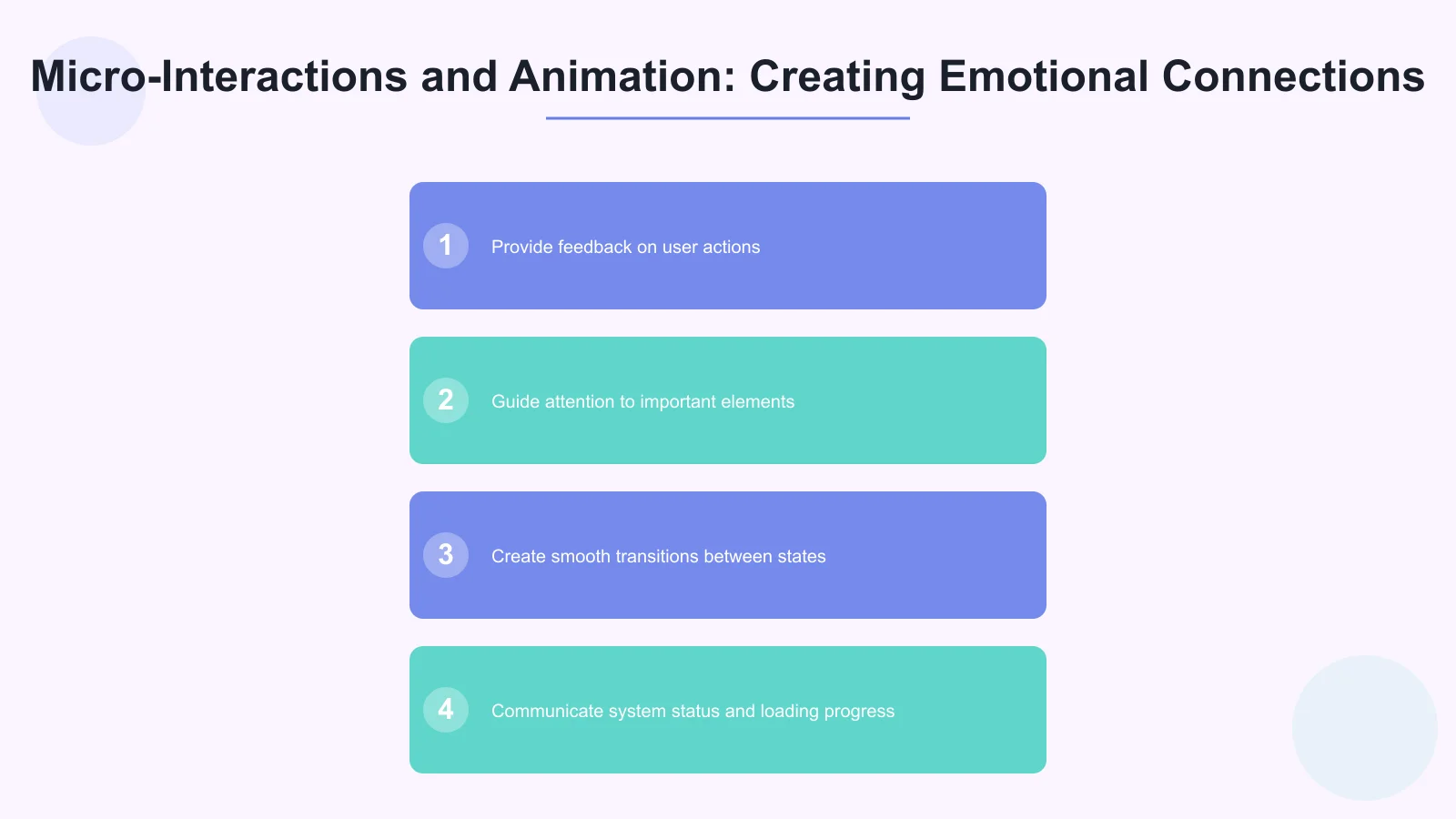
Micro-Interactions and Animation: Creating Emotional Connections
In 2025, users expect apps to feel alive and responsive. Micro-interactions and thoughtful animations are no longer nice-to-have features—they’re essential for creating engaging and memorable experiences.
Purposeful Motion Design
Every animation and micro-interaction should serve a purpose beyond aesthetics. Successful apps use motion to:
- Provide feedback on user actions
- Guide attention to important elements
- Create smooth transitions between states
- Communicate system status and loading progress
Emotional Design Through Animation
Users form emotional connections with apps through small, delightful interactions. The “pull to refresh” animation in Twitter, the satisfying completion animations in Duolingo, or the playful loading states in various apps all contribute to positive user emotions and increased engagement.
Performance-Optimized Animations
While users expect rich animations, they also demand smooth performance. Apps must balance visual appeal with technical optimization, ensuring animations enhance rather than hinder the user experience.
Best Practices for Micro-Interactions
- Keep animations under 300ms for interface feedback
- Use easing curves that feel natural
- Provide clear visual hierarchy through motion
- Test animations across different devices and screen sizes
- Allow users to disable animations for a
ccessibility reasons
Seamless Cross-Platform Integration: The Connected Environment Experience

Users in 2025 don’t think in terms of individual apps—they expect connected experiences across all their devices and platforms. Your mobile app is just one touchpoint in a broader environment journey.
Device Continuity
Users expect to start a task on their phone and continue it smoothly on their tablet, laptop, or smart TV. Apple’s Handoff feature set the standard, but now users expect this continuity across all apps, not just native platform features.
Smart Synchronization
Beyond basic data sync, modern apps use intelligent synchronization that understands context and user intent. A note-taking app might prioritize syncing recently accessed documents, while a fitness app ensures workout data is immediately available across devices.
Platform-Specific Optimization
While maintaining consistency across platforms, successful apps improve for each platform’s unique capabilities and user expectations. iOS users expect different interaction patterns than Android users, and apps must respect these platform conventions while maintaining brand consistency.
Implementation Framework
- Develop a robust backend infrastructure for real-time synchronization
- Create consistent design languages that adapt to platform conventions
- Use conflict resolution for simultaneous multi-device usage
- Design for offline-first scenarios with smart syncing when connectivity returns
- Test extensively across device combinations and network conditions
Accessibility and Inclusive Design: Universal User Experiences
Accessibility has evolved from compliance checkbox to fundamental design principle. In 2025, users expect apps to be usable by everyone, regardless of abilities, age, or technical expertise.
Beyond Compliance: Inclusive by Design
While meeting WCAG guidelines remains important, truly successful apps think beyond compliance to create experiences that work better for everyone. Designing for accessibility often results in cleaner, more intuitive interfaces for all users.
Dynamic Accessibility Features
Modern apps use dynamic accessibility that adapts to user needs and preferences. This includes:
- Automatic text size adjustment based on user settings
- High contrast modes that activate based on lighting conditions
- Voice navigation that adapts to user speech patterns
- Simplified interfaces for users with cognitive differences
Inclusive Design Principles
Successful apps in 2025 embrace inclusive design from the ground up:
- Design for one-handed use by default
- Ensure sufficient color contrast for all UI elements
- Provide multiple ways to accomplish the same task
- Use clear, simple language in all user-facing text
- Design touch targets that work for users with motor difficulties
Testing and Validation
Include users with disabilities in your testing process from early design stages through final validation. Automated accessibility testing tools are helpful, but real user testing provides invaluable insights into actual usability.
Advanced Performance Expectations: Speed as a Feature
In 2025, performance isn’t just about preventing user frustration—it’s about creating competitive advantage. Users expect instant responses, seamless interactions, and consistent performance regardless of device or network conditions.
Sub-Second Response Times
Users expect immediate feedback for all interactions. Any delay longer than 100ms feels sluggish, and delays over 1 second significantly impact user satisfaction and conversion rates.
Predictive Loading and Caching
Smart apps anticipate user needs and pre-load content before it’s requested. This might involve:
- Preloading likely next screens based on user behavior patterns
- Caching frequently accessed content locally
- Using machine learning to predict user actions
- Implementing progressive loading for complex content
Network-Aware Performance
Apps must adapt their behavior based on network conditions, automatically adjusting content quality and loading strategies to maintain optimal performance across varying connectivity scenarios.
Performance Monitoring and Optimization
- Use real-time performance monitoring
- Track Core Web Vitals equivalent metrics for mobile apps
- Use performance budgets to maintain optimization over time
- Regularly audit and improve app size and resource usage
- Test performance across various devices and network conditions
Conclusion: Preparing Your App for 2025’s User Expectations
The mobile UX trends of 2025 represent more than incremental improvements—they signal a fundamental shift toward more intelligent, inclusive, and interconnected app experiences. Users are no longer satisfied with functional apps; they demand experiences that understand their context, anticipate their needs, and smoothly integrate into their digital lives.
Key Takeaways for Success:
- Invest in AI-powered personalization that respects user privacy while delivering relevant experiences
- Use voice and conversational interfaces that feel natural and add genuine value
- Design micro-interactions that create emotional connections and provide clear feedback
- Build for environment integration that works smoothly across devices and platforms
- Prioritize accessibility as a fundamental design principle, not an afterthought
- Improve for performance as a key differentiator and user satisfaction driver
The apps that will thrive in 2025 are those that view these trends not as separate features to use, but as interconnected elements of a cohesive user experience strategy. By understanding and implementing these expectations, you’re not just keeping up with trends—you’re positioning your app to exceed user expectations and drive meaningful business results.
At Awesome Apps, we’re committed to helping businesses navigate these evolving user expectations. Whether you’re building a new app or optimizing an existing one, understanding and implementing these 2025 UX trends will be crucial for your success in the competitive mobile landscape ahead.
Remember: in 2025, great UX isn’t just about how your app looks—it’s about how intelligently it behaves, how inclusively it serves all users, and how smoothly it fits into your users’ connected digital lives.
Your app users will search for you on Google first. Cosmos Web Tech ensures your web presence converts visitors into downloads.
Part of the Ganda Tech Services family, Awesome Apps delivers specialist mobile app development for Australian small and medium businesses.
Talk to a Sydney app developer — free.
30 minutes. We'll tell you what your app needs, how long it takes, and what it costs. Real answers, no sales pitch.
Book Free App Strategy Call →Free · 30 minutes · No obligation